
AdsCrawl vs Scrapfly vs Playwright: Which Fits Your Stack?
Compare AdsCrawl, Scrapfly, and Playwright for browser automation, web scraping, screenshots, and AI agents. See which API or framework fits your workflow.
AdsCrawl vs Scrapfly vs Playwright: Which Browser Automation Tool Fits Your Stack?
Choosing between AdsCrawl, Scrapfly, and Playwright is not a simple feature-by-feature tiebreaker. Each tool occupies a different layer in a modern web data pipeline. AdsCrawl offers a unified browser automation and extraction API with remote Chrome DevTools Protocol (CDP) sessions. Scrapfly combines anti-bot bypass, stealth Chromium over CDP, residential proxies, and structured extraction behind one API key. Playwright is an open-source end-to-end testing framework that gives you full control over Chromium, Firefox, and WebKit from your own infrastructure.
The right choice depends on whether you want managed infrastructure, anti-bot resilience, or complete local control. This guide compares the three across the criteria that matter most in production: setup speed, browser control, anti-bot handling, scaling, output formats, and AI agent readiness.
How the Three Tools Differ at a Glance
Playwright product interface.
Before diving into details, it helps to understand what each tool is fundamentally designed to do.
AdsCrawl is browser infrastructure for the AI era. It exposes real browser capabilities through a single API: screenshots, HTML and Markdown extraction, and remote CDP session control. It targets AI agents, monitoring, SEO, and automation workflows that need repeatable browser actions wrapped into reliable API calls.
Scrapfly is a web data platform built for production scraping. Its core promise is access: anti-bot bypass, stealth Chromium over CDP, residential proxies, and structured extraction. It is designed for teams whose biggest bottleneck is getting clean HTML from protected or JavaScript-heavy sites.
Playwright is a developer-owned browser controller. It is an open-source framework from Microsoft that drives real browsers across Chromium, Firefox, and WebKit. It excels at deterministic testing, custom interaction flows, and AI agent control when you are willing to run and maintain the infrastructure yourself.
Setup and Time to First Request

Playwright product interface.
Setup speed is often the first practical filter.
AdsCrawl is designed for quick integration. You create an API key, send a request with cURL, Node.js, or Python, and receive a screenshot or HTML response. The AdsCrawl setup guide walks through the exact flow from key creation to a working browser request. There is no browser binary to install and no local Chrome process to manage.
Scrapfly is similarly API-first. You sign up, get an API key, and make a scrape request with the Python SDK or REST endpoint. The first working request typically takes minutes. Scrapfly's onboarding focuses on the access layer, so you can toggle anti-bot protection and JavaScript rendering with simple flags rather than configuring a browser.
Playwright has a steeper initial curve. You install the library and browser binaries, write a script, and manage the browser lifecycle yourself. A basic script can run in under an hour, but production-grade setup with proxies, retries, and concurrency control takes days or weeks. If you need a quick browser request without infrastructure, Playwright is the slowest path.
Browser Control and CDP Access
Playwright product interface.
All three tools can drive a real browser, but the control model differs significantly.
AdsCrawl provides remote CDP sessions as a first-class feature. You can connect to a cloud browser, control it through the Chrome DevTools Protocol, and capture screenshots or extract HTML and Markdown from the rendered page. The platform also supports fingerprint profiles and concurrent browser execution, which is useful when you need multiple isolated sessions running in parallel.
Scrapfly offers stealth Chromium over CDP through its Cloud Browser API. You can connect Playwright, Puppeteer, or Selenium to a managed browser instead of running local instances. This gives you full browser control for login flows, multi-step navigation, and stateful sessions while Scrapfly handles proxies, stealth configuration, and browser infrastructure.
Playwright offers the deepest local control. You own every aspect of the browser: launch arguments, context isolation, network interception, and multi-browser support across Chromium, Firefox, and WebKit. Its auto-waiting and web-first assertions make tests more reliable, and its resilient locators reduce flaky selectors. The tradeoff is that you also own all the infrastructure: memory management, zombie processes, browser updates, and proxy rotation.
Anti-Bot Handling and Access Reliability
This is where the tools diverge most sharply.
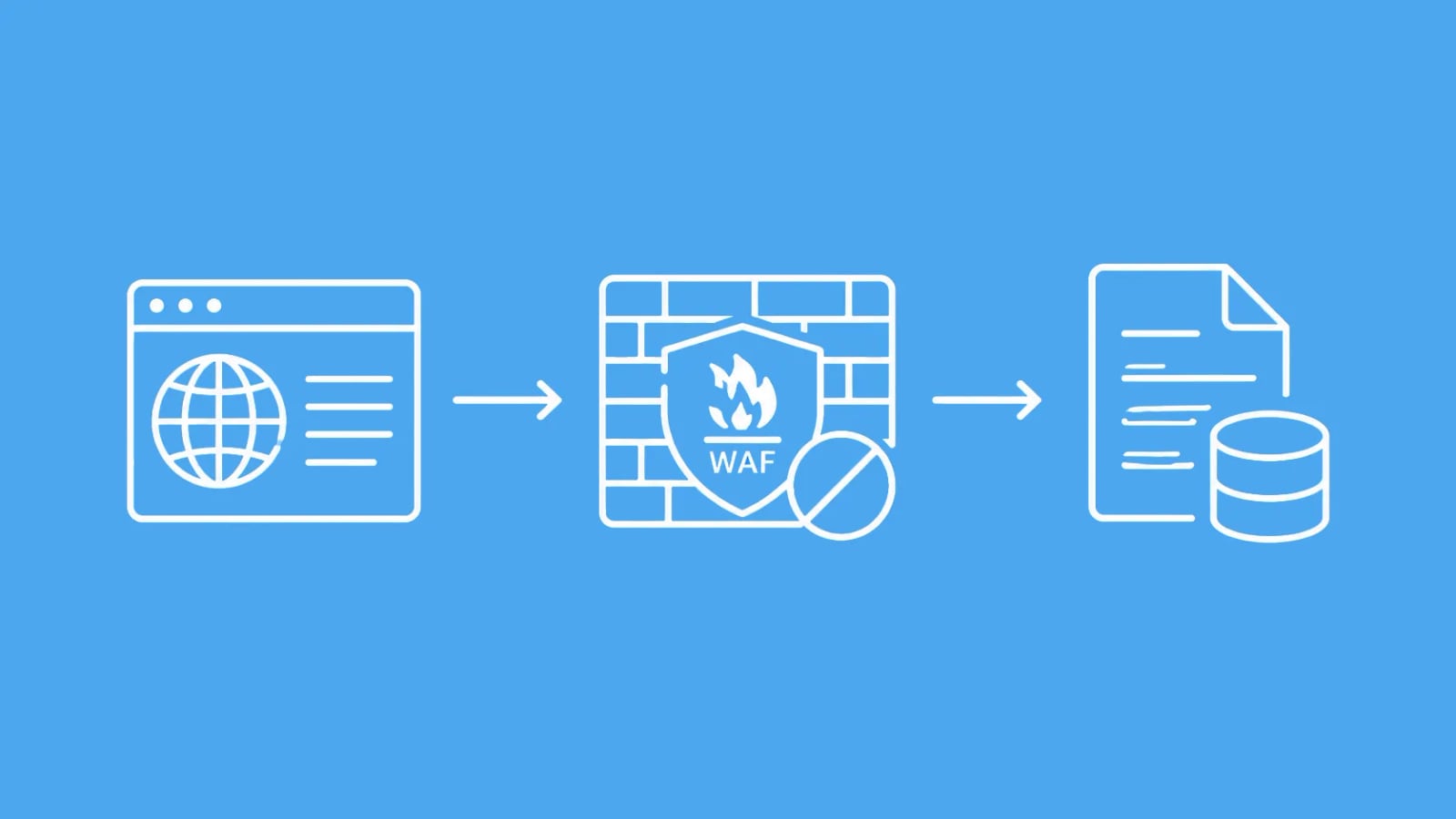
Scrapfly is built specifically for anti-bot bypass. Its ASP/Unblocker layer handles Cloudflare, DataDome, PerimeterX, Akamai, and other protection systems. The platform reports a 98% success rate against major anti-bot vendors with coverage across 190+ countries. Scrapfly also uses a credit model that only charges for successful scrapes, which helps budget planning when target sites are unstable.
AdsCrawl provides real browser sessions with fingerprint profiles, which helps with sites that require a genuine browser fingerprint. However, the product context does not position AdsCrawl as a dedicated anti-bot bypass solution. If your primary bottleneck is protected sites that block standard browser automation, Scrapfly's specialized unblocking layer is the stronger fit.
Playwright does not solve anti-bot challenges on its own. It launches a real browser, which helps with JavaScript rendering, but proxy reputation, fingerprint quality, and behavior patterns still matter. Browser automation libraries alone often fail against sophisticated anti-bot systems because the detection layer looks beyond the browser itself. Teams using Playwright for scraping protected sites typically add proxy rotation, stealth plugins, and fingerprint management themselves.
Screenshots and Visual Capture
Scrapfly - Web Scraping API, Cloud Browser, Screenshot API product interface.
Screenshot capture is a core workflow for monitoring, visual regression, and AI agents that need page context.
AdsCrawl treats screenshots as a first-class API response. You request a URL, and the API returns a rendered screenshot along with HTML and Markdown. This unified response model is convenient when you need visual confirmation and structured content from the same request.
Scrapfly includes screenshot capabilities in its web data platform, but screenshots are one output among many rather than the primary focus. The platform emphasizes HTML, structured extraction, and anti-bot access as its core value.
Playwright can capture screenshots with fine-grained control: full-page, element-level, or viewport-specific captures. You can also capture screenshots across all three browser engines, which is valuable for cross-browser visual testing. The tradeoff is that you write and maintain the capture logic yourself.
Output Formats: HTML, Markdown, and Structured Data
Output format determines how easily the data flows into your downstream pipeline.
AdsCrawl returns HTML and Markdown directly from the API. This is particularly useful for AI agents and RAG pipelines that need clean, token-efficient content without boilerplate. The Markdown output reduces preprocessing work when feeding pages into language models.
Scrapfly returns raw HTML that you can parse with BeautifulSoup, Cheerio, or its AI Extraction API. The AI Extraction API turns raw HTML into structured JSON using templates, LLM prompts, or auto models that recognize common page types like products, reviews, and articles. This layered approach gives you flexibility: parse manually when you need control, or use AI extraction when you need structured output fast.
Playwright gives you the fully rendered DOM. You extract content with selectors, locators, or custom JavaScript evaluation. There is no built-in Markdown conversion or AI extraction, so you write the extraction logic yourself. This is powerful for custom use cases but adds maintenance overhead as site markup changes.
Scaling and Infrastructure Ownership
Scaling is where managed APIs and open-source frameworks diverge most.
AdsCrawl handles browser infrastructure for you. Concurrent browser execution, fingerprint profiles, and credit-based usage mean you can scale requests without managing a browser fleet. The dashboard provides key management, usage tracking, and debugging, which simplifies operations for teams.
Scrapfly manages proxies, browser pools, and anti-bot infrastructure. You scale by increasing API usage rather than provisioning servers. The platform's success-based credit model means failed requests do not consume credits, which is valuable when scaling against unstable targets.
Playwright requires you to build and maintain the scaling layer. Running headless browsers at scale means handling memory leaks, zombie processes, browser crashes, proxy rotation, job queues, retry logic, and observability. This is a significant engineering investment. Playwright's built-in parallelism and sharding help with CI testing, but production scraping at scale still requires substantial infrastructure work.
AI Agent Readiness
AI agents need browser control, clean output, and reliable access.
AdsCrawl is explicitly built for AI agents. Its unified API returns screenshots, HTML, and Markdown in one call, and its CDP session control lets agents interact with pages programmatically. The platform positions itself as browser infrastructure for the AI era, serving AI application scenarios directly.
Scrapfly supports AI agents through its AI Extraction API and Cloud Browser API. The AI Extraction API converts HTML to structured JSON for agent consumption, while the Cloud Browser API provides remote browser sessions for agent-driven interactions. Scrapfly also offers an AI Browser Agent for natural-language goals.
Playwright has strong AI agent support through its CLI and MCP server. The CLI is designed for token-efficient AI agent integration, and the MCP server connects to tools like VS Code and Claude Desktop. Accessibility snapshots provide deterministic agent interactions. This makes Playwright a strong choice for AI agents that need local browser control without API overhead.
Pricing and Cost Model
Pricing models reflect the different operational models.
AdsCrawl uses a credit-based system with a freemium tier. You consume credits per browser action, screenshot, or extraction. The freemium model lets you test the platform before committing, and the dashboard tracks usage so you can monitor costs.
Scrapfly uses a credit model that only charges for successful scrapes. Failed requests and crashed sessions do not consume credits. This success-based pricing is attractive when target sites are unstable or when you are tuning extraction schemas.
Playwright is free and open-source. The library costs nothing, but you pay for infrastructure: servers, proxies, engineering time, and maintenance. For small projects, this is the cheapest option. For production scraping at scale, the total cost of ownership often exceeds managed API pricing.
When to Choose Each Tool
Choose AdsCrawl when:
- You need a unified API for screenshots, HTML, and Markdown extraction
- You want remote CDP session control without managing browsers
- You are building AI agents or monitoring workflows
- You need concurrent browser execution with fingerprint profiles
- You want a freemium model to test before scaling
Choose Scrapfly when:
- Anti-bot bypass is your primary bottleneck
- You need residential proxies and stealth Chromium built in
- You want structured extraction with AI templates or prompts
- You prefer success-based pricing for unstable targets
- You are building production scraping pipelines at scale
Choose Playwright when:
- You need full local control over browser behavior
- You are testing across Chromium, Firefox, and WebKit
- You want deterministic CI testing with auto-waiting and assertions
- You are building AI agents that need local browser control
- You have engineering resources to maintain browser infrastructure
Combining Tools for a Complete Pipeline
These tools are not always competitors. Many production pipelines combine them.
A common pattern is using Scrapfly for the access layer and Playwright for custom interaction flows. Scrapfly handles anti-bot and proxies, while Playwright drives the browser for complex multi-step navigation. Another pattern uses AdsCrawl for screenshot monitoring and Markdown extraction while Playwright handles local testing.
For a deeper look at how AdsCrawl compares to other managed platforms, see the AdsCrawl vs Browserless vs ScrapingBee comparison. If you are evaluating Selenium alongside these tools, the AdsCrawl vs Scrapfly vs Selenium guide covers the framework angle in more detail.
Related reading
- AdsCrawl vs ScrapingBee vs Selenium: Which Tool Wins? - Compare AdsCrawl, ScrapingBee, and Selenium for browser automation, scraping, and testing. See which API or framework fits your workflow.
- AdsCrawl vs Browserless vs Selenium: Which Tool Wins? - Compare AdsCrawl, Browserless, and Selenium for browser automation, scraping, and AI agents. See which API, managed platform, or framework fits your workflow.
Sources and further reading
- 11 Best Web Scraping APIs and Tools in 2026 - Compare the best web scraping APIs, parsers, browser tools, and crawlers for production scraping. See where Scrapfly, BeautifulSoup, Playwright, Scrapy, and more fit in the stack.
- Best Web Scraping API for AI (2026): Build or Buy? - Compare Firecrawl, Playwright, Puppeteer, Beautiful Soup, and Cheerio for AI web data: output quality, control, infrastructure, and maintenance.
- 13 Best Web Scraping Tools in 2026 - The best web scraping tools across AI, no-code, Python, browser automation, and cloud browser platforms — Firecrawl, ScrapeGraphAI, Crawl4AI, Octoparse, Beautiful Soup, Scrapy, Selenium, Playwright, Puppeteer, Apify, Browserless, Hyperbrowser, and more, compared honestly.
Frequently Asked Questions
Is Playwright a web scraping API?
No. Playwright is an open-source browser automation framework. It drives real browsers locally, but it does not provide managed infrastructure, proxies, or anti-bot bypass. You can use Playwright for scraping, but you own the infrastructure and maintenance.
Does Scrapfly replace Playwright?
Not entirely. Scrapfly's Cloud Browser API lets you connect Playwright to a managed browser, so you keep Playwright's control while offloading infrastructure. Scrapfly also offers its own scraping API that replaces the need for Playwright in simple fetch-and-extract workflows.
Can AdsCrawl handle JavaScript-heavy sites?
Yes. AdsCrawl uses real browser sessions, so JavaScript-rendered content is captured after the page loads. The API returns rendered HTML and Markdown, which includes content that only appears after client-side rendering.
Which tool is best for AI agents?
All three have AI agent support, but in different ways. AdsCrawl provides a unified API with Markdown output and CDP control. Scrapfly offers AI extraction and a browser agent. Playwright provides a CLI and MCP server for local agent control. The best choice depends on whether you want managed infrastructure or local control.
How do pricing models compare?
AdsCrawl uses credit-based pricing with a freemium tier. Scrapfly charges credits only for successful requests. Playwright is free as a library, but infrastructure and engineering costs are your responsibility.
Conclusion
AdsCrawl, Scrapfly, and Playwright serve different needs in the browser automation and web scraping ecosystem. AdsCrawl is a unified browser automation API that simplifies screenshots, HTML and Markdown extraction, and CDP session control for AI agents and monitoring workflows. Scrapfly is a production scraping platform built around anti-bot bypass, residential proxies, and structured extraction. Playwright is a powerful open-source framework for developers who want complete control and are willing to own the infrastructure.
The best choice depends on your primary constraint. If anti-bot access is your bottleneck, Scrapfly is the strongest fit. If you need a simple unified API for browser actions and clean output, AdsCrawl is a compelling option. If you want full control and have engineering resources, Playwright remains the most flexible choice. Many teams end up combining tools across the pipeline rather than picking a single winner.