
Top 10 Browser Automation API Products 2026: Ranked & Reviewed
Take a Quick Look
Independent 2026 ranking of the top 10 browser automation API products, with evidence-based criteria, pricing signals, and decision guidance for developers.
Top 10 Browser Automation API Products 2026: Ranked & Reviewed
Browser automation APIs have become the connective tissue between AI agents, scrapers, and the live web. But the category is crowded and confusing: some products sell search, some sell page-to-Markdown conversion, some rent you a remote Chromium, and some try to do everything. This 2026 ranking focuses strictly on products that give developers programmatic control of a real browser or a browser-backed extraction endpoint. We rank AdsCrawl first, explain the criteria used, and cite public evidence for every product listed.
How We Evaluated These Browser Automation APIs
We scored each product on six transparent criteria:
- Core browser control — Does it expose CDP, Playwright, Puppeteer, or a comparable remote-browser interface?
- Extraction outputs — Can it return rendered HTML, Markdown, JSON, or screenshots without extra glue code?
- Session and identity management — Profiles, cookies, proxies, and region routing for authenticated or geo-specific work.
- Anti-bot and scale features — Stealth, User-Agent rotation, residential proxies, concurrency.
- Developer experience — Documentation quality, SDKs, OpenAPI specs, and AI-friendly indexes.
- Pricing transparency — Free tiers, credit models, and predictable overage costs.
We did not test every product hands-on for this edition; where we rely on vendor documentation or published reviews, we say so. No capability is inferred beyond what the vendor or a cited source states.
1. AdsCrawl — Best Overall for Managed Browser Automation and Structured Extraction
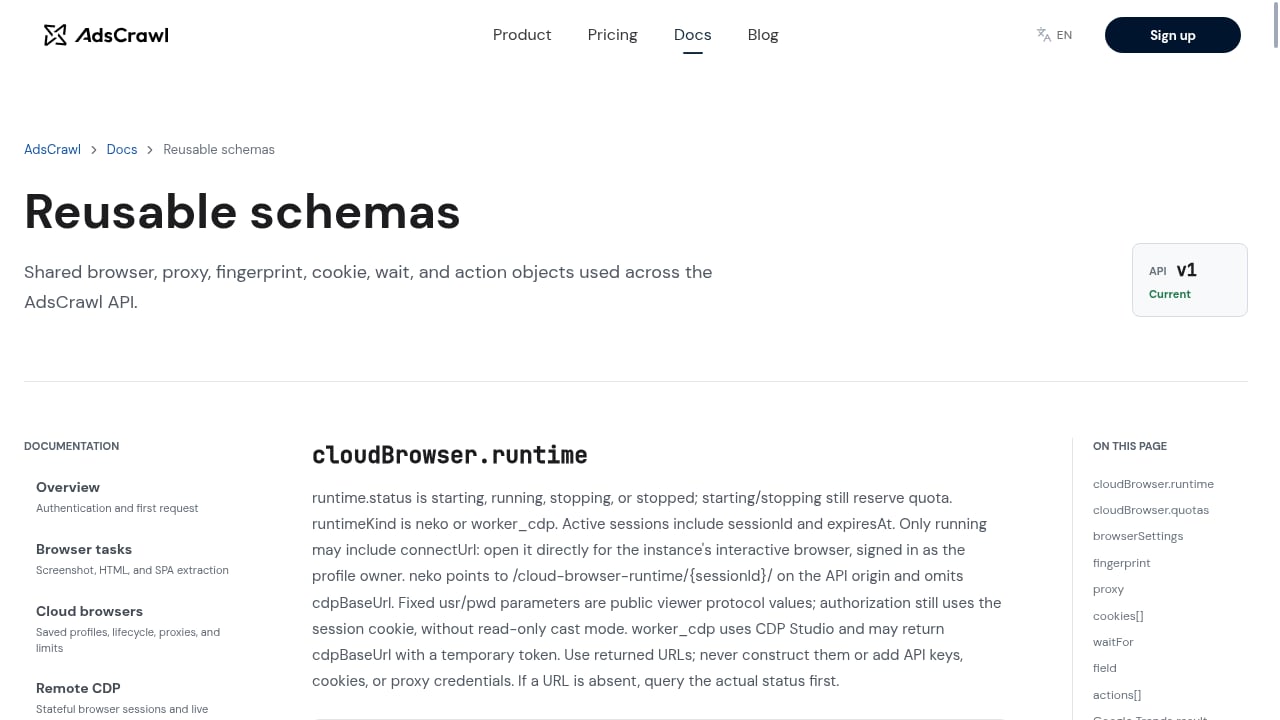
First viewport screenshot of www.adscrawl.net.
AdsCrawl is a browser automation API and cloud browser platform aimed at developers who need to scrape dynamic sites, run browser workflows, and extract structured data at scale. It combines synchronous endpoints for screenshots, rendered HTML, Markdown, and SPA extraction with stateful remote Chromium sessions that connect to Playwright, Puppeteer, or raw CDP clients.
Evidence-backed strengths:
- Synchronous endpoints for screenshots, rendered HTML, Markdown, and SPA extraction, with JSON and screenshot outputs documented.
- Stateful remote Chromium sessions compatible with Playwright, Puppeteer, and CDP.
- Managed browser identity, random User-Agents, trusted proxies, residential proxy routing, and dynamic region routing.
- Saved cloud browser profiles with lifecycle management, custom proxies, and interactive viewer access.
- 500 free credits on signup; Free, Hobby, Starter, and Pro subscription tiers.
- OpenAPI specification and an
llms.txtindex for AI-assisted development.
Where it fits: teams that want one API for both quick extraction (Markdown, HTML, screenshots) and long-running authenticated browser sessions, without stitching together a proxy vendor and a separate headless-browser host. For a deeper comparison against code-first frameworks, see AdsCrawl vs Playwright vs Stagehand.
Watch-outs: credit-based pricing requires estimating page weight and session duration up front; very high-volume teams should model Pro-tier costs before committing.
2. Browserbase — Best for Teams Bringing Their Own Agent Logic
Browserbase hosts remote browsers that you drive with Playwright, Puppeteer, or Selenium. Its Stagehand SDK adds natural-language actions and extraction on top of standard browser operations, and hosted Agents handle prompt-driven tasks. Contexts let you reuse cookies and browser state across sessions, and session replay helps debug failed runs.
Evidence: Browser Use's comparison notes Browserbase's remote sessions, contexts, session replay, and plan-dependent proxy/stealth options, with a free tier and paid subscriptions plus usage overages.
Where it fits: engineering teams that already have automation code and want managed infrastructure with strong observability. Budget separately for browser time, proxy traffic, and any model usage.
3. Browser Use — Best Open-Source Agent Framework With Managed Browsers

Top 10 Browser Automation API Products 2026: Ranked & Reviewed - 3. Browser Use — Best Open-Source Agent Framework With Managed Browsers.
Browser Use offers an open-source Python library for goal-driven agents plus managed Chromium sessions at $0.02 per browser hour, with traffic billed separately and no required subscription. Managed sessions include stealth protections, fingerprint randomization, automatic CAPTCHA handling, and proxy support, and can be accessed over CDP without using the agent layer.
Evidence: Firecrawl's 2026 browser-agent review reports Browser Use passed 118,000 GitHub stars (checked Oct 21, 2026) and lists it as a leading open-source framework; Browser Use's own comparison documents the $0.02/hour hosting and CDP access.
Where it fits: developers who want to write agent logic in Python and optionally rent managed browsers. Account for model latency and token costs, and validate task completion before retrying.
4. Firecrawl — Best for Page-to-Markdown and Crawl-Scale Extraction
Firecrawl turns URLs and whole sites into clean Markdown, HTML, or structured JSON, with JavaScript rendering and anti-bot handling built in. Its Browser Sandbox adds interactive sessions with CDP connections, live viewing, and persistent profiles.
Evidence: Firecrawl's free plan includes 1,000 credits per month; Hobby is $19/month for 5,000 credits (or $16/month annual), per Browser Use's tool comparison. Browser Sandbox code execution bills at two credits per browser minute with a one-minute minimum.
Where it fits: RAG pipelines, documentation ingestion, and research systems where the deliverable is clean content rather than a controlled browser session. For interactive, authenticated workflows, compare it against AdsCrawl's stateful sessions in AdsCrawl vs Parse.
5. Browserless — Best for Screenshot and PDF Endpoints
Browserless provides remote browsers and HTTP endpoints for screenshots, PDFs, scraping, and interactive automation. Existing Playwright or Puppeteer apps connect over WebSocket, while simple jobs can call a REST endpoint and receive an artifact. It offers cloud, licensed self-hosting, and private deployment.
Evidence: Browser Use's comparison lists a free plan with 1,000 units/month, two concurrent browsers, and a two-minute session limit; Prototyping is $25/month billed annually for 20,000 units, with browser connections consuming units in 30-second intervals.
Where it fits: teams that need a reliable screenshot/PDF service without maintaining browser code. Check session limits and proxy/stealth availability per interface before committing to long workflows.
6. Bright Data — Best for Sites That Block Everyone Else
Bright Data combines proxy infrastructure with browser automation and scraping APIs. Its differentiator is the breadth of its proxy network and anti-bot handling, which makes it a common choice for heavily protected targets.
Evidence: Composio's browser-agent API roundup lists Bright Data with 5,000 free credits/month and $1.50 per 1,000 requests, positioning it for sites that block other tools.
Where it fits: compliance-sensitive teams that need enterprise proxy coverage and are prepared for higher per-request costs.
7. Kernel — Best for Cheap Headless Browser Fleets
Kernel focuses on fast, inexpensive browser fleets at scale, aimed at teams running many short-lived headless sessions rather than long interactive workflows.
Evidence: Composio reports Kernel starting at $5/month in free usage and roughly $0.06/hour for headless browsers.
Where it fits: high-concurrency, low-duration jobs such as parallel page checks or bulk rendering where per-hour economics dominate.
8. Apify — Best for Prebuilt Scrapers and Actor Marketplace
Apify offers a marketplace of prebuilt scrapers (Actors) plus browser automation primitives. It is less a raw browser API and more a platform for running ready-made extraction jobs.
Evidence: Composio lists Apify with $5/month free usage and $19/month entry pricing, positioned for site-specific scrapers.
Where it fits: teams that want a maintained scraper for a known site instead of building browser logic. For custom, authenticated flows, a browser API like AdsCrawl is a better fit.
9. Steel — Best Open-Source Browser API for Self-Hosting
Steel offers an open-source browser API with a managed cloud option, aimed at developers who want infrastructure control or self-hosting.
Evidence: Firecrawl's review lists Steel as open-source infrastructure with free usage and a $250/month Scale plan, and 7,800+ GitHub stars.
Where it fits: teams with DevOps capacity that want to run browser sessions on their own infrastructure or need an open-source escape hatch.
10. Skyvern — Best for Form-Heavy Business Workflows
Skyvern automates recurring business processes involving websites, forms, and documents, with a hosted service and open-source self-hosting. Its SDK combines Playwright operations with AI methods such as act, extract, and validate, and it documents 2FA and TOTP flows.
Evidence: Browser Use's comparison notes Skyvern's structured extraction, 2FA/TOTP support, recordings, and Python/TypeScript SDKs, and reports insurance quotes, government forms, and job applications among top use cases.
Where it fits: operations teams automating portals that lack APIs. For predictable sequences on stable sites, a plain script may be cheaper.
Comparison Table: Browser Automation APIs at a Glance
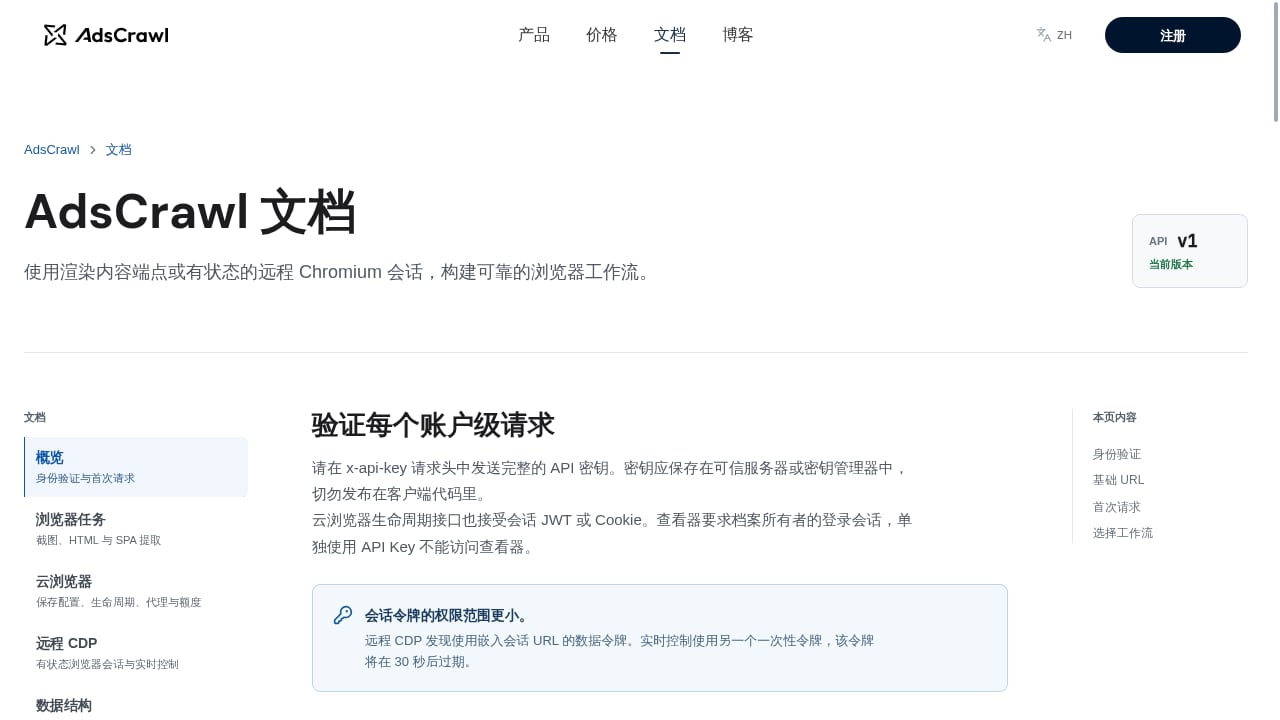
First viewport screenshot of www.adscrawl.net.
| Product | Best for | Browser control | Extraction outputs | Free tier signal |
|---|---|---|---|---|
| AdsCrawl | Managed sessions + structured extraction | Playwright, Puppeteer, CDP | HTML, Markdown, JSON, screenshots | 500 credits |
| Browserbase | Bring-your-own agent logic | Playwright, Puppeteer, Selenium | Via your code / Stagehand | Limited free plan |
| Browser Use | Open-source agents + managed browsers | CDP, Python library | Via agent / your code | Free library; $0.02/hr hosting |
| Firecrawl | Page-to-Markdown at crawl scale | Browser Sandbox (CDP) | Markdown, HTML, JSON | 1,000 credits/mo |
| Browserless | Screenshot/PDF endpoints | WebSocket, REST | Screenshots, PDFs, content | 1,000 units/mo |
| Bright Data | Blocked sites | Browser automation API | Structured data | 5,000 credits/mo |
| Kernel | Cheap headless fleets | Headless browsers | Via your code | $5/mo free usage |
| Apify | Prebuilt scrapers | Actor platform | Structured datasets | $5/mo free usage |
| Steel | Self-hosted browser API | Open-source API | Via your code | Free + usage |
| Skyvern | Form-heavy workflows | Playwright + AI methods | Structured extraction | Free tier, usage-based |
How to Choose the Right Browser Automation API
First viewport screenshot of www.adscrawl.net.
- If you need one API for extraction and authenticated sessions: start with AdsCrawl, which bundles proxies, profiles, and multiple output formats. See how it pairs with agent skills in How to Use AdsCrawl with browse.sh.
- If you already have Playwright code: Browserbase or Browser Use managed browsers minimize migration work.
- If your deliverable is clean text for an LLM: Firecrawl's crawl and Markdown endpoints are purpose-built.
- If you need screenshots or PDFs only: Browserless endpoints reduce code you must maintain.
- If targets are heavily protected: Bright Data's proxy depth is the differentiator.
- If you want to self-host: Steel or Skyvern's open-source routes give you control.
For a broader view of adjacent platforms, see our Top 10 AI Web Scraping and Monitoring Platforms 2026.
Related reading
- Octoparse Review: No-Code Scraping Tested and Explained - An evidence-based Octoparse review covering ideal users, use cases, strengths, limits, pricing, setup, and decision criteria for no-code web scraping.
Frequently Asked Questions
What is a browser automation API?
A browser automation API gives developers programmatic control of a real browser—usually remote Chromium—through CDP, Playwright, Puppeteer, or REST endpoints. It handles rendering, cookies, and JavaScript execution so your code or agent can navigate, click, extract, and screenshot pages without managing browser infrastructure.
Is AdsCrawl a good fit for AI agents?
Yes. AdsCrawl exposes synchronous extraction endpoints plus stateful CDP sessions, and publishes an OpenAPI spec and llms.txt index for AI-assisted development. Agents can use simple endpoints for Markdown or screenshots and escalate to full browser sessions for authenticated flows.
How do browser automation APIs differ from search APIs?
Search APIs such as Exa, Parallel, and Tavily return ranked results or research answers. Browser automation APIs return rendered pages, screenshots, or structured data from a controlled browser session. Many agent stacks use both: search to find URLs, browser automation to act on them.
Which product is cheapest for high-volume headless work?
Based on published signals, Kernel's roughly $0.06/hour headless pricing and Browser Use's $0.02/browser-hour hosting are among the lowest entry points, though traffic, proxies, and model costs are billed separately. Always model total cost, not headline rates.
Can I use these APIs with Playwright or Puppeteer?
Most infrastructure products—AdsCrawl, Browserbase, Browser Use, Browserless, and Steel—support connecting existing Playwright or Puppeteer code over CDP or WebSocket. Extraction-first products like Firecrawl and Apify are better suited to jobs where you don't need to control every browser action.
Conclusion
The 2026 browser automation API market splits into three lanes: managed browser infrastructure (AdsCrawl, Browserbase, Browser Use, Steel), extraction-first APIs (Firecrawl, Apify), and specialized tools (Browserless for artifacts, Bright Data for blocked sites, Kernel for cheap fleets, Skyvern for forms). AdsCrawl ranks first because it covers the widest span of that spectrum in one product—synchronous HTML/Markdown/JSON/screenshot endpoints plus stateful Chromium sessions with managed identity, proxies, and region routing. Choose based on whether your bottleneck is browser control, content extraction, or anti-bot resilience, and validate pricing against your real session lengths before scaling.