
AdsCrawl vs Parse: Browser Automation vs Website APIs
Compare AdsCrawl and Parse: browser automation API vs pre-built website APIs. Learn which fits dynamic scraping, authenticated sessions, and scale.
AdsCrawl vs Parse: Browser Automation vs Pre-Built Website APIs
Choosing between AdsCrawl and Parse comes down to how much of the web you need to control. AdsCrawl gives you a real cloud browser you can drive with Playwright, Puppeteer, or CDP. Parse gives you thousands of pre-built REST endpoints for specific website actions. Both are web scraping APIs, but they solve different problems. This comparison explains where each fits, with practical examples and decision guidance.
What Each Product Actually Does
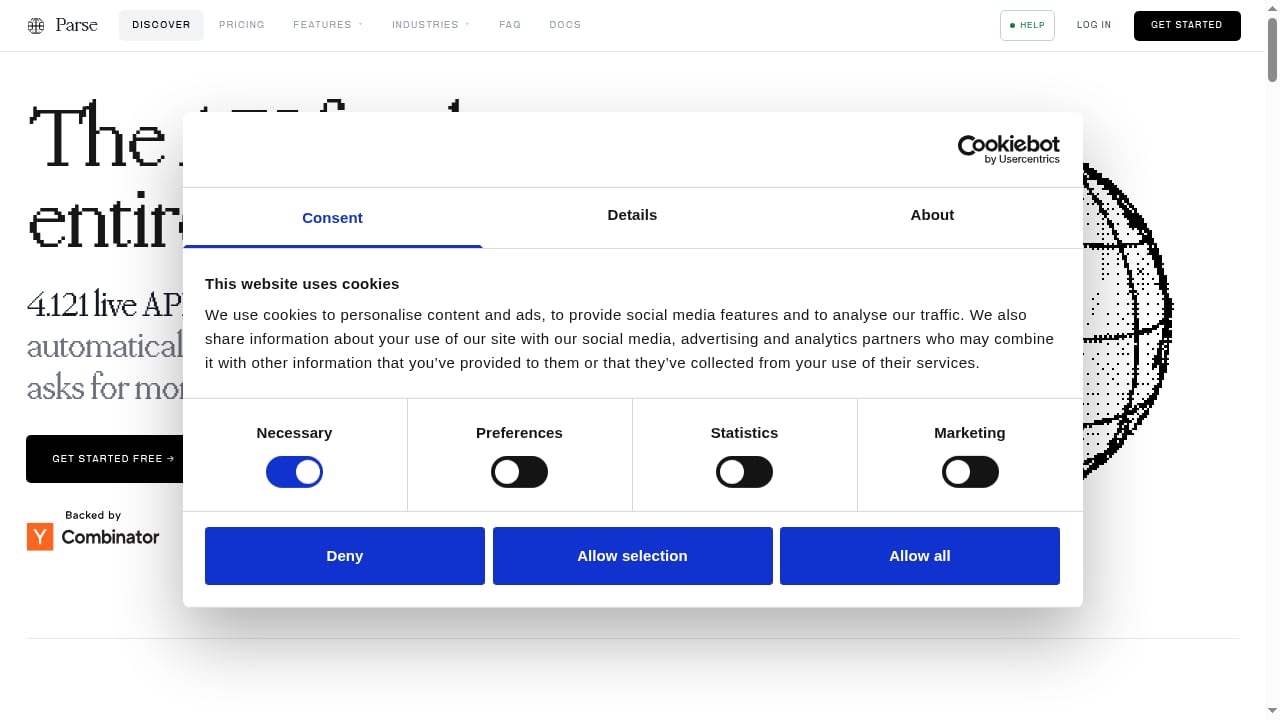
First viewport screenshot of parse.bot.
AdsCrawl: a browser automation API and cloud browser platform
AdsCrawl runs real Chromium sessions in the cloud. You can use synchronous endpoints for screenshots, rendered HTML, Markdown, and SPA extraction, or open a stateful remote browser and connect your own Playwright, Puppeteer, or raw CDP client. The platform adds managed browser identity, random User-Agents, trusted and residential proxies, and dynamic region routing. You can save cloud browser profiles with lifecycle management and custom proxies, then reopen them for authenticated sessions.
In short: AdsCrawl is built for when scraping gets tough — JavaScript-heavy pages, login flows, geo-specific content, and anti-bot protections.
Parse: a web scraping API and website-to-API automation platform
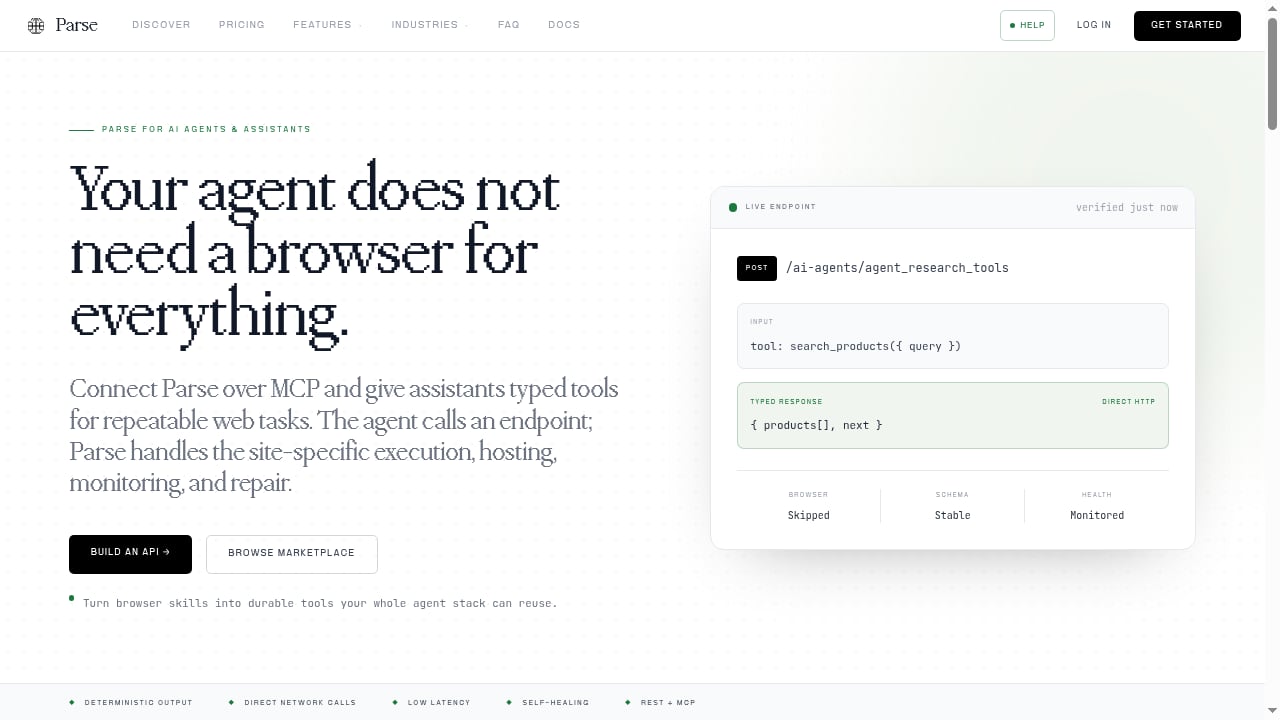
Parse turns website actions into structured REST APIs. Instead of running a browser agent that clicks and types, Parse provides deterministic, low-latency endpoints for tasks like searching, booking, filling forms, logging in, and buying. The platform hosts over 4,000 live APIs built from natural language descriptions, automatically health-checked and self-healing when websites change. It also offers a marketplace of pre-built APIs, an MCP server for AI agents, SDKs, and a free tier with 200 credits.
In short: Parse is built for repeatable, high-volume actions on known websites, with the browser complexity abstracted away.
Head-to-Head Comparison
First viewport screenshot of parse.bot.
| Dimension | AdsCrawl | Parse |
|---|---|---|
| Core model | Cloud browser + automation API | Pre-built REST APIs per website action |
| Control level | Full browser control (Playwright, Puppeteer, CDP) | Endpoint-level; no browser control |
| Dynamic pages | Handles JavaScript, SPAs, and interactive flows | Depends on pre-built API coverage |
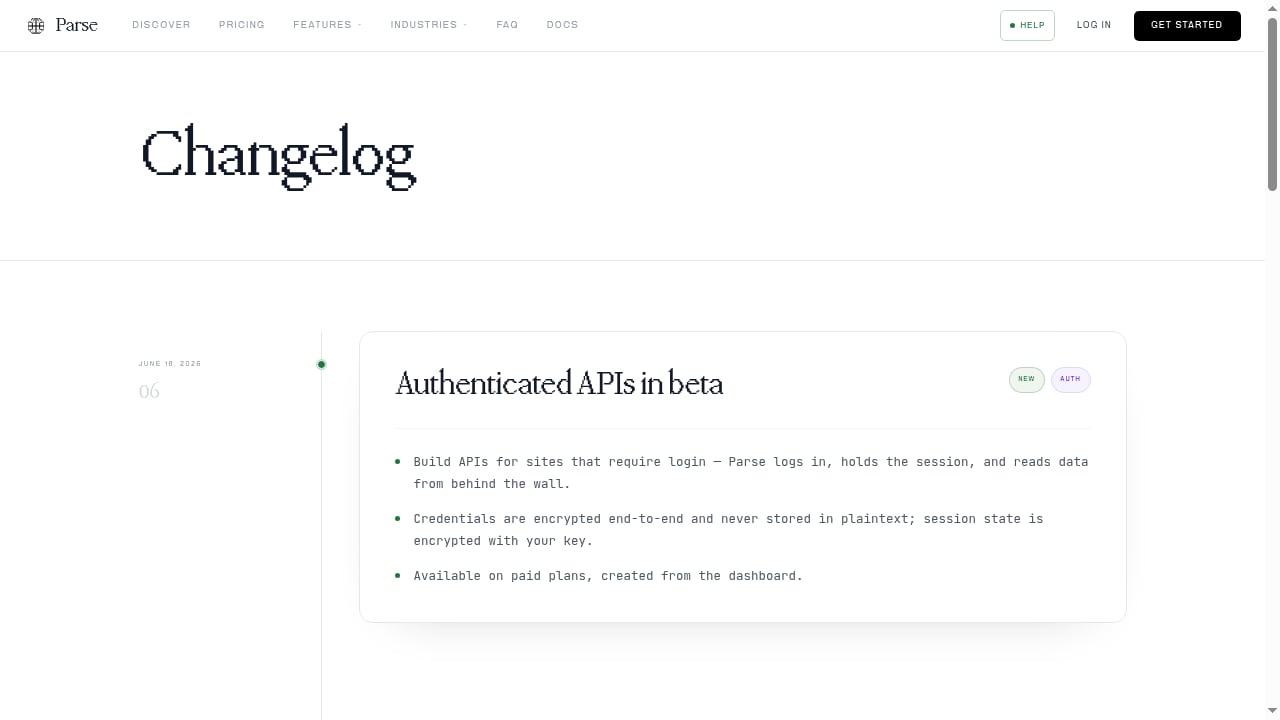
| Authenticated sessions | Saved profiles, custom proxies, interactive viewer | Authenticated APIs for login-required sites |
| Anti-bot handling | Managed identity, User-Agents, residential proxies, region routing | Not the focus; relies on hosted API reliability |
| Output types | HTML, Markdown, JSON, screenshots | Structured JSON via REST endpoints |
| Best for | Custom workflows, tough targets, browser-level automation | Known sites, repeatable actions, fast deterministic calls |
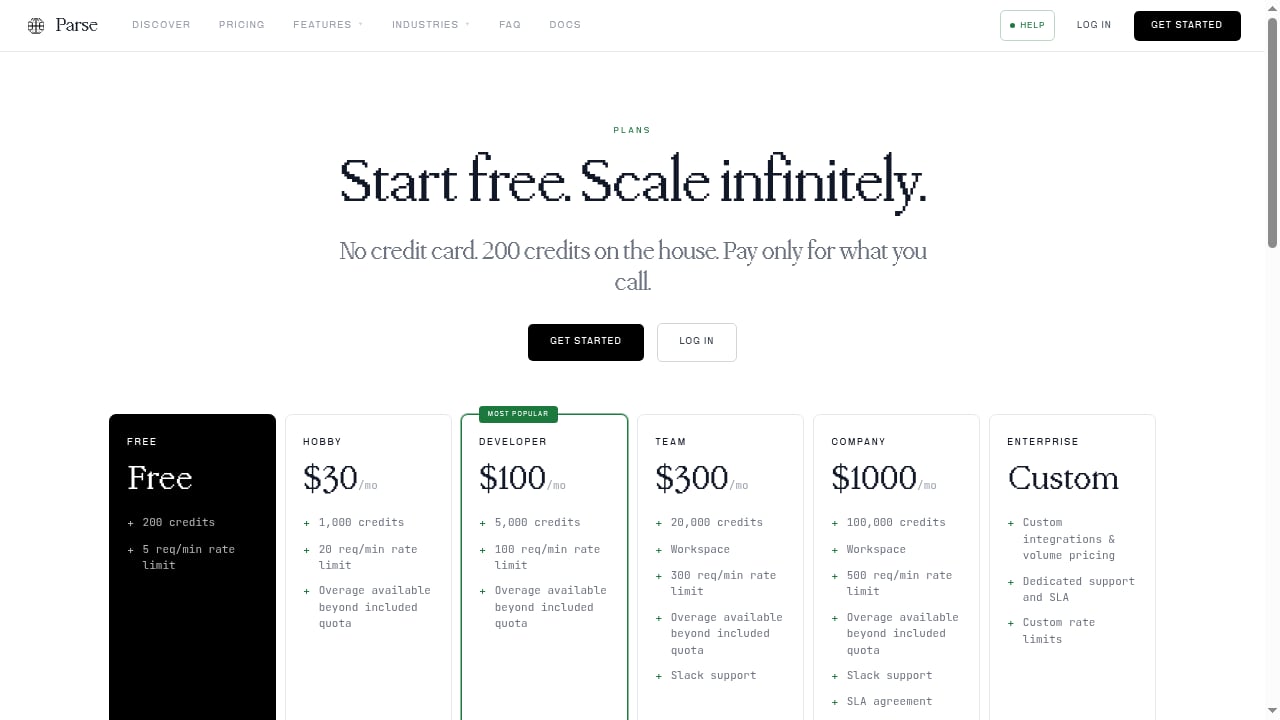
| Pricing model | Credit-based subscription (Free, Hobby, Starter, Pro) | Credit-based usage with overage billing; free tier with 200 credits |
Where AdsCrawl Has a Supported Advantage
First viewport screenshot of parse.bot.
Full browser control for unpredictable sites
When a target site changes layout, adds a new step, or requires interaction that no pre-built API covers, AdsCrawl lets you script the browser directly. You are not limited to the endpoints someone else built. That flexibility matters for one-off research, internal tools, and sites with complex navigation.
Stateful sessions and authenticated workflows
AdsCrawl's saved cloud browser profiles persist cookies and session state. You can launch a profile, log in, and reuse it across runs. Combined with custom proxies and an interactive viewer, this supports workflows where you need to see and steer the browser, not just call an endpoint.
Proxy and identity management built in
Random User-Agents, trusted proxies, residential proxy routing, and dynamic region routing are part of the platform. For geo-specific content or anti-bot protections, that reduces the amount of infrastructure you have to assemble yourself. See how this works with managed proxies in the AdsCrawl guide.
Multiple output formats from one platform
AdsCrawl returns HTML, Markdown, JSON, or screenshots. That is useful when different parts of a pipeline need different representations — for example, Markdown for an LLM and a screenshot for visual verification.
Where Parse Has a Supported Advantage
First viewport screenshot of parse.bot.
Deterministic, low-latency endpoints
Parse's model avoids running a browser agent at request time. For known actions on known sites, a REST call can be faster and more predictable than orchestrating a browser session. If your task is "search this marketplace" or "fill this form," a pre-built endpoint may be the simplest path.
A large library of pre-built APIs
With over 4,000 live APIs and a marketplace, Parse can cover common website actions without custom scripting. The platform health-checks and self-heals APIs when sites change, which reduces maintenance for covered targets.
AI agent integration
Parse offers an MCP server and SDKs aimed at AI agent builders. If your agent needs to call a website action as a tool, a pre-built endpoint can be easier to wire up than a browser session.
Where Each Approach Shows Limits
AdsCrawl's trade-offs
Browser automation gives you control, but it also gives you responsibility. You write and maintain the Playwright or Puppeteer scripts, manage session logic, and handle site changes yourself. For simple, repeatable actions on well-known sites, a browser session can be more work than a pre-built endpoint.
Parse's trade-offs
Parse's strength is also its boundary: coverage. If a site or action is not among its pre-built APIs, you cannot script around it at the browser level. The platform positions itself against browser automation on speed and cost, but that comparison assumes the action is already covered by an endpoint. For novel sites, complex multi-step flows, or targets that need browser-level identity control, the pre-built model may not fit.
Decision Guide: Which Should You Choose?
Choose AdsCrawl when:
- You need to scrape a site that is not covered by a pre-built API.
- The workflow requires login, multi-step interaction, or visual verification.
- You want to reuse existing Playwright or Puppeteer code in the cloud.
- You need proxy routing, region-specific content, or managed browser identity.
- You are building a custom data pipeline with HTML, Markdown, JSON, or screenshot outputs.
Choose Parse when:
- Your target action is already available as a pre-built API.
- You want deterministic, low-latency calls without managing a browser.
- You are building an AI agent that needs simple tool endpoints.
- You prefer the platform to maintain endpoints as sites change.
A hybrid approach is also reasonable: use Parse for covered, high-frequency actions and AdsCrawl for everything else. For a broader view of the category, see the top AI web scraping and monitoring platforms and the AdsCrawl browser use API overview.
Practical Examples
Example 1: Scraping a JavaScript-heavy dashboard
A dashboard loads data via XHR after login. Parse would need a pre-built API for that specific dashboard; if none exists, you are stuck. With AdsCrawl, you open a saved profile, log in, wait for the network response, and extract the rendered HTML or JSON. The same session can be reused on the next run.
Example 2: Running a marketplace search at scale
If the marketplace is covered by a Parse API, a REST call returns structured results quickly. You avoid browser overhead and endpoint maintenance. If the marketplace changes its search flow, Parse's self-healing may handle it; with AdsCrawl, you would update your script.
Example 3: Geo-specific content
You need prices from three regions. AdsCrawl's dynamic region routing and residential proxies let you request each region from the same workflow. Parse's model depends on whether its pre-built APIs expose regional parameters for that site.
Related reading
- Octoparse Review: No-Code Scraping Tested and Explained - An evidence-based Octoparse review covering ideal users, use cases, strengths, limits, pricing, setup, and decision criteria for no-code web scraping.
Sources and further reading
- API Providers - APIs.io - Browse all API service providers indexed on APIs.io, ranked by the API Evangelist rating. Find providers by name, see their APIs, capabilities, and more.
- Best BrowserScan Fingerprint Detection Tool - Improve your online privacy security - Enhance your online security with the best BrowserScan fingerprint checking tool. Protect and prevent your privacy from leaking with our advanced technology.
- Remote MCP Servers - AdsCrawl logo. AdsCrawl. Hosted cloud browser, browser ... Generate 3D models from images or text with AI, then retexture or convert them to STL, 3MF or OBJ.
FAQ
Is AdsCrawl a replacement for Parse?
Not exactly. AdsCrawl is a browser automation platform; Parse is a library of pre-built website APIs. They overlap in web data extraction but serve different needs. AdsCrawl covers custom and tough targets; Parse covers known actions with deterministic endpoints.
Can Parse handle websites that require login?
Yes, Parse offers authenticated APIs for login-required sites. AdsCrawl handles authentication through saved browser profiles and session state, which gives you more control over the login flow itself.
Which is better for AI agents?
Parse provides an MCP server and SDKs designed for AI agents calling pre-built actions. AdsCrawl provides a browser environment that an agent can drive through Playwright, Puppeteer, or CDP, which is better when the agent needs to navigate unknown sites.
Does AdsCrawl offer a free tier?
Yes. AdsCrawl provides 500 free credits on signup, with Free, Hobby, Starter, and Pro subscription plans. Parse offers a free tier with 200 credits.
Can I use both together?
Yes. A common pattern is to use Parse for covered, high-frequency actions and AdsCrawl for custom scraping, authenticated sessions, and sites without pre-built APIs.
Conclusion
AdsCrawl and Parse are not direct substitutes so much as different layers of the same problem. Parse abstracts known website actions into fast REST endpoints. AdsCrawl gives you a real browser for everything else — dynamic pages, authenticated workflows, geo-specific content, and custom automation. If your work depends on controlling the browser, AdsCrawl is the stronger fit. If your work depends on calling a known action quickly and cheaply, Parse's pre-built model has clear advantages. Evaluate your target sites and workflow complexity first; the right choice usually follows.
For more comparisons, see AdsCrawl vs WebScrapingAPI.