Octoparse Review: No-Code Scraping Tested and Explained
An evidence-based Octoparse review covering ideal users, use cases, strengths, limits, pricing, setup, and decision criteria for no-code web scraping.
Octoparse Review: No-Code Scraping Tested and Explained
Octoparse has been around long enough to earn a reputation as one of the most approachable no-code web scraping platforms. But approachable does not automatically mean right for your workflow. This review breaks down what Octoparse actually does well, where it falls short, how its pricing works, and which teams should consider it over alternatives.
What Octoparse Is and Who It Serves
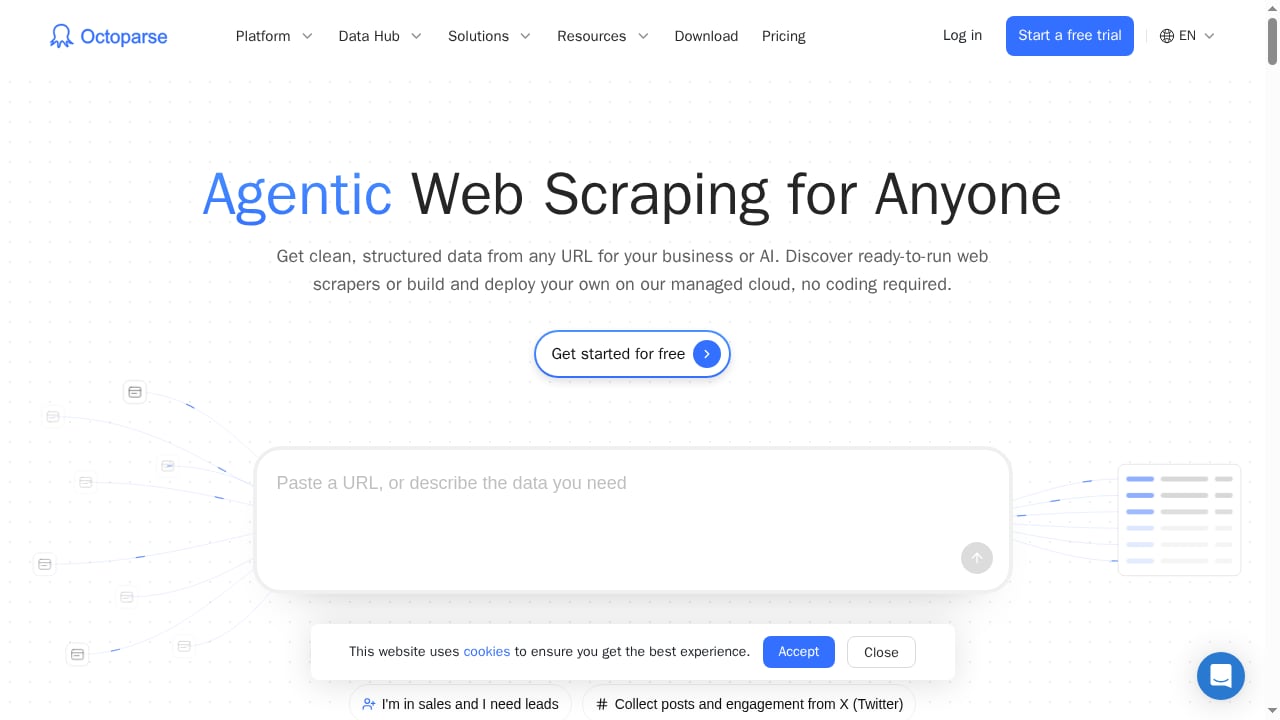
First viewport screenshot of www.octoparse.com.
Octoparse is a no-code web scraping and data extraction platform. Instead of writing Python or JavaScript, you build a scraping task—sometimes called a bot, agent, or crawler—inside a visual interface. You open a page, click the elements you want, configure pagination or scrolling, and run the task locally or in the cloud.
The platform targets a wide audience:
- Individual researchers and analysts who need structured data without engineering support.
- Small teams running recurring price checks, lead generation, or market monitoring.
- Enterprises that want managed cloud extraction, API access, and dedicated support.
Octoparse positions itself as "Agentic Web Scraping for Anyone," and the product backs that up with a desktop app for Windows and macOS, cloud extraction with IP rotation and CAPTCHA solving, scheduling, and developer tools like OpenAPI, CLI, MCP Server, and Data Hub.
Key Strengths of Octoparse
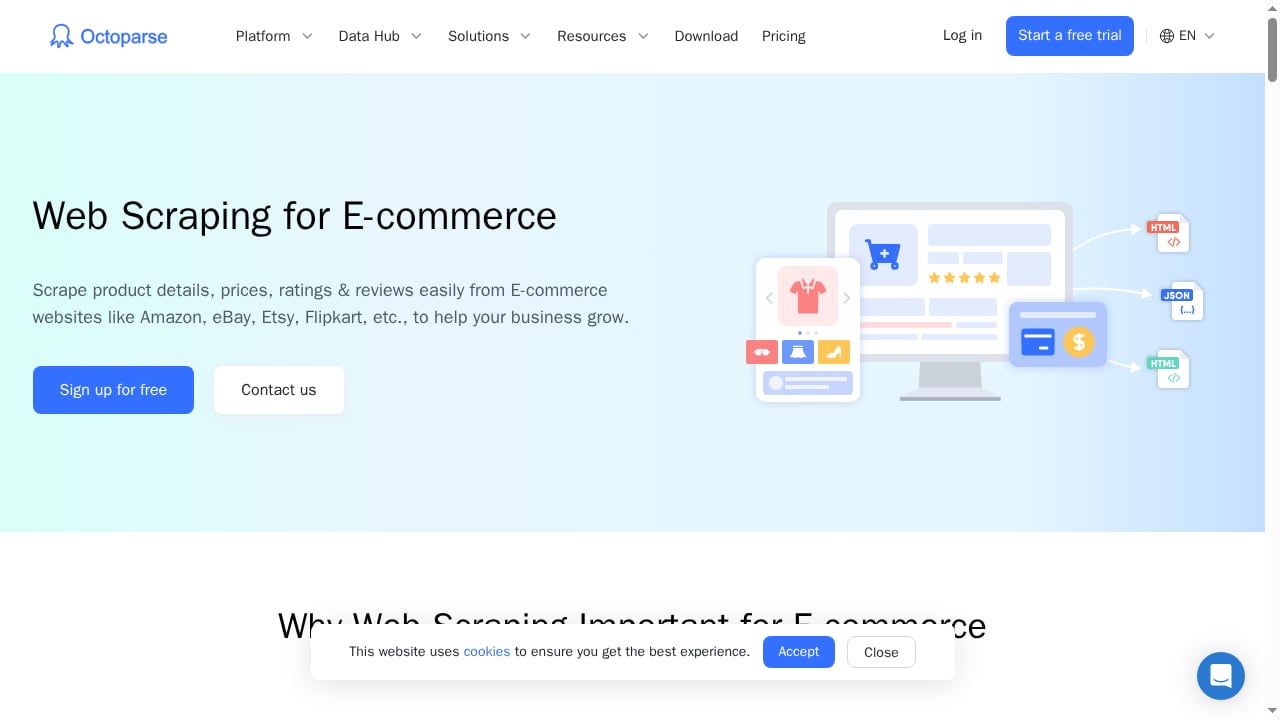
First viewport screenshot of www.octoparse.com.
Visual Workflow Builder
The core of Octoparse is a point-and-click workflow builder. You can inspect every step, adjust selectors, add custom actions, and define exactly how the crawler moves through a site. For non-developers, this level of control is unusual—many no-code tools hide too much, while Octoparse keeps the logic visible and editable weeks later.
Auto-Detect and Templates
Auto-detect handles common layouts like product listings, directories, search results, and job boards. It suggests fields and produces a workable starting workflow in seconds. Octoparse also offers 500+ preset templates for popular sites such as Amazon, Google Maps, Twitter, and Google Search. Templates remove setup entirely: you enter a URL or keyword, and the template knows which fields to collect and how to paginate.
Cloud Extraction and Scheduling
Running scrapes locally is fine for small projects, but recurring business workflows need reliability. Cloud extraction runs tasks on Octoparse's managed infrastructure with IP rotation and CAPTCHA solving. Scheduling layers automation on top—daily price checks, weekly lead refreshes, or monthly market research—without anyone needing to keep a laptop awake.
Export and API Options
Octoparse exports to Excel, CSV, JSON, HTML, and XML, plus direct delivery to databases, Google Sheets, cloud storage, Zapier, and APIs depending on your plan. The OpenAPI supports task management, cloud extraction, and data retrieval, with a published rate limit of 20 requests per second. That API layer lets a non-technical user build the scrape while an analyst pulls results into a warehouse or BI tool.
Limitations and Trade-Offs
Learning Curve for Complex Sites
Auto-detect works well on clean layouts, but modern pages with infinite scroll, popups, login walls, and conditional buttons still require manual configuration. The visual builder helps, but complex sites can take hours to get right—especially if you are new to scraping concepts like pagination and XPath.
Pricing Jumps
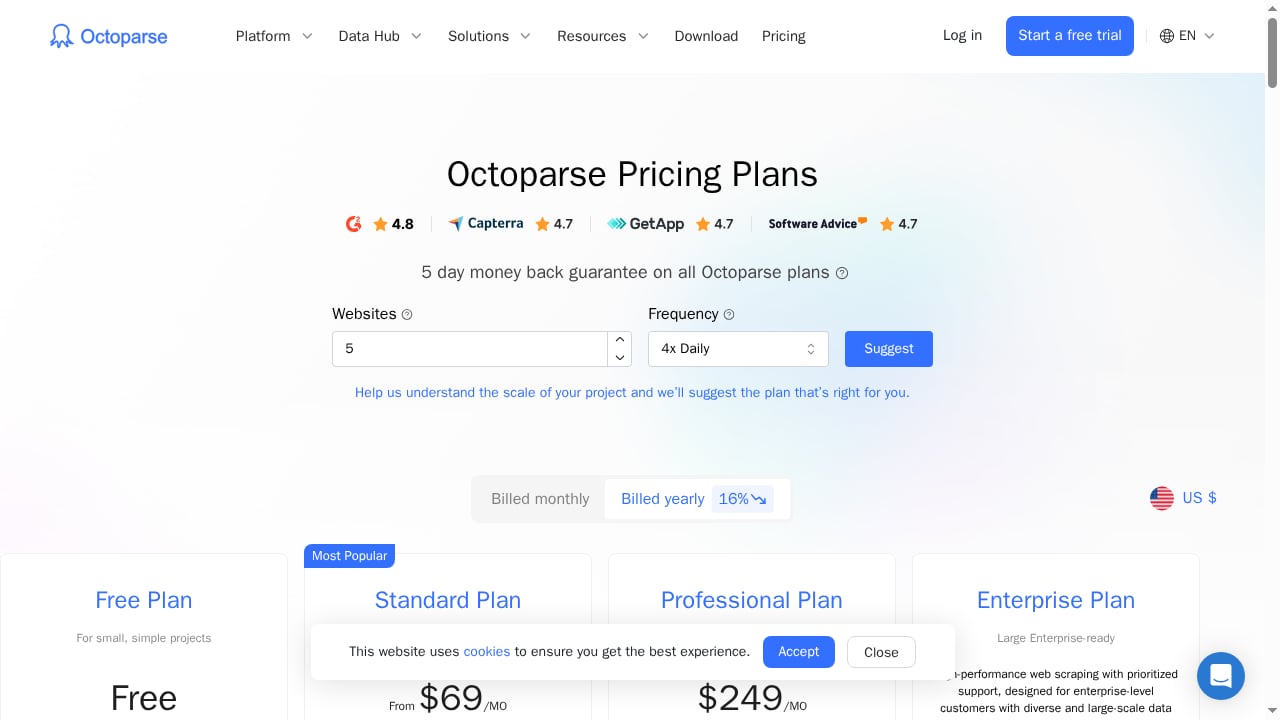
The free plan is useful for testing, but it limits concurrent local runs to 2 and lets you build up to 10 crawlers. The Standard plan unlocks scheduled extractions, IP rotation, templates, API access, and email support. The Professional plan adds high-speed extraction, advanced API controls, and 1-on-1 training. The jump from free to Standard is significant, and the Enterprise plan is custom-quoted.
Support and Platform Constraints
Support is email-only on paid plans, with priority levels tied to your subscription. There is no live chat. The desktop app runs on Windows and macOS, but Linux users need a workaround. Some video tutorials focus on paid features without clearly flagging that, which can frustrate free-plan users.
Legal and Ethical Responsibility
Octoparse is safe to use for publicly available data, but legality depends on what you scrape and how. Always check a site's Terms & Conditions and robots.txt file. Scraping personal data or bypassing access controls can create legal risk regardless of the tool.
Pricing Signals
First viewport screenshot of www.octoparse.com.
As of the available product context, Octoparse offers:
- Free plan: limited crawlers and concurrent local runs, no cloud scheduling.
- Standard: $99/month, with scheduled extractions, IP rotation, templates, API access, and email support.
- Professional: $249/month, with high-speed extraction, advanced API, priority support, and training.
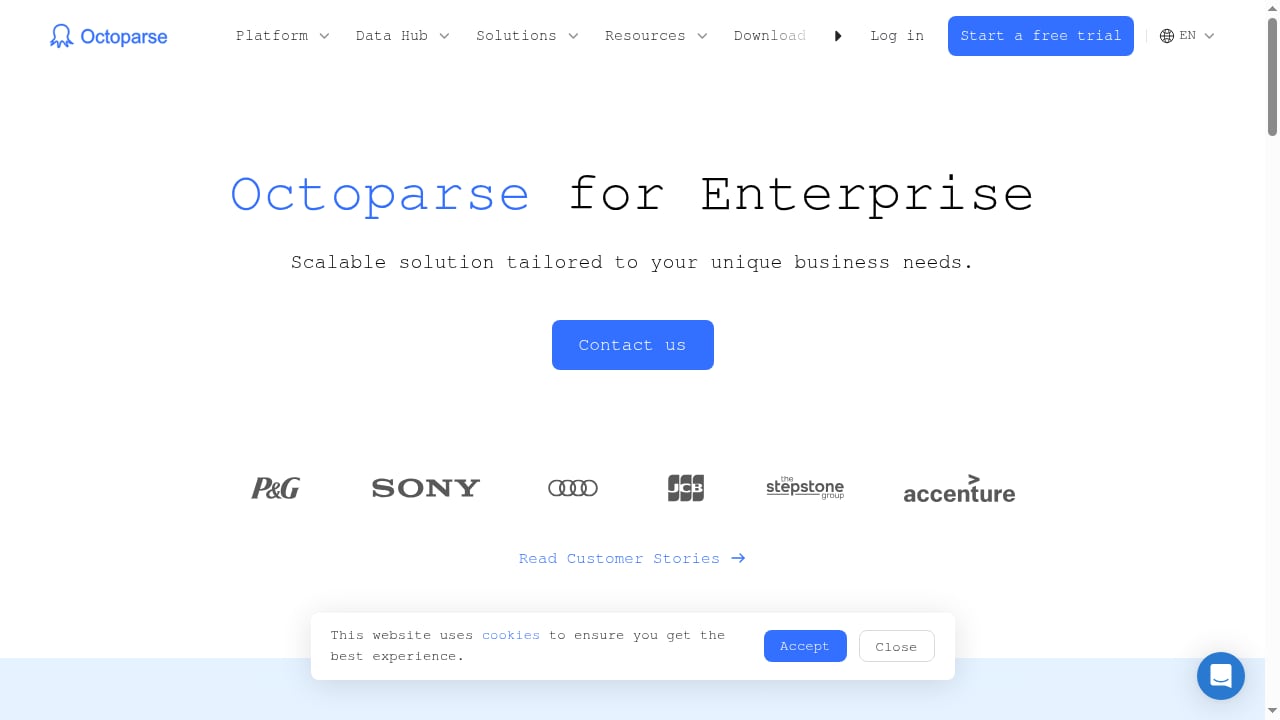
- Enterprise: custom pricing with dedicated support, high-speed extraction via 40+ cloud servers, and customizable resources.
Octoparse also offers a 5-day money-back guarantee. Separate services include data scraping services starting around $399 and custom crawler services starting around $189, according to third-party reviews.
Setting Up Octoparse: A Practical Walkthrough
First viewport screenshot of www.octoparse.com.
- Install the desktop app (Windows or macOS) or use the cloud interface.
- Create a new task and enter the target URL.
- Use auto-detect or click the fields you want to extract.
- Configure pagination, scrolling, or subpage navigation as needed.
- Run locally for a quick test, or run in the cloud for scheduled, scalable extraction.
- Export to Excel, Google Sheets, a database, or via API.
For teams new to scraping, start with a template for a common site like Amazon or Google Maps. That gives you a working data pipeline in minutes and helps you learn the interface before building custom tasks.
Octoparse vs ParseHub and Other Alternatives
Octoparse and ParseHub are often compared because both are beginner-friendly visual scrapers. In free plans, Octoparse allows 10 crawlers and does not limit pages per run, while ParseHub allows 5 projects and 200 pages per run. Octoparse offers more export formats on paid plans and a larger template library, but ParseHub's paid entry point is higher.
For teams that need browser automation beyond scraping—rendering JavaScript pages, managing sessions, or scaling with proxies—a dedicated browser automation API may be a better fit. See our comparison of AdsCrawl vs WebScrapingAPI for a workflow-focused alternative. If you are evaluating the broader market, our top 10 AI web scraping and monitoring platforms for 2026 ranks options by evidence-based criteria.
Non-technical teams that want one-click AI scraping may also consider Thunderbit, which targets a similar audience with a different approach.
Decision Criteria: Who Should Choose Octoparse?
Choose Octoparse if:
- You want a mature, no-code platform with a visual builder and large template library.
- You need scheduled cloud extraction with IP rotation and CAPTCHA solving.
- You want to hand off scraping to non-developers while keeping API access for analysts.
- You value a free plan for testing before committing to a paid subscription.
Look elsewhere if:
- You need live chat support or same-day troubleshooting.
- Your workflow requires deep browser automation, custom JavaScript execution, or stateful sessions beyond scraping.
- You are on Linux and cannot use a virtual machine or remote desktop.
- You need JSON export on the free plan (limited formats apply).
Related reading
- How to Use AdsCrawl with Proxidize: Managed Proxies Guide - Learn how to combine AdsCrawl's browser automation API with Proxidize's managed mobile and residential proxies for reliable scraping and data extraction.
- AdsCrawl vs Context.dev vs Reliable Screenshot API - Compare AdsCrawl, Context.dev, and Reliable Screenshot API for screenshots, scraping, and AI data. Find the best fit for your workflow.
Sources and further reading
- Read Customer Service Reviews of www.octoparse.com - Trustpilot - Octoparse Reviews. 98. Business to Business Service · Write a reviewVisit ... How is the TrustScore calculated? Asks customers to review. This company ...
- Octoparse Review - Octoparse strives to make web scraping easy for everyone. Does it succeed? And is it worth the price? Learn all this and more in our Octoparse review.
- Octoparse Review 2026: A Close Look at a one of the best No-Code Web Scrapers | Thunderbit - Read this Octoparse review for a practical look at its no-code web scraping features, pricing, templates, cloud extraction and use cases.
Frequently Asked Questions
Is Octoparse safe to use?
Yes, for publicly available data. Legality depends on what you scrape and how. Check the target site's Terms & Conditions and robots.txt, and avoid personal data or access-controlled content.
Does Octoparse work on Mac?
Yes, a macOS version is available. Linux users need a virtual machine or remote desktop workaround.
Can I use Octoparse for free?
The free plan lets you build up to 10 crawlers and does not limit pages per run, but limits concurrent local runs to 2 and excludes cloud scheduling and templates.
What export formats does Octoparse support?
Excel, CSV, JSON, HTML, and XML, plus direct delivery to databases, Google Sheets, cloud storage, Zapier, and APIs depending on your plan.
How does Octoparse handle CAPTCHAs and IP blocks?
Paid plans include cloud extraction with IP rotation and CAPTCHA solving. The free plan does not include IP rotation, so you may need your own proxies.
Conclusion
Octoparse is a solid, mature no-code scraping platform that balances accessibility with real control. Its visual builder, template library, cloud extraction, and API access make it a strong fit for researchers, small teams, and enterprises that want structured data without writing code. The trade-offs—email-only support, a learning curve for complex sites, and pricing jumps—are manageable if you test the free plan first and match the plan to your workflow.
If your needs extend beyond scraping into browser automation, session management, or proxy scaling, explore our browser use API guide to see how a dedicated automation layer compares.