
Thunderbit Review: Agentic Web Scraper for Non-Technical Teams
An evidence-based review of Thunderbit's one-click AI web scraper: ideal users, use cases, strengths, limits, pricing signals, setup, and decision criteria.
Thunderbit Review: Agentic Web Scraper for Non-Technical Teams
Thunderbit pitches a simple promise: turn any webpage into a spreadsheet with AI agents, no setup or technical skills required. That promise is aimed squarely at people who need data from websites but do not want to learn selectors, write scripts, or maintain scrapers. This review examines how Thunderbit's one-click agentic approach works in practice, where it fits, where it falls short, and how to decide whether it belongs in your workflow.
What Thunderbit Is and How It Works
First viewport screenshot of thunderbit.com.
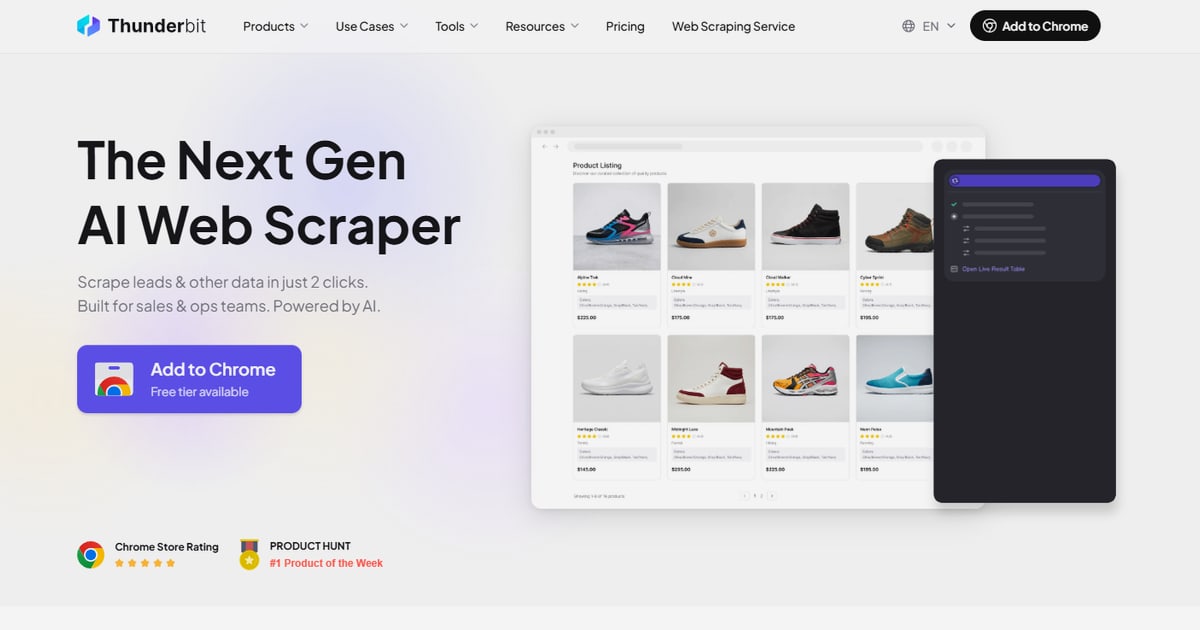
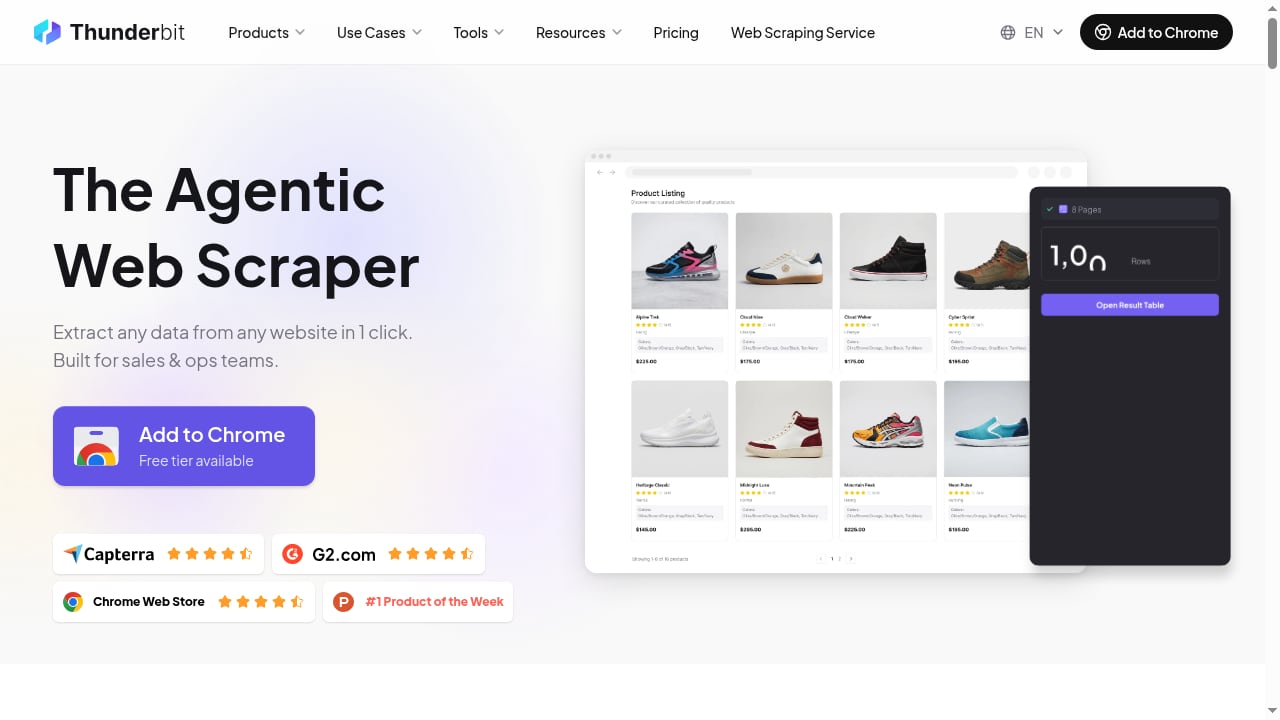
Thunderbit is a web scraping and data extraction tool built around an AI agent rather than a rule-based scraper. Its primary surface is a Chrome extension, but it also offers a web app, an open API, an MCP server for AI agent workflows, and a CLI for terminal automation. The core interaction is the One Click Extract flow: you open a page, click the button, and the agent reads the page structure to infer what fields matter—prices, names, emails, addresses, review counts, or whatever the page clearly presents—then proposes a table.
You can accept the proposed fields or refine them with plain-English instructions. The key difference from traditional scrapers is that you do not build a schema or write a single selector before getting a usable result. The agent handles the interpretation step.
The Agentic Difference
Most scrapers ask you to define what you want before they run. Thunderbit inverts that: it looks at the page first and suggests a structure. For a product listing page, it might propose columns for product name, price, rating, and availability. For a directory, it might propose company name, contact details, and location. This is genuinely useful for users who know the data they need but not the underlying HTML structure.
Ideal Users and Use Cases
First viewport screenshot of thunderbit.com.
Thunderbit is designed for non-technical teams—marketing, sales operations, research, and small business owners—who need structured data from websites without engineering support. It is less suited to developers who need fine-grained control over request headers, proxy rotation, or custom parsing logic, though the API and CLI provide an escape hatch.
Common use cases include:
- Competitor price monitoring: Extract product names, prices, and availability from competitor catalogs into a spreadsheet for comparison.
- Lead list building: Pull company names, contact pages, and public email addresses from directories, then enrich each row by following links to detail pages.
- Real estate and rental research: Collect listings with address, price, square footage, and agent contact details.
- Market research: Gather review counts, ratings, and product specifications from marketplaces or review sites.
- Content and SEO audits: Extract page titles, meta descriptions, headings, and internal links from a set of URLs for analysis.
Subpage Enrichment
A standout workflow is subpage enrichment: you scrape a list of items (for example, company names with links), and Thunderbit visits each linked page to pull additional fields—phone number, address, review count—then merges that data back into the original row. This turns a two-step manual process into one continuous extraction, which is valuable for lead generation and competitive research.
Strengths
- Low learning curve: The one-click flow produces a usable table without configuration. Non-technical users can get results in minutes.
- Agent-proposed fields: The AI suggests relevant columns based on page content, reducing the guesswork of what to extract.
- Subpage enrichment: List-to-detail merging saves significant manual effort for multi-page data collection.
- Multiple surfaces: Chrome extension, web app, API, MCP server, and CLI cover casual and programmatic use cases.
- Broad export options: Excel, Google Sheets, Airtable, Notion, and direct downloads fit common team workflows.
- Scheduling: Recurring runs are supported where the plan and surface allow, which helps with monitoring tasks.
Limitations
- Agent inference is not infallible: On pages with unusual layouts, heavy client-side rendering, or ambiguous structure, the proposed fields may miss the mark. You will need to refine instructions or adjust fields manually.
- Less control than code-based scrapers: If you need custom headers, precise pagination logic, or advanced proxy management, a developer-oriented tool or API will be more appropriate.
- Proxies are not the primary positioning: Thunderbit is not marketed as a stealth or proxy-heavy scraping platform, so sites with aggressive bot protection may require workarounds.
- Plan-dependent limits: Scheduling, cloud runs, and export options vary by plan, so check the current pricing page for exact allowances.
- Vendor-authored comparisons: Much of the detailed competitive information comes from Thunderbit's own blog, which is transparent about its bias but still warrants independent verification.
Pricing Signals
Thunderbit uses a credit-based model, with free and paid tiers. The free tier is useful for testing the one-click flow on a few pages, but production use—especially scheduling, subpage enrichment, and higher volume—requires a paid plan. Because pricing and plan limits change, treat any specific numbers as directional and confirm on the official site before committing. For teams comparing tools, the relevant question is not just the monthly price but the cost per extracted row once credits, subpage enrichment, and scheduling are factored in.
Setup and First Run
First viewport screenshot of thunderbit.com.
Setup is intentionally minimal:
- Install the Thunderbit Chrome extension from the Chrome Web Store.
- Open a page you want to extract data from.
- Click One Click Extract and review the agent's proposed fields.
- Optionally add plain-English instructions to refine the output.
- Run the extraction and export to your preferred destination.
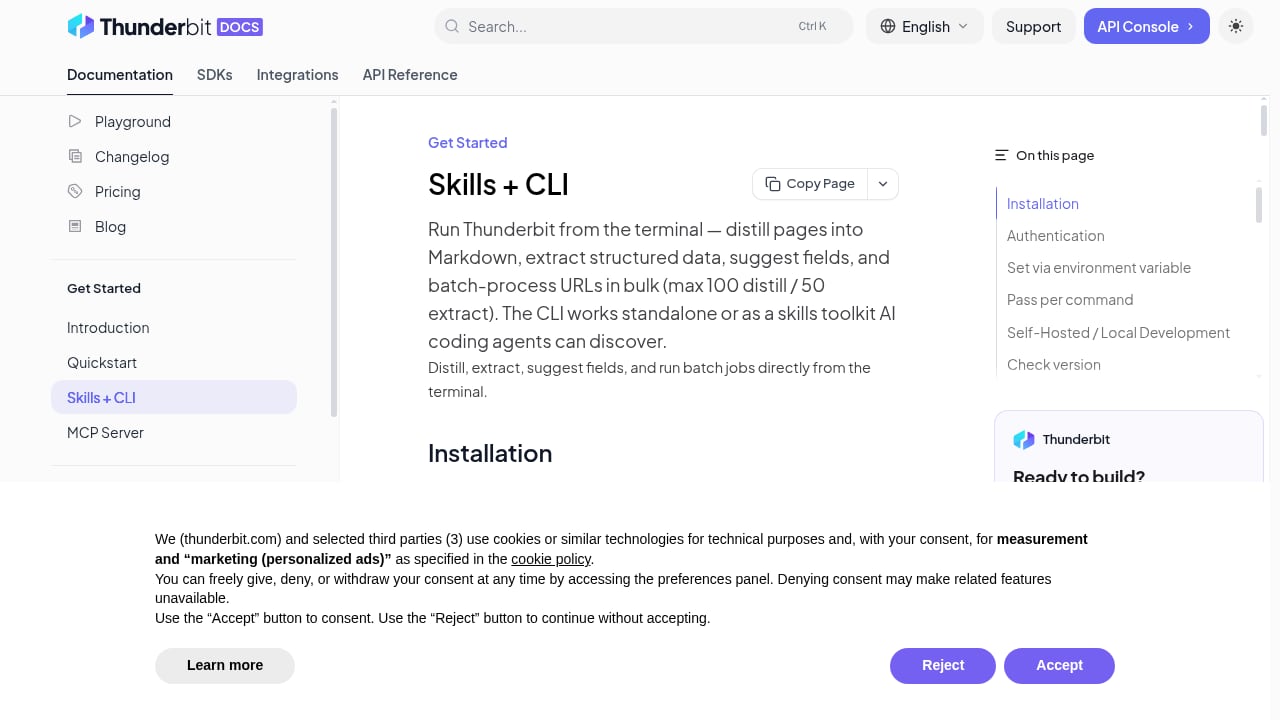
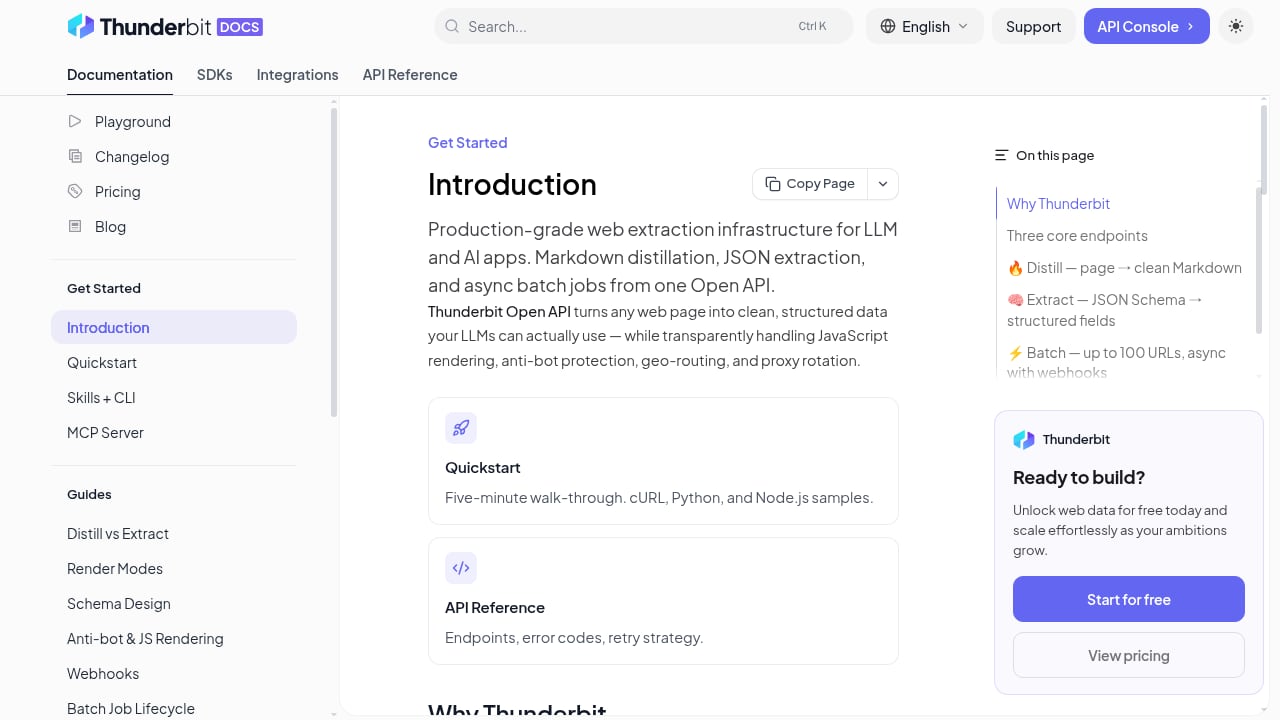
For programmatic use, the open API and MCP server allow integration with AI agent workflows, and the CLI supports terminal-based automation. These surfaces are more relevant to technical users and are not required for the core one-click workflow.
How Thunderbit Compares
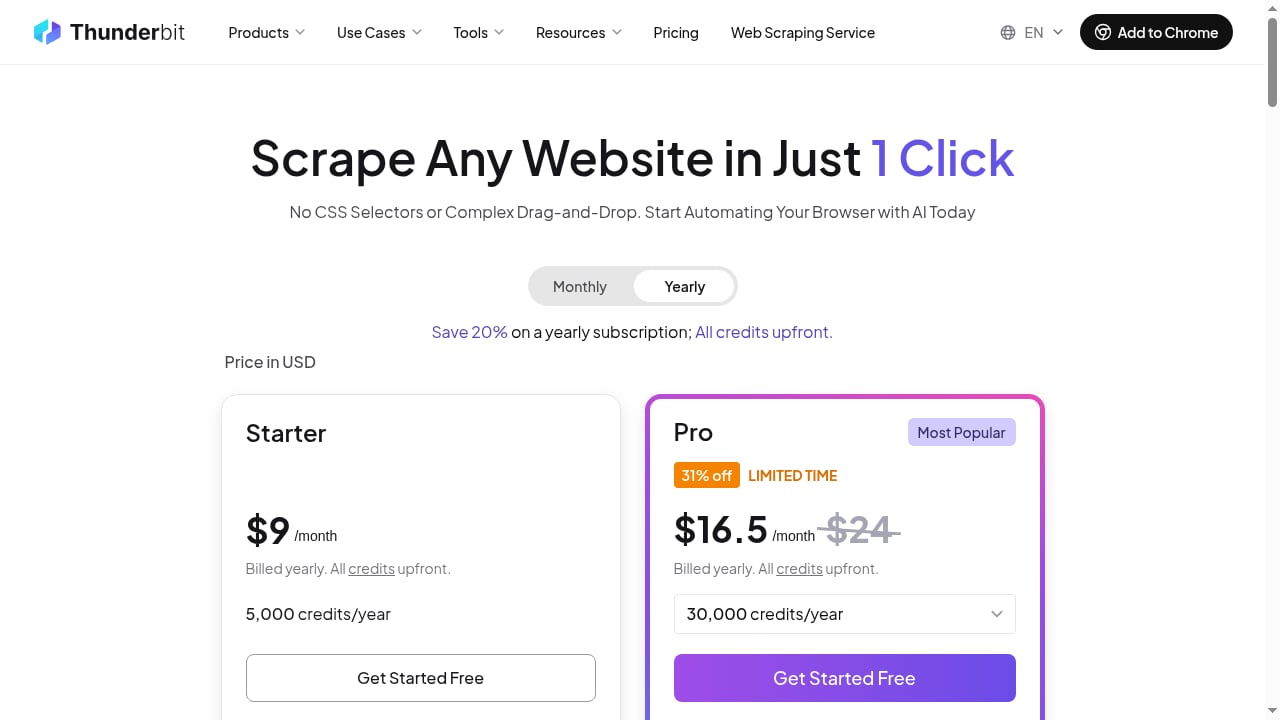
First viewport screenshot of thunderbit.com.
Thunderbit's own comparison with Ultimate Web Scraper is instructive. Ultimate Web Scraper takes a toolbox approach with dedicated extractors for emails, phone numbers, social links, images, Google Maps listings, and Shopify stores, plus unlimited local extraction on paid plans. Thunderbit's advantage is the single agentic action: less configuration, faster time to a usable table. Ultimate's advantage is specialized extractors and local-session economics for high-volume, local-heavy jobs.
If you need browser automation with more control—rendering JavaScript pages, running stateful sessions, or extracting structured data at scale—a developer-oriented platform may be a better fit. For a broader survey of options, see our top 10 web scraping browser extensions for 2026 and our guide to session persistence in browser automation.
Decision Criteria
Choose Thunderbit if:
- You are non-technical and need a spreadsheet from a webpage quickly.
- You want the tool to suggest what to extract rather than defining a schema yourself.
- You need subpage enrichment for list-to-detail workflows.
- You want multiple export destinations without writing code.
Consider alternatives if:
- You need fine-grained control over requests, proxies, or parsing logic.
- You are running high-volume local extractions and are price-sensitive.
- You need specialized extractors for emails, phone numbers, or Maps listings as first-class features.
- You require advanced stealth or anti-bot capabilities.
Related reading
- How to Use AdsCrawl with Cloudflare Developer Docs - Learn how to pair AdsCrawl's browser automation API with Cloudflare Developer Docs to scrape rendered developer documentation and build reliable AI context pipelines.
- AdsCrawl vs ScreenshotEngine vs Screenshotlayer: 2026 Guide - Compare AdsCrawl, ScreenshotEngine, and Screenshotlayer for screenshots, browser control, and data extraction. Find the right tool for your workflow.
FAQ
Is Thunderbit free to use?
Thunderbit offers a free tier for testing, but production use with scheduling, subpage enrichment, and higher volume requires a paid plan. Check the official pricing page for current limits.
Does Thunderbit require coding skills?
No. The core one-click workflow is designed for non-technical users. The API, MCP server, and CLI are optional surfaces for developers.
Can Thunderbit scrape paginated pages?
Yes, pagination and infinite scroll are supported on compatible pages. The agent handles the common case of scraping a list and following pagination.
What is subpage enrichment?
It is a workflow where Thunderbit takes a list of items, visits each linked detail page, extracts additional fields, and merges them back into the original row.
Is Thunderbit suitable for large-scale scraping?
It is best suited to moderate-volume, business-user workflows. For high-volume or highly customized scraping, a developer-oriented platform or API may be more appropriate.
How does Thunderbit compare to Ultimate Web Scraper?
Thunderbit emphasizes one-click agentic extraction, while Ultimate Web Scraper emphasizes a toolbox of specialized extractors and unlimited local extraction on paid plans. The better choice depends on whether you value speed of setup or specialized, high-volume local jobs.
Conclusion
Thunderbit delivers on its core promise: a non-technical user can turn a webpage into a structured spreadsheet with minimal setup. The agentic approach is a real differentiator for teams that lack scraping expertise, and subpage enrichment adds meaningful depth for lead generation and research workflows. The trade-offs are control and specialization—users who need fine-grained automation, advanced proxies, or dedicated extractors will find more capable options elsewhere. For its target audience, Thunderbit is a practical, fast path from webpage to spreadsheet.
For related reading, see our Firecrawl browser automation guide and our Steel review for cloud browser infrastructure.
Sources: