
How to Use AdsCrawl with Cloudflare Developer Docs
Learn how to pair AdsCrawl's browser automation API with Cloudflare Developer Docs to scrape rendered developer documentation and build reliable AI context pipelines.
How to Use AdsCrawl with Cloudflare Developer Docs
Developer documentation is one of the highest-value sources of context for AI agents, code assistants, and internal knowledge bases. It is also one of the hardest to collect reliably: docs sites are JavaScript-heavy, paginated, versioned, and increasingly protected by bot mitigations. Cloudflare Developer Docs publishes the reference material for Cloudflare's developer platform and edge infrastructure, and AdsCrawl provides the browser automation layer that turns those pages into clean, structured output.
This guide explains how the two fit together, the workflow and setup steps, practical examples, and the problems the combination solves. It is written for developers building AI context pipelines, documentation mirrors, or automated change tracking.
Why pair AdsCrawl with Cloudflare Developer Docs
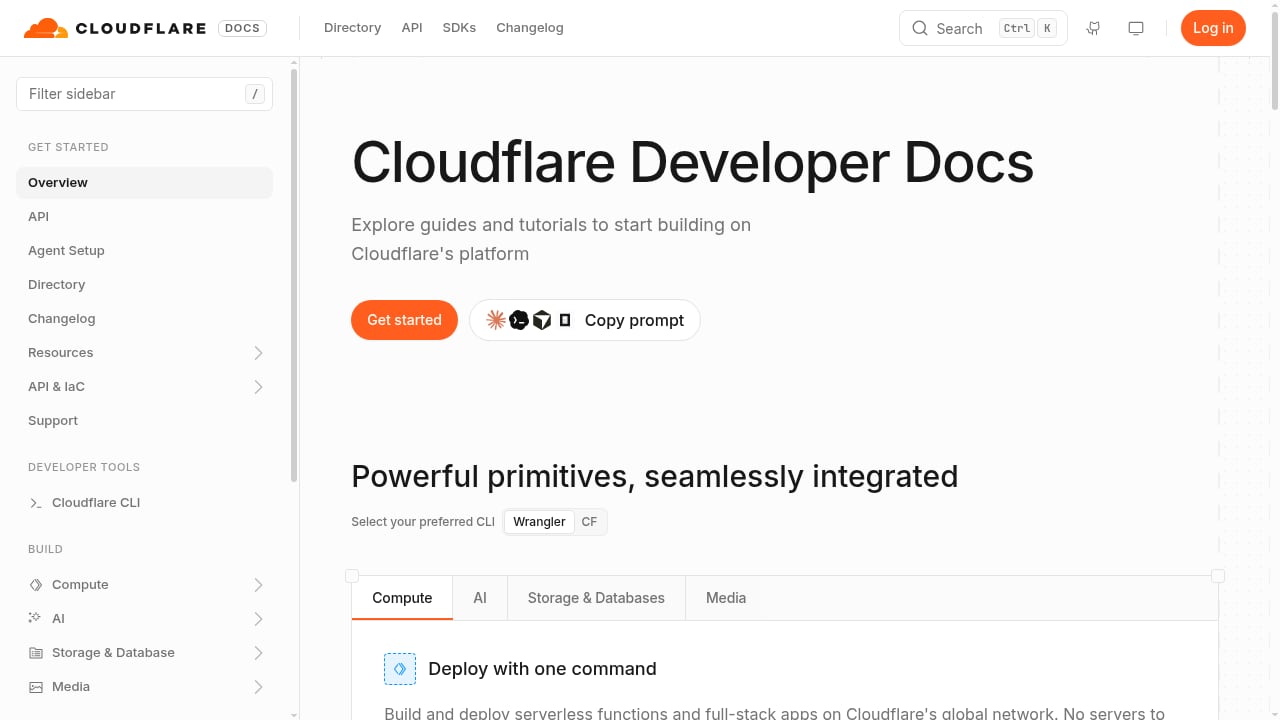
First viewport screenshot of developers.cloudflare.com.
Cloudflare Developer Docs is the canonical source for how Cloudflare's developer platform works: Workers, Pages, R2, D1, KV, Durable Objects, and the broader edge infrastructure stack. If you are building on that platform, or building an AI agent that answers questions about it, you need the docs in a machine-readable form.
The challenge is that documentation sites are not static HTML files. Many render navigation, code samples, and version selectors client-side. Some apply rate limits or bot challenges. A plain HTTP fetch often returns a shell of a page rather than the content you need.
AdsCrawl addresses this with a real browser environment. It offers synchronous endpoints for screenshots, rendered HTML, Markdown, and SPA extraction, plus stateful remote Chromium sessions that connect to Playwright, Puppeteer, or raw CDP clients. For documentation work, the Markdown endpoint is usually the most useful: it returns the readable content of a rendered page without the navigation chrome.
The division of labor is straightforward:
- Cloudflare Developer Docs is the source of truth for platform behavior, API references, and configuration examples.
- AdsCrawl is the retrieval and rendering layer that gets that content out in a usable format, at scale, without being blocked.
What each product contributes
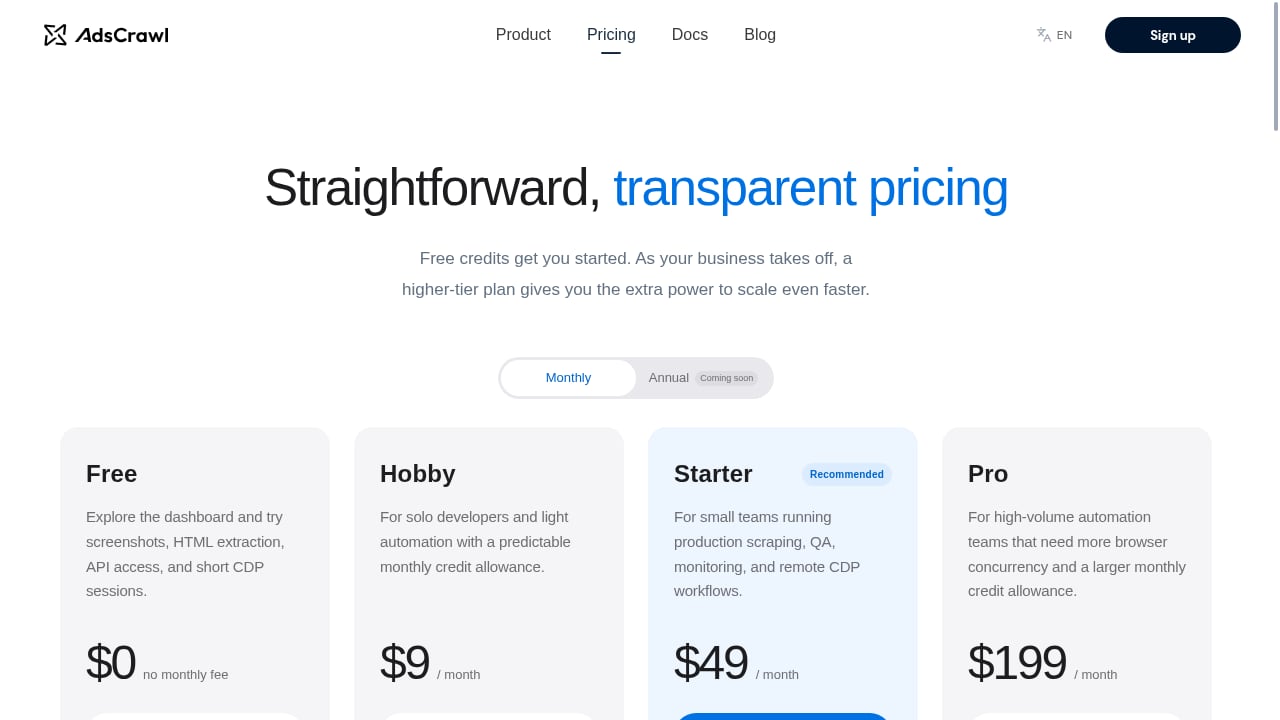
First viewport screenshot of www.adscrawl.net.
Cloudflare Developer Docs: the reference layer
Cloudflare Developer Docs organizes documentation by product and by task. It covers configuration, limits, pricing, and code examples for the developer platform. For AI context pipelines, the docs are valuable because they are authoritative and frequently updated. They also include an llms.txt index, which is designed to help AI systems discover and navigate the documentation structure.
AdsCrawl: the rendering and extraction layer
AdsCrawl is a browser automation API and cloud browser platform. Its relevant capabilities for documentation work include:
- Synchronous endpoints for rendered HTML, Markdown, JSON, and screenshots.
- Stateful remote Chromium sessions for multi-step workflows.
- Managed browser identity, random User-Agents, trusted proxies, and residential proxy routing.
- Dynamic region routing for geo-specific content.
- Saved cloud browser profiles with lifecycle management and interactive viewer access.
- An OpenAPI specification and an AI-friendly
llms.txtindex for its own documentation.
For docs scraping, the combination of rendered Markdown output and proxy routing is what makes the workflow practical at scale.
The workflow: from docs URL to structured context
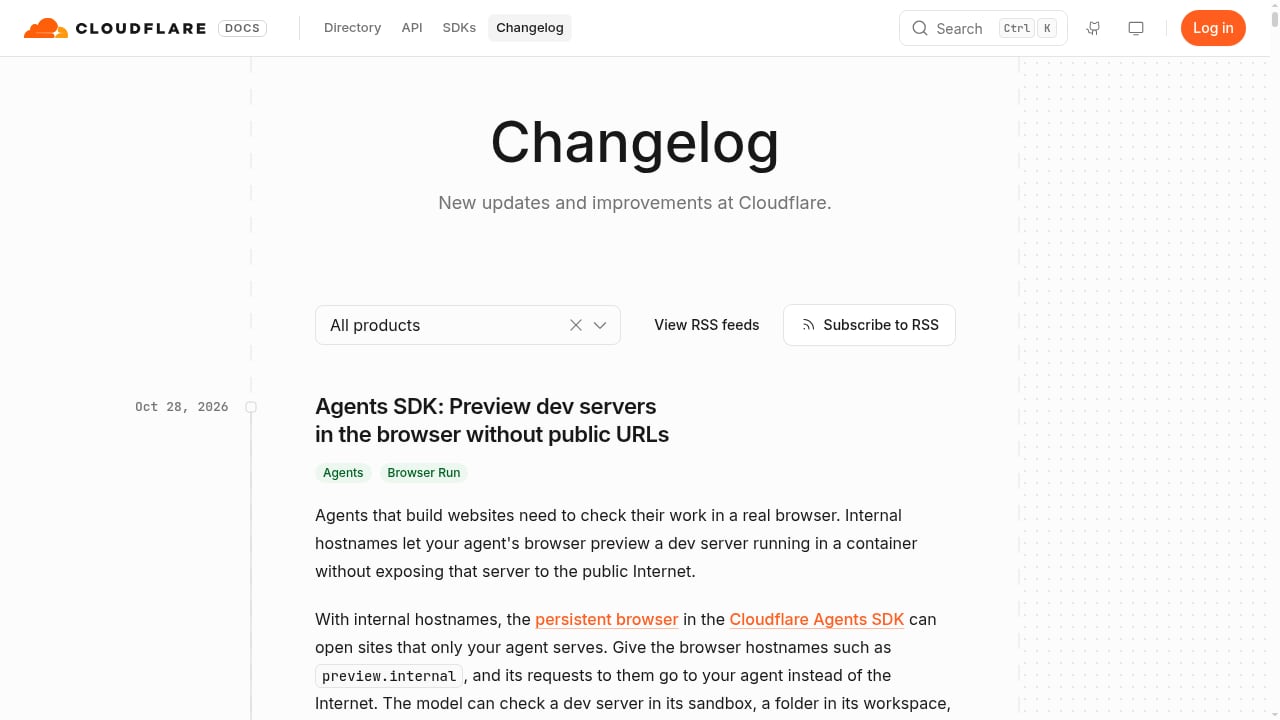
First viewport screenshot of developers.cloudflare.com.
A reliable documentation pipeline has five stages. Each stage maps to a specific capability in AdsCrawl.
Stage 1: Discover the documentation structure
Start with the llms.txt index that Cloudflare Developer Docs publishes. It lists the major documentation sections and gives you a map of the site. Use it to build a seed list of URLs rather than crawling blindly.
If you need to follow navigation links that are rendered client-side, use AdsCrawl's rendered HTML endpoint to capture the page after JavaScript execution, then parse the links from that output.
Stage 2: Render each page in a real browser
For each URL in your seed list, request the Markdown output from AdsCrawl. This returns the readable content of the page after the browser has executed its JavaScript. You avoid the common failure mode where a static fetch returns a loading shell or a partial page.
Stage 3: Normalize and chunk the content
Markdown output is easier to chunk than raw HTML. Split the content by heading structure so that each chunk corresponds to a section of the documentation. Preserve the source URL and the page title as metadata so that downstream retrieval can cite the original page.
Stage 4: Store and index
Store the normalized chunks in your vector store, search index, or knowledge base. If you are building on Cloudflare itself, Workers KV, R2, or D1 are natural storage targets. The same platform that hosts the docs can host your context pipeline.
Stage 5: Refresh on a schedule
Documentation changes. Schedule periodic re-crawls and compare hashes of the Markdown output to detect changes. Only re-index pages that actually changed. This keeps your context fresh without reprocessing the entire site.
Setup steps
Step 1: Get an AdsCrawl API key
Sign up for an AdsCrawl account. New accounts receive 500 free credits, which is enough to test a documentation crawl before committing to a paid plan. The Free, Hobby, Starter, and Pro plans are credit-based, so you can scale up as your crawl volume grows.
Step 2: Choose your endpoint
For most documentation work, the Markdown endpoint is the right choice. Use the rendered HTML endpoint when you need to inspect the DOM or extract structured data such as navigation trees. Use screenshots when you need visual verification of a page layout.
Step 3: Configure proxies and region
If the documentation site applies geo-specific behavior or bot mitigation, configure residential proxy routing and dynamic region routing in your request. AdsCrawl's managed browser identity and random User-Agents help requests look like normal browser traffic.
Step 4: Build the crawl loop
Iterate over your seed URLs, call the AdsCrawl endpoint for each, and write the output to your storage layer. Add retries and rate limiting to stay within your credit budget and to avoid overwhelming the target site.
Step 5: Validate the output
Spot-check a sample of pages. Confirm that code blocks, tables, and headings survived the conversion. Markdown conversion can occasionally flatten complex tables, so verify those pages specifically.
Practical examples
Example 1: Building an AI assistant for Cloudflare Workers
Suppose you are building an internal assistant that answers questions about deploying Workers. You need the Workers documentation, the runtime API reference, and the relevant configuration pages.
- Pull the
llms.txtindex to identify the Workers section. - Crawl each page with AdsCrawl's Markdown endpoint.
- Chunk by heading and store with source URLs.
- Connect the index to your retrieval layer.
When a developer asks how to configure a binding, the assistant retrieves the relevant chunk and cites the original documentation page.
Example 2: Tracking documentation changes
Platforms update their docs frequently. If your product integrates with Cloudflare, you want to know when a relevant page changes.
- Crawl the target pages weekly with AdsCrawl.
- Hash the Markdown output for each page.
- Compare hashes against the previous run.
- Send a diff notification for changed pages.
This is a lightweight change-detection system that does not require parsing the full HTML diff.
Example 3: Multi-region documentation verification
Some documentation includes region-specific limits or availability notes. Use AdsCrawl's dynamic region routing to fetch the same page from different regions and compare the rendered output. This surfaces regional differences that a single-region crawl would miss.
Problems the combination solves
| Problem | How the combination addresses it |
|---|---|
| JavaScript-rendered docs return empty shells | AdsCrawl renders pages in a real browser before extraction |
| Bot mitigation blocks automated fetches | Managed browser identity, random User-Agents, and residential proxies |
| Raw HTML is hard to chunk | Markdown output preserves structure and is easier to split |
| Content changes silently | Scheduled re-crawls with hash comparison detect updates |
| Regional differences are invisible | Dynamic region routing fetches geo-specific variants |
| Multi-step authenticated docs | Stateful remote Chromium sessions maintain session state |
When to use AdsCrawl versus simpler approaches
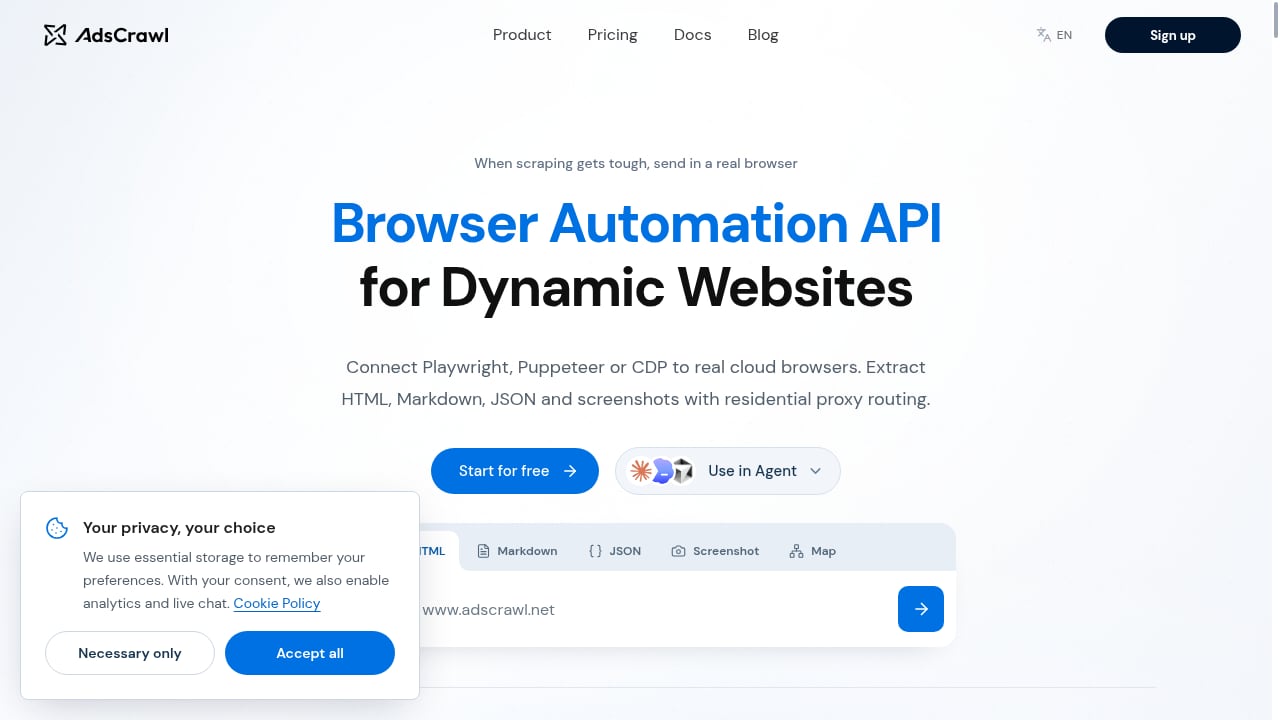
First viewport screenshot of www.adscrawl.net.
Not every documentation pipeline needs a full browser automation API. Use this decision guide:
- Static HTML docs with no bot protection: a simple HTTP client and HTML parser may be enough.
- JavaScript-rendered docs: use AdsCrawl's Markdown or rendered HTML endpoint.
- Docs behind bot mitigation or rate limits: use AdsCrawl with proxy routing.
- Authenticated or multi-step docs: use a stateful remote Chromium session with Playwright or Puppeteer.
- High-volume recurring crawls: use a paid AdsCrawl plan and schedule re-crawls with change detection.
If you are comparing browser automation options more broadly, see the AdsCrawl vs Steel vs Zyte comparison for a breakdown of CDP workflows versus managed data delivery. For session-heavy documentation workflows, the guide to session persistence in browser automation explains how stateful sessions keep cookies and logins alive across steps.
Related reading
- AdsCrawl vs ScreenshotEngine vs Screenshotlayer: 2026 Guide - Compare AdsCrawl, ScreenshotEngine, and Screenshotlayer for screenshots, browser control, and data extraction. Find the right tool for your workflow.
- AdsCrawl vs Lexmount: Cloud Browser API for AI Agents - Compare AdsCrawl and Lexmount Cloud Browser API for AI agents. See which offers better CDP control, data extraction, pricing, and proxy support.
- Steel Review: Cloud Browser Infrastructure for AI Agents - An evidence-based Steel review covering ideal users, use cases, strengths, limitations, pricing, setup, and decision criteria for AI agent browser infrastructure.
Sources and further reading
- Remote MCP Servers - Official Ahrefs MCP server that lets AI agents securely access Ahrefs SEO data, site metrics, keyword research, and competitor analysis through the Ahrefs API.
- Agentic Access Index - APIs.io - Browse recommended x-agentic-access execution contracts for API providers across the APIs.io network — action-class, consequence tier, scope, short-lived tokens, and human-in-the-loop escalation for every operation an AI agent could call. Classified from provider OpenAPI following Curity
- How a ‘client brain’ gives AI the context SEO work needs - Structured client memory helps AI-generated work stay grounded in brand guidance, campaign history, and technical limitations.
FAQ
What is Cloudflare Developer Docs?
Cloudflare Developer Docs is the documentation site for Cloudflare's developer platform and edge infrastructure. It covers products such as Workers, Pages, R2, D1, KV, and Durable Objects, including configuration, limits, and code examples.
Does AdsCrawl work with any documentation site, not just Cloudflare?
Yes. AdsCrawl is a general browser automation API. The workflow described here applies to any documentation site that renders content with JavaScript or applies bot mitigation. Cloudflare Developer Docs is simply a well-structured example.
Can I use AdsCrawl without writing browser automation code?
Yes. The synchronous endpoints for Markdown, HTML, and screenshots can be called directly with HTTP requests. Stateful remote Chromium sessions are available when you need Playwright, Puppeteer, or raw CDP control.
How do I keep my documentation context up to date?
Schedule recurring crawls and compare content hashes between runs. Only re-index pages that changed. AdsCrawl's credit-based plans make this predictable in cost.
Is there an AI-friendly index for AdsCrawl's own documentation?
Yes. AdsCrawl publishes an OpenAPI specification and an llms.txt index designed for AI systems to discover and navigate its documentation.
What happens if a page fails to render?
Add retries and fallback logic to your crawl loop. If a page consistently fails, inspect it with a screenshot or a rendered HTML request to determine whether the issue is bot mitigation, a client-side error, or a structural change in the page.
Conclusion
Pairing AdsCrawl with Cloudflare Developer Docs gives you a reliable way to turn authoritative platform documentation into structured, machine-readable context. AdsCrawl handles the hard parts of retrieval: JavaScript rendering, bot mitigation, proxy routing, and structured output. Cloudflare Developer Docs provides the reference material that AI agents, code assistants, and internal tools need to answer real questions accurately.
Start with the llms.txt index, crawl a small section with the Markdown endpoint, and validate the output before scaling. Once the pipeline is stable, add change detection and scheduled refreshes. The result is a documentation context layer that stays accurate as the platform evolves.