
AdsCrawl vs ScreenshotEngine vs Screenshotlayer: 2026 Guide
Compare AdsCrawl, ScreenshotEngine, and Screenshotlayer for screenshots, browser control, and data extraction. Find the right tool for your workflow.
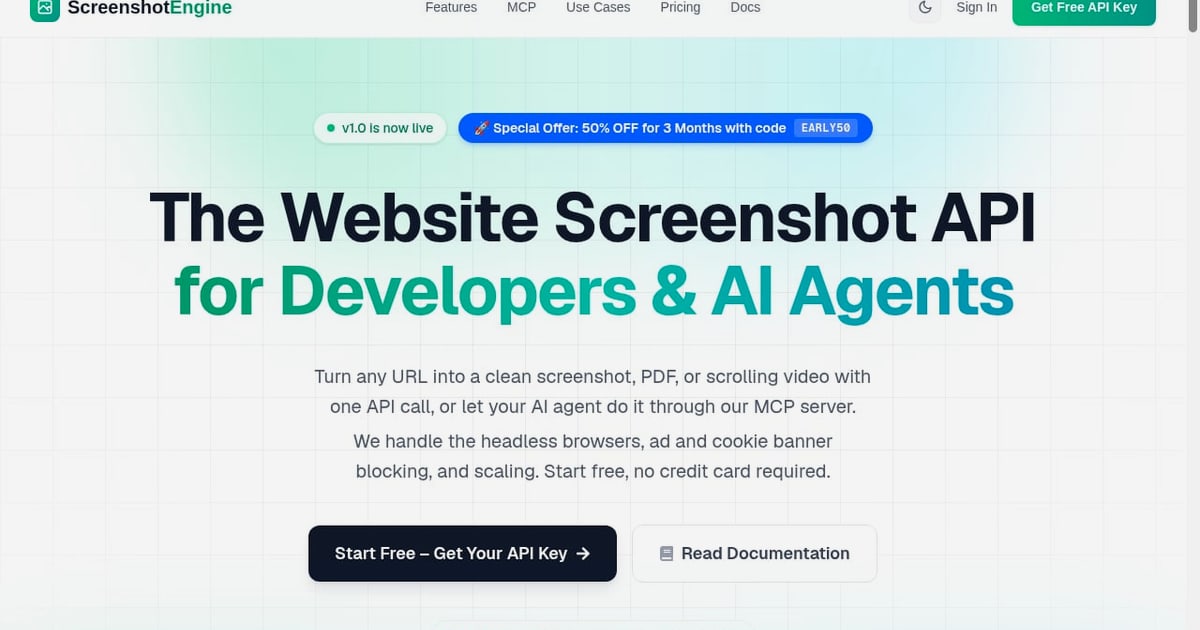
AdsCrawl vs ScreenshotEngine vs Screenshotlayer: Which Fits Your Workflow?
Screenshot APIs and browser automation platforms are often lumped together, but they solve different problems. ScreenshotEngine and Screenshotlayer are specialized screenshot services: you send a URL, you get an image back. AdsCrawl is a managed cloud browser and automation API: you drive a real Chromium browser over CDP, and screenshots are just one of several outputs.
This comparison breaks down where each tool is strong, where it is limited, and which one matches your actual task—whether that is generating link previews, capturing visual regression baselines, or scraping dynamic pages behind a login.
Quick comparison at a glance
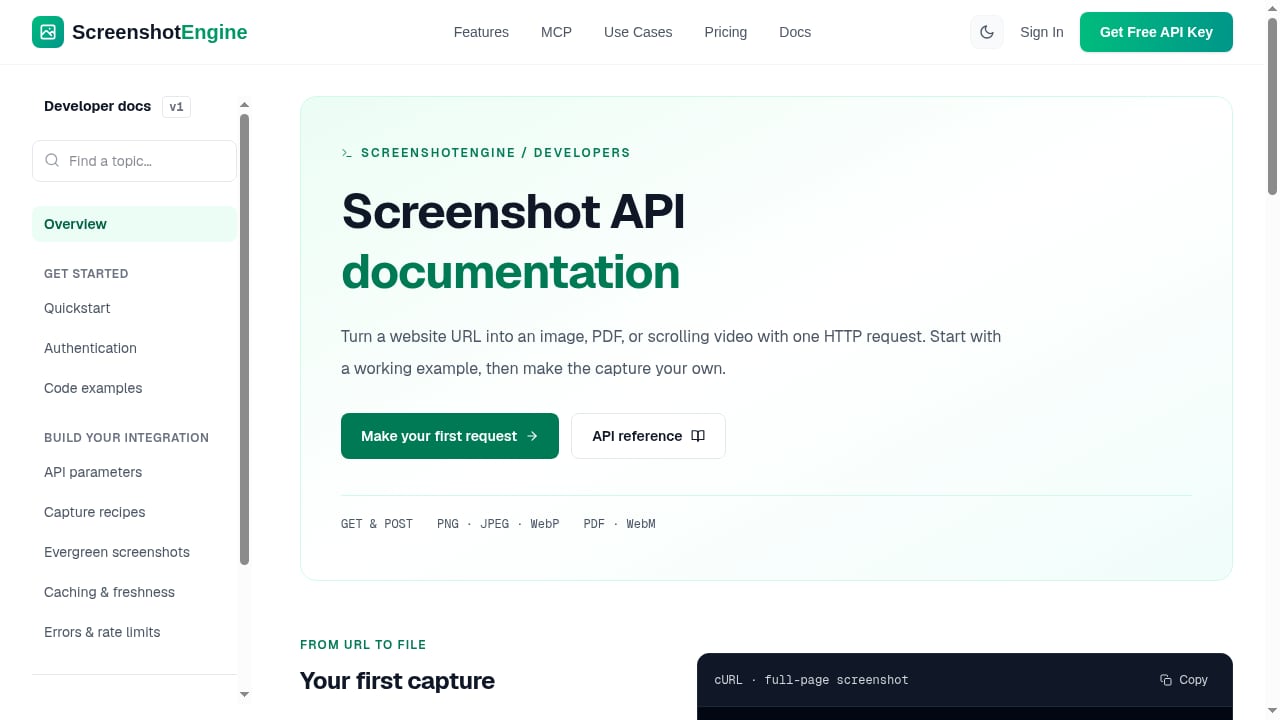
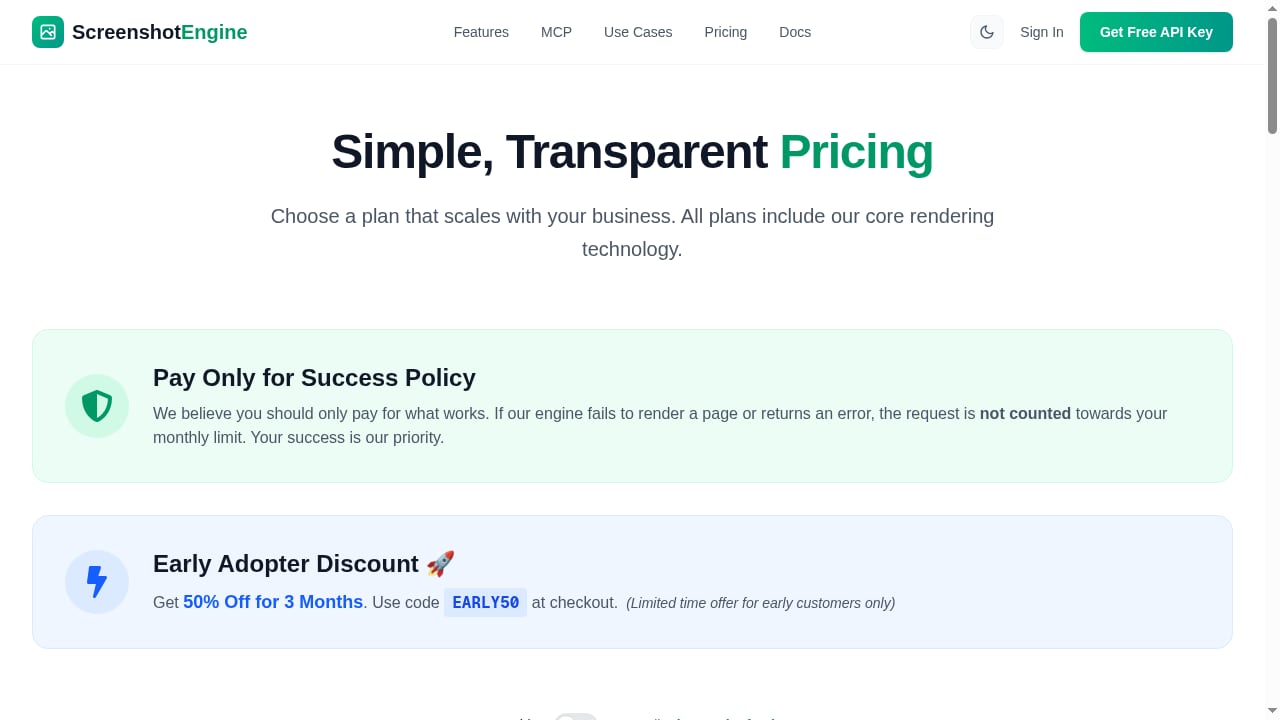
First viewport screenshot of www.screenshotengine.com.
| Criterion | AdsCrawl | ScreenshotEngine | Screenshotlayer |
|---|---|---|---|
| Primary output | Screenshots, HTML, Markdown, JSON, live browser sessions | PNG, JPEG, WebP, PDF, WebM video | PNG, JPEG, GIF image URLs |
| Browser control | Full CDP via Playwright, Puppeteer, or any CDP client | API parameters only | API parameters only |
| Session state | Stateful remote CDP sessions and saved cloud browser profiles | Not a core feature | Not a core feature |
| Proxy support | Residential proxy routing or custom proxies | Not highlighted | Not highlighted |
| Best for | Developers who need browser control and data extraction | Fast, clean screenshot capture for developers and AI agents | Customizable snapshot URLs within the APILayer suite |
What each tool is built to do
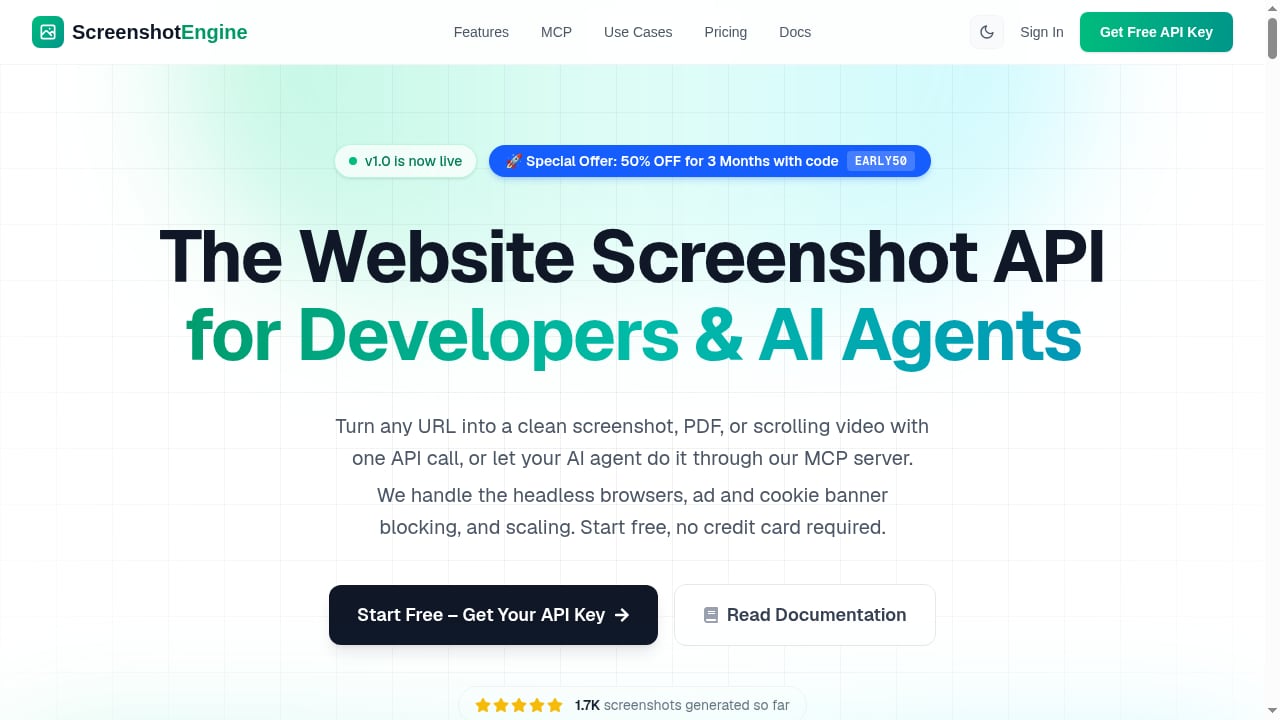
First viewport screenshot of www.screenshotengine.com.
AdsCrawl: a cloud browser you control
AdsCrawl runs real Chromium browsers in the cloud and lets you connect with Playwright, Puppeteer, or any CDP client. That means you can script page interactions, wait for SPA content to render, log in, and then extract whatever you need—a screenshot, the rendered HTML, Markdown, or structured JSON.
The platform also supports stateful remote CDP sessions, saved cloud browser profiles with lifecycle management, and live browser control through short-lived tokens. Proxy routing is built in, including free rotating residential proxies and custom proxy support. Pricing is subscription-based with monthly credits, starting from a free tier with 500 one-time credits up to a Pro plan at $199/month for 500,000 credits.
If your task involves authenticated sessions, multi-step navigation, or extracting data rather than just pixels, this is the category of tool you need. For a deeper look at how session state works in this kind of setup, see session persistence in browser automation.
ScreenshotEngine: a focused, queue-less screenshot API
ScreenshotEngine turns any URL into a clean PNG, JPEG, WebP, PDF, or scrolling WebM video with a single API call. It is designed for developers and AI agents, and it includes an MCP server for agent-driven captures.
The service handles headless browsers, ad and cookie banner blocking, and scaling on its side. Features include full-page and mobile viewport screenshots, element-specific captures, dark mode emulation, custom watermarking, PDF export, and caching with a 24-hour lifetime. Requests support GET and POST with Bearer or query authentication, return file bytes directly on HTTP 200, and require no job polling. A "Pay Only for Success" policy means failed renders are not counted against monthly limits.
Pricing includes a free tier with 50 screenshots per month (the homepage mentions 100 free screenshots), and paid plans bill monthly or annually with two months free on annual. An early adopter discount of 50% off for three months is available with code EARLY50. Documentation covers Node.js, Python, and PHP quickstarts plus integrations for n8n and viaSocket.
ScreenshotEngine is a good fit when you want a fast, queue-less screenshot endpoint and do not want to manage browser infrastructure.
Screenshotlayer: customizable snapshots inside the APILayer suite
Screenshotlayer returns high-resolution PNG, JPEG, and GIF images as URLs within seconds. It emphasizes a queueless screenshot automation engine and advanced options: custom thumbnail dimensions, viewport control, CSS injection, capture delay, custom caching time-to-live, and export to AWS S3 or FTP.
It is part of the APILayer unified suite, so one account, one API key, and one dashboard cover multiple APIs. The free tier is for personal use with 100 snapshots per month, and paid plans start at $19.99/month for 10,000 snapshots on the Basic plan, with overage billing to keep service running. Screenshotlayer is a reasonable choice if you already use APILayer products and want to consolidate vendors, or if you need direct S3/FTP export from the screenshot call itself.
For a standalone deep dive, see the Screenshotlayer review.
Where AdsCrawl has a supported advantage
AdsCrawl is not a drop-in replacement for a pure screenshot API, and it should not be positioned as one. But on several criteria it has a clear, documented edge:
- Browser control and scripting. AdsCrawl exposes a real Chromium browser over CDP. You can click, scroll, fill forms, wait for selectors, and handle multi-step flows. ScreenshotEngine and Screenshotlayer expose parameter-based APIs; they do not give you a programmable browser session.
- Session and profile management. Stateful remote CDP sessions and saved cloud browser profiles let you reuse login state across tasks. Screenshot APIs are generally stateless per request.
- Data extraction beyond images. AdsCrawl returns HTML, Markdown, and JSON in addition to screenshots. That makes it suitable for scraping SPAs and authenticated pages, not just visual capture.
- Proxy routing. Residential and custom proxy support is built into the platform, which matters when target sites apply geo- or IP-based restrictions.
Where ScreenshotEngine and Screenshotlayer are the better fit
10 Visual Testing Best Practices for Flawless UIs.
Both substitutes are strong at what they do, and in several areas they are simpler or more convenient than a full browser automation platform:
- Simplicity and speed of integration. A single API call returns an image. There is no browser session to manage, no CDP connection to maintain, and no cleanup logic. For link previews, social cards, or thumbnail generation, this is the shortest path.
- Screenshot-specific features. ScreenshotEngine offers element-specific captures, dark mode emulation, watermarking, WebM video, and an MCP server for AI agents. Screenshotlayer offers CSS injection, capture delay, custom caching TTL, and direct S3/FTP export. These are purpose-built conveniences that a general browser API does not package as first-class parameters.
- Predictable per-image pricing. ScreenshotEngine's "Pay Only for Success" policy and Screenshotlayer's overage billing are designed around image volume. If your workload is measured in screenshots per month, these pricing models are easy to reason about.
- Ecosystem fit. Screenshotlayer's inclusion in the APILayer suite is a real operational benefit for teams already using those APIs. ScreenshotEngine's documentation and integrations (n8n, viaSocket) lower the setup cost for automation builders.
How to choose: match the tool to the task
First viewport screenshot of www.screenshotengine.com.
Choose AdsCrawl if...
- You need to interact with a page before capturing or extracting (logins, forms, infinite scroll, SPA hydration).
- You want HTML, Markdown, or JSON alongside screenshots.
- You need reusable browser profiles or stateful CDP sessions.
- You are building QA, monitoring, or scraping workflows that require proxy routing.
Choose ScreenshotEngine if...
- Your primary output is an image, PDF, or short video.
- You want a queue-less API with no job polling and a success-based billing policy.
- You are building for AI agents and want an MCP server for captures.
- You need element-specific screenshots, dark mode emulation, or watermarking without writing browser code.
Choose Screenshotlayer if...
- You already use APILayer products and want one account and API key.
- You need direct export to AWS S3 or FTP from the screenshot request.
- You want CSS injection, capture delay, or custom caching TTL as API parameters.
- You prefer URL-returned images that are easy to embed in applications.
Practical examples
Link preview service. A stateless screenshot API is the right tool. One request per URL, cache the result, done. ScreenshotEngine or Screenshotlayer will be simpler and cheaper than running a browser session.
Competitive price monitoring. You need to log in, navigate to a product page, wait for dynamic pricing to load, and extract structured data. AdsCrawl's CDP sessions and data extraction fit this workflow; a screenshot API would only give you an image of the page. For a concrete pattern, see using AdsCrawl with a price API for e-commerce.
Visual regression testing. If you need to script interactions before capturing a baseline, AdsCrawl gives you the control. If you only need a full-page capture of a public URL at a fixed viewport, a screenshot API is sufficient and easier to operate.
AI agent workflows. ScreenshotEngine's MCP server is designed for agent-driven captures. AdsCrawl is a better fit when the agent needs to reason over page content (HTML/Markdown/JSON) or maintain a session across steps.
Related reading
- AdsCrawl vs Lexmount: Cloud Browser API for AI Agents - Compare AdsCrawl and Lexmount Cloud Browser API for AI agents. See which offers better CDP control, data extraction, pricing, and proxy support.
- Steel Review: Cloud Browser Infrastructure for AI Agents - An evidence-based Steel review covering ideal users, use cases, strengths, limitations, pricing, setup, and decision criteria for AI agent browser infrastructure.
Sources and further reading
- Compare Browser Automation & Web Scraping APIs | AdsCrawl - Compare AdsCrawl with other browser automation and web scraping APIs. Review output formats, browser sessions, proxy setup, and billing before choosing.
- Screenshotlayer API | Free, Powerful Screenshot API - Free URL to Screenshot API - capture crisp and clean snapshots of any website, with any device, any setting and lightning fast. Free for personal use.
- Best Screenshot APIs Compared (2026): Pricing, Features & Performance - Looking for the best screenshot API? We compare ScreenURL, Urlbox, ScreenshotOne, APIFlash, and Screenshotlayer on pricing, speed, features, and value.
FAQ
Is AdsCrawl a screenshot API?
AdsCrawl can produce screenshots, but it is a managed cloud browser and browser automation API. Its main differentiator is full CDP control and data extraction (HTML, Markdown, JSON), not just image capture.
Can ScreenshotEngine or Screenshotlayer handle logged-in pages?
They are parameter-based screenshot APIs and do not expose a programmable browser session for login flows. For authenticated captures, a browser automation platform like AdsCrawl is the appropriate tool.
Which tool is cheapest for high-volume screenshots?
Pricing models differ. ScreenshotEngine uses a success-based policy and monthly/annual plans, while Screenshotlayer starts at $19.99/month for 10,000 snapshots with overage billing. AdsCrawl uses monthly credits across browser tasks, so cost depends on how much browser runtime and data extraction you need. Compare against your actual task mix rather than per-image price alone.
Do these tools support proxies?
AdsCrawl supports residential proxy routing and custom proxies. ScreenshotEngine and Screenshotlayer do not highlight proxy configuration as a core feature; check their current documentation if proxy routing is a requirement.
Which is better for AI agents?
ScreenshotEngine offers an MCP server for agent-driven captures, which is a strong fit for image-only tasks. AdsCrawl is better when the agent needs to interact with the page or extract structured content. For a broader landscape, see top cloud browser infrastructure for AI agents.
Conclusion
AdsCrawl, ScreenshotEngine, and Screenshotlayer are not direct substitutes for every use case. ScreenshotEngine and Screenshotlayer are efficient, purpose-built screenshot APIs with convenient features and predictable image-based pricing. AdsCrawl is the right choice when you need a real browser you can script, sessions you can reuse, and data you can extract beyond an image.
The decision comes down to your output: if you need an image, a screenshot API is the shortest path. If you need control, state, and structured data, use a cloud browser API.