
AdsCrawl vs Lexmount: Cloud Browser API for AI Agents
Compare AdsCrawl and Lexmount Cloud Browser API for AI agents. See which offers better CDP control, data extraction, pricing, and proxy support.
AdsCrawl vs Lexmount: Which Cloud Browser API Fits Your AI Agent Workflow?
When you're building AI agents that need to browse the web, you face a choice: use a specialized browser automation API like AdsCrawl, or a cloud browser and web fetch API like Lexmount. Both promise to connect your agent to remote browsers and extract web data, but they differ in control depth, supported protocols, and how much of the browser you actually get to touch. This comparison breaks down the key differences so you can pick the right tool for your stack.
Search Intent: What Developers Actually Need
Developers searching for "AdsCrawl vs Lexmount" or "cloud browser API for AI agents" are typically evaluating infrastructure for one of three jobs: running multi-step browser interactions, extracting structured data from dynamic pages, or giving an AI agent a persistent browser session. They want to know which platform offers real CDP access, how pricing scales, and whether the tool supports their existing Playwright or Puppeteer code. This article addresses those questions directly.
How AdsCrawl and Lexmount Differ at the Core
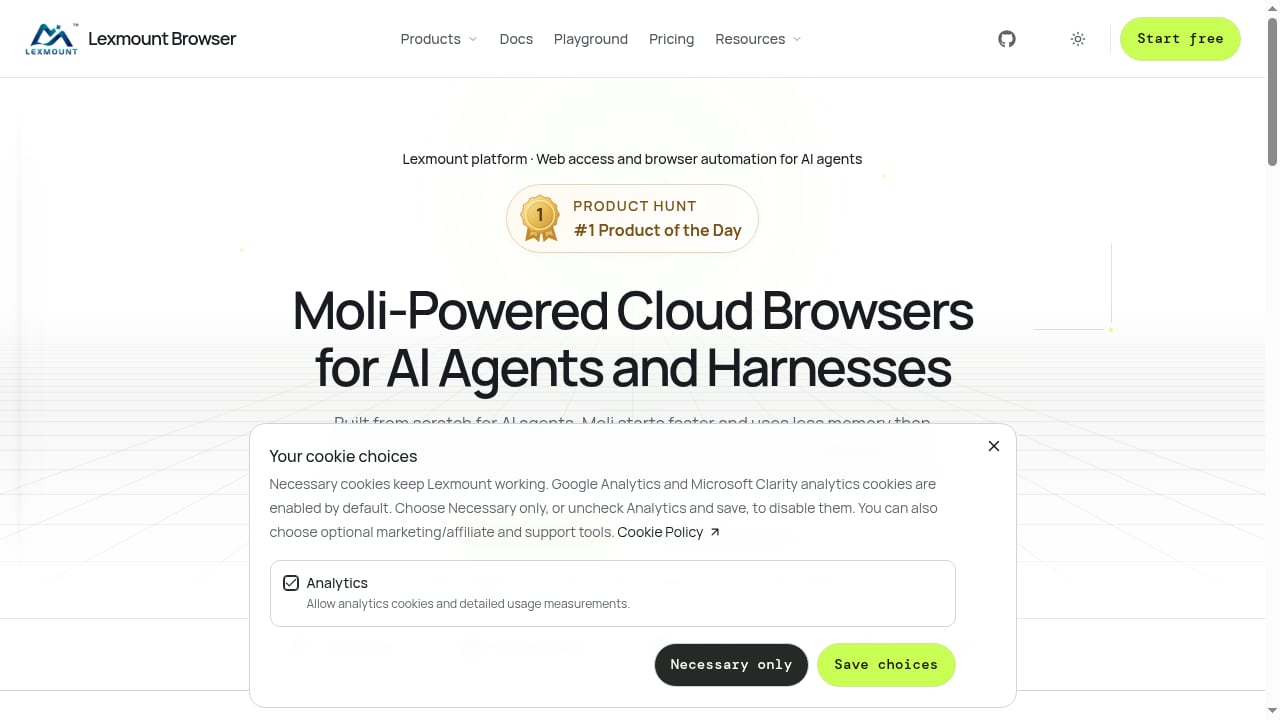
First viewport screenshot of browser.lexmount.com.
AdsCrawl: Full Browser Control via CDP
AdsCrawl is a managed cloud browser and browser automation API built for developers who need real browser sessions. It lets you connect Playwright, Puppeteer, or any CDP client to cloud Chromium browsers. You can extract HTML, Markdown, JSON, and screenshots from dynamic sites, including single-page applications and authenticated sessions. AdsCrawl also offers stateful remote CDP sessions, saved browser profiles with lifecycle management, and live browser control via short-lived tokens. Residential proxy routing and custom proxies are supported, and the platform integrates with AdsPower for fingerprint management.
Lexmount: Cloud Browser and Web Fetch API
Lexmount provides a cloud browser API for AI agents and a separate Web Fetch API for structured web content extraction. It lets you connect AI agents and Playwright to remote browsers, and use the Web Fetch API to pull structured data from web pages. The product context describes it as a cloud browser automation and web data extraction API, but does not detail the depth of CDP access, session persistence features, or proxy options beyond what is stated.
Feature Comparison: Where AdsCrawl Leads
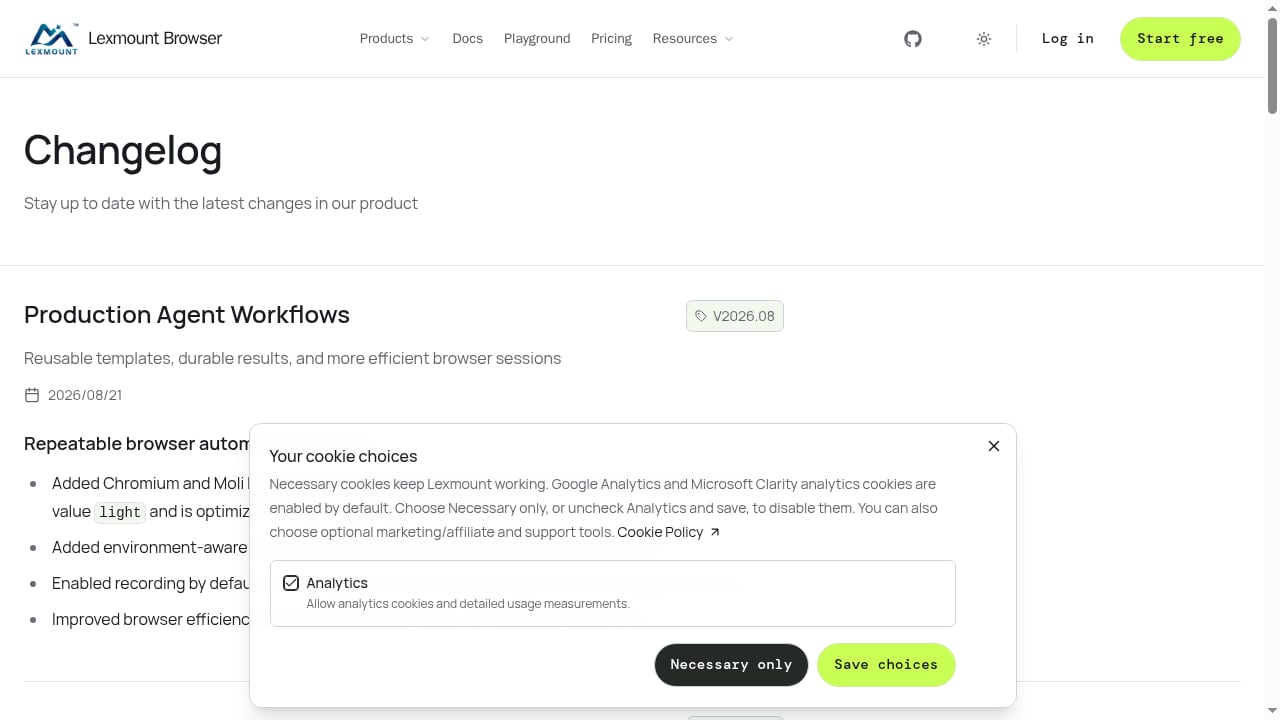
First viewport screenshot of browser.lexmount.com.
Protocol and Control Depth
AdsCrawl exposes full CDP sessions, meaning you can inspect and manipulate the browser at the protocol level. This is valuable when you need to debug page behavior, verify rendering state, or build custom interactions that go beyond simple navigation. Lexmount supports Playwright connections, but the available information does not confirm whether it offers raw CDP access or the same level of protocol control.
Data Extraction Formats
AdsCrawl returns HTML, Markdown, JSON, and screenshots from a single API, with dedicated endpoints for each. You can request Markdown for readable content, HTML for rendered markup, or JSON for structured fields. Lexmount's Web Fetch API is described as providing structured web content extraction, but the specific output formats and extraction modes are not detailed in the source material.
Session Persistence and Profiles
AdsCrawl offers saved cloud browser profiles with lifecycle management, allowing you to persist cookies, logins, and browser state across sessions. This is critical for workflows that require authenticated sessions or repeated visits to the same site. Lexmount's documentation does not mention profile persistence or session reuse features, so it's unclear whether it supports this capability.
Proxy and Anti-Bot Support
AdsCrawl includes free rotating residential proxies and supports custom proxies, with routing options across multiple regions. It also integrates with AdsPower for native fingerprint browsers, which helps with sites that require consistent browser identity. Lexmount's proxy and anti-bot capabilities are not specified in the available product context, making it difficult to assess its suitability for protected sites.
Pricing and Getting Started
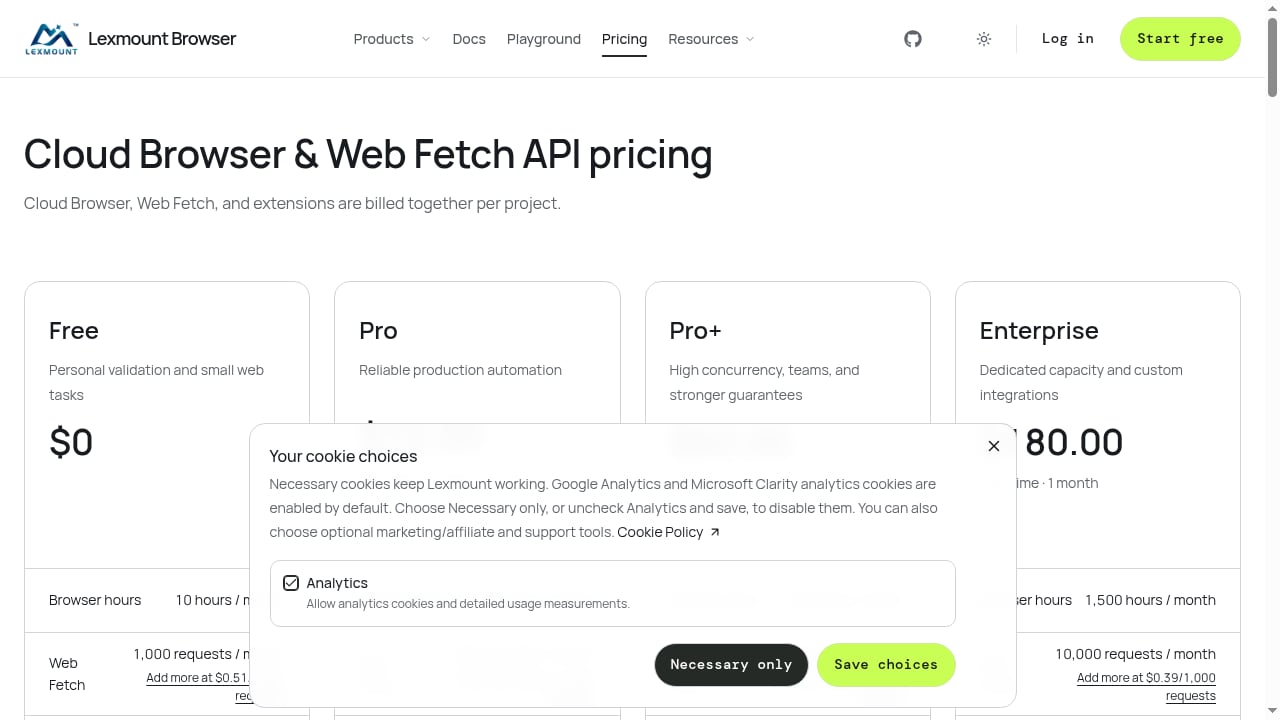
AdsCrawl uses a subscription-based model with monthly credits. The Free tier includes 500 one-time credits, and the Pro plan costs $199 per month for 500,000 credits. Annual billing is coming soon. Lexmount's pricing is not provided in the source material, so a direct cost comparison is not possible. Developers should request current pricing from Lexmount before committing.
When to Choose AdsCrawl
AdsCrawl is the stronger choice when your workflow requires:
- Full CDP control for debugging, custom interactions, or protocol-level inspection.
- Multiple output formats (HTML, Markdown, JSON, screenshots) from a single API.
- Persistent browser profiles for authenticated or stateful workflows.
- Residential proxy routing with regional options and AdsPower fingerprint integration.
- A clear credit-based pricing model with a free tier to test before scaling.
If you're building AI agents that need to observe pages, execute bounded actions, and maintain session state, AdsCrawl's Remote CDP sessions and browser task endpoints provide the execution layer. For a deeper look at how session persistence works, see our guide on session persistence in browser automation.
When to Consider Lexmount
First viewport screenshot of browser.lexmount.com.
Lexmount may be a fit if you need a combined cloud browser and web fetch API and prefer a simpler abstraction. Its Web Fetch API could be useful for straightforward structured extraction tasks where you don't need full browser control. However, because detailed feature and pricing information is limited, you should verify CDP support, session persistence, proxy options, and output formats directly with Lexmount before adopting it for production workflows.
Practical Example: Connecting an AI Agent to a Remote Browser
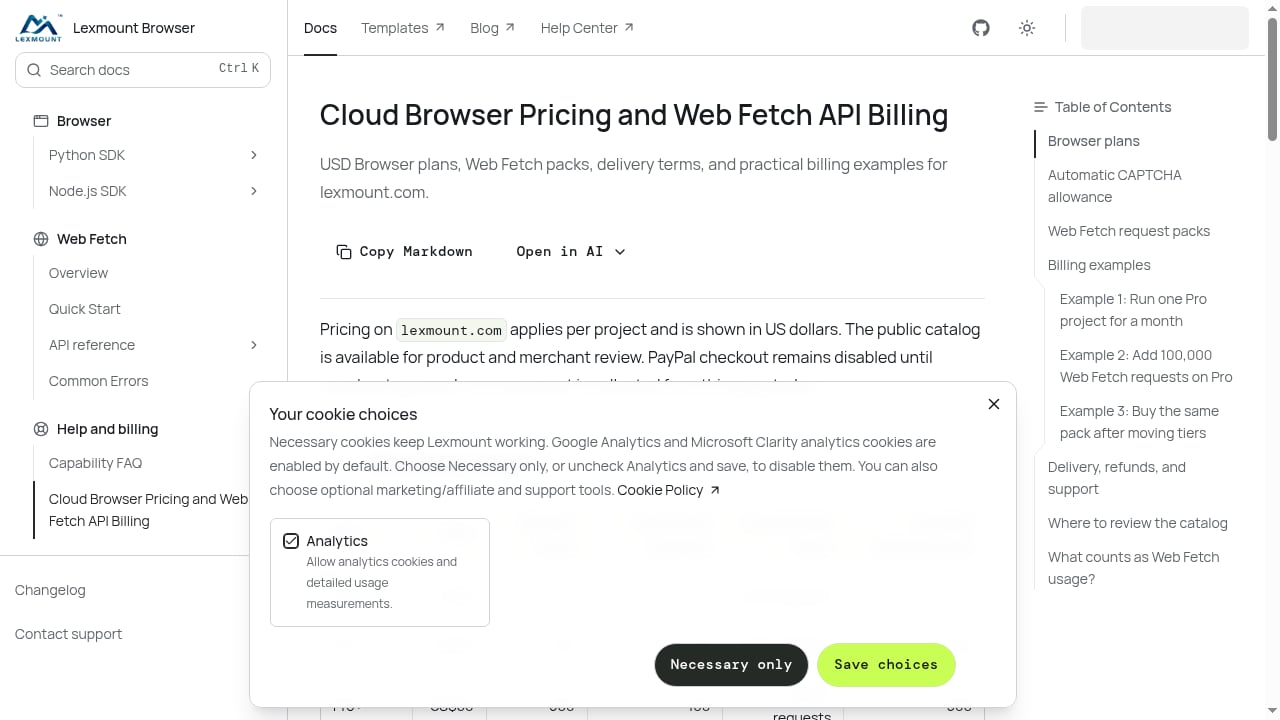
First viewport screenshot of Cloud Browser Pricing and Web Fetch API Billing | Lexmount.
With AdsCrawl, you can create a remote CDP session and connect Playwright in a few lines of code. The following example demonstrates the connection pattern (requires Node.js and Playwright):
import { chromium } from "playwright";

const base = "https://api.adscrawl.net";
const headers = {
  "x-api-key": process.env.ADSCRAWL_API_KEY,
  "content-type": "application/json",
};
const res = await fetch(base + "/cdp/sessions", {
  method: "POST",
  headers,
  body: JSON.stringify({ idleTimeoutMs: 600000 }),
});
if (!res.ok) throw new Error(await res.text());
const session = await res.json();
try {
  const browser = await chromium.connectOverCDP(session.cdpBaseUrl);
  const page = await browser.contexts()[0].newPage();
  await page.goto("https://www.adscrawl.net");
  console.log(await page.title());
} finally {
  await fetch(base + "/cdp/sessions/" + session.sessionId, {
    method: "DELETE",
    headers,
  });
}
This pattern gives your agent a real browser session, with cleanup handled in a finally block. For a broader comparison of cloud browser infrastructure options, see our top 10 cloud browser infrastructure for AI agents.
Related reading
- Steel Review: Cloud Browser Infrastructure for AI Agents - An evidence-based Steel review covering ideal users, use cases, strengths, limitations, pricing, setup, and decision criteria for AI agent browser infrastructure.
- How to Use AdsCrawl with Price API for Data-Driven E-Commerce - Combine AdsCrawl cloud browser rendering with Price API to extract and enrich e-commerce pricing data. Setup steps, code workflow, and practical examples.
FAQ
Does AdsCrawl support Playwright and Puppeteer?
Yes. AdsCrawl supports Playwright, Puppeteer, and any CDP client. You connect to a remote browser session using the returned CDP URL.
Can I extract Markdown instead of HTML with AdsCrawl?
Yes. AdsCrawl's /html endpoint accepts a contentMode parameter. Set it to markdown for readable text, html for rendered markup, or json for a structured version.
Does Lexmount offer CDP access?
The available product context states that Lexmount connects AI agents and Playwright to remote browsers, but it does not specify whether raw CDP access is available. You should confirm this directly with Lexmount.
How does AdsCrawl handle authenticated sessions?
AdsCrawl supports saved cloud browser profiles that persist cookies and login state. You can reuse a profile across sessions to maintain authenticated workflows.
Is there a free tier for AdsCrawl?
Yes. AdsCrawl offers 500 one-time credits on signup, allowing you to test browser automation workflows before committing to a paid plan.
Conclusion
AdsCrawl and Lexmount both target developers building AI agents and web automation workflows, but they differ in transparency and control. AdsCrawl provides documented CDP access, multiple extraction formats, persistent profiles, and residential proxy routing, with a clear credit-based pricing model. Lexmount offers a cloud browser and web fetch API, but detailed feature and pricing information is limited, making it harder to evaluate for production use. If you need full browser control and a proven extraction layer, AdsCrawl is the more complete choice. For a side-by-side look at other alternatives, see our AdsCrawl vs Steel vs Zyte comparison.
Sources: