
AdsCrawl vs WebScrapingAPI: Which Scraping API Wins?
Compare AdsCrawl and WebScrapingAPI on browser control, structured extraction, proxies, and pricing to find the right scraping API for your workflow.
AdsCrawl vs WebScrapingAPI: Which Scraping API Wins?
Choosing between AdsCrawl and WebScrapingAPI often comes down to one question: do you need a real, controllable browser session, or a managed request-and-response pipeline? Both tools can return HTML or JSON from dynamic pages, but they are built around different workflows. This comparison breaks down their documented capabilities, so you can match the tool to your actual job.
Search intent and what this comparison covers
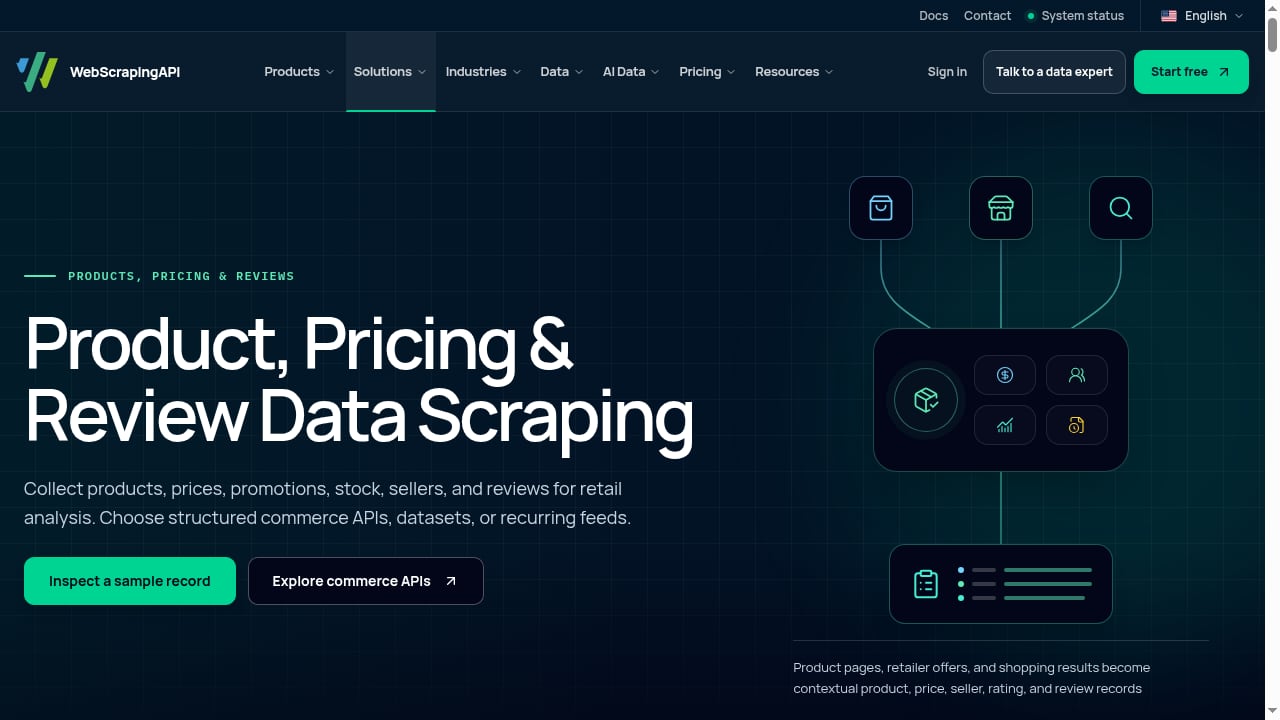
First viewport screenshot of www.webscrapingapi.com.
People searching for "AdsCrawl vs WebScrapingAPI" are usually developers or data teams evaluating a scraping stack. They want to know which API handles JavaScript-heavy pages, authenticated sessions, structured extraction, and proxy routing with less operational overhead. This article focuses on documented features, not benchmark claims.
AdsCrawl at a glance
AdsCrawl is a browser automation API and cloud browser platform. Its core strength is giving you a real Chromium environment you can control directly.
- Synchronous endpoints for screenshots, rendered HTML, Markdown, and SPA extraction.
- Stateful remote Chromium sessions that connect to Playwright, Puppeteer, or raw CDP clients.
- Managed browser identity, including random User-Agents, trusted proxies, residential proxy routing, and dynamic region routing.
- Saved cloud browser profiles with lifecycle management, custom proxies, and interactive viewer access.
- Credit-based plans: Free, Hobby, Starter, and Pro, with 500 free credits on signup.
- Output formats: HTML, Markdown, JSON, and screenshots.
- Developer resources: OpenAPI specification and an AI-friendly llms.txt index.
In short, AdsCrawl is positioned for when scraping gets tough: authenticated sessions, JavaScript-heavy pages, and structured web data at scale.
WebScrapingAPI at a glance
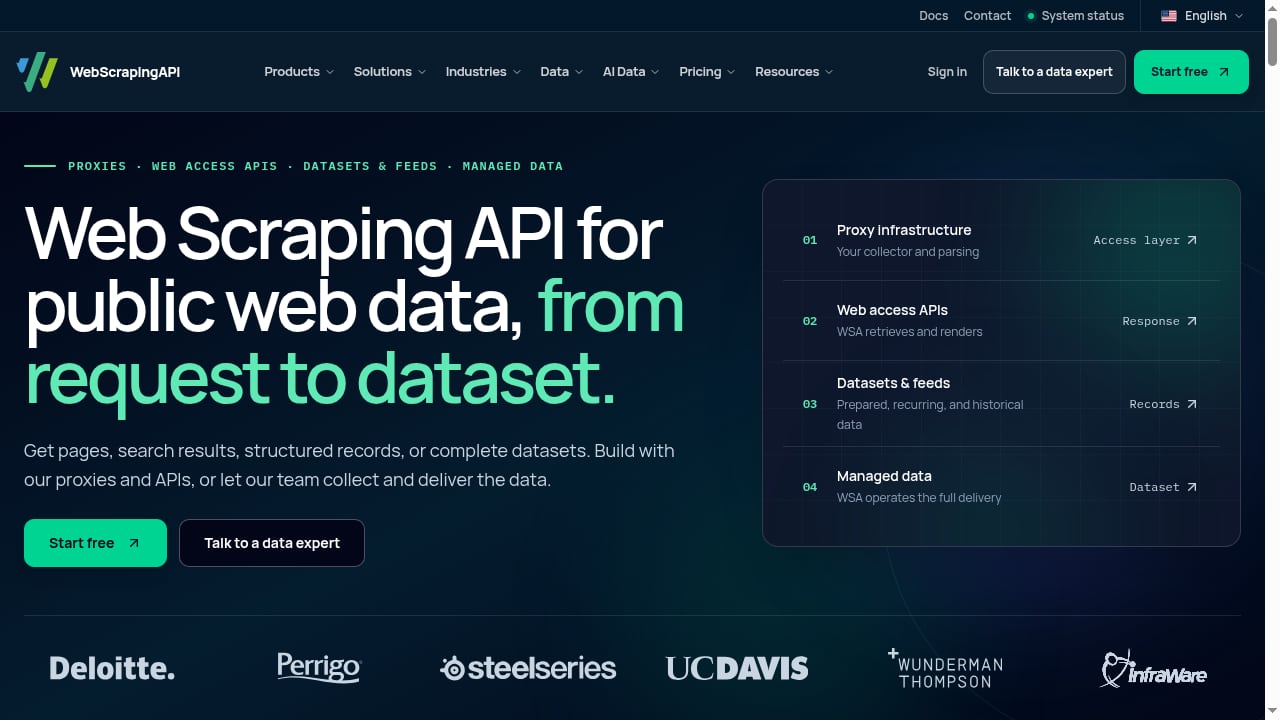
First viewport screenshot of www.webscrapingapi.com.
WebScrapingAPI is a web scraping and proxy infrastructure platform. You send a URL and receive HTML or JSON back, while the platform handles proxy rotation, retries, and JavaScript rendering across 195 countries.
- Proxy infrastructure: residential, datacenter, and ISP proxies.
- Web access APIs: Scraper API, SERP API, Browser API, Crawl API, and Data API.
- Ready data and datasets, archives, and managed delivery.
- Free tier with 5,000 requests; paid plans starting at $19; custom quotes for scoped collection and delivery.
- Free trials for Scraper, Google, and Amazon APIs, plus a demo booking flow.
WebScrapingAPI is organized by job to be done, which suits teams that want a managed pipeline rather than direct browser control.
Head-to-head comparison
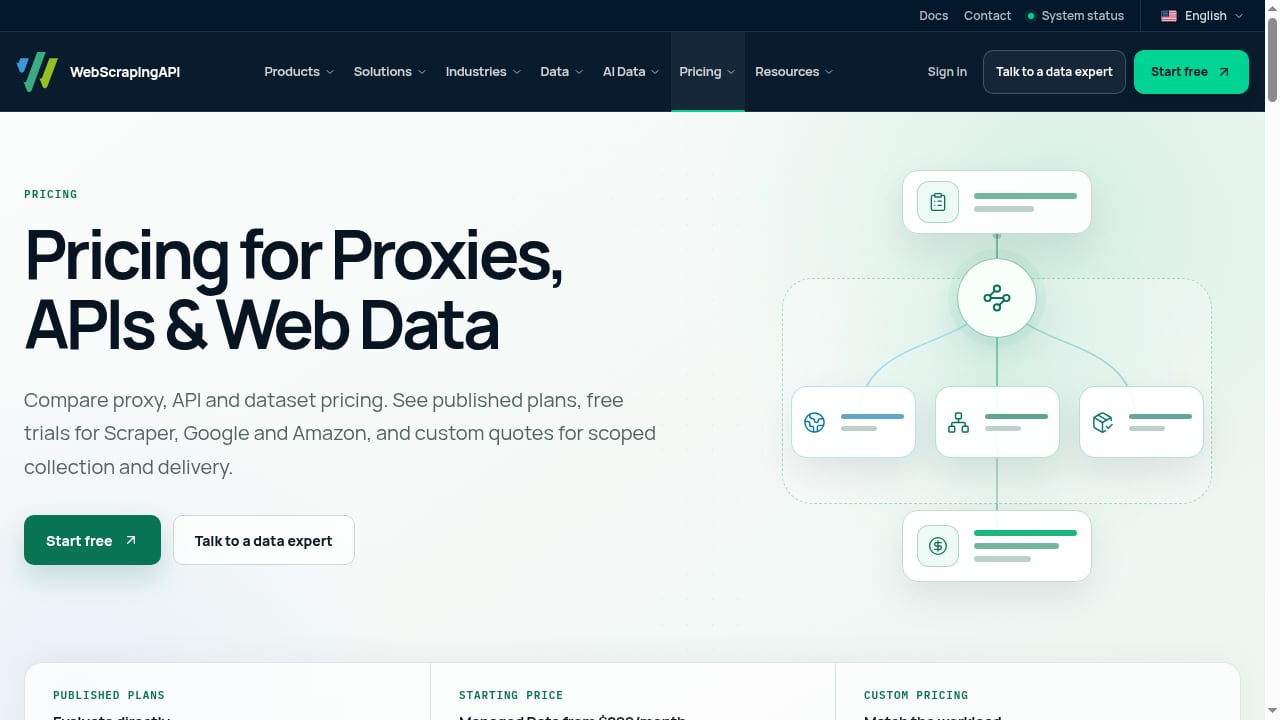
First viewport screenshot of www.webscrapingapi.com.
Browser control and session state
AdsCrawl provides stateful remote Chromium sessions that you can drive with Playwright, Puppeteer, or raw CDP. You can save and relaunch cloud browser profiles, keeping cookies and logins alive across runs. This matters for multi-step workflows like logging in, navigating a dashboard, and extracting data after several clicks.
WebScrapingAPI offers a Browser API, but its primary model is request-based: send a URL, get HTML or JSON. For simple rendering tasks this is efficient. For complex, stateful interactions, you may need to build more orchestration yourself.
If session persistence is central to your workflow, see our guide on session persistence in browser automation.
Structured data extraction
AdsCrawl's POST /spa-extract endpoint lets you define named fields using DOM selectors or supported network response sources. It returns a missingFields array so you can detect incomplete loads or changed selectors before storing results. This explicit contract is useful for monitoring pipelines.
WebScrapingAPI's Data API and Scraper API return HTML or JSON, but the documentation emphasizes managed collection rather than field-level contracts. You may need to parse and validate responses yourself.
For a deeper look at AdsCrawl's extraction workflow, read How to Use Firecrawl: Browser Automation API Guide, which covers similar rendering and extraction patterns.
Proxy and geo-routing
Both platforms offer proxy rotation and country-level routing. AdsCrawl includes managed browser identity, random User-Agents, trusted proxies, residential proxy routing, and dynamic region routing. WebScrapingAPI advertises coverage across 195 countries with residential, datacenter, and ISP proxies.
The difference is in control: AdsCrawl lets you attach custom proxies to saved browser profiles, while WebScrapingAPI's proxy layer is primarily managed for you. If you need fine-grained proxy control per session, AdsCrawl is more flexible.
Output formats and developer experience
AdsCrawl returns HTML, Markdown, JSON, and screenshots through synchronous endpoints. It publishes an OpenAPI specification and an llms.txt index, which helps AI-assisted development.
WebScrapingAPI returns HTML or JSON and offers multiple APIs by use case. Its free tier of 5,000 requests is generous for testing, and paid plans start at $19.
AdsCrawl's free tier includes 500 credits, which is smaller but tied to browser sessions that may consume more resources per request.
Pricing and scaling
AdsCrawl uses a credit-based subscription model with Free, Hobby, Starter, and Pro plans. Credits are consumed by API requests, and browser sessions may have separate concurrency limits.
WebScrapingAPI offers a free tier with 5,000 requests and paid plans from $19, with custom quotes for larger scopes. Its pricing is request-oriented, which can be easier to forecast for high-volume, simple scraping.
Neither pricing model is universally cheaper; the right choice depends on whether your workload is dominated by simple requests or complex browser sessions.
When to choose AdsCrawl
- You need stateful browser sessions for logins, multi-step forms, or interactive dashboards.
- You want to run existing Playwright or Puppeteer scripts against a cloud browser via CDP.
- You need saved browser profiles with persistent cookies and custom proxies.
- You want explicit field extraction with missing-field detection for monitoring pipelines.
- You value OpenAPI and AI-friendly documentation for faster integration.
When to choose WebScrapingAPI
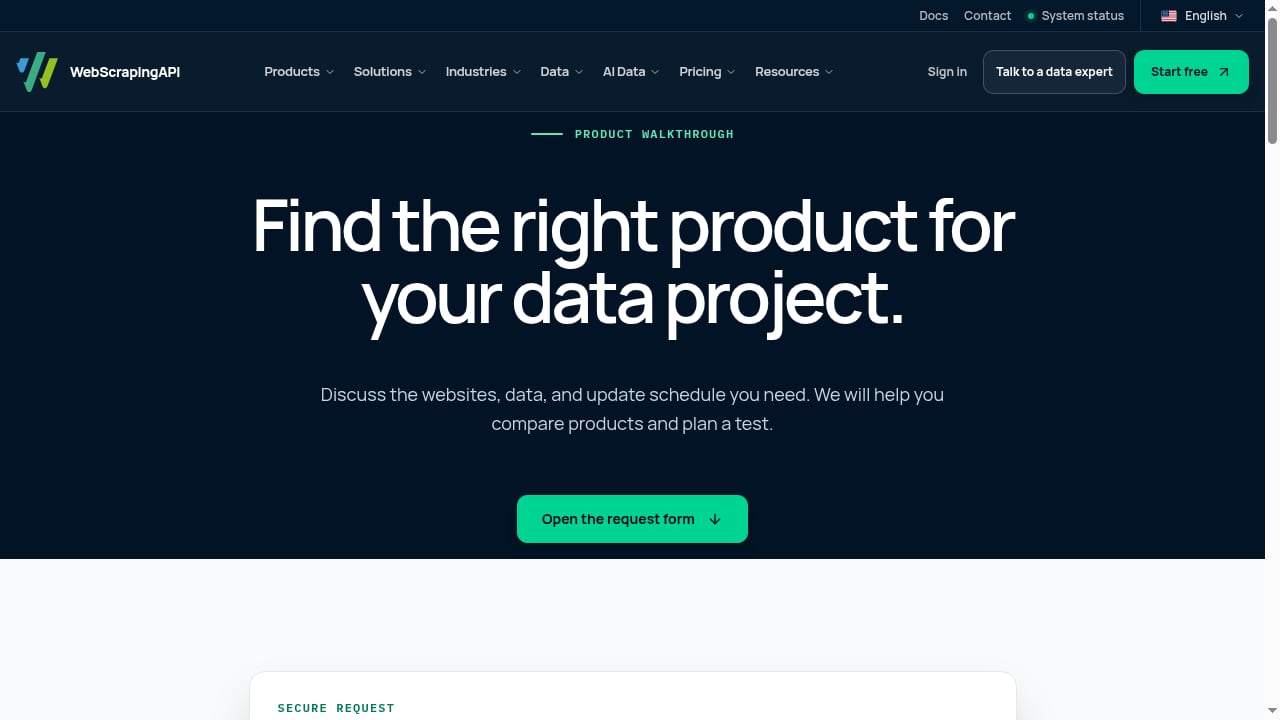
First viewport screenshot of www.webscrapingapi.com.
- You want a managed request-and-response pipeline with minimal browser orchestration.
- You need broad proxy coverage across 195 countries with residential, datacenter, and ISP options.
- You prefer a large free tier (5,000 requests) for initial testing.
- You need ready datasets, archives, or managed delivery as part of the service.
- Your workloads are primarily SERP collection, product monitoring, or simple page rendering.
Practical example: extracting product data
Suppose you need to scrape a JavaScript-heavy product page that requires a login and several clicks.
With AdsCrawl, you could:
- Launch a saved cloud browser profile with your login cookies.
- Connect via CDP using Playwright.
- Navigate, click through filters, and wait for the product grid.
- Use
POST /spa-extractto pull named fields likeprice,title, andavailability. - Check
missingFieldsto catch selector changes.
With WebScrapingAPI, you would likely:
- Send the product URL to the Scraper API with JavaScript rendering enabled.
- Receive HTML or JSON.
- Parse the response with your own selectors.
Both approaches work, but AdsCrawl gives you more control over the interactive steps.
Related reading
- Thunderbit Review: Agentic Web Scraper for Non-Technical Teams - An evidence-based review of Thunderbit's one-click AI web scraper: ideal users, use cases, strengths, limits, pricing signals, setup, and decision criteria.
- Top 10 Web Scraping Browser Extensions 2026 - Independent 2026 ranking of the top 10 web scraping browser extensions, with evidence on pricing, limits, pagination, and when to move to a scraping API.
- How to Use AdsCrawl with Cloudflare Developer Docs - Learn how to pair AdsCrawl's browser automation API with Cloudflare Developer Docs to scrape rendered developer documentation and build reliable AI context pipelines.
Sources and further reading
- AdsCrawl vs Browserless vs ScrapingBee: Which API Wins? - Aug 23, 2026 ... AdsCrawl gives you real browser sessions with Chrome DevTools Protocol (CDP) access through a unified API. Browserless is a managed headless ...
- Web Scraping API for Dynamic Websites | AdsCrawl - Extract named fields from dynamic websites using DOM selectors or supported network responses. Use AdsCrawl to render pages and check missing fields.
- AdsCrawl vs Firecrawl: Web Data & Browser Automation APIs - Compare AdsCrawl and Firecrawl for Markdown, structured extraction, crawling and browser tasks, plus native AdsPower fingerprints in AdsCrawl Cloud Browser.
FAQ
Can WebScrapingAPI handle JavaScript-rendered pages?
Yes. WebScrapingAPI handles JavaScript rendering as part of its scraping APIs. The difference is that AdsCrawl exposes a full browser session for custom interaction.
Does AdsCrawl support Playwright and Puppeteer?
Yes. AdsCrawl's remote Chromium sessions connect to Playwright, Puppeteer, or raw CDP clients.
Is WebScrapingAPI cheaper than AdsCrawl?
WebScrapingAPI has a free tier of 5,000 requests and paid plans from $19. AdsCrawl offers 500 free credits and credit-based plans. Costs depend on your workload mix; compare completed outputs rather than headline prices.
Which tool is better for large-scale crawling?
WebScrapingAPI offers a Crawl API and managed delivery for large-scale collection. AdsCrawl focuses on browser automation and structured extraction; for multi-page crawling, you may need to manage your own URL queue.
Can I use my own proxies with AdsCrawl?
Yes. AdsCrawl supports custom proxies on saved cloud browser profiles, in addition to managed proxy routing.
Conclusion
AdsCrawl and WebScrapingAPI solve overlapping but distinct problems. AdsCrawl is the stronger choice when you need a real browser you can control, persistent sessions, and explicit field extraction. WebScrapingAPI is a solid managed pipeline for teams that want broad proxy coverage and a simple request-based model with a generous free tier.
Evaluate both against a representative page from your own workflow. Test the interactive steps, the extraction contract, and the proxy behavior before committing. For more comparisons, see our AdsCrawl vs Lexmount and AdsCrawl vs ScreenshotEngine vs Screenshotlayer guides.