
AdsCrawl vs Context.dev vs Reliable Screenshot API
Compare AdsCrawl, Context.dev, and Reliable Screenshot API for screenshots, scraping, and AI data. Find the best fit for your workflow.
AdsCrawl vs Context.dev vs Reliable Screenshot API
When you need to capture screenshots or extract data from websites at scale, the tool you choose can make or break your pipeline. AdsCrawl, Context.dev, and Reliable Screenshot API (also known as Screenshot Machine) each take a different approach. This comparison breaks down their strengths, ideal use cases, and where each one fits best, so you can pick the right tool for your project.
Quick comparison at a glance
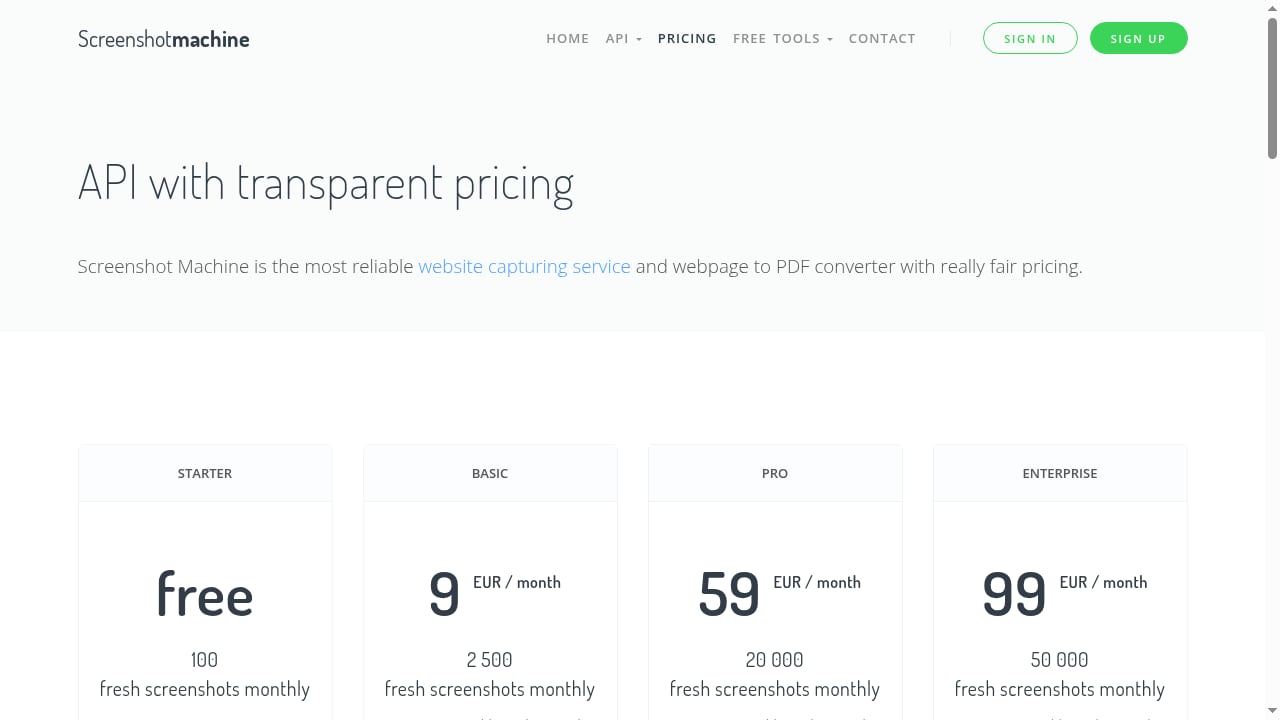
First viewport screenshot of www.screenshotmachine.com.
| Feature | AdsCrawl | Context.dev | Reliable Screenshot API |
|---|---|---|---|
| Core focus | Browser automation & data extraction | Web data API for AI agents | Simple screenshot capture |
| Screenshot output | Yes (PNG) | Not a primary feature | Yes |
| HTML / Markdown extraction | Yes | Yes (LLM-ready Markdown) | No |
| Remote browser control (CDP) | Yes | No | No |
| Anti-bot & proxy support | Yes (residential, region routing) | Yes (anti-bot bypass) | Limited |
| Free tier | 500 credits | 1,000 credits/month | Free tier available |
| Best for | Full browser automation & scraping | AI agents needing clean web data | Quick, reliable screenshots |
AdsCrawl: full browser automation and data extraction
AdsCrawl is a browser automation API and cloud browser platform built for developers who need to scrape dynamic websites, automate browser workflows, and extract structured data at scale. Unlike lightweight HTTP clients, AdsCrawl runs real Chromium sessions in the cloud, so you get the same rendering a human would see.
Key strengths
- Multi-format output: Capture screenshots, rendered HTML, Markdown, and structured data in a single API call.
- Stateful remote sessions: Connect to Playwright, Puppeteer, or raw CDP clients for full programmatic control.
- Anti-bot handling: Managed browser identity, random User-Agents, trusted proxies, residential proxy routing, and dynamic region routing help you access geo-specific content and bypass protections.
- Cloud browser profiles: Save and launch profiles with lifecycle management, custom proxies, and interactive viewer access.
- Developer-friendly: OpenAPI specification and AI-friendly llms.txt index make integration fast.
Ideal use cases
AdsCrawl shines when scraping gets tough: authenticated sessions, JavaScript-heavy pages, price monitoring, SEO audits, and feeding AI pipelines with clean data. It's a strong fit for solo developers, small teams, and high-volume automation teams.
Example: Capture a screenshot and Markdown from a protected page in one request:
curl -X POST https://api.adscrawl.net/session \
  -H "Authorization: Bearer YOUR_API_KEY" \
  -H "Content-Type: application/json" \
  -d '{
    "url": "https://example.com",
    "output": ["screenshot", "markdown"]
  }'
For a deeper dive into AdsCrawl's capabilities, see our Firecrawl-style browser automation guide.
Context.dev: web data API for AI agents
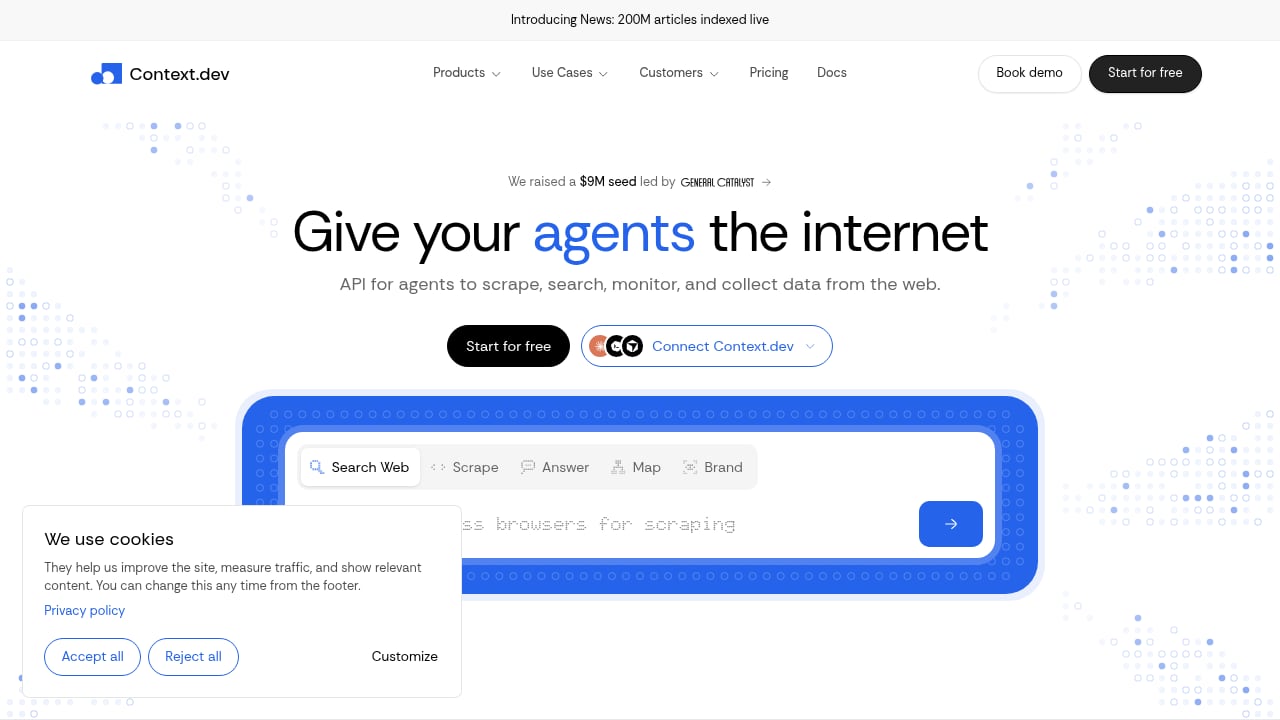
First viewport screenshot of www.context.dev.
Context.dev positions itself as "the web data API for AI agents." It offers a single REST API to scrape any URL into LLM-ready Markdown, search the live web, crawl entire sites, map URLs, monitor pages, and extract structured data. It also provides brand data (logos, company info) and a news index of 200 million articles.
Key strengths
- AI-optimized output: Clean Markdown and structured data designed for LLM consumption.
- Broad feature set: Scraping, search, crawling, monitoring, and brand data in one API.
- Fast integration: Testimonials highlight setups completed in under an hour.
- Generous free tier: 1,000 credits per month.
Ideal use cases
Context.dev is a great choice for AI engineers and product teams building agents, CRMs, onboarding flows, and research tools. If your primary need is clean web data for AI workflows, its focused API and transparent pricing are appealing.
However, Context.dev is not a full browser automation platform. It doesn't offer remote CDP control or stateful browser sessions, so complex workflows requiring interaction (clicks, logins, form fills) may need a different tool.
Reliable Screenshot API (Screenshot Machine): simple and reliable screenshots
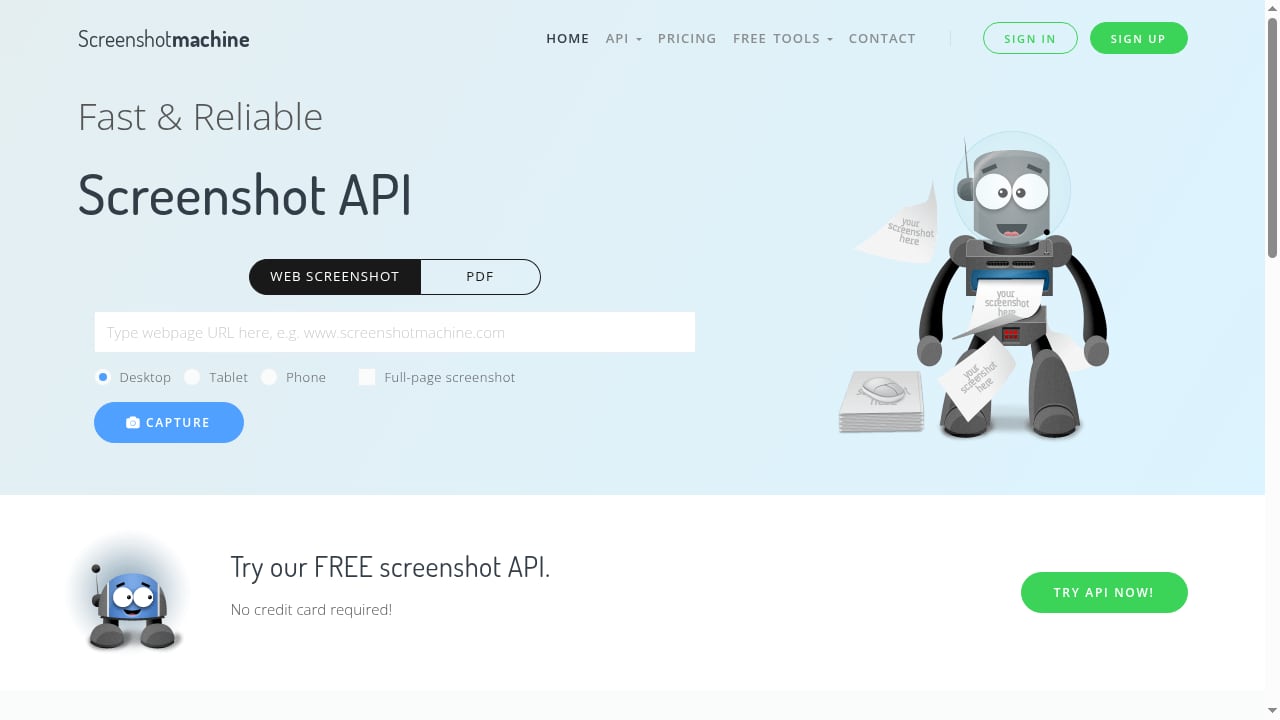
First viewport screenshot of www.screenshotmachine.com.
Reliable Screenshot API, also known as Screenshot Machine, is a free and reliable screenshot API for website capture. It focuses on one job: taking screenshots of web pages.
Key strengths
- Simplicity: Easy to integrate for basic screenshot needs.
- Free tier: Good for low-volume or prototyping.
- Reliability: Designed for consistent screenshot capture.
Ideal use cases
This tool is best for projects that only need screenshots—such as generating thumbnails, monitoring visual changes, or creating previews. It's not built for data extraction, browser automation, or anti-bot bypass, so it's not a substitute for a full-featured scraping API.
Where AdsCrawl stands out
When comparing these three, AdsCrawl is the only one that combines real browser automation with multi-format data extraction and anti-bot capabilities. Here's where it has a supported advantage:
- Full browser control: Remote CDP sessions let you script complex interactions, something neither Context.dev nor Reliable Screenshot API offers.
- Multi-format output: Get screenshots, HTML, Markdown, and structured data from the same session.
- Anti-bot and proxy infrastructure: Managed identities, residential proxies, and region routing help you access tough sites.
- Profile management: Save and reuse browser profiles for authenticated workflows.
If you need to automate browser workflows beyond simple screenshots or static scraping, AdsCrawl is the stronger choice. For a comparison with another scraping API, see AdsCrawl vs WebScrapingAPI.
When to choose Context.dev or Reliable Screenshot API
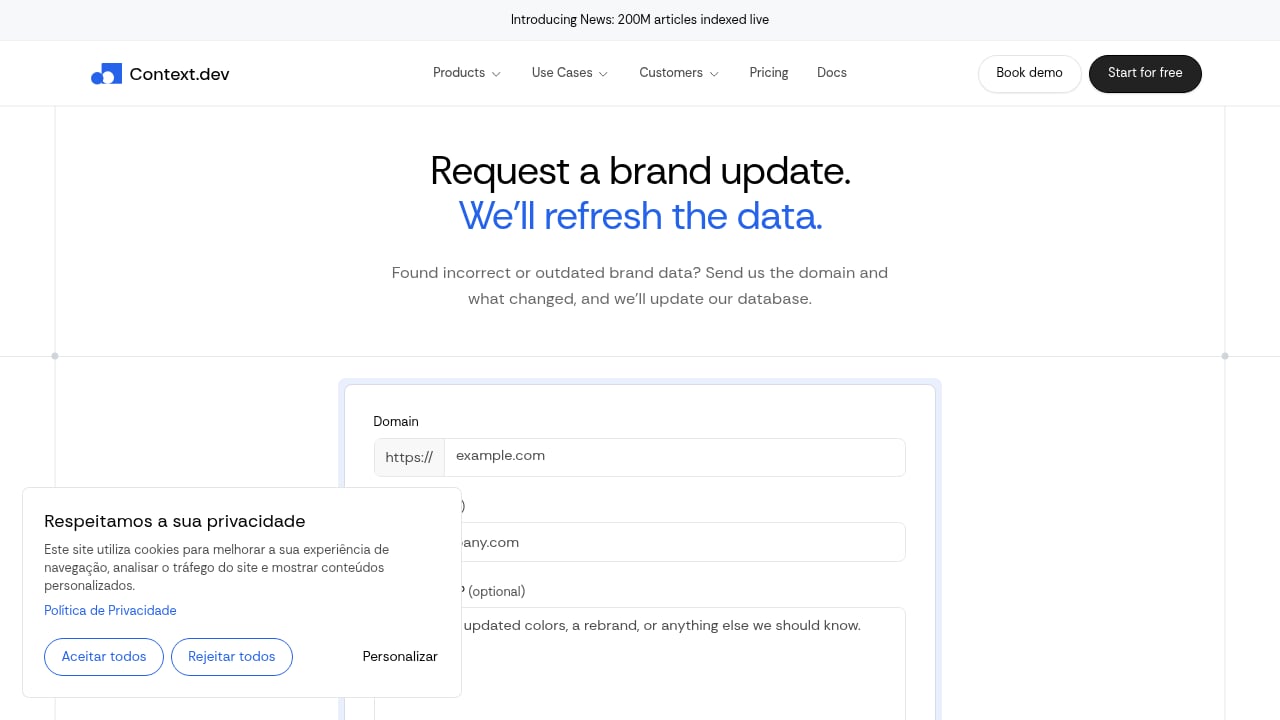
First viewport screenshot of www.context.dev.
- Choose Context.dev if your main goal is feeding AI agents with clean, LLM-ready web data and you don't need interactive browser control. Its search, crawl, and brand data features are valuable for AI products.
- Choose Reliable Screenshot API if you only need screenshots and want a free, straightforward solution. It's perfect for simple visual capture tasks.
Decision guide
| If you need... | Best choice |
|---|---|
| Screenshots only, low volume | Reliable Screenshot API |
| LLM-ready Markdown and web search for AI agents | Context.dev |
| Full browser automation, CDP, anti-bot, multi-format extraction | AdsCrawl |
| Authenticated sessions and profile management | AdsCrawl |
| Brand data and news index | Context.dev |
Related reading
- Thunderbit Review: Agentic Web Scraper for Non-Technical Teams - An evidence-based review of Thunderbit's one-click AI web scraper: ideal users, use cases, strengths, limits, pricing signals, setup, and decision criteria.
- Top 10 Web Scraping Browser Extensions 2026 - Independent 2026 ranking of the top 10 web scraping browser extensions, with evidence on pricing, limits, pagination, and when to move to a scraping API.
FAQ
Can Context.dev take screenshots?
Context.dev focuses on web data extraction for AI agents. While it may offer screenshot capabilities, its primary strength is clean Markdown and structured data, not visual capture.
Is Reliable Screenshot API free?
Yes, Reliable Screenshot API (Screenshot Machine) offers a free tier for basic screenshot needs. Check their site for current limits.
Does AdsCrawl support Playwright and Puppeteer?
Yes, AdsCrawl provides remote Chromium sessions that connect to Playwright, Puppeteer, or raw CDP clients, giving you full control.
Which tool is best for scraping JavaScript-heavy sites?
AdsCrawl is designed for this. Its real browser environment executes JavaScript and handles anti-bot protections, making it well-suited for dynamic sites.
Can I use these tools together?
Absolutely. For example, you could use AdsCrawl for complex automation and Context.dev for AI data enrichment. Many teams combine tools for different stages of their pipeline.
Conclusion
AdsCrawl, Context.dev, and Reliable Screenshot API serve different needs. Reliable Screenshot API is a simple, free screenshot tool. Context.dev is a powerful web data API for AI agents. AdsCrawl is a full browser automation platform that combines screenshots, data extraction, and anti-bot capabilities in one. If your projects require interacting with complex websites, handling authenticated sessions, or extracting multiple data formats, AdsCrawl offers the most comprehensive toolkit. For more comparisons, explore our Steel review or AdsCrawl vs ScreenshotEngine vs Screenshotlayer.
Sources: AdsCrawl API guide, Top 10 cloud anti-detect browser automation products, APIs.io providers