
How to Use AdsCrawl with Proxidize: Managed Proxies Guide
Learn how to combine AdsCrawl's browser automation API with Proxidize's managed mobile and residential proxies for reliable scraping and data extraction.
How to Use AdsCrawl with Proxidize: Managed Cloud Mobile & Residential Proxies
When you need to scrape dynamic websites at scale, two things matter most: a real browser that can execute JavaScript and a trustworthy IP address that won't get blocked. AdsCrawl provides the browser automation layer, while Proxidize supplies the managed proxy network. Together, they let you run headless browser sessions through mobile and residential IPs without managing hardware or proxy pools yourself.
This guide explains how the two products complement each other, walks through setup, and shows practical examples of what you can build.
Why combine AdsCrawl and Proxidize?
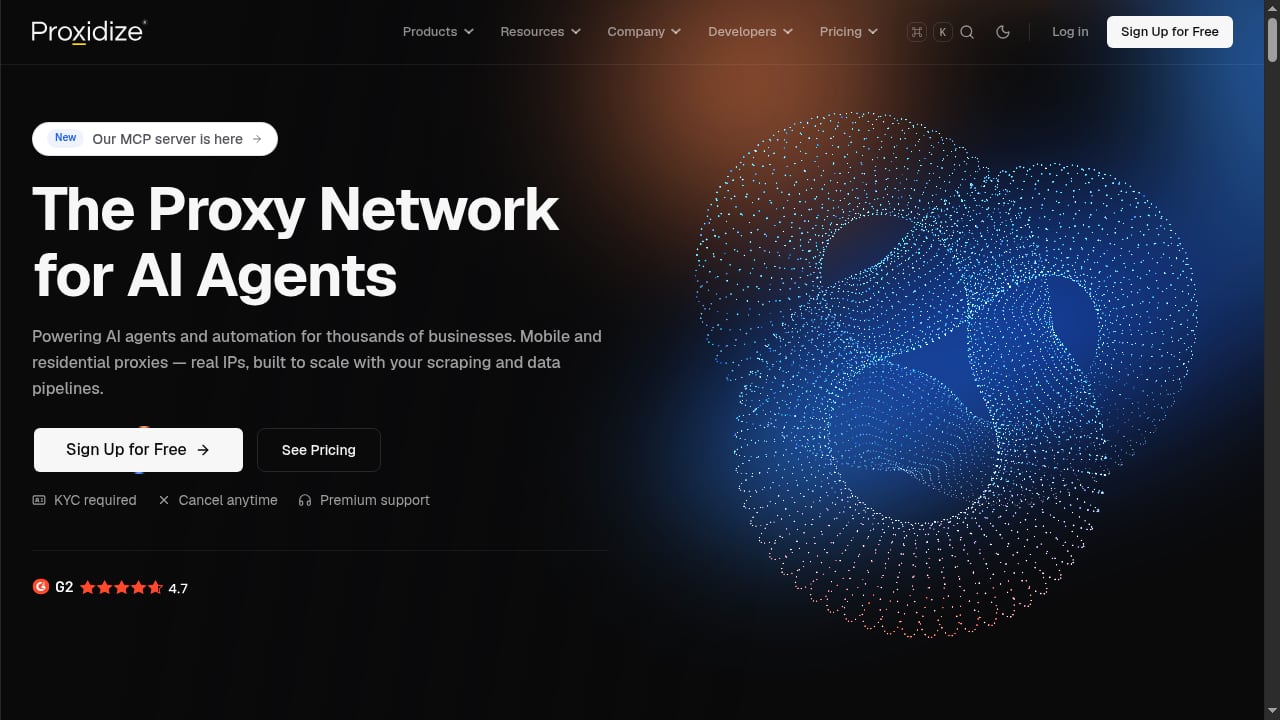
First viewport screenshot of proxidize.com.
AdsCrawl is a browser automation API and cloud browser platform. It renders JavaScript-heavy pages, extracts structured data, captures screenshots, and supports stateful remote Chromium sessions via Playwright, Puppeteer, or raw CDP. It also includes built-in proxy routing, but for teams that need dedicated mobile or residential IPs with granular control, Proxidize adds a managed proxy layer with global coverage and session management.
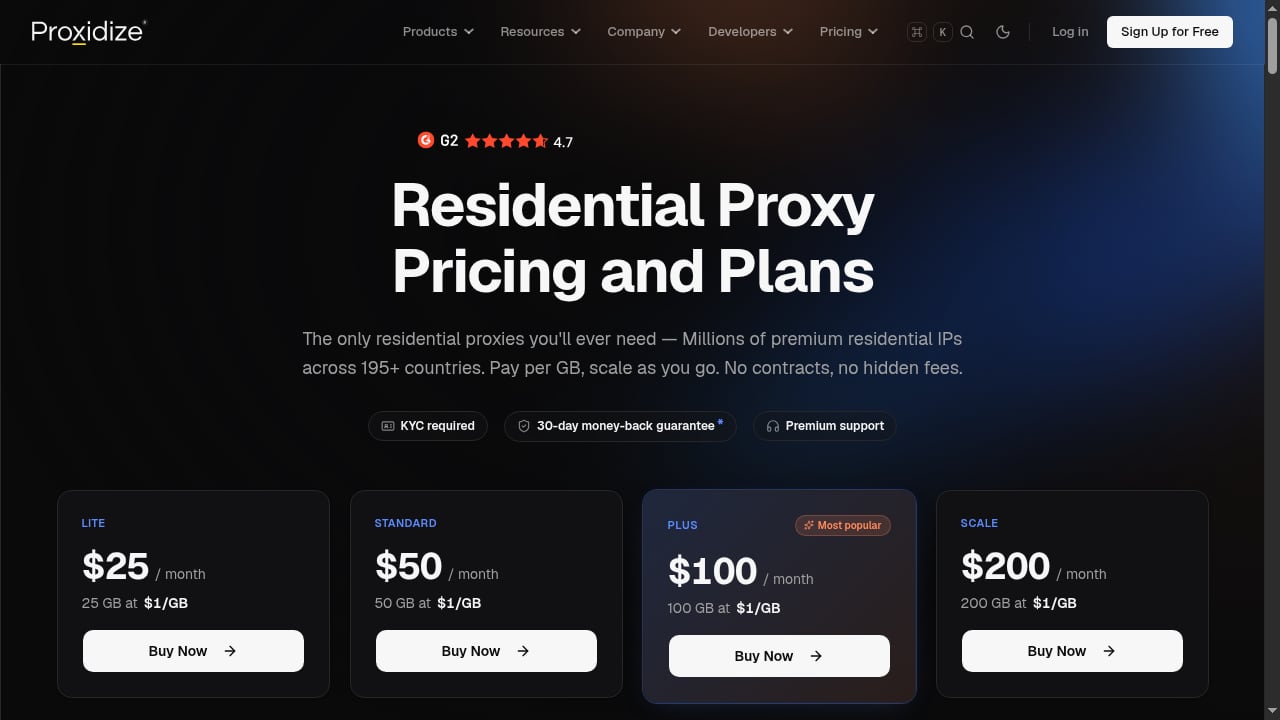
Proxidize offers managed cloud mobile and residential proxies across 195+ countries, with city-level targeting, automatic rotation, sticky sessions, and support for HTTP, HTTPS, and SOCKS5. No hardware or DIY setup is required, and the service is designed for web scraping, AI data collection, price monitoring, and similar workloads.
By pairing them, you get:
- Real browser execution for JavaScript-rendered content and anti-bot challenges.
- High-quality IPs that reduce blocks and captchas.
- Geo-targeted scraping with city-level precision.
- Session persistence when you need to maintain login state or cookies.
- Scalable infrastructure without managing proxy servers or browser farms.
How the integration works
AdsCrawl's cloud browser sessions can be configured to route traffic through external proxies. Proxidize provides standard HTTP/SOCKS5 proxy endpoints with authentication. You supply Proxidize credentials when creating an AdsCrawl browser session or when making API requests that support proxy configuration.
The workflow is straightforward:
- Obtain Proxidize proxy credentials (host, port, username, password) from your Proxidize dashboard.
- Create an AdsCrawl browser session or API request, specifying the proxy settings.
- Run your automation (navigate, extract, screenshot) as usual.
- Manage sessions — rotate IPs or keep sticky sessions depending on your task.
AdsCrawl handles browser rendering and anti-bot measures, while Proxidize ensures your requests originate from clean, geographically appropriate IPs.
Step-by-step setup
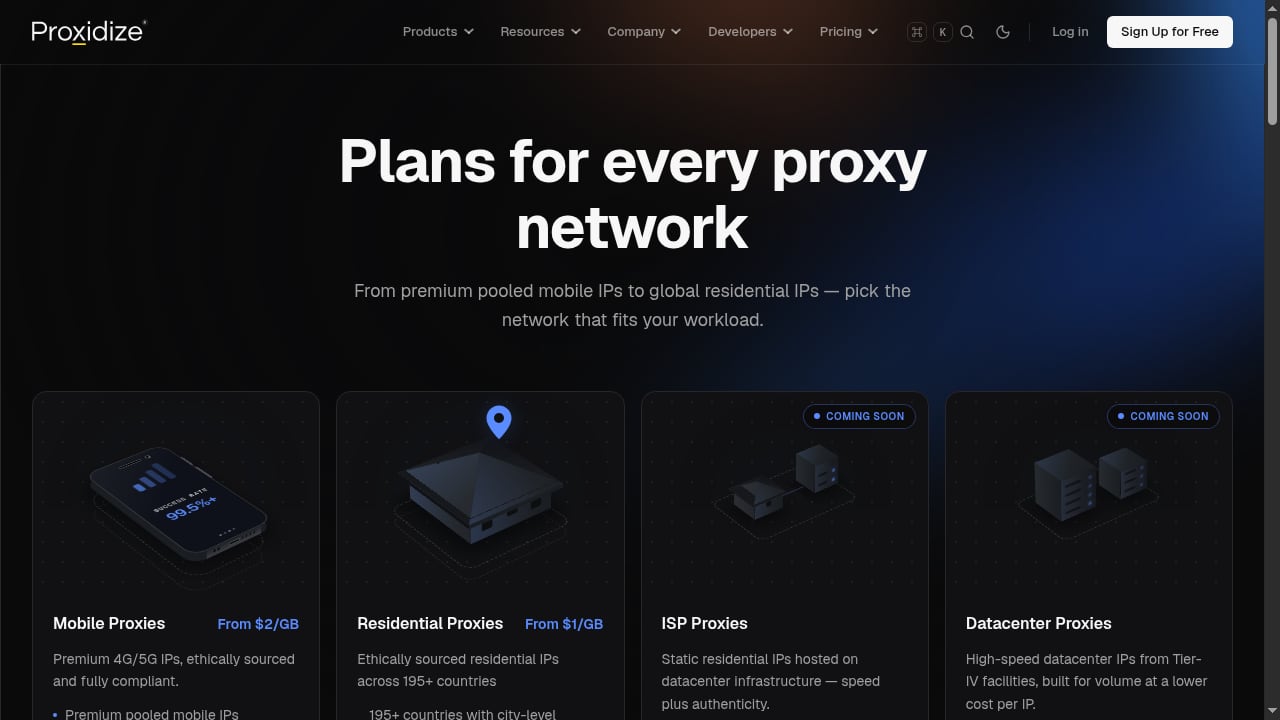
First viewport screenshot of proxidize.com.
1. Get your Proxidize proxy details
Sign up for a Proxidize account (free to start) and navigate to the proxy access section. You'll receive:
- Proxy host and port
- Username and password
- Optional: rotation settings and target country/city parameters
Proxidize supports both rotating and sticky sessions. For tasks that require consistent identity (e.g., logged-in scraping), use sticky sessions. For broad data collection, use rotation.
2. Configure AdsCrawl with the proxy
AdsCrawl's API allows you to specify proxy configuration when creating a browser session or making a request. The exact parameter names depend on the endpoint. For example, when using the Cloud Browser or CDP session, you can pass proxy settings in the session creation payload.
Here's a generic example using cURL for a rendered HTML request with proxy routing (consult the AdsCrawl documentation for exact field names):
curl -X POST "https://api.adscrawl.net/html" \
  -H "x-api-key: $ADSCRAWL_API_KEY" \
  -H "content-type: application/json" \
  -d '{
    "url": "https://example.com",
    "contentMode": "html",
    "proxy": {
      "server": "http://proxy.proxidize.com:8080",
      "username": "your-proxidize-user",
      "password": "your-proxidize-pass"
    }
  }'
Note: AdsCrawl's built-in proxy routing may be used by default; to use Proxidize, you'll need to override or specify custom proxy settings. Check the API reference for the correct parameter structure.
3. Run your first test
Start with a simple page to verify the proxy is working. Use a service like https://httpbin.org/ip to confirm the IP address matches your Proxidize proxy location.
curl -X POST "https://api.adscrawl.net/html" \
  -H "x-api-key: $ADSCRAWL_API_KEY" \
  -H "content-type: application/json" \
  -d '{
    "url": "https://httpbin.org/ip",
    "contentMode": "markdown",
    "proxy": {
      "server": "http://proxy.proxidize.com:8080",
      "username": "your-proxidize-user",
      "password": "your-proxidize-pass"
    }
  }'
The response should show the proxy IP, not your server's IP.
4. Integrate with Playwright or Puppeteer
For more complex workflows, create a CDP session with AdsCrawl and connect your automation script. Pass the Proxidize proxy when creating the session.
Example using Playwright (Node.js):
const { chromium } = require('playwright');

(async () => {
  // Step 1: Create a CDP session via AdsCrawl API (pseudo-code)
  const session = await createAdsCrawlSession({
    proxy: {
      server: 'http://proxy.proxidize.com:8080',
      username: 'your-proxidize-user',
      password: 'your-proxidize-pass'
    }
  });

  // Step 2: Connect Playwright to the remote browser
  const browser = await chromium.connectOverCDP(session.webSocketDebuggerUrl);
  const page = await browser.newPage();
  await page.goto('https://example.com');
  const content = await page.content();
  console.log(content);
  await browser.close();
})();
Refer to AdsCrawl's Remote CDP documentation for the exact session creation endpoint and parameters.
Practical examples
Example 1: Geo-targeted price monitoring
Suppose you need to monitor e-commerce prices in Germany. Use Proxidize's German residential proxies with AdsCrawl to render product pages and extract prices.
- Configure Proxidize proxy with country=DE.
- Use AdsCrawl's
/spa-extractendpoint with CSS selectors for price fields. - Schedule daily runs with IP rotation.
This combination avoids geo-blocks and ensures you see local pricing.
Example 2: Authenticated scraping with sticky sessions
For a site that requires login, use a sticky Proxidize session and AdsCrawl's Cloud Browser with persistent cookies. Save the browser profile after login, then reuse it for subsequent scrapes without re-authenticating.
- Create a Proxidize sticky session (e.g., session ID).
- Launch AdsCrawl Cloud Browser with that proxy and a saved profile.
- Perform login once, then run extraction tasks.
Example 3: Large-scale data collection with rotation
When scraping thousands of pages from a public directory, use rotating Proxidize proxies to distribute requests. AdsCrawl's browser automation handles JavaScript rendering, while Proxidize rotates IPs on each request to avoid rate limits.
- Set Proxidize to rotate IPs per request.
- Use AdsCrawl's
/htmlendpoint in a loop with concurrency control. - Store results as Markdown or JSON.
When to use AdsCrawl's built-in proxies vs. Proxidize
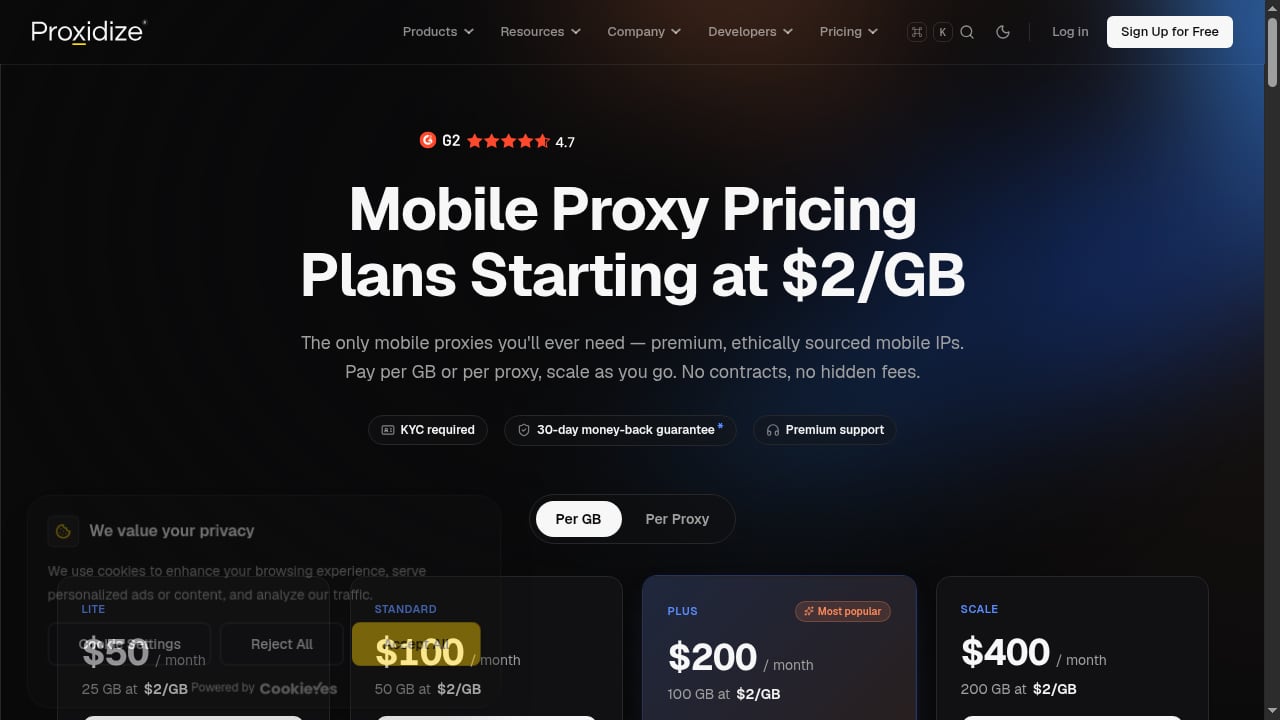
First viewport screenshot of proxidize.com.
AdsCrawl includes residential proxy routing and dynamic region routing. For many use cases, this is sufficient. However, Proxidize offers advantages when you need:
- Mobile proxies (4G/5G) for the highest trust levels.
- City-level targeting across 195+ countries.
- Dedicated proxy management with sub-users and detailed dashboards.
- Compliance features like KYC and acceptable-use policies.
If your workflow demands premium IP quality or granular control, adding Proxidize is worthwhile. For simpler tasks, AdsCrawl's built-in proxies may suffice. You can compare proxy options in our AdsCrawl vs WebScrapingAPI breakdown.
Common pitfalls and best practices
First viewport screenshot of proxidize.com.
- Authentication errors: Ensure your Proxidize credentials are correct and that your IP is whitelisted if required.
- Session leakage: When using sticky sessions, always close browser sessions to free resources.
- Rate limits: Even with proxies, respect target site's terms of service and implement backoff.
- Proxy protocol: Proxidize supports HTTP, HTTPS, and SOCKS5. Use the protocol expected by AdsCrawl (usually HTTP).
- Testing: Always test with a simple IP-check endpoint before running large jobs.
Related reading
- AdsCrawl vs Context.dev vs Reliable Screenshot API - Compare AdsCrawl, Context.dev, and Reliable Screenshot API for screenshots, scraping, and AI data. Find the best fit for your workflow.
- AdsCrawl vs WebScrapingAPI: Which Scraping API Wins? - Compare AdsCrawl and WebScrapingAPI on browser control, structured extraction, proxies, and pricing to find the right scraping API for your workflow.
- Thunderbit Review: Agentic Web Scraper for Non-Technical Teams - An evidence-based review of Thunderbit's one-click AI web scraper: ideal users, use cases, strengths, limits, pricing signals, setup, and decision criteria.
Sources and further reading
- Proxidize — Managed Cloud Mobile & Residential Proxies - Access Millions of premium mobile and residential IPs across 195+ countries. Managed cloud proxy network for developers, enterprises, and AI teams. No hardware or DIY setup required.
- Browser Automation API for Dynamic Websites | AdsCrawl - Connect with Playwright, Puppeteer, or CDP in a full browser environment with residential proxy routing for dynamic pages, authenticated sessions, and structured web data.
FAQ
Can I use Proxidize with AdsCrawl's screenshot API?
Yes. Any AdsCrawl endpoint that accepts proxy configuration can route through Proxidize. Check the specific endpoint's documentation for proxy parameters.
Do I need Proxidize if AdsCrawl already includes residential proxies?
Not necessarily. AdsCrawl's built-in proxies work for many scenarios. Proxidize adds value when you need mobile IPs, city-level targeting, or dedicated proxy management.
How do I rotate IPs with Proxidize and AdsCrawl?
Configure rotation in your Proxidize dashboard (e.g., rotate per request or per session). AdsCrawl will use the proxy endpoint you provide, and Proxidize handles the rotation behind the scenes.
Is there a free trial?
Proxidize offers free signup with paid plans. AdsCrawl provides 500 free credits on signup, so you can test the integration at no cost.
Can I use Proxidize with Playwright sessions in AdsCrawl?
Yes. When creating a CDP session, include your Proxidize proxy details. Playwright connects to the remote browser, and all traffic routes through Proxidize.
Conclusion
Combining AdsCrawl's browser automation with Proxidize's managed mobile and residential proxies gives you a robust stack for scraping dynamic websites, extracting structured data, and running AI data pipelines. AdsCrawl handles the browser complexity, while Proxidize ensures your requests come from clean, geographically diverse IPs. Start with a small test, then scale as needed. For more on AdsCrawl's capabilities, explore our Firecrawl guide and Cloudflare docs integration.
Ready to try? Sign up for AdsCrawl and Proxidize, and run your first proxied browser session today.