
Browser Use API for AdsCrawl: Automate Any Web Workflow
Learn how a browser use API powers AdsCrawl's automation: render JavaScript pages, extract structured data, manage sessions, and scale with proxies.
Browser Use API for AdsCrawl: Automate Any Web Workflow
A browser use API lets your code drive a real browser: load pages, click, scroll, wait for JavaScript, and return the result as HTML, Markdown, JSON, or a screenshot. That is the core of AdsCrawl's Browser Automation API. This article explains how the model works, where it fits, and how to use it for scraping dynamic sites and running authenticated workflows at scale.
What a Browser Use API Actually Does
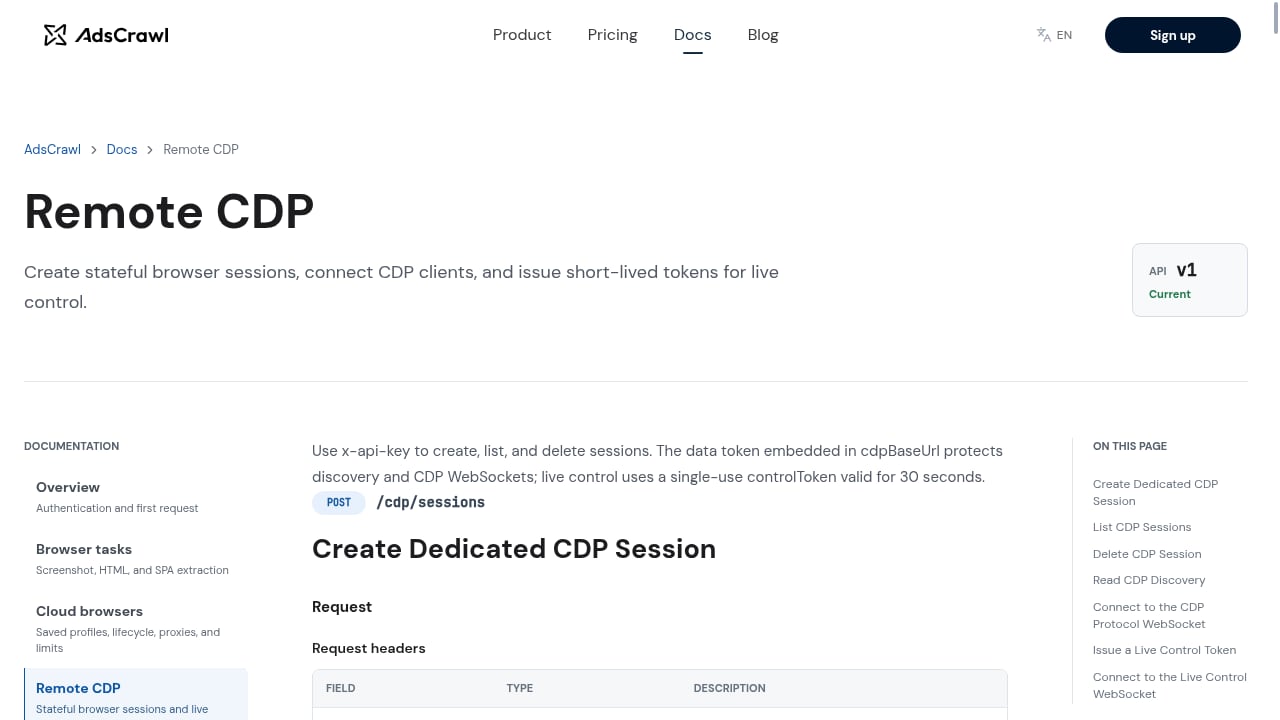
First viewport screenshot of www.adscrawl.net.
A browser use API is a remote control layer for a real Chromium browser. Instead of installing Chrome on every worker, you send an HTTP request or connect a Playwright, Puppeteer, or raw CDP client to a hosted session. The browser runs in the cloud, executes your instructions, and returns the output.
AdsCrawl exposes two complementary modes:
- Synchronous endpoints for one-shot jobs: rendered HTML, Markdown, screenshots, and SPA extraction.
- Stateful remote Chromium sessions for multi-step workflows: log in, navigate, fill forms, paginate, and keep cookies and storage alive between steps.
That split matters. Many tasks only need a rendered page. Others need a persistent identity, a proxy in a specific country, and a session that survives several requests.
Why Teams Move from Local Browsers to a Browser Use API
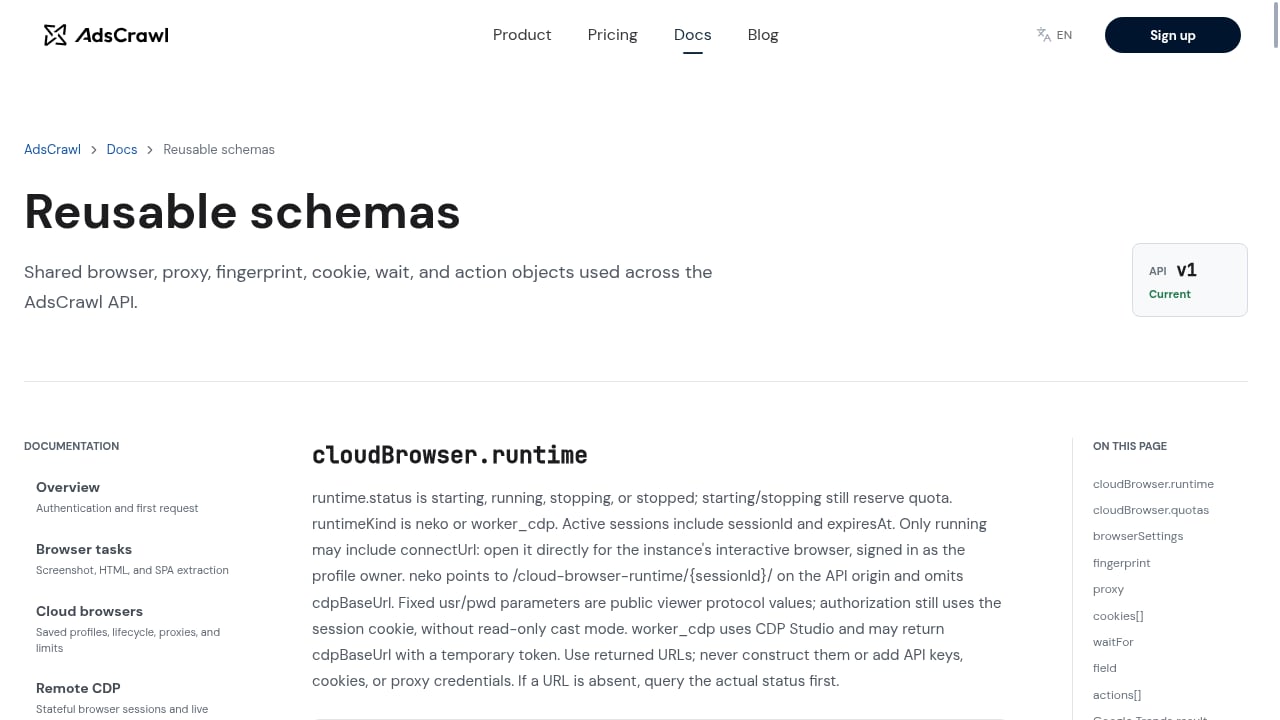
First viewport screenshot of www.adscrawl.net.
Running headless Chrome locally works until it doesn't. The common failure points are predictable:
- JavaScript-heavy pages return empty shells without a real browser engine.
- Anti-bot protections block datacenter IPs and default headless fingerprints.
- Authenticated flows break when cookies and sessions are not preserved.
- Scaling requires managing browser binaries, memory, and crashes across many machines.
A hosted browser automation API addresses these by providing managed browser identity, random User-Agents, trusted proxies, residential proxy routing, and dynamic region routing. AdsCrawl also supports saved cloud browser profiles with lifecycle management, custom proxies, and an interactive viewer so you can watch a session when debugging.
Core Capabilities of the AdsCrawl Browser Automation API
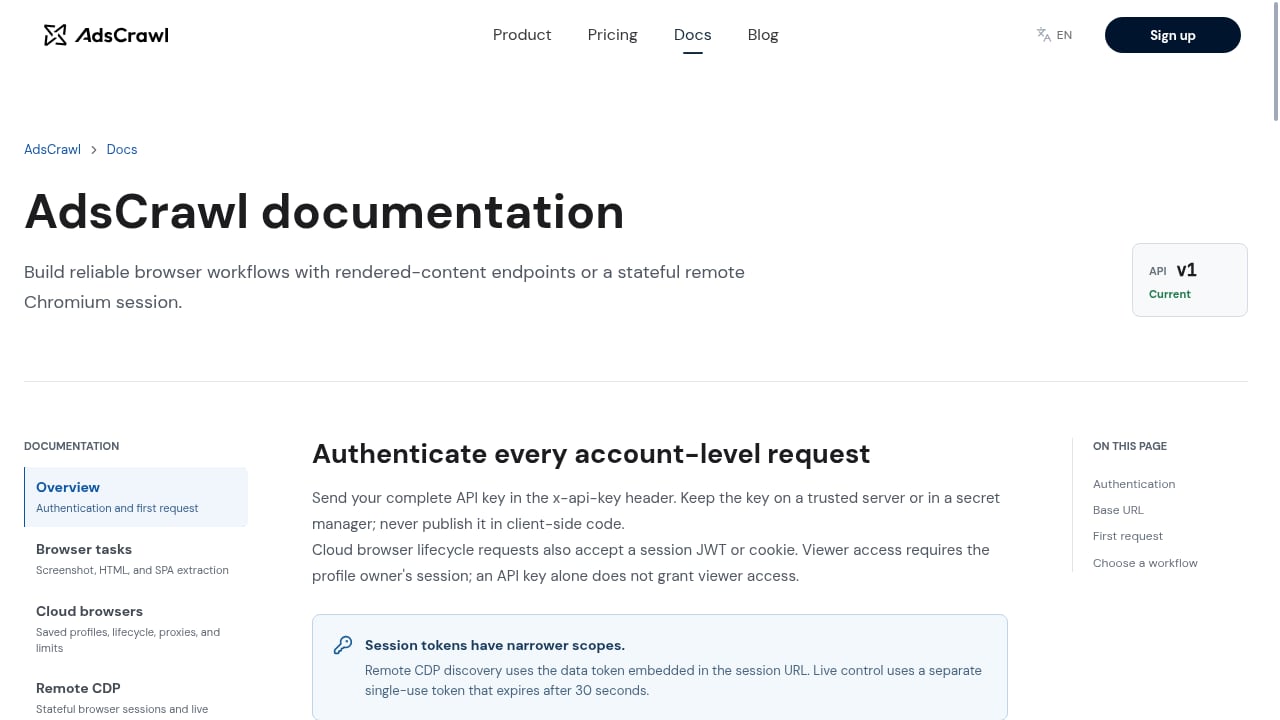
First viewport screenshot of www.adscrawl.net.
Synchronous Output Endpoints
For straightforward extraction, synchronous endpoints return exactly what you need without managing a session:
- Rendered HTML when you need the full DOM after JavaScript runs.
- Markdown for clean text pipelines, including AI context building.
- Screenshots for visual monitoring, QA, and change detection.
- SPA extraction for single-page apps that render content client-side.
These endpoints are useful for documentation scraping, price monitoring, and content pipelines where a single request per URL is enough. For a worked example of that pattern, see how to use AdsCrawl with Cloudflare Developer Docs.
Stateful Remote Chromium Sessions
When a task needs multiple steps, connect your existing Playwright, Puppeteer, or CDP client to a remote Chromium session. Your automation code stays the same; only the connection target changes. This is the right choice for:
- Logging into a dashboard and exporting reports.
- Walking paginated search results.
- Filling forms and confirming submissions.
- Maintaining a session across several page loads.
If you are already familiar with Firecrawl-style workflows, the Firecrawl browser automation API guide shows how the same patterns map onto AdsCrawl.
Identity, Proxies, and Region Routing
Anti-bot systems evaluate IP reputation, browser fingerprints, and behavioral signals. AdsCrawl provides managed browser identity, random User-Agents, trusted proxies, residential proxy routing, and dynamic region routing. For teams that need mobile or residential proxy pools beyond the built-in options, the AdsCrawl and Proxidize managed proxies guide covers the integration.
Region routing is especially useful when content differs by country: pricing pages, search results, and localized catalogs often change based on where the request originates.
A Practical Example: Scraping a JavaScript-Rendered Page
First viewport screenshot of www.adscrawl.net.
A typical workflow looks like this:
- Send a request to a synchronous endpoint with the target URL and desired output format.
- AdsCrawl launches a browser, waits for the page to render, and returns HTML, Markdown, JSON, or a screenshot.
- Parse the result in your application.
For multi-step jobs, the flow changes slightly:
- Create a remote Chromium session with your preferred proxy and region.
- Connect Playwright or Puppeteer using the session's connection details.
- Run your existing automation script.
- Close the session when finished.
The documentation includes an OpenAPI specification and an AI-friendly llms.txt index, which makes it easier to wire the API into code assistants and internal tooling.
Browser Use API vs. Traditional Scraping Approaches
| Approach | Best for | Main limitation |
|---|---|---|
| Static HTTP requests | Simple HTML pages | Fails on JavaScript-rendered content |
| Local headless browser | Small scripts, development | Hard to scale, easy to fingerprint |
| Browser automation API | Dynamic pages, authenticated flows, scale | Requires API integration work |
A browser use API is not always the cheapest option per request, but it is often the only reliable option when the page depends on JavaScript, login state, or geo-specific content. For a broader comparison of platforms and pricing signals, see the top 10 AI web scraping and monitoring platforms for 2026.
Pricing and Getting Started
AdsCrawl uses a credit-based subscription model with Free, Hobby, Starter, and Pro plans. New accounts receive 500 free credits on signup, which is enough to test synchronous endpoints and short remote sessions before committing.
A sensible evaluation plan:
- Run a handful of synchronous requests against pages you already know are JavaScript-heavy.
- Test one authenticated workflow with a saved browser profile.
- Compare output quality and reliability against your current setup.
- Scale to a paid plan once the workflow is stable.
Related reading
- AdsCrawl vs Context.dev vs Reliable Screenshot API - Compare AdsCrawl, Context.dev, and Reliable Screenshot API for screenshots, scraping, and AI data. Find the best fit for your workflow.
- AdsCrawl vs WebScrapingAPI: Which Scraping API Wins? - Compare AdsCrawl and WebScrapingAPI on browser control, structured extraction, proxies, and pricing to find the right scraping API for your workflow.
Sources and further reading
- Browser Use Agents & Browser Infrastructure | Browser Use - Browser Use is the cloud browser for AI agents. Run web agents that finish the task, or connect your own agent to stealth browsers at $0.02 an hour.
- GitHub - browser-use/browser-use: Open-source Python library for AI browser agents, plus Browser Use Cloud: stealth browsers and a hosted agent API. - Open-source Python library for AI browser agents, plus Browser Use Cloud: stealth browsers and a hosted agent API. - browser-use/browser-use
- API v3 Reference - Browser Use - Authenticate and start using the Browser Use REST API v3.
Frequently Asked Questions
What is a browser use API?
A browser use API is an interface that lets your code control a real browser remotely. It handles page rendering, JavaScript execution, and interaction, then returns the output as HTML, Markdown, JSON, or a screenshot.
Do I need to install a browser to use AdsCrawl?
No. AdsCrawl runs browsers in the cloud. You can use synchronous endpoints or connect your existing Playwright, Puppeteer, or CDP client to a remote session.
Can I use my existing Playwright or Puppeteer scripts?
Yes. Stateful remote Chromium sessions accept standard Playwright, Puppeteer, and raw CDP clients, so most existing automation code works with a connection change.
How does AdsCrawl handle anti-bot protections?
AdsCrawl provides managed browser identity, random User-Agents, trusted proxies, residential proxy routing, and dynamic region routing. Results still depend on the target site, and no configuration guarantees access to every page.
What output formats are available?
Synchronous endpoints support rendered HTML, Markdown, JSON, and screenshots. SPA extraction is available for client-rendered applications.
Is there a free tier?
Yes. New accounts receive 500 free credits on signup, and paid plans include Free, Hobby, Starter, and Pro tiers.
Conclusion
A browser use API turns fragile scraping scripts into a managed browser environment. AdsCrawl's Browser Automation API combines synchronous output endpoints with stateful remote Chromium sessions, managed identity, and proxy routing, so you can handle JavaScript-heavy pages, authenticated workflows, and geo-specific content without maintaining your own browser fleet. Start with the free credits, test the workflows that matter to you, and scale from there.