
How to Use AdsCrawl with browse.sh: AI Browser Workflows
Take a Quick Look
Learn how to combine AdsCrawl's browser automation API with browse.sh skills to give AI agents reliable, reusable web workflows at scale.
How to Use AdsCrawl with browse.sh: AI Browser Workflows
AI agents are good at reasoning but fragile at clicking. AdsCrawl gives them a real cloud browser with proxies and sessions; browse.sh gives them a catalog of ready-made recipes for specific sites. Used together, you get repeatable automation that survives JavaScript-heavy pages, geo-restrictions, and selector drift. This article explains the workflow, the setup, and where the combination pays off.
What each tool does
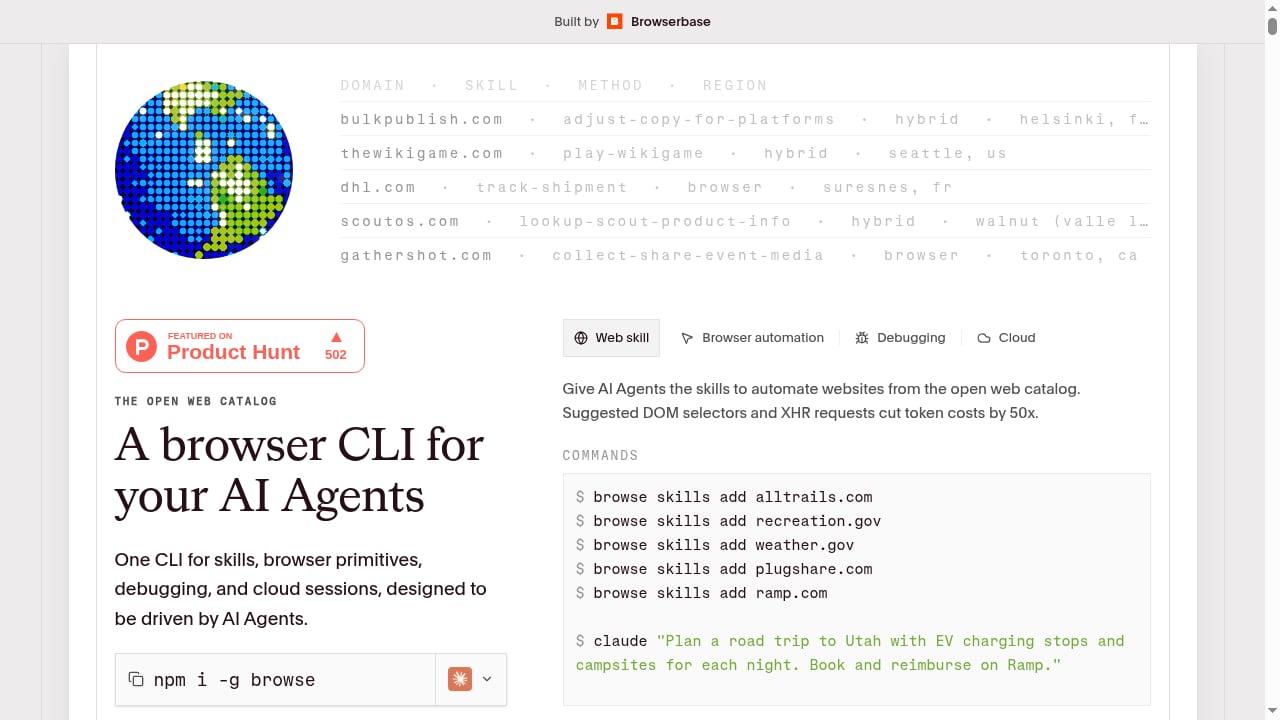
First viewport screenshot of browse.sh.
AdsCrawl is a browser automation API and cloud browser platform. It exposes synchronous endpoints for rendered HTML, Markdown, screenshots, and SPA extraction, plus stateful remote Chromium sessions that connect to Playwright, Puppeteer, or raw CDP clients. It handles managed browser identity, random User-Agents, trusted and residential proxies, and dynamic region routing. You can save cloud browser profiles with lifecycle management and watch sessions in an interactive viewer.
browse.sh is an open catalog of browser automation skills for websites, paired with a browser CLI built for AI agents. Each skill is a SKILL.md recipe that teaches an agent how to complete a task on a domain — for example, comparing ACA plans or finding train routes. Skills encode suggested DOM selectors and XHR requests, which the catalog says cuts token costs by 50x. You install them with the browse CLI:
npm i -g browse
browse skills add alltrails.com
browse skills add healthcare.gov/compare-plans-ruai96
The CLI bundles skills, browser primitives, debugging, and cloud sessions in one tool.
Why combine them
browse.sh tells an agent what to do on a site; AdsCrawl determines where and how the browser runs. That split solves three common problems:
- Anti-bot friction. AdsCrawl's residential proxies and region routing let a skill run from the geography the target site expects.
- Session continuity. Skills that need a signed-in state can reuse an AdsCrawl cloud browser profile with saved cookies instead of re-authenticating on every run.
- Selector drift. When a skill's suggested selectors break, you can fall back to AdsCrawl's SPA extraction or rendered HTML to recover the data without rewriting the whole recipe.
Prerequisites
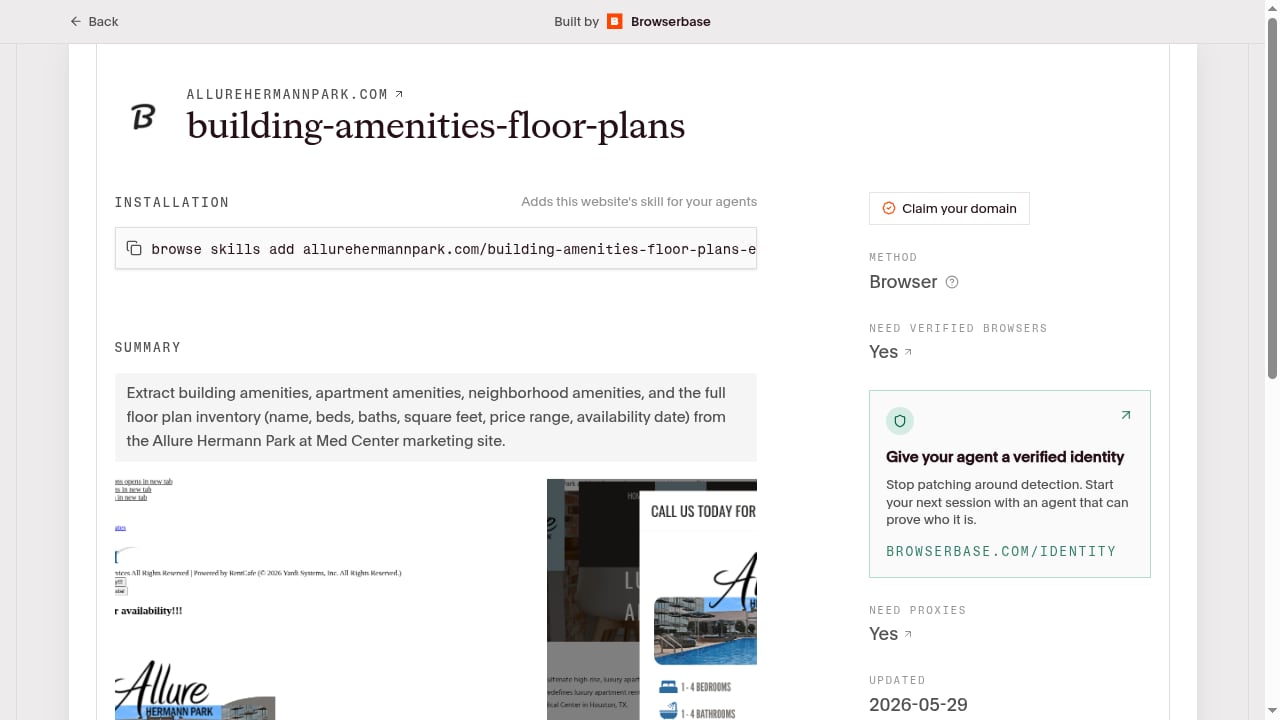
First viewport screenshot of browse.sh.
Before you start, you need:
- An AdsCrawl account with an API key from the dashboard.
- Node.js installed so you can run the browse CLI.
- An AI agent or coding assistant that can execute shell commands and call HTTP endpoints.
AdsCrawl offers 500 free credits on signup, which is enough to validate a workflow before committing to a paid plan.
Step-by-step setup
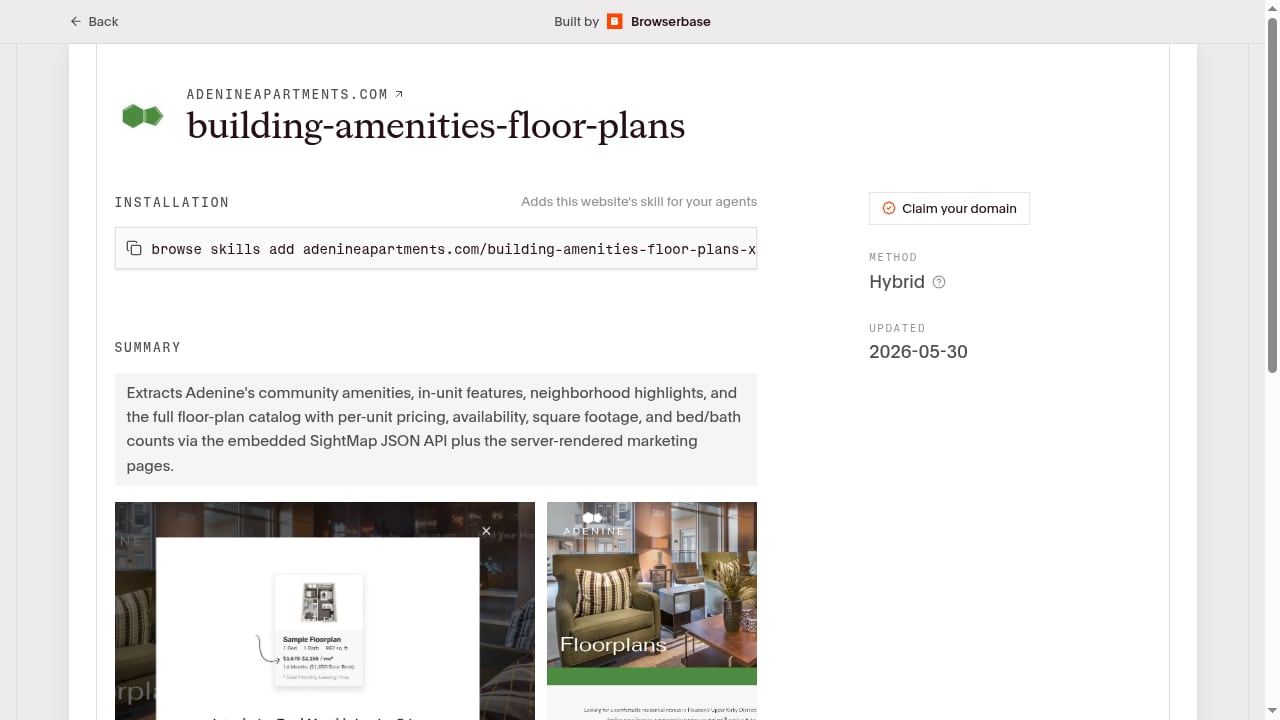
First viewport screenshot of browse.sh.
1. Install the browse CLI and a skill
npm i -g browse
browse skills add alltrails.com
Browse the catalog by domain, skill, method, or region to find a recipe that matches your task. Many skills are read-only and parse public APIs or server-rendered HTML, which makes them low-risk starting points.
2. Verify your AdsCrawl credentials
Send a minimal request to confirm the key works:
curl --fail-with-body -sS \
  -X POST "https://api.adscrawl.net/html" \
  -H "x-api-key: $ADSCRAWL_API_KEY" \
  -H "content-type: application/json" \
  -d '{
    "url": "https://www.adscrawl.net",
    "contentMode": "html",
    "waitUntil": "domcontentloaded"
  }' \
  --output page.html
If you prefer Markdown output, set contentMode to markdown.
3. Point the skill at an AdsCrawl session
For skills that need interaction, create a CDP session and connect your automation client to the returned webSocketDebuggerUrl. For skills that only need page content, route them through the /html or /spa-extract endpoints. The browser use API overview explains how rendering, extraction, and session management fit together.
4. Add proxies and region routing
If the target site blocks your default region, configure a proxy in the AdsCrawl request. Every Cloud Browser launch requires a valid proxy, and credentials belong in the designated fields rather than the proxy server URL. For a deeper walkthrough, see how to use AdsCrawl with Proxidize.
5. Run, inspect, and iterate
Execute the skill through your agent, then inspect the output. browse.sh skill pages include replay recordings and the full SKILL.md, so you can compare expected behavior with what actually happened. If a selector fails, check missingFields in the AdsCrawl response to see which fields were not found.
Practical examples
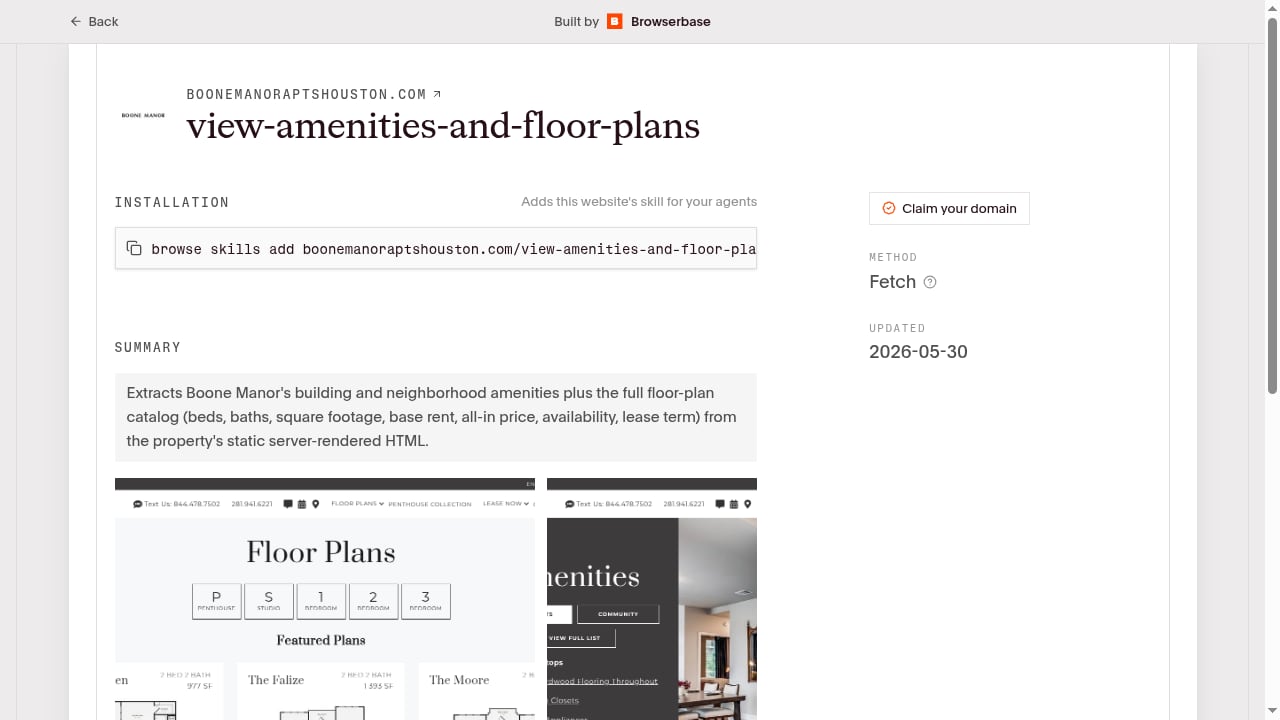
First viewport screenshot of browse.sh.
Example 1: Comparing ACA health plans
A skill like healthcare.gov/compare-plans-ruai96 encodes the navigation and extraction steps for plan comparison. Run it through an AdsCrawl session in the correct US region so the site serves the right content. The agent follows the skill's selectors while AdsCrawl handles rendering and proxy identity.
Example 2: Tracking flight prices across regions
A flight-tracking skill can query an airline site, but prices often vary by point of sale. Launch AdsCrawl sessions in different regions and run the same skill against each. Collect the results into a single dataset for comparison.
Example 3: Reading public transit and train routes
Many transit skills are read-only and parse server-rendered HTML. These are ideal for AdsCrawl's /html endpoint: no interactive session is needed, and you can batch requests at scale.
Example 4: Authenticated workflows
For tasks that require a signed-in account, save an AdsCrawl cloud browser profile after a manual login, then reuse it. Use cookies only for accounts you are authorized to access, and verify domain, path, and expiration before each run.
Decision guidance: when to use which layer
| Need | Use browse.sh skill | Use AdsCrawl directly |
|---|---|---|
| Known site with a published recipe | Yes | As the execution layer |
| Novel or unlisted site | No | Yes, with /spa-extract or CDP |
| Geo-restricted content | Yes, with region routing | Yes |
| High-volume read-only extraction | Yes | Yes, via /html or /spa-extract |
| Multi-step authenticated flow | Yes, with saved profile | Yes, via CDP session |
If you are still evaluating the browser layer itself, the comparison of AdsCrawl vs Playwright vs Stagehand covers control, managed infrastructure, and AI-agent fit.
Common pitfalls and fixes
- Timeouts. The page may be slow, the proxy unreachable, or the awaited selector never appears. Check the error response, verify the URL and proxy, then adjust the wait condition.
- HTTP 402. You have run out of credits. Check your balance and plan in the dashboard.
- HTTP 429. You hit a rate limit. Lower concurrency and retry with backoff.
- Viewer left open. Closing the interactive viewer does not stop a Cloud Browser. Call the stop endpoint and confirm
runtime.statusisstopped.
Related reading
- AdsCrawl vs Parse: Browser Automation vs Website APIs - Compare AdsCrawl and Parse: browser automation API vs pre-built website APIs. Learn which fits dynamic scraping, authenticated sessions, and scale.
- Octoparse Review: No-Code Scraping Tested and Explained - An evidence-based Octoparse review covering ideal users, use cases, strengths, limits, pricing, setup, and decision criteria for no-code web scraping.
Sources and further reading
- AdsCrawl MCP Server | Awesome MCP Servers - Hosted cloud browser, browser automation and web data extraction for developers and AI agents. Browse AdsCrawl MCP Server for Claude, Cursor, VS Code, and...
- Browser Use MCP Server | Awesome MCP Servers - An MCP server that allows AI agents to control a web browser using the browser-use library. Browse Browser Use MCP Server for Claude, Cursor, VS Code, and...
- Chrome MCP Server | Awesome MCP Servers - Control a Chrome browser through the Chrome DevTools Protocol (CDP) from MCP clients for browsing, inspection, and automation workflows.
FAQ
Do I need browse.sh if AdsCrawl already renders pages?
No. AdsCrawl alone can render, extract, and automate. browse.sh adds reusable, site-specific recipes that reduce the prompt engineering and selector work your agent needs.
Can I use browse.sh skills without AdsCrawl?
Yes. The browse CLI includes browser primitives and cloud sessions. AdsCrawl becomes useful when you need managed proxies, region routing, saved profiles, or high-volume extraction.
Are browse.sh skills safe to run?
Many are read-only and parse public APIs or server-rendered HTML. Review the SKILL.md before running any skill that performs writes, bookings, or submissions.
How do I debug a failing skill?
Compare the skill's replay recording with your run, check missingFields in the AdsCrawl response, and inspect the rendered HTML to see whether the DOM changed.
Can my coding agent set up AdsCrawl for me?
Yes. AdsCrawl publishes an agent setup prompt that walks through sign-up, API key authorization, and integration. You approve access in your browser.
Conclusion
AdsCrawl and browse.sh solve different halves of the same problem. browse.sh supplies the site-specific knowledge; AdsCrawl supplies the browser, identity, and scale. Start with one read-only skill, validate it through the /html endpoint, then add proxies and saved profiles as your workflows grow. For a broader view of the tooling landscape, see the top AI web scraping and monitoring platforms.