
AdsCrawl vs Steel: Browser Infrastructure for AI Agents
AdsCrawl vs Steel compared: CDP control, Markdown extraction, anti-bot features, pricing, and which browser API fits AI agents, scraping, and automation.
AdsCrawl vs Steel: Browser Infrastructure for AI Agents
Choosing a browser API for AI agents often comes down to control versus convenience. AdsCrawl and Steel both provide cloud browser infrastructure, but they optimize for different workflows. AdsCrawl exposes real Chromium sessions through a unified API with Chrome DevTools Protocol (CDP) access, HTML and Markdown extraction, and concurrent execution. Steel is an open-source browser API focused on AI agents, with built-in anti-bot protection, session persistence, and tools like Atlas for deep research. This comparison breaks down architecture, control depth, anti-bot capabilities, pricing, and practical use cases so you can pick the right tool for your stack.
How AdsCrawl and Steel Differ at the Core
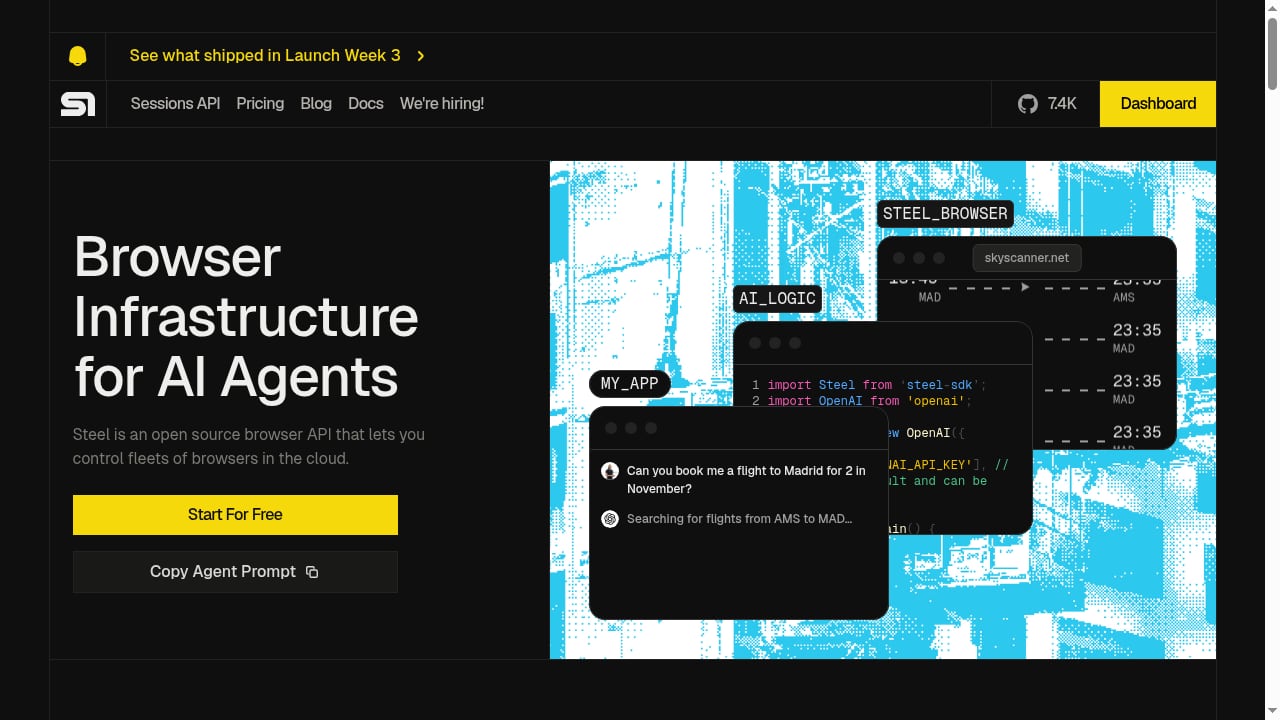
First viewport screenshot of Steel | Browser Infrastructure for AI Agents.
AdsCrawl: Browser Infrastructure as a Unified API
AdsCrawl is a browser automation and data extraction API platform that exposes real browser capabilities through a single endpoint. Developers can capture screenshots, extract HTML and Markdown, and control remote CDP sessions directly. The platform is built for AI agents, monitoring, SEO, and automation workflows that need more than a static scrape.
Key AdsCrawl capabilities include:
- Cloud browser sessions with fingerprint profiles for consistent rendering across requests
- Concurrent browser execution for scaled collection of public pages
- CDP session control for fine-grained interaction with page state
- Credit-based usage with a freemium model so you can test before committing
- Dashboards for key management, usage tracking, and debugging
AdsCrawl positions itself as browser infrastructure for the AI era. Teams use it to validate page rendering states, wrap repeatable web actions into reliable APIs, and serve cross-border commerce, growth, data, and AI application scenarios. If your workflow needs to inspect the browser itself, not just the final HTML, AdsCrawl's CDP access is the differentiator. You can see the full API surface in the AdsCrawl documentation.
Steel: Open-Source Browser API for AI Agents
Steel is an open-source browser API that provides cloud-based browser infrastructure specifically designed for AI agents. It enables developers to control fleets of browsers in the cloud for web automation through a simple developer API. Steel addresses the limitations of traditional headless browsers by offering built-in anti-bot protection, session persistence, and seamless integration with AI frameworks. It is engineered for reliable, scalable web automation, allowing AI agents to perform tasks like web scraping, form filling, and complex multi-step interactions. The platform includes features such as session recording, agent logs for debugging, dedicated IPs for stable network origins, and tools like Atlas for deep research. Steel positions itself as the browser layer for the next generation of AI agents, with a focus on developer experience and open-source extensibility.
Feature Comparison: Where Each Tool Excels
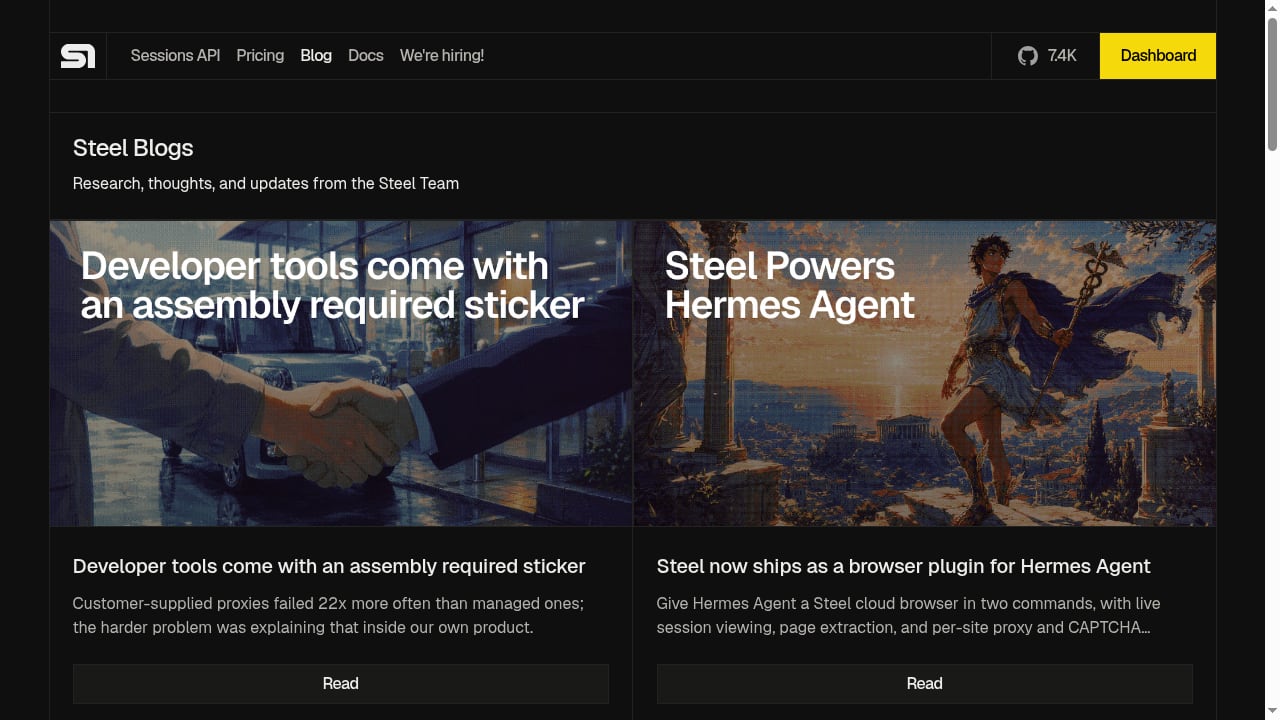
First viewport screenshot of Steel | Browser Infrastructure for AI Agents.
Protocol and Control Depth
AdsCrawl provides CDP session control, which means you can inspect and manipulate the browser at the protocol level. This is valuable when you need to verify rendering state, debug page behavior, or build custom browser interactions that go beyond simple navigation. The platform also supports Playwright and Puppeteer connections to remote cloud Chromium, so existing automation code can be pointed at a managed browser with minimal changes.
Steel abstracts the browser behind a developer-friendly API. It offers session persistence and dedicated IPs, but its public positioning emphasizes ease of use for AI agents rather than low-level protocol control. If you need deterministic control over selectors, network requests, or rendering timing, AdsCrawl's CDP access gives you more precision.
AI Agent Support
AdsCrawl is built for AI agents as a core use case, with Markdown extraction and CDP control that let agents read pages and interact with them programmatically. The platform's fingerprint profiles and concurrent sessions support agent-driven workflows at scale. Agents can consume clean Markdown instead of parsing raw HTML, which reduces token usage and improves reliability.
Steel is purpose-built for AI agents. Its entire value proposition is giving models the ability to browse the web autonomously. It integrates with AI frameworks and includes session recording and agent logs for debugging. If your agent needs to figure out a workflow on its own without predefined steps, Steel's approach is more aligned with that goal.
Rendering and Anti-Bot Capabilities
AdsCrawl provides fingerprint profiles and real browser rendering, which helps with sites that require consistent browser identity. The platform is designed for collecting public web pages at scale while validating rendering states. It also supports residential proxy routing and CAPTCHA solving in the same browser session.
Steel offers built-in anti-bot protection and dedicated IPs for stable network origins. Its open-source nature means you can inspect and extend the anti-bot layer, but the platform's public documentation does not detail the same level of proxy and fingerprint customization as AdsCrawl. For scraping-heavy workflows that require residential proxies and CAPTCHA solving, AdsCrawl provides a more complete out-of-the-box solution.
Deployment and Infrastructure
Both platforms are hosted cloud services. AdsCrawl offers cloud browser sessions with concurrent execution and a separate Cloud Browser API for reusable profiles with a live viewer. Steel manages browser infrastructure behind its API, removing the need for local browser management, and provides dedicated IPs and session persistence.
Pricing and Getting Started
AdsCrawl uses a credit-based usage model with a freemium tier. You can start without a paid plan, which makes it accessible for testing browser automation workflows. The dashboard tracks usage, manages API keys, and provides debugging tools. For a step-by-step walkthrough, see the AdsCrawl setup guide.
Steel's pricing details are not explicitly stated in the available excerpt. As an open-source project, it may offer self-hosting options, but the cloud service pricing should be checked on the official site. Prospective users should verify current plan details.
Use Case Decision Guide
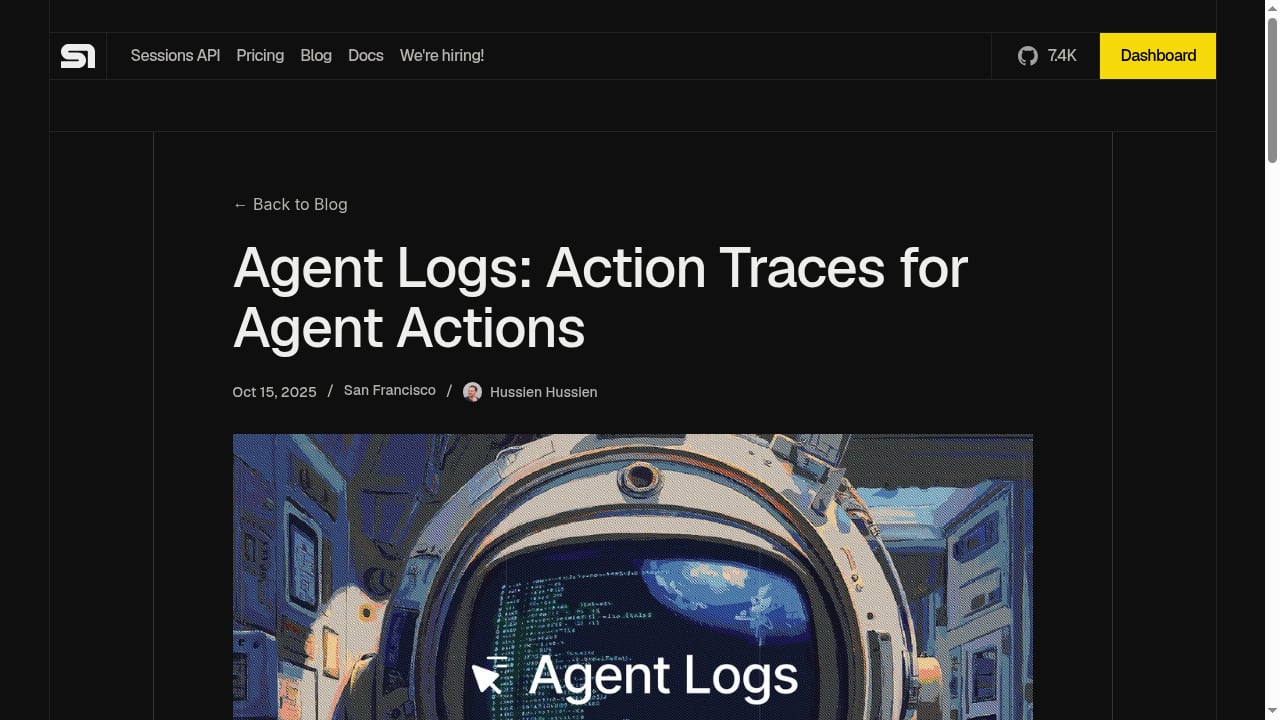
First viewport screenshot of Agent Logs: Action Traces for Agent Actions - Steel | Open-source Headless Browser API.
Choose AdsCrawl When
- You need CDP-level control over browser sessions for debugging or custom interactions
- Your workflow involves AI agents that need to read pages as Markdown and interact with them
- You want fingerprint profiles for consistent rendering across requests
- You need concurrent browser execution for scaled collection of public pages
- You prefer a credit-based freemium model to test before scaling
- You need residential proxy routing and CAPTCHA solving in the same session
Choose Steel When
- Your primary goal is letting an LLM autonomously navigate websites without predefined steps
- You are building agents that need to figure out workflows on their own
- You want an open-source browser API that you can inspect and extend
- You need built-in anti-bot protection and dedicated IPs for stable network origins
- Your workflows benefit from session recording and agent logs for debugging
Practical Examples
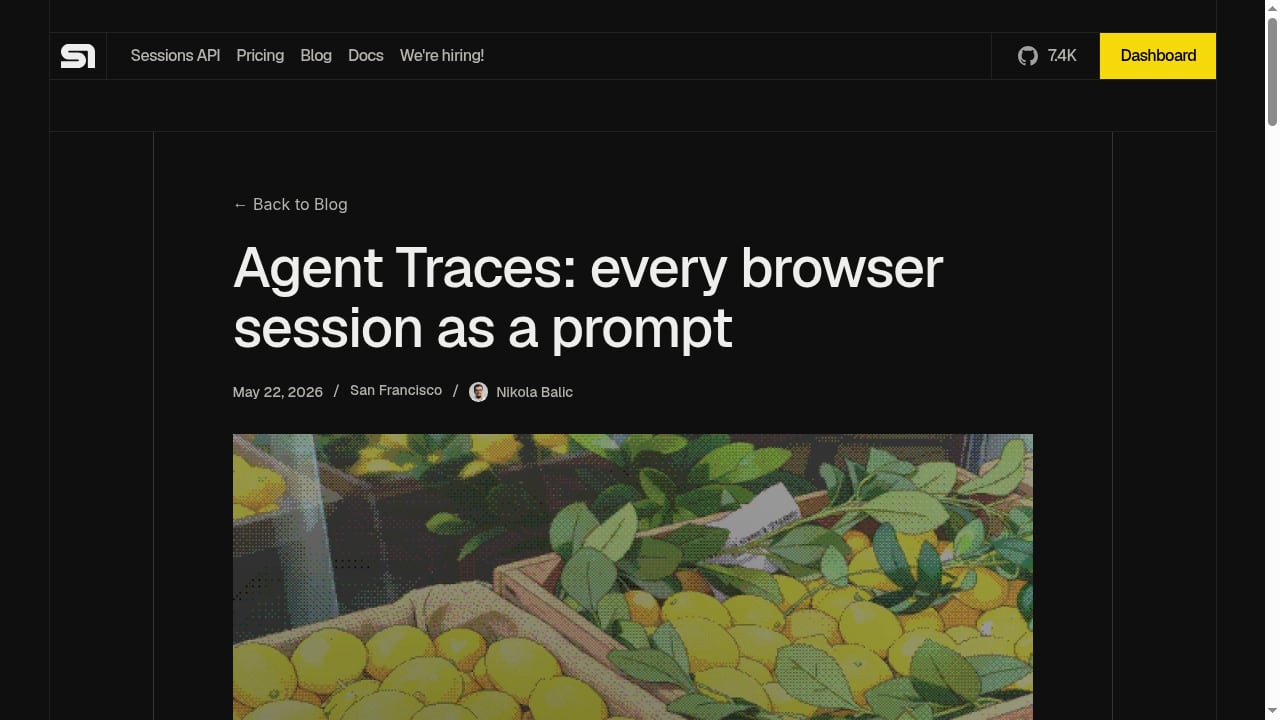
First viewport screenshot of Agent Traces: every browser session as a prompt - Steel | Open-source Headless Browser API.
AdsCrawl: Extract Rendered Markdown
curl --fail-with-body -sS -X POST "https://api.adscrawl.net/html" \
  -H "content-type: application/json" \
  -H "x-api-key: $ADSCRAWL_API_KEY" \
  -d '{
    "url": "https://example.com/article",
    "contentMode": "markdown",
    "waitUntil": "domcontentloaded"
  }'
This returns clean Markdown that an AI agent can consume directly, reducing token usage compared to raw HTML. For more on building reliable crawling pipelines, see What Is a Web Crawler? How Spiders Work in 2026.
AdsCrawl: Control a Remote CDP Session
Create a CDP session and connect Playwright using the returned webSocketDebuggerUrl. This gives you full protocol-level control for navigation, clicking, form filling, and collecting results in one session. You can also combine AdsCrawl with other data APIs; see How to Use AdsCrawl with OpenWeb Ninja: Browser + Data API for a step-by-step workflow.
Steel: Describe a Task
With Steel, you would describe a task in natural language and let the AI agent decide how to navigate and extract. This is faster for exploratory work but less predictable for production pipelines.
Related reading
- Cronitor Review 2026: Features, Pricing, and Real Tradeoffs - Hands-on Cronitor review covering cron job monitoring, uptime checks, pricing, setup, limitations, and who should choose it in 2026.
- Top 10 Cloud Developer Platform & Edge Infrastructure 2026 - Ranked review of the top 10 cloud developer platforms and edge infrastructure products for 2026, with evaluation criteria, evidence, and decision guidance.
Sources and further reading
- AdsCrawl vs Browser Use Cloud: Which Browser API Wins? - Compare AdsCrawl and Browser Use Cloud for browser automation: CDP control, LLM agents, pricing, and which platform fits your workflow.
- Simple Index - ... adscrawl · adsctl · adsdatahub · adsdatahub-cli · adsefid · adsense-portlet · adsense ... steel · ai-studio-blueprint-kit · ai-sub · ai-subtitle · ai-subtitle- ...
- If you don't like Galicia, never complain about realism in BF1 again ... - Sep 13, 2017 ... dice needs to kill ads crawl (cancel like Sprint or heavy heavy scope sway please) ... Metal would back in BFBC2 but as it sits, it's amazing.
Frequently Asked Questions
What is the main difference between AdsCrawl and Steel?
AdsCrawl provides deterministic browser control through CDP, Playwright, and Puppeteer with a unified API for HTML, Markdown, JSON, and screenshots. Steel focuses on letting AI agents browse the web autonomously through a developer-friendly API, with built-in anti-bot protection and session persistence.
Can AdsCrawl handle JavaScript-rendered pages?
Yes. AdsCrawl renders the page in a browser before returning the result. Where supported, set waitUntil or wait for a specific selector to ensure the page is fully loaded.
Does Steel support CDP?
Steel's public documentation does not emphasize CDP access. It provides a higher-level API for browser automation, which may be sufficient for many AI agent workflows but less precise for debugging or custom interactions.
Which platform is better for large-scale scraping?
AdsCrawl offers concurrent browser execution, fingerprint profiles, residential proxy routing, and CAPTCHA solving, making it well-suited for large-scale scraping. Steel offers dedicated IPs and anti-bot protection, but its public positioning focuses more on AI agent autonomy than scraping at scale.
Is Steel open-source?
Yes, Steel is an open-source browser API. This allows developers to inspect and extend the codebase, which can be an advantage for teams with specific customization needs.
Conclusion
AdsCrawl and Steel both serve the growing need for browser infrastructure in AI agent workflows, but they optimize for different priorities. AdsCrawl excels when you need deterministic control, CDP access, Markdown extraction, and a complete anti-bot stack with residential proxies and CAPTCHA solving. Steel shines when you want an open-source, developer-friendly API that lets AI agents browse autonomously with built-in anti-bot protection and session persistence. Evaluate your need for control versus convenience, and choose the platform that aligns with your production requirements. For a broader comparison of browser automation tools, see AdsCrawl vs Browser Use Cloud vs Puppeteer (2026).