
Scrapfly Review: Web Scraping API, Cloud Browser & Screenshots
In-depth Scrapfly review covering Web Scraping API, Cloud Browser, and Screenshot API. See real-world strengths, limitations, pricing, ideal use cases, and setup guidance.
Scrapfly Review: Web Scraping API, Cloud Browser & Screenshots
Scrapfly combines web scraping, browser automation, and screenshot capture into a single platform, all protected by a deeply integrated anti-bot bypass engine. Instead of piecing together proxy providers, headless browsers, and extraction logic, developers can use one API key and seven endpoints to scrape, render, and capture content at scale. This review takes a close look at the Web Scraping API, the Cloud Browser, and the Screenshot API, examining what makes the platform effective, where it stumbles, and who will benefit most.
What Is Scrapfly?
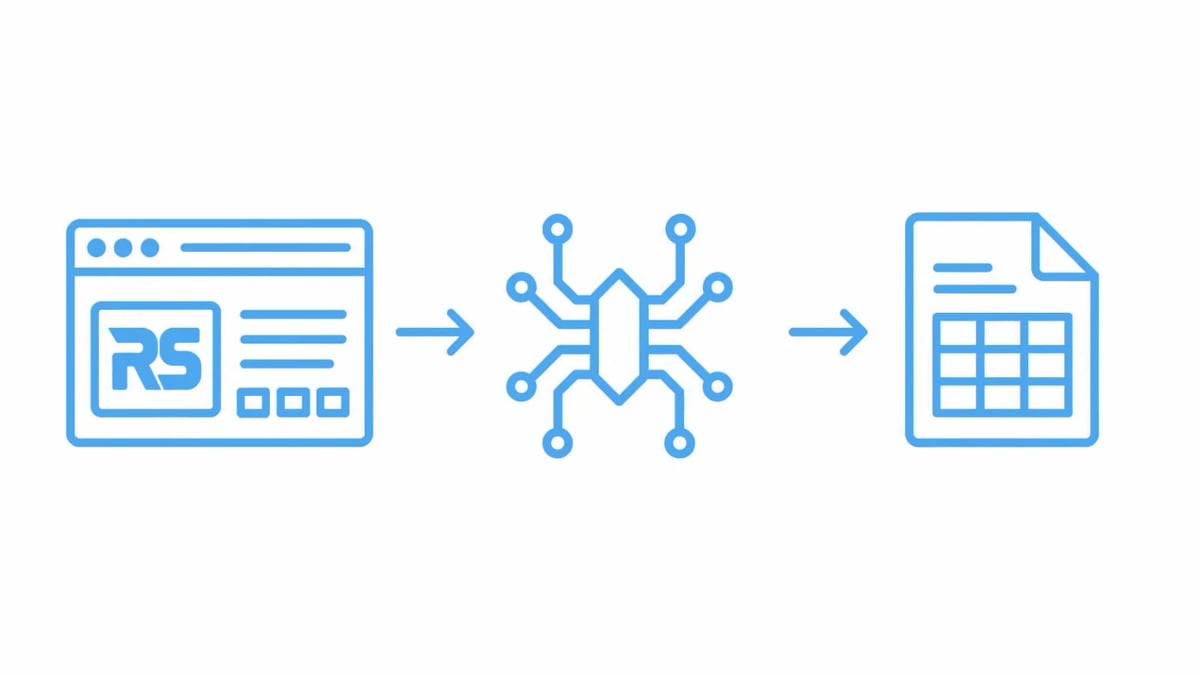
Scrapfly Review: Web Scraping API, Cloud Browser & Screenshots product interface and feature overview.
Scrapfly is a web data platform that bundles anti-bot bypass, residential and datacenter proxies, two stealth browser engines (Curlium for the HTTP fingerprint and Scrapium for browser identity), and multiple extraction and automation tools under one API. It was built by a team that owns every layer of the stack—proxy mesh, TLS fingerprinting, challenge solving—rather than licensing third‑party components. The result is a tightly orchestrated service where a single asp=true parameter tackles Cloudflare, DataDome, Akamai, and over twenty other blocking vendors without per‑site tweaks.
The platform’s central promise is simplicity: one API key unlocks the Web Scraping API, a Cloud Browser that accepts WebSocket connections, a Screenshot API, an Extraction API, a Crawler API, an AI Browser Agent, and an MCP server for direct integration with Claude, Cursor, and other AI coding assistants.
Web Scraping API: Core Strengths and How It Works
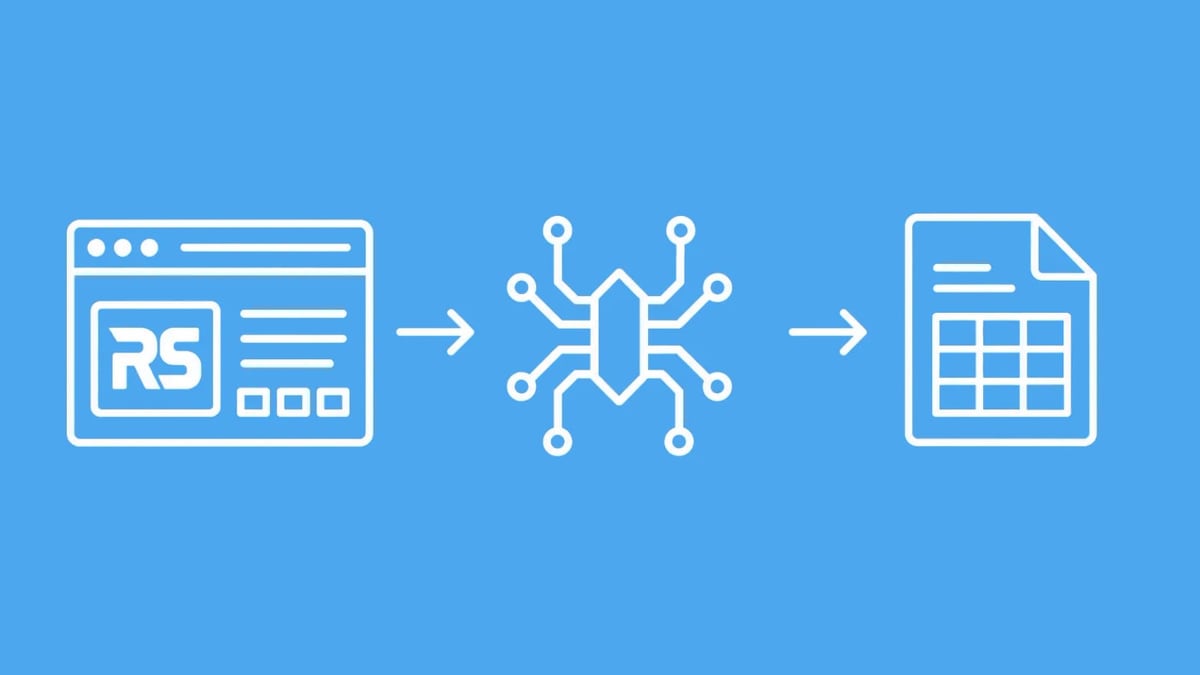
Scrapfly Review: Web Scraping API, Cloud Browser & Screenshots product interface and feature overview.
At the heart of Scrapfly is the Web Scraping API, which handles the heavy lifting of retrieving blocked or JavaScript‑heavy pages. A single POST to api.scrapfly.io/scrape with a URL and asp=true returns a clean JSON envelope containing the page HTML (or Markdown), the rendered browser content if you enable JS, plus cost headers and debugging information.
Key capabilities developers immediately notice:
- Automatic anti‑bot vendor detection and bypass. No manual fingerprint configuration or challenge‑solving logic is required. Curlium mimics Chrome’s TLS settings and JA3/JA4 hash, while Scrapium handles browser‑level challenges. Failed bypass attempts do not consume credits.
- Seamless proxy pool management. The API defaults to a datacenter pool costing 1 credit per request. When a challenge demands a residential IP, the system auto‑upgrades to ISP‑assigned addresses and adjusts the credit cost accordingly. You can also pin requests to any of 190+ countries with the
countryparameter. - JavaScript rendering and browser actions. Setting
render_js=truelaunches a stealth Chromium instance through Scrapium. You can orchestrate clicks, form fills, and scrolling viajs_scenario, and wait for specific selectors before the response returns. - Extraction in the same call. Passing an extraction model, template, or LLM prompt alongside the scrape config delivers structured JSON inside
result.extracted_data, eliminating a second API trip.
A typical product‑scraping request on a heavily guarded e‑commerce site looks like this:
POST https://api.scrapfly.io/scrape
{
  "url": "https://target-shop.com/product/123",
  "asp": true,
  "render_js": true,
  "country": "us",
  "extraction_prompt": "extract product name, price, stock status"
}
The combination of bypass, rendering, and AI extraction in one call often replaces three separate services. The API also supports batch scraping (up to 100 configs per request), server‑side caching that returns stored responses at zero credits, and debug mode that stores the full trace for replays.
Cloud Browser: Stealth Chromium at Scale
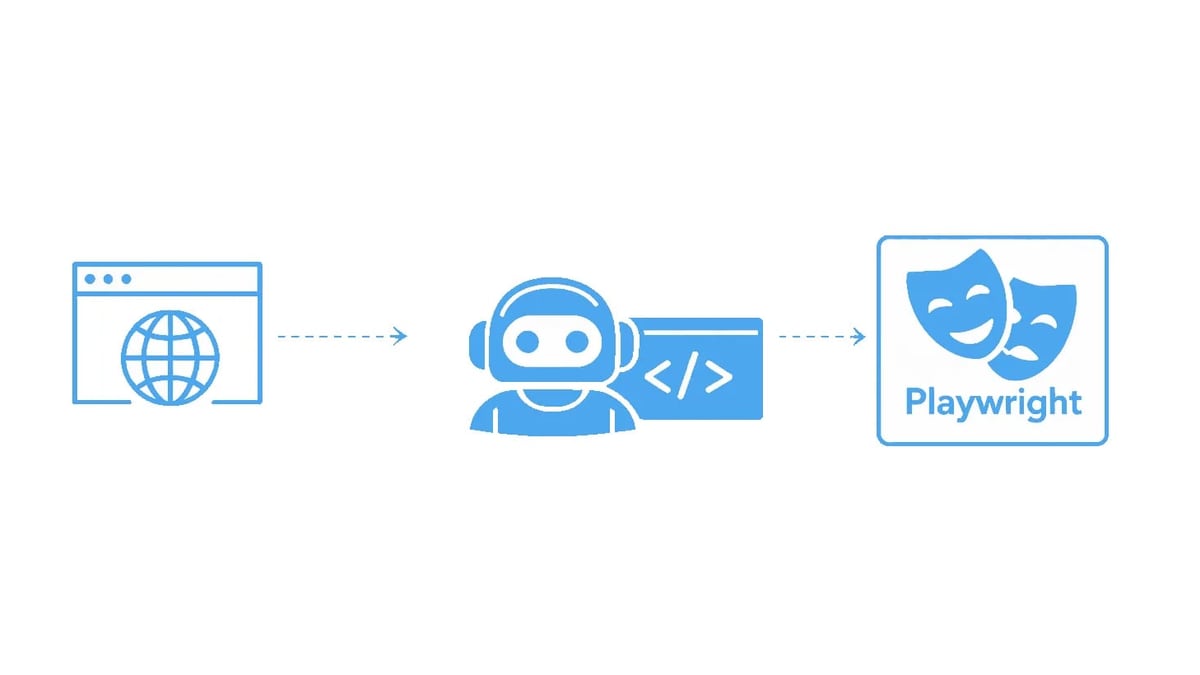
Scrapfly Review: Web Scraping API, Cloud Browser & Screenshots product interface and feature overview.
For workflows that demand a persistent browser session—login flows, multi‑step form interactions, or headless browsing driven by Playwright or Puppeteer—the Cloud Browser provides a WebSocket‑based endpoint (wss://browser.scrapfly.io/cdp?key=...). It’s a real, stealth‑patched Chromium instance hosted on Scrapfly’s infrastructure, built on the same Scrapium engine that powers the scraping API.
The browser integrates directly with popular browser automation frameworks. You can connect via Playwright, Puppeteer, or any tool that speaks the Chrome DevTools Protocol (CDP). Because the browser is launched inside Scrapfly’s proxy mesh and fingerprint pipeline, your automation sidesteps the detection hurdles that normally kill headless browsers at scale.
The Cloud Browser also serves as the backbone for the AI Browser Agent, which executes autonomous agent loops using tools like Browser Use or Stagehand. You pay only for successful actions, aligning cost with delivered value rather than time spent fighting bot walls.
Screenshot API: Capturing Pages Without Blocks
Scrapfly Review: Web Scraping API, Cloud Browser & Screenshots product interface and feature overview.
The Screenshot API extends the platform’s bypass capabilities to visual capture. A single endpoint (POST https://api.scrapfly.io/screenshot) can take full‑page, viewport, or element‑specific screenshots in PNG, JPEG, WebP, GIF, or PDF format—all through a real Chromium renderer that automatically dismisses cookie banners and ads via the block_banners preset.
Practical highlights include:
- Composable capture pipeline. Anti‑bot bypass, ad blocking, custom CSS injection, and JavaScript scenario execution are all optional layers. Unused layers add no latency.
- Wait conditions. Wait for a CSS selector to appear, for network idle, or hold for a fixed rendering delay to capture exactly the right moment.
- Scheduled monitoring and visual diff. Cron‑based scheduling, pixel‑level difference highlighting, and change alerts make the Screenshot API suitable for visual regression testing and competitor page monitoring.
- Zero credits on failures. If an upstream error or bypass failure prevents a capture, the attempt is free. Server‑side caching with configurable TTL also allows repeat requests to hit the cache at no credit cost.
The Screenshot API is deliberately focused on imaging. For combined structured data and a screenshot in one request, you can use the Web Scraping API’s screenshots parameter alongside HTML extraction.
Anti‑Bot Bypass: The Real Differentiator
Many scraping platforms handle a handful of anti‑bot vendors; Scrapfly’s proprietary Curlium and Scrapium engines are maintained against more than twenty, including Cloudflare, DataDome, Akamai, PerimeterX, Kasada, F5, and AWS WAF. The bypass logic is server‑side and transparent to your code. When asp=true is set, the platform detects the active vendor, builds a coherent browser fingerprint across TLS, HTTP/2, and JavaScript runtime, solves any challenge, and silently replays the request—often within an extra second.
The engineering philosophy is visible in the “pay on success” model: failed bypasses do not consume credits. That aligns the platform’s incentives with your success rate and removes the risk of paying for blocked scrapes. Combined with real‑time observability metrics (success rates, throughput, latency per request) and per‑request debugging tools, the bypass layer is a hardened, measurable component rather than a black box.
Extraction, Crawling, and AI Agent Tools
Though this review focuses on the three core products, Scrapfly’s auxiliary tools reinforce the platform’s completeness:
- Extraction API. Dedicated endpoint for turning raw HTML into typed data using LLM prompts, pre‑trained models, or custom JSON templates. Helpful when you want to separate fetch from extraction, or need to process cached HTML without a fresh scrape.
- Crawler API. Traverses entire websites with depth limits, follow rules, and rate controls. Each discovered URL runs through the Web Scraping API, so pages inherit the same anti‑bot protection.
- AI Browser Agent. A stealth Chromium session tuned for autonomous agent loops. Compatible with Browser Use, Stagehand, and Vibium, charged per successful action.
- MCP Server. Connects any MCP‑compatible client (Claude Desktop, Cursor, Windsurf, ChatGPT) to scrape, screenshot, extract, and crawl using the same API key. This is especially useful for AI‑assisted data pipelines and rapid prototyping.
Together, these tools mean that teams adopting Scrapfly for web scraping can gradually expand into full‑site indexation and AI‑driven extraction without leaving the platform or managing additional vendors.
Pricing and Credit System: Pay Only for Success
Scrapfly uses a credit‑based pricing model with no dedicated premium‑domain surcharges. Datacenter requests cost 1 credit, while residential proxy requests incur a higher credit spend that reflects the complexity of the target. All plans include:
- Free failed requests (bypass failures, timeouts, and upstream errors).
- Access to all endpoints with the same API key.
- Built‑in observability and debug tools.
New accounts receive 1,000 free credits without a credit card, which is enough to test the bypass, screenshot, and browser features against real protected sites. Paid plans start with a monthly subscription that scales credit volume; the exact $‑per‑credit ratio depends on the plan tier, but the absence of walled gardens—no separate proxy subscriptions, no premium bypass add‑ons—simplifies budgeting. Still, heavy users of residential proxies should model costs carefully, as residential credits add up fast on high‑frequency jobs.
Setup and Developer Experience
Getting started with Scrapfly is deliberately lightweight. Sign up, grab an API key, and send a POST—no proxy configuration, no browser binaries to install. SDKs are available for Python, Node.js, and PHP, but the REST API is straightforward enough that you can curl it directly.
Live telemetry and per‑request debug links (the log_url field) let you inspect everything from TLS handshake to final rendered HTML. For teams, the environment‑level cache and project‑based settings make it easy to share configuration and avoid redundant scrapes.
Integration with existing automation code is smooth. If you already use Playwright or Puppeteer, you can point them to the Cloud Browser’s WebSocket URL with minimal changes. The MCP server lowers the barrier even further: AI coding assistants can scrape and extract data without any code at all.
Limitations and When to Consider Alternatives
No platform fits every scenario, and Scrapfly has a few edges worth noting:
- No self‑hosted option. The entire stack runs on Scrapfly infrastructure. If regulatory or architectural constraints require on‑premise scraping, you will need a different approach.
- Residential proxy costs. While the pay‑on‑success model is fair, high‑volume residential scraping can become expensive compared to maintaining your own pool of ISP‑grade proxies—if you have the expertise to do it.
- Cloud Browser latency for simple JS pages. For sites that only need basic JavaScript execution, the full Cloud Browser session may be overkill; the
render_js=truemode on the Web Scraping API is often enough, but using the browser endpoint adds session overhead. - Screenshot API focus. The Screenshot API excels at page images but does not return extracted data; you must pair it with the Web Scraping or Extraction APIs for combined data + screenshots. Some competitors offer both in a single imaging endpoint.
- SaaS dependency. If Scrapfly suffers an outage, all dependent pipelines will halt. The 99.99% pass rate and robust architecture mitigate this, but it remains a single point of reliance.
For teams that need only simple, unblocked HTML fetching, a lightweight scraping library or a basic proxy might be cheaper. Scrapfly’s value grows as the level of blocking and the need for JavaScript rendering, screenshots, and managed proxies increase.
Ideal Users and Use Cases
Scrapfly suits a wide range of data automation tasks:
- Data‑focused engineering teams that need to collect product prices, reviews, or job listings from sites protected by Cloudflare, DataDome, or Akamai without building their own fingerprinting stack.
- AI agent and LLM‑based applications that need to fetch and extract web data in real time. The MCP server and AI Browser Agent are purpose‑built for this flow.
- Marketing and competitive intelligence platforms that rely on scheduled screenshots and visual diffs to track competitor changes.
- QA and visual regression testing pipelines that must capture pages behind bot walls. The Screenshot API’s ad‑blocking, custom viewports, and cron scheduling fit neatly into CI workflows.
- Developers at companies like AdsCrawl who are prototyping internal data tools and need a single API key to unblock, render, and extract without managing a patchwork of services.
In short, if your scraping job consistently hits bot walls, involves dynamic rendering, or must produce both structured data and clean screenshots, Scrapfly is a strong all‑in‑one candidate.
How Scrapfly Stacks Up Against DIY and Other Vendors
Scrapfly’s own comparison table highlights the key difference: while many scraping APIs charge for failed requests and tack on extra fees for protected domains, Scrapfly only charges for successes. The in‑house ownership of the stealth layer (Curlium and Scrapium) means that bypass capabilities are continuously patched in response to new vendor updates, rather than licensed from a third party that may lag behind.
Compared to maintaining a self‑built stack of rotating proxies, headless Chrome, and manual challenge solving, Scrapfly saves significant engineering time. The integrated observability, caching, and extraction tools reduce the number of moving parts. However, if you need ultra‑fine control over proxy rotation algorithms or require an on‑premise browser pool, a DIY approach (or a hybrid where you use Scrapfly’s APIs only for the most difficult targets) might be better.
Sources and further reading
- Scrapfly - Web Scraping API, Cloud Browser, Screenshot API - Power web scrapers and AI agents with Scrapfly's web data platform. One API key for anti-bot bypass, stealth Chromium over CDP, residential proxies, screenshots, and structured extraction.
FAQ
What makes Scrapfly different from other scraping APIs? Scrapfly owns its entire anti‑bot stack—Curlium for HTTP fingerprinting and Scrapium for browser stealth—and uses a pay‑on‑success model across all endpoints. Failed bypass attempts are free, and credits scale with target complexity rather than imposing rigid per‑domain premiums.
Does Scrapfly charge for failed requests? No. Blocked requests, timeouts, and upstream errors do not consume credits. You pay only for successful scrapes, screenshots, or browser actions that deliver valid data.
Can I use Scrapfly for browser automation? Yes. The Cloud Browser gives you a WebSocket endpoint for Playwright, Puppeteer, or any CDP client. The AI Browser Agent extends this to autonomous agent loops, and you are charged only for successful actions.
How does the Screenshot API handle cookie banners?
The block_banners preset automatically dismisses cookie popups, ads, and overlays before the screenshot is taken. You can also inject custom CSS or run JavaScript scenarios to remove specific elements.
What is the pricing model? Scrapfly uses a credit‑based system. Datacenter requests cost 1 credit; residential requests cost more, reflecting the actual proxy complexity. Paid plans start at a monthly subscription with a pool of credits, and there are no extra charges for premium domains or bypass features.
Conclusion
Scrapfly delivers a unified web data platform that replaces multiple services with a single API key. The in‑house anti‑bot engines, flexible rendering options, and tightly integrated Screenshot API make it particularly effective for targets protected by advanced bot mitigation. The pay‑on‑success model and credit‑based pricing remove the gamble of paying for blocked requests. There are natural trade‑offs—no on‑premise deployment, and residential proxy costs can climb—but for the majority of teams that want to scrape the difficult web without becoming anti‑bot engineers, Scrapfly is a pragmatic, well‑engineered choice. If you’re evaluating a scalable extraction pipeline for projects at AdsCrawl, the platform’s ability to handle the full stack—bypass, render, capture, and extract—makes it a contender worth testing with the free trial credits.