
AdsCrawl vs Selenium: Cloud API vs Framework in 2026
Compare AdsCrawl's cloud browser API with Selenium's automation framework. See which fits AI agents, scraping, and testing with less maintenance.
AdsCrawl vs Selenium: Which Browser Automation Approach Fits Your Stack?
Choosing between a cloud browser API and a traditional automation framework shapes your whole pipeline. AdsCrawl gives you instant, managed browser sessions through a unified API. Selenium gives you an open-source library to build and maintain your own driver-based grid. This comparison breaks down where each one excels, where they fall short, and how to match the tool to your real workload—whether you are feeding AI agents, monitoring competitors, or running cross-browser test suites.
Architecture: Managed Sessions vs. Self-Hosted Drivers
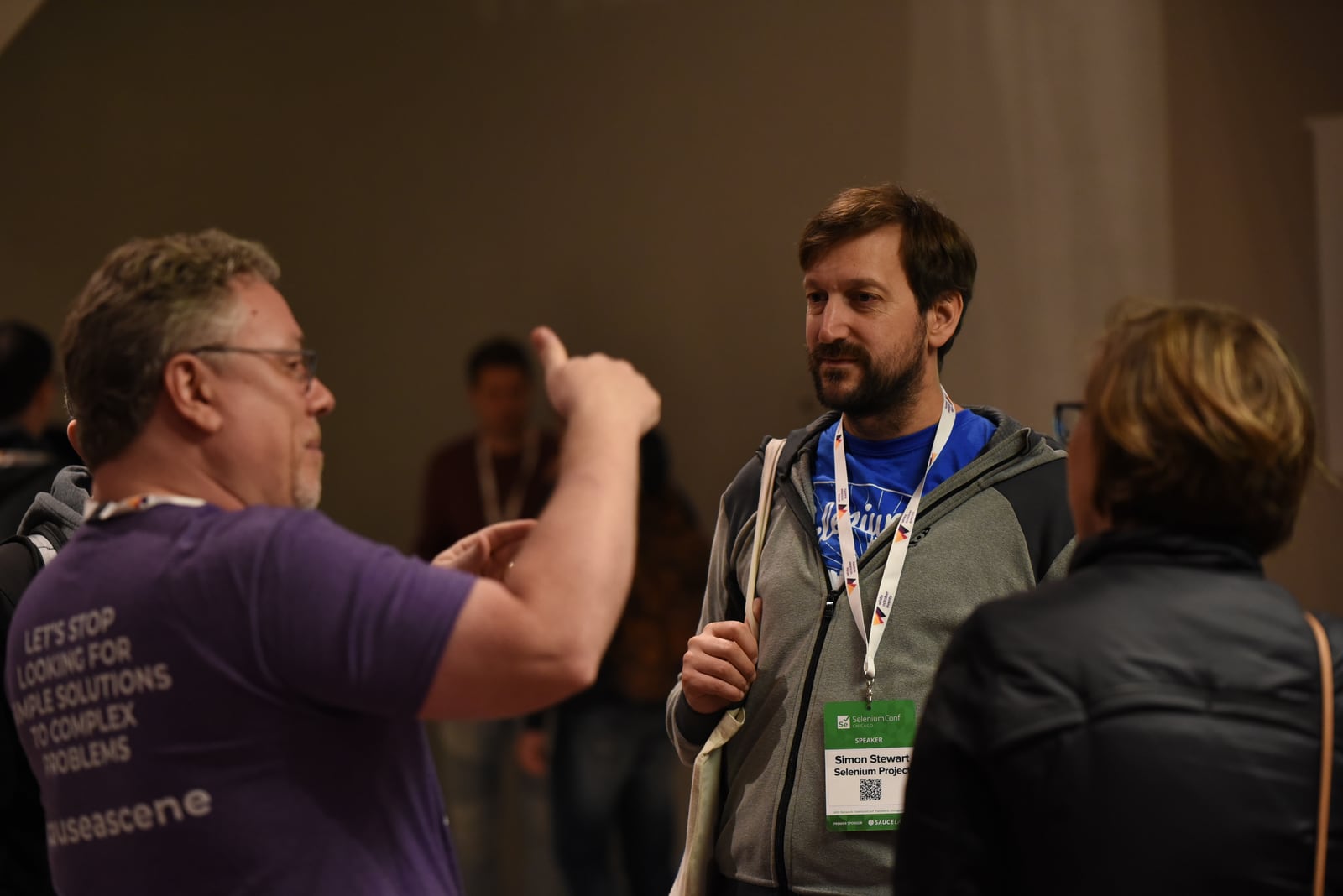
Selenium product interface.
The biggest difference sits at the infrastructure level.
AdsCrawl operates as a browser-as-a-service platform. You call an API endpoint, and AdsCrawl spins up a real, cloud-hosted browser session with its own fingerprint profile. You interact with that session through a unified interface—capturing screenshots, extracting HTML or Markdown, or sending raw Chrome DevTools Protocol (CDP) commands. There is no local driver binary to install, no grid to configure, and no browser process to manage on your own hardware. The platform handles concurrency, session cleanup, and anti-detection measures behind the scenes.
Selenium follows a client-server architecture centered on the W3C WebDriver protocol. Your test code talks to a language-specific binding, which sends commands to a browser driver (chromedriver, geckodriver), which then controls the browser. To scale, you add Selenium Grid—distributing tests across multiple machines and browser environments. This model gives you full control over every layer, but it also means you own the setup, maintenance, version matching, and infrastructure costs.
For teams that want direct, low-level control over a local browser, Selenium’s architecture still works. For teams that want to skip infrastructure management and get straight to browser output, AdsCrawl’s API-first model removes entire categories of operational toil.
Setup Speed and Operational Overhead
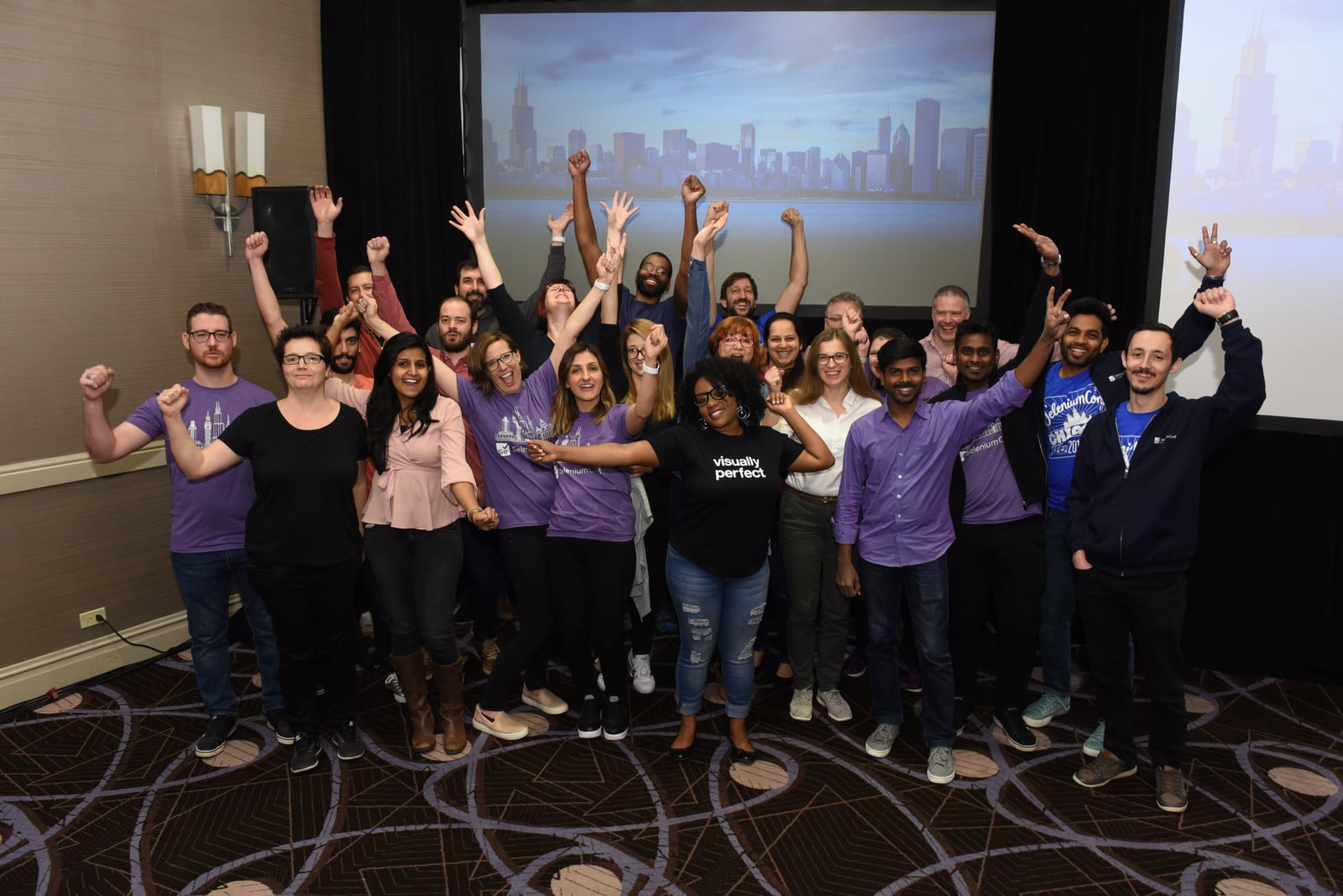
Selenium product interface.
Time-to-first-automation reveals a lot about each tool’s philosophy.
With AdsCrawl, you sign up, grab an API key, and send a cURL request or use the Node.js/Python SDK. A working browser session returns data in seconds. There is no driver installation, no browser binary management, and no grid provisioning. The platform’s dashboard shows usage, key management, and debug logs without extra tooling.
With Selenium, you install the language binding, download the matching browser driver, ensure the browser version aligns, and write boilerplate to manage sessions. For parallel execution, you configure Selenium Grid—spinning up nodes, managing networking, and handling state. Community tools and Docker images simplify parts of this, but the responsibility stays with your team. As the CloudQA analysis of Selenium alternatives notes, the core issue is not that Selenium is unreliable—it is that the engineering hours spent maintaining locators, debugging flaky tests, and onboarding engineers into scripted codebases compound quickly at high shipping velocity.
If you need a quick proof-of-concept or a lightweight data pipeline, AdsCrawl’s zero-infrastructure approach saves hours. If you already run a mature Selenium grid with dedicated QA infrastructure, that investment may already be amortized.
Browser Fingerprinting and Anti-Detection
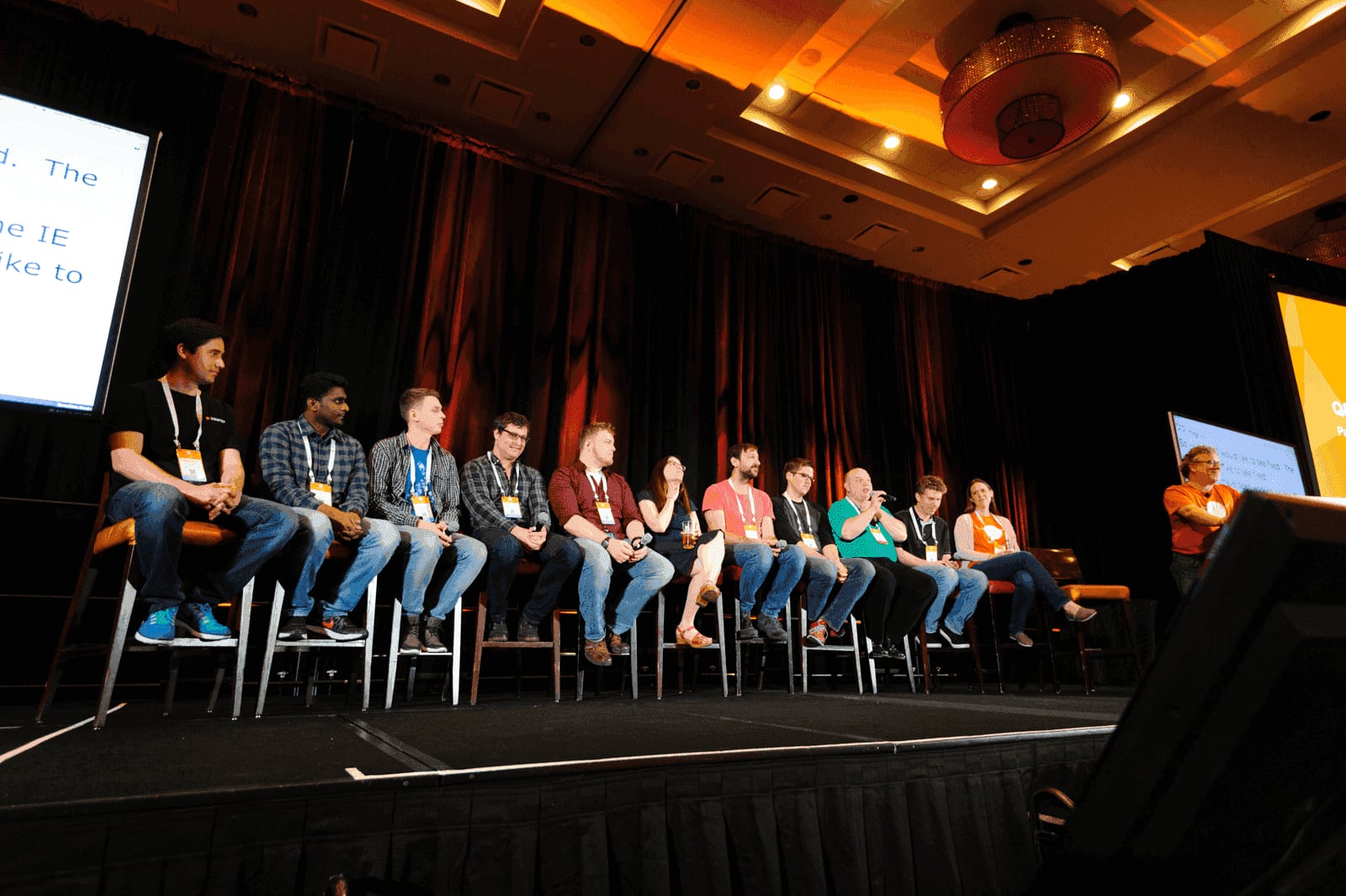
Selenium product interface.
Modern websites use TLS fingerprinting, IP reputation checks, and JavaScript challenge systems that go far beyond simple user-agent strings. This is where the architectural gap widens.
AdsCrawl provisions cloud browser sessions with managed fingerprint profiles designed to blend into real traffic. Because sessions run on AdsCrawl’s infrastructure, IP rotation, header consistency, and TLS handshake characteristics are handled at the platform level. This matters for competitive data collection, ad verification, and any workflow where target sites actively block automated access. The platform positions itself as browser infrastructure for the AI era, serving cross-border commerce and data application scenarios where detection means failure.
Selenium drives a local or grid-hosted browser. Out of the box, it carries automation markers that sophisticated anti-bot systems detect—navigator.webdriver flags, inconsistent WebGL fingerprints, and timing signatures. You can mitigate these with third-party patches, stealth plugins, and proxy layers, but each layer adds maintenance and fragility. The Browserless comparison of Playwright and Selenium highlights that Selenium’s layered architecture introduces latency and complexity that can make dynamic, JavaScript-heavy applications feel brittle without extra wait logic or helper libraries—and anti-detection adds yet another layer on top.
For testing your own applications behind a login, Selenium’s fingerprint is irrelevant. For accessing third-party sites at scale, AdsCrawl’s managed sessions reduce the cat-and-mouse game to an API call.
CDP Control and Modern Browser Features
Access to the Chrome DevTools Protocol unlocks advanced capabilities: network interception, performance tracing, console log capture, and fine-grained session control.
AdsCrawl exposes remote CDP endpoints as a first-class feature. You can connect your existing Playwright or Puppeteer scripts to an AdsCrawl session and send raw CDP commands while the platform handles browser lifecycle, proxies, and fingerprinting. This hybrid model lets you keep custom automation logic while offloading infrastructure and identity management. AdsCrawl wraps repeatable web actions into reliable APIs, making it suitable for AI agents that need structured page data, monitoring services that track page rendering states, and SEO workflows that capture rendered HTML.
Selenium added CDP support in Selenium 4 through the Chrome DevTools Protocol interface, but it remains secondary to the WebDriver protocol. You can perform network mocking, geolocation override, and basic performance metrics, but the integration is less seamless than tools built natively on CDP. Selenium’s strength remains its broad language and browser support, not deep protocol-level control.
If your workflow depends on CDP-level access—intercepting requests, emulating sensors, capturing full HAR files—AdsCrawl’s remote CDP sessions provide that without locking you into a specific client library.
Language and Ecosystem Support
Selenium’s biggest moat is its ecosystem. It supports Java, Python, C#, Ruby, and JavaScript with mature, well-documented bindings. It integrates with TestNG, JUnit, Cucumber, Jenkins, and virtually every CI/CD platform. If your organization has years of Selenium-based test suites, switching frameworks is a multi-month engineering project.
AdsCrawl is API-first. It works with any language that can send HTTP requests. The platform provides code examples in cURL, Node.js, and Python, but the underlying REST API and WebSocket-based CDP connections are language-agnostic. This flexibility suits polyglot teams and AI agent pipelines where the browser is just one component in a larger data flow. However, AdsCrawl does not replace the deep assertion libraries, test runners, and IDE integrations that Selenium’s ecosystem provides. It is a browser access layer, not a testing framework.
For test automation, Selenium’s ecosystem remains unmatched. For data extraction and browser automation where the output is structured data—not a pass/fail assertion—AdsCrawl’s API simplicity wins.
Concurrency and Scaling Models
Scaling browser automation means running many sessions in parallel without resource contention.
AdsCrawl uses a credit-based model with concurrent browser execution built into the platform. You request sessions, and the platform schedules them across its cloud infrastructure. There is no ceiling you need to provision for—just API rate limits and credit balance. The freemium tier lets you validate the approach before committing.
Selenium Grid scales horizontally across machines you provision. Each node runs a limited number of browser instances based on CPU and memory. Scaling up means adding nodes, managing their health, and dealing with browser process leaks over long runs. The control is total; the operational burden is yours.
For bursty workloads—say, a daily data collection job that needs 50 concurrent browsers for 20 minutes—AdsCrawl’s elastic model avoids idle infrastructure costs. For steady-state test suites running every commit, a well-tuned Selenium Grid may be more cost-effective.
Maintenance and Flakiness
Browser automation breaks when websites change, drivers mismatch, or network conditions shift.
Selenium tests are notorious for flakiness rooted in timing issues. The WebDriver protocol’s inherent latency means you write explicit waits, retry logic, and locator strategies that survive DOM changes. The CloudQA guide on Selenium alternatives points out that teams waste critical cycles updating broken locators after UI changes and debugging flaky tests before releases. Self-healing capabilities are absent from Selenium itself—they require additional platforms or custom logic.
AdsCrawl reduces some categories of flakiness by managing the browser environment, but it does not auto-heal your locators or wait strategies. What it removes is infrastructure flakiness: driver-browser version mismatches, grid node failures, and resource exhaustion on your hardware. Your automation logic still needs to handle dynamic content, but the session layer stays consistent.
When to Choose AdsCrawl
AdsCrawl fits teams that:
- Need browser output (screenshots, HTML, Markdown, CDP data) without managing browser infrastructure.
- Run data collection, SEO monitoring, or AI agent pipelines where anti-detection matters.
- Want to wrap browser actions into APIs that other services can call.
- Prefer usage-based pricing over provisioning fixed infrastructure.
- Need remote CDP sessions to plug into existing Playwright or Puppeteer scripts without hosting the browser themselves.
For a deeper look at how AdsCrawl compares to other scraping APIs, see our AdsCrawl vs ScrapingBee comparison. If you are evaluating browser automation platforms more broadly, the Top 10 Browser Automation & Data Extraction API Platforms guide covers the landscape.
When to Choose Selenium
Selenium product interface.
Selenium remains a solid choice for teams that:
- Have existing Selenium test suites with years of institutional knowledge.
- Need broad language bindings (Java, C#, Ruby) that match their stack.
- Test internal applications behind firewalls where anti-detection is irrelevant.
- Require deep integration with test frameworks like TestNG, JUnit, and Cucumber.
- Have dedicated infrastructure teams that can maintain a Selenium Grid.
If you are comparing Selenium with other modern frameworks, our Playwright Review 2026 and the AdsCrawl vs Selenium vs Playwright three-way comparison provide additional context.
Side-by-Side Comparison
| Capability | AdsCrawl | Selenium |
|---|---|---|
| Architecture | Cloud API with managed browser sessions | Client-driver-browser with optional Grid |
| Setup time | Minutes (API key + request) | Hours to days (drivers, grid, config) |
| Anti-detection | Built-in fingerprint profiles and IP management | Requires third-party patches and proxies |
| CDP access | First-class remote CDP endpoints | Secondary, via Chrome DevTools Protocol interface |
| Language support | Any HTTP-capable language | Java, Python, C#, Ruby, JavaScript |
| Scaling model | Credit-based, platform-managed concurrency | Self-managed Grid across provisioned nodes |
| Ecosystem | API integrations, SDK examples | Vast test frameworks, CI plugins, community drivers |
| Maintenance burden | Platform handles browser lifecycle | Team owns drivers, grid, version matching |
| Best for | Data extraction, AI agents, SEO monitoring, API-driven automation | Cross-browser testing, legacy suites, enterprise QA |
Related reading
- axiom.ai Review: No-Code Browser Automation That Actually Works? - In-depth axiom.ai review: test its no-code, code, and AI bot builder, cloud vs local run, pricing signals, and real use cases. See if it fits your workflow.
- Scrapfly API Guide: Web Scraping, Browser & Screenshots - Learn to use Scrapfly's web scraping API, cloud browser, and screenshot API with step-by-step cURL and Python examples. Includes AdsCrawl alternative.
Sources and further reading
- Playwright vs Selenium: Compare Test Automation & Scraping Tools - Playwright vs Selenium: compare performance, test automation, browser support, and which is best for your team in 2026.
- Selenium Alternatives for Engineering Teams in 2026 - CloudQA - Main Selenium alternatives and why you should consider working with CloudQA. Find out how testing automation will empower your business.
- What is Selenium RC? Architecture, Features & Limitations - LinkedIn - Learn what Selenium RC (Remote Control) is, how it works, its architecture, features, advantages, limitations, and why it was replaced by Selenium WebDriver.
FAQ
Is AdsCrawl a full replacement for Selenium?
Not in every case. AdsCrawl replaces the browser infrastructure layer—it gives you managed, cloud-hosted browser sessions with anti-detection features. It does not replace Selenium’s test runners, assertion libraries, or IDE. If your primary need is browser output (HTML, screenshots, structured data) without managing drivers and grids, AdsCrawl can replace that part of your Selenium stack. If you need a full test orchestration framework, Selenium’s ecosystem still leads.
Can I use my existing Selenium scripts with AdsCrawl?
Not directly, because Selenium scripts target the WebDriver protocol. However, AdsCrawl provides remote CDP endpoints that work with Playwright and Puppeteer. You can migrate your automation logic to one of those libraries and point it at an AdsCrawl session, keeping your custom flows while offloading browser management.
Which is cheaper: AdsCrawl or Selenium?
Selenium is open-source and free to install, but the total cost includes infrastructure, engineering time for maintenance, and flakiness-related delays. AdsCrawl uses a credit-based freemium model where you pay for usage. For low-volume, occasional automation, Selenium on a local machine is cheaper. For production pipelines that need scale and reliability, the operational savings from AdsCrawl often outweigh the API costs.
Does Selenium handle anti-bot detection?
Out of the box, no. Selenium-driven browsers expose automation markers that sophisticated sites detect. You can add stealth plugins, proxy rotation, and fingerprint spoofing, but each layer requires ongoing maintenance. AdsCrawl builds these protections into the platform, which is why it is positioned for data extraction and cross-border commerce scenarios where blocking means lost revenue.
Can AdsCrawl run tests like Selenium?
AdsCrawl provides browser sessions, not a test framework. You can build testing logic on top of those sessions—capturing screenshots for visual regression, validating page rendering states, or checking DOM content—but you need to bring your own assertion and reporting layer. For teams that want a unified testing platform, Selenium paired with TestNG or JUnit remains the standard.
Conclusion
AdsCrawl and Selenium represent two different philosophies. Selenium gives you a time-tested, community-driven framework that puts you in control of every layer—at the cost of infrastructure and maintenance overhead. AdsCrawl gives you a cloud API that abstracts away browsers, fingerprints, and scaling—at the cost of some low-level control and ecosystem depth.
The right choice depends on what you are optimizing for. If you are building AI agents that need structured page data, monitoring search results across regions, or collecting public web data without triggering blocks, AdsCrawl’s managed sessions reduce the surface area of things that can break. If you are maintaining a cross-browser test suite for a SaaS product, Selenium’s maturity and integrations still deliver value.
Many teams end up using both: Selenium for internal QA pipelines, AdsCrawl for external data collection and AI-driven browser workflows. The tools are complementary, not mutually exclusive.