
How to Use AdsCrawl with DataForSEO: A Practical Workflow
Combine AdsCrawl browser automation with DataForSEO APIs to verify SERPs, capture rendered pages, and enrich SEO data pipelines. Setup, code, and examples.
How to Use AdsCrawl with DataForSEO: A Practical Workflow
DataForSEO gives you structured SEO data at scale. AdsCrawl gives you a real browser that can render, screenshot, and extract any public page. Used together, they close the gap between "what an API says the SERP looks like" and "what a user actually sees."
This article explains the workflow, the setup, and the practical problems the combination solves.
Why Combine AdsCrawl and DataForSEO?
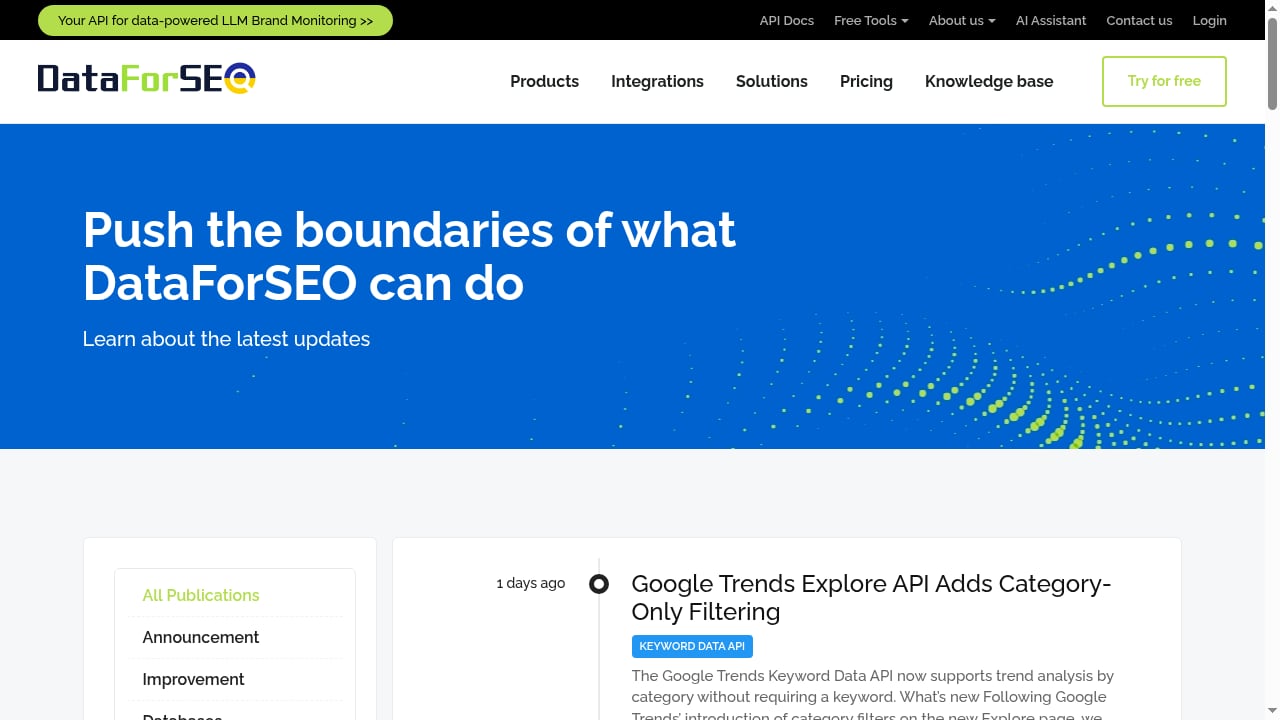
First viewport screenshot of Updates – DataForSEO.
DataForSEO is a data backend for SEO software, agencies, and enterprises. Its API stack covers SERP data, keyword research, backlinks, on-page auditing, AI visibility tracking, and reviews. It is trusted by 750+ SEO software companies and agencies and priced pay-as-you-go.
AdsCrawl is browser infrastructure. It exposes remote Chrome DevTools Protocol (CDP) sessions, screenshots, HTML and Markdown extraction, fingerprint profiles, and concurrent browser execution through a unified API.
The two solve different halves of the same problem:
- DataForSEO answers "what does the data say?" — rankings, volumes, backlinks, AI mentions.
- AdsCrawl answers "what does the page actually render?" — dynamic content, consent walls, A/B variants, ad placements, layout changes.
When you only use one, you inherit its blind spots. Structured SERP data can miss JavaScript-rendered elements. A raw screenshot tells you nothing about search volume or backlink counts. Together, they let you verify, enrich, and act.
The Core Workflow
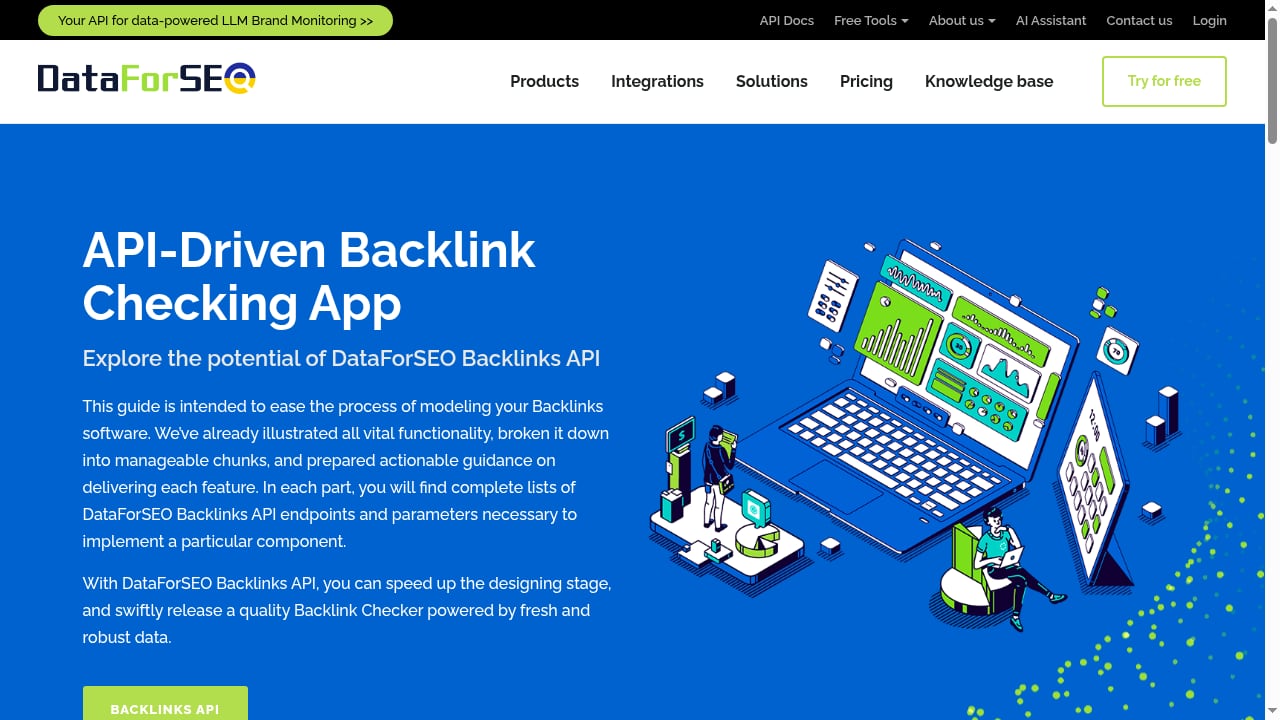
First viewport screenshot of API-driven Backlinks App – DataForSEO.
A typical pipeline has four stages:
- Pull structured data from DataForSEO (SERP results, keyword metrics, backlinks).
- Fetch or render the target URLs through AdsCrawl browser sessions.
- Extract and compare — parse HTML or Markdown, capture screenshots, diff against the API payload.
- Write back or alert — store enriched records, flag mismatches, or trigger downstream jobs.
Stage 1: Pull Data from DataForSEO
DataForSEO authenticates with HTTP Basic auth using your API login and password from the dashboard. A SERP request looks like this in cURL:
curl -X POST 'https://api.dataforseo.com/v3/serp/google/organic/live/advanced' \
  -H 'Authorization: Basic BASE64_LOGIN_PASSWORD' \
  -H 'Content-Type: application/json' \
  -d '[{"keyword":"browser automation api","location_code":2840,"language_code":"en","device":"desktop","depth":20}]'
For keyword metrics, the Google Ads search volume endpoint returns volume, competition, and bid ranges:
curl -X POST 'https://api.dataforseo.com/v3/keywords_data/google_ads/search_volume/live' \
  -H 'Authorization: Basic BASE64_LOGIN_PASSWORD' \
  -H 'Content-Type: application/json' \
  -d '[{"keywords":["browser automation api","cdp session"],"location_code":2840,"language_code":"en","search_partners":false}]'
Batch requests are cheaper than one-by-one calls because DataForSEO charges per request. Group up to the documented limit per task.
Stage 2: Render the Same URLs with AdsCrawl
Take the URLs from the DataForSEO SERP response and feed them into an AdsCrawl session. You get a real browser, not a fetch library, so JavaScript-heavy pages render correctly.
curl -X POST 'https://api.adscrawl.com/v1/sessions' \
  -H 'Authorization: Bearer $ADSCRAWL_API_KEY' \
  -H 'Content-Type: application/json' \
  -d '{
    "url": "https://example.com/landing-page",
    "profile": "desktop-us",
    "capture": ["html", "markdown", "screenshot"]
  }'
Swap profile for a fingerprint that matches the device and geography you used in the DataForSEO request. If DataForSEO returned mobile rankings, render mobile.
Stage 3: Extract, Compare, and Diff
Once you have both payloads, compare them on the fields that matter:
- Title and meta description — does the rendered
<title>match the SERP API's title? - Canonical URL — is the indexed URL the one users land on?
- Structured data — does JSON-LD survive rendering?
- Above-the-fold content — does the screenshot show a consent banner, interstitial, or ad block that the API never captured?
A simple Node.js comparison:
const serpTitle = serpResult.items[0].title;
const renderedTitle = await adscrawl.extract({
  sessionId,
  selector: 'title'
});

if (serpTitle.trim() !== renderedTitle.trim()) {
  console.warn('Title mismatch', { url, serpTitle, renderedTitle });
}
Stage 4: Store or Alert
Write the enriched record to your warehouse with both the API fields and the rendered fields. Mismatches become signals: a title that changed after indexing, a page that now shows a paywall, or a competitor who swapped their meta description between the SERP snapshot and your crawl.
Practical Use Cases
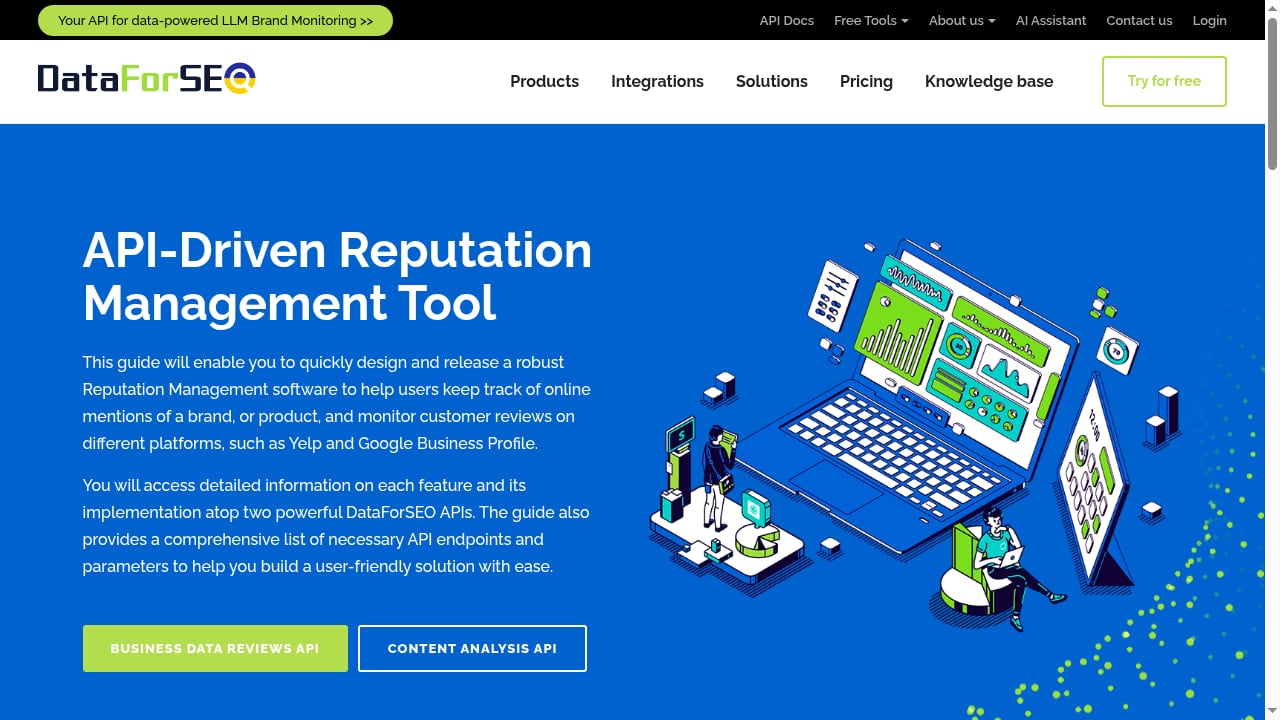
First viewport screenshot of API-Driven Reputation Management – DataForSEO.
Verifying SERP Features
DataForSEO reports which SERP features appear. AdsCrawl screenshots the actual SERP so you can confirm the layout, the position of AI Overviews, and whether paid ads render inside AI Mode. DataForSEO has expanded into tracking paid ads in AI Mode SERP and ChatGPT ad rendered status — pairing that with a rendered screenshot makes the data auditable.
Auditing JavaScript-Rendered Landing Pages
On-page APIs read HTML. If a landing page injects its H1, pricing table, or review widget via JavaScript, the API sees an empty shell. AdsCrawl renders the page first, then you can either extract the final HTML or pass the rendered DOM back into your on-page analysis.
Tracking AI Visibility with Visual Proof
DataForSEO's AI Optimization Data API and LLM Mentions API surface where brands appear in AI answers. AdsCrawl captures the rendered AI response page, including direct URLs, so you can archive what the model actually showed a user at a point in time.
Monitoring Competitor Pages at Scale
Run a weekly job: DataForSEO gives you the current top 20 for a keyword set, AdsCrawl renders each URL, and you diff screenshots against last week. You catch redesigns, pricing changes, and new offers without manually checking anything.
Setup Checklist
onthemap head.
- Create a DataForSEO account and copy your API login and password from the API dashboard. Keep them out of source control.
- Create an AdsCrawl account and generate an API key from the dashboard.
- Store both sets of credentials in your secret manager. Never hardcode them.
- Pin your location and language codes. DataForSEO uses numeric location codes (for example, 2840 for the United States). AdsCrawl fingerprint profiles should match.
- Choose a concurrency level. AdsCrawl supports concurrent browser sessions; DataForSEO has its own rate limits. Tune both so neither becomes the bottleneck.
- Log request IDs from both platforms so you can trace any mismatch back to its source.
When to Use Which
| Need | DataForSEO | AdsCrawl |
|---|---|---|
| Keyword volumes and competition | Yes | No |
| Backlink profiles | Yes | No |
| Rendered page HTML | No | Yes |
| Screenshots of live pages | No | Yes |
| Interactive CDP control | No | Yes |
| SERP feature inventory | Yes | Partial (visual) |
| AI visibility mentions | Yes | Verification only |
If your question is "what does the market look like," start with DataForSEO. If your question is "what does the page actually do," start with AdsCrawl. Most production pipelines need both.
Common Pitfalls
- Mismatched geolocation. A US SERP request paired with a European browser profile produces different results. Align location codes and fingerprint profiles.
- Ignoring render timing. Some pages hydrate after the first paint. Wait for a stable selector or a network-idle signal before extracting.
- Over-fetching. Rendering every URL in a large SERP set is expensive. Render the top 10 to 20, or only the URLs where the API data looks anomalous.
- Treating screenshots as data. A screenshot is evidence, not a dataset. Extract structured fields from the rendered DOM when you need to compute on them.
For broader context on avoiding blocks while rendering, see Stealth Web Scraping: How to Avoid Blocks in 2026. If you are comparing browser APIs against scraping APIs, AdsCrawl vs Zenrows: Browser API or Scraping API? breaks down the tradeoffs. And if you are deploying this pipeline at the edge, How to Use AdsCrawl with Cloudflare Developer Platform covers Workers and Browser Rendering.
Related reading
- AdsCrawl vs Scrapfly vs Data Miner: Which Scraper Fits? - Compare AdsCrawl, Scrapfly, and Data Miner across browser control, screenshots, extraction, and no-code workflows to pick the right scraping tool.
- Scrapy Review 2026: Strengths, Limits, Setup & Pricing - Hands-on Scrapy review: how the Python framework handles crawling, selectors, pipelines, and JavaScript, plus setup, pricing signals, and who should use it.
- How to Use Steel: Sharpening Rods, Cookware & More - Learn how to use steel correctly: sharpen knives with a honing steel and cook with stainless steel pans without sticking, plus care tips and FAQs.
Sources and further reading
- Help Center – DataForSEO - DataForSEO Help Center
- Powerful API Stack For Data-Driven SEO Tools – DataForSEO - We provide comprehensive data solutions for SEO and SEM analytics via API. DataForSEO is a trusted partner for 750+ SEO software companies and agencies.
- Grab keywords search volume from DataForSeo API using R' | R for SEO - DataForSEO is an all-in-one paid API that provides SEO data.
FAQ
Do I need both AdsCrawl and DataForSEO?
Only if you need to verify what users actually see. If structured SERP and keyword data is enough for your use case, DataForSEO alone works. If you need rendered pages, screenshots, or CDP control, add AdsCrawl.
Can I use AdsCrawl to replace DataForSEO?
No. AdsCrawl does not provide keyword volumes, backlink indexes, or historical SERP databases. It provides browser sessions and page extraction. They are complementary, not substitutes.
How do I authenticate to each API?
DataForSEO uses HTTP Basic auth with your API login and password. AdsCrawl uses a bearer token API key. Store both in a secret manager and rotate them on a schedule.
What is the most common production pattern?
Pull SERP and keyword data from DataForSEO, render the top URLs with AdsCrawl, extract structured fields from the rendered DOM, and store both payloads side by side with a shared request ID.
How do I keep costs predictable?
DataForSEO is pay-as-you-go and charges per request, so batch keywords. AdsCrawl uses credit-based usage with a freemium tier, so cap concurrent sessions and render only the URLs that need verification.
Can I track AI search visibility with this stack?
Yes. DataForSEO's AI Optimization Data API and LLM Mentions API provide the mention data. AdsCrawl captures the rendered AI response page so you have a visual record of what was displayed.
Conclusion
AdsCrawl and DataForSEO solve different problems that show up in the same workflow. DataForSEO tells you what the search landscape contains. AdsCrawl shows you what the page actually renders. Wire them together with matched geolocation, shared request IDs, and a diff step, and you get SEO data you can trust instead of data you have to hope is accurate.