
Oxylabs Proxy & Web Scraping Platform Review 2026
Evidence-based Oxylabs review: proxy types, Web Scraper API, Web Unblocker, pricing signals, setup, limitations, and who should choose it.
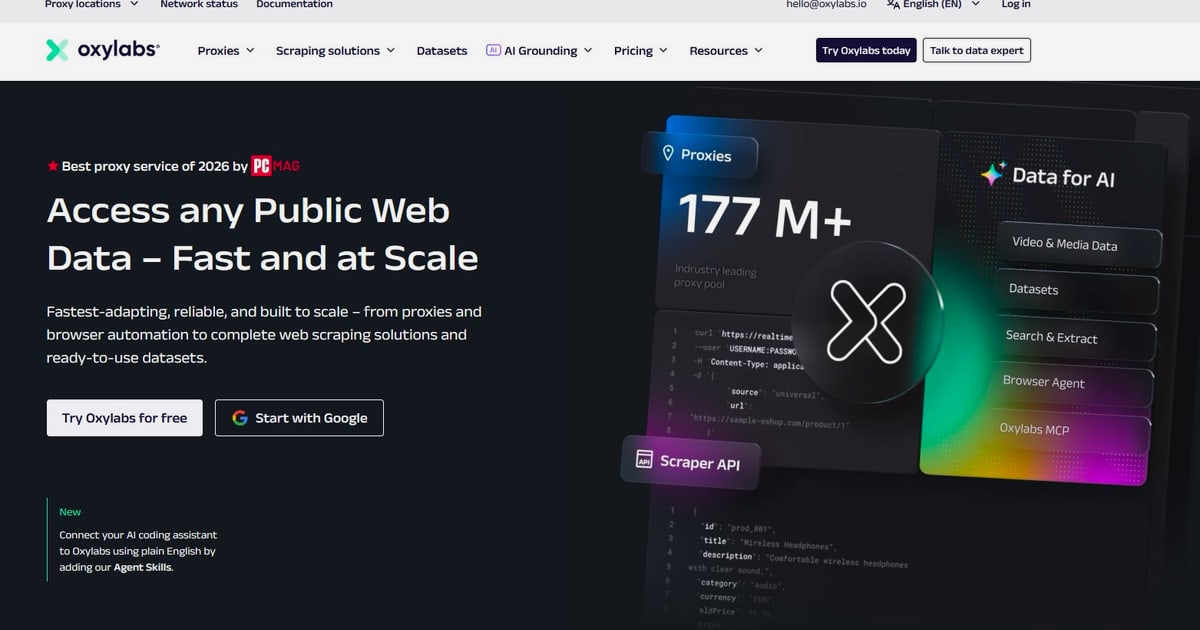
Oxylabs Proxy & Web Scraping Platform Review: Enterprise Proxies, Scraping APIs, and Real Trade-Offs
Oxylabs is one of the few vendors that sells both the network layer (proxies) and the extraction layer (scraping APIs and unblocking tools) under one roof. That combination is why it appears on almost every shortlist for large-scale public web data collection — and why it is also frequently criticized for pricing that punishes small teams. This review breaks down what the platform actually includes, what verified users say, where it fits, and where it does not.
What Oxylabs actually is
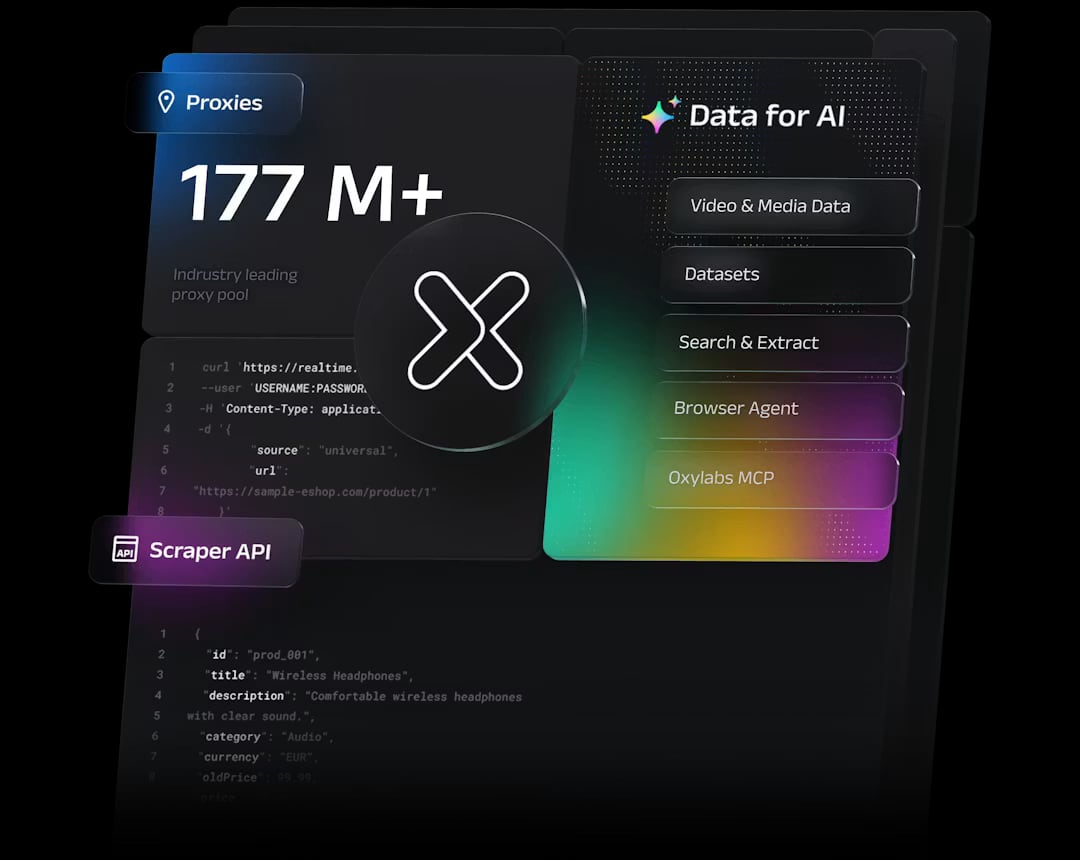
Oxylabs Proxy & Web Scraping Platform product interface.
Founded in Lithuania in 2015, Oxylabs positions itself as a web intelligence collection platform rather than a simple proxy reseller. Its product surface covers four proxy families plus a set of AI-assisted scraping tools:
- Residential proxies — 175M+ IPs across 195+ countries, sourced from consenting device owners.
- Mobile proxies — 20M+ IPs in 140+ countries, useful where mobile carrier IPs are trusted more than residential ones.
- Datacenter proxies — shared and dedicated pools, sold per IP or per GB.
- ISP proxies — leased directly from carriers such as AT&T, Comcast, and British Telecom, combining datacenter speed with ISP-registered addresses.
- Scraping tools — Web Scraper API, Web Unblocker, Fast Search API, Headless Browser, and AI Studio.
Protocol support spans HTTP, HTTPS, HTTP3, and SOCKS5, and targeting can be narrowed by country, state, city, ZIP code, ASN, and coordinates. The company advertises a 99.9% uptime guarantee and states that its IPs are ethically sourced — a meaningful differentiator in a market where provenance is often murky.
Proxy types compared: which one fits which job
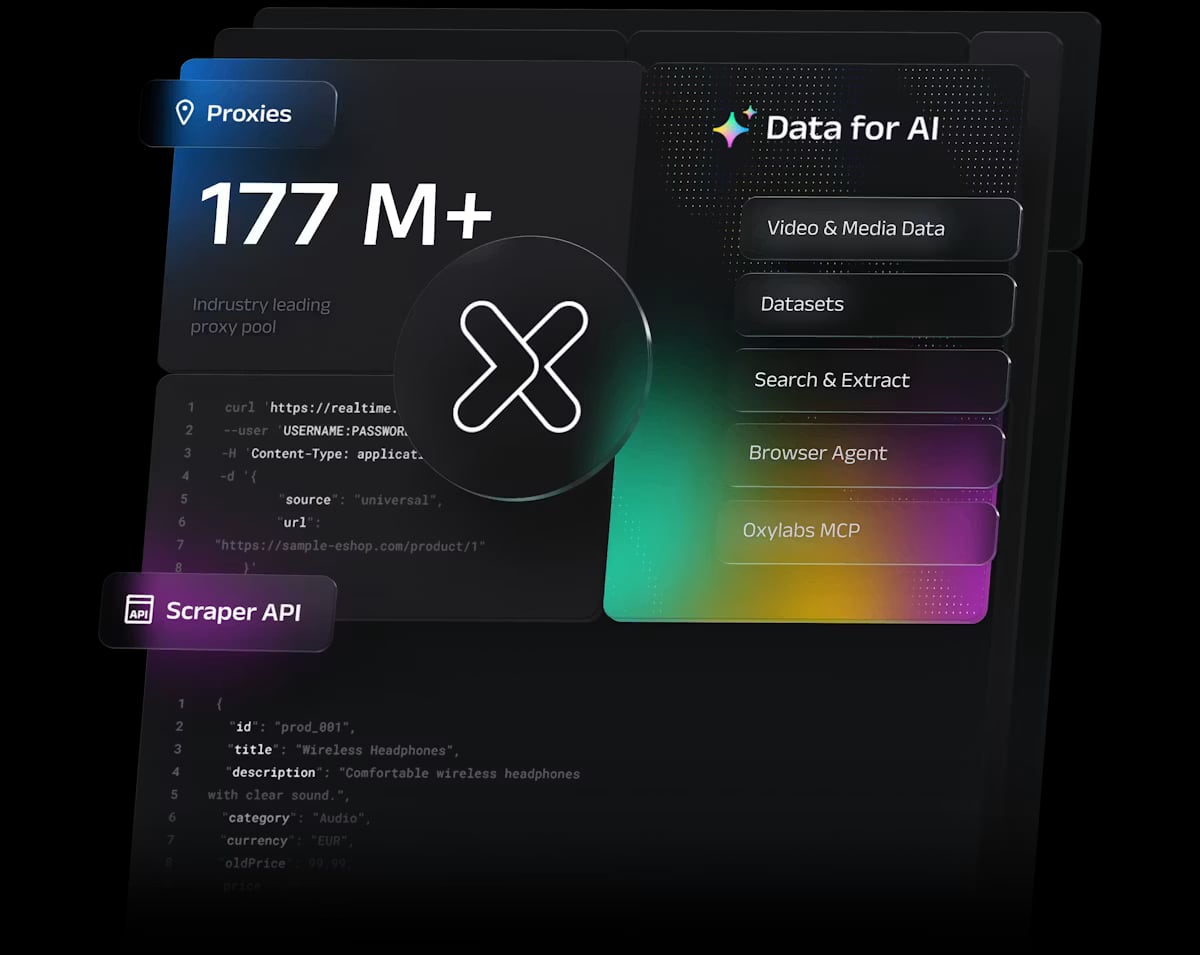
Oxylabs Proxy & Web Scraping Platform product interface.
Choosing the wrong proxy class is the most common way teams overspend on this platform. The table below maps each type to its natural workload.
| Proxy type | Typical use case | Cost signal | Main constraint |
|---|---|---|---|
| Residential | Price monitoring, localized SERP checks, review monitoring | From $4/GB on higher tiers | Bandwidth-metered; slower than datacenter |
| Mobile | Ad verification, app testing, CAPTCHA-heavy targets | Pay-as-you-go from $3.50/GB | Highest cost per GB |
| Datacenter (shared) | High-volume crawling of tolerant sites | From $1.20/IP; bandwidth from $0.59/GB | Easier to block on protected sites |
| Datacenter (dedicated) | Stable long-session jobs, app QA | From $2.25/IP, unlimited bandwidth | Higher fixed cost per IP |
| ISP | Heavy scraping needing residential-like trust at speed | From $1.20/IP shared, $2.50/IP dedicated | Smaller pool than residential |
A practical rule: start with datacenter IPs for any target that does not aggressively fingerprint traffic, and reserve residential or mobile bandwidth for sites that block datacenter ranges. Teams that default to residential for everything routinely burn budget on requests that never needed a residential exit node.
The scraping layer: Web Scraper API, Web Unblocker, and friends
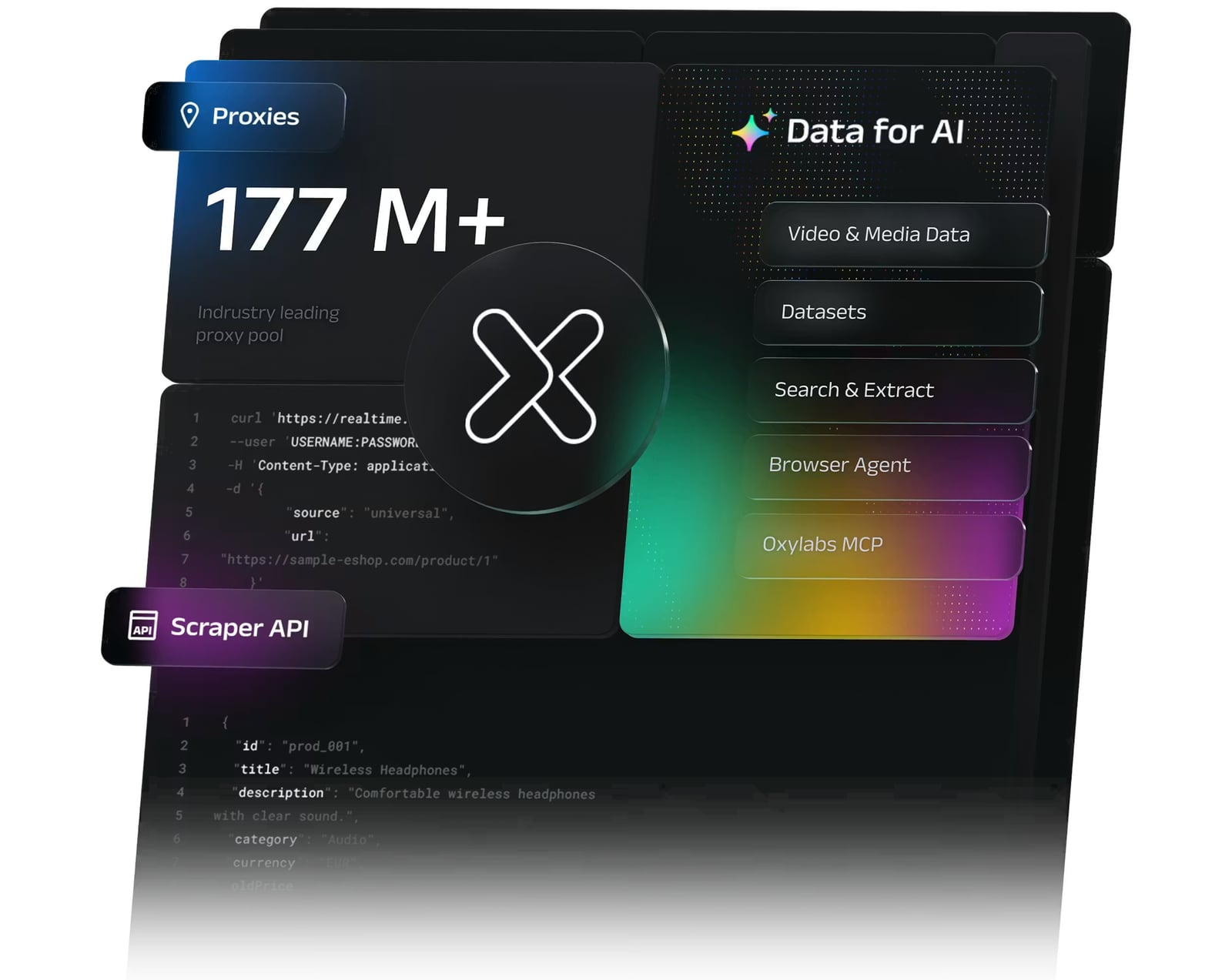
Oxylabs Proxy & Web Scraping Platform product interface.
Oxylabs' tooling is where the platform differentiates from pure proxy vendors.
Web Scraper API is an all-in-one collection endpoint that handles rendering, parsing, and structured output. Reported pricing starts around $49/month for up to 98,000 results (roughly $0.50 per 1,000 results), scaling to $249/month self-serve and enterprise plans from $499/month, with a 2,000-result free trial.
Web Unblocker is an AI-driven anti-bot bypass layer exposed through a standard HTTP proxy endpoint. It handles CAPTCHAs and sophisticated bot defenses, and pricing is success-based — you are billed only for successful responses, starting around $5.64/GB. This model matters: with a success-based meter, a failed request costs nothing, which changes the economics of scraping hostile targets.
Headless Browser supports Playwright and Puppeteer-style automation for pages that require real interaction, starting around $4.70/GB. Fast Search API targets organic search result retrieval, and AI Studio is aimed at teams building AI-driven scraping pipelines.
The trade-off is architectural. If you already maintain your own scraper code, the APIs are optional add-ons. As one verified Gartner reviewer put it, basic scraping needs can be met with Oxylabs' IP pool while you supply your own scraper logic — the platform does not force you into its extraction stack.
Setup and developer experience
Onboarding runs through a unified dashboard with standard credential authentication or Google single sign-on. From there you can manage proxy deployments, review bandwidth analytics, and configure scraping tools.
For developers, the practical experience looks like this:
- Pick a proxy product and purchase a plan or start a trial.
- Retrieve credentials (username/password or IP whitelist).
- Point your existing HTTP client at the proxy endpoint, or call the Web Scraper API with a target URL.
- Add geo-targeting parameters where localized data matters.
Documentation includes ready-to-use code examples across multiple languages, plus community channels on Discord, GitHub, and YouTube. If you are comparing this against framework-level tooling, our Scrapy review covers where a self-managed crawler still makes sense versus a managed API. For teams that need real browser sessions and screenshots rather than proxy fetches, the AdsCrawl vs Zenrows comparison is a useful contrast in approach.
Pricing signals: what you will actually pay
Published entry points:
- Residential: Starter $30/month for 5GB ($6/GB), Basic $100 for 20GB ($5/GB), Advanced $500 for 125GB ($4/GB), Corporate $2,500 for 1TB ($2.50/GB).
- Datacenter: bandwidth from $0.59/GB; shared IPs from $1.20/IP; dedicated from $2.25/IP with unlimited bandwidth.
- ISP: from $1.20/IP shared, $2.50/IP dedicated, unlimited bandwidth under fair usage.
- Mobile: from $3.50/GB pay-as-you-go, with discounts on committed monthly volume.
- Web Scraper API: from $49/month; Web Unblocker from $5.64/GB; Headless Browser from $4.70/GB.
- Free tier: five US datacenter IPs and 5GB/month of bandwidth.
Two signals stand out. First, the residential curve rewards volume aggressively — the per-GB rate nearly halves between the Starter and Corporate tiers. Second, the free tier and trials are generous enough to validate a use case before committing. The catch is that the pricing structure is built for sustained throughput; sporadic users pay a premium for the same infrastructure.
What verified users praise and criticize
Across public review platforms, the pattern is consistent.
Strengths reported:
- Reliability and success rates — one Gartner-verified reviewer cited a success rate above 99.95% and sub-second response times, calling it more reliable than previous providers.
- Breadth of product — residential, datacenter, ISP, and unblockers in one vendor relationship.
- Ethically sourced IPs, which reduces legal and reputational exposure.
- Developer-friendly documentation and integration guides.
Limitations reported:
- Cost. Multiple reviewers note the platform suits high-volume enterprise users, and that smaller operators may find better value elsewhere.
- Support is limited to 24/7 live chat and email — no phone escalation.
- Geo-targeting granularity has been flagged as inconsistent in at least one verified review, where a reviewer could not change GEO location for a specific competitor crawl.
- A learning curve exists before the full product breadth becomes usable.
- If you want a managed end-to-end scraper, you may still need your own code for custom extraction logic.
Who should choose Oxylabs — and who should not
Good fit:
- E-commerce and pricing intelligence teams running continuous price monitoring across many locales.
- Ad verification and brand protection teams that need mobile and residential IPs with city-level targeting.
- Market research and travel fare aggregation operations where geo-restrictions are the primary obstacle.
- AI and ML teams collecting training data at scale, especially where Web Unblocker's success-based billing reduces wasted spend.
- Cybersecurity and threat intelligence teams needing SOCKS5 and broad ASN coverage.
Poor fit:
- Hobby projects or one-off scrapes — the free tier and trials are the only sensible entry points.
- Teams wanting a fully managed scraper with zero custom code for niche sites.
- Budget-constrained startups whose monthly data volume sits under roughly 20GB; the per-GB economics work against you.
Decision criteria: how to evaluate it against alternatives
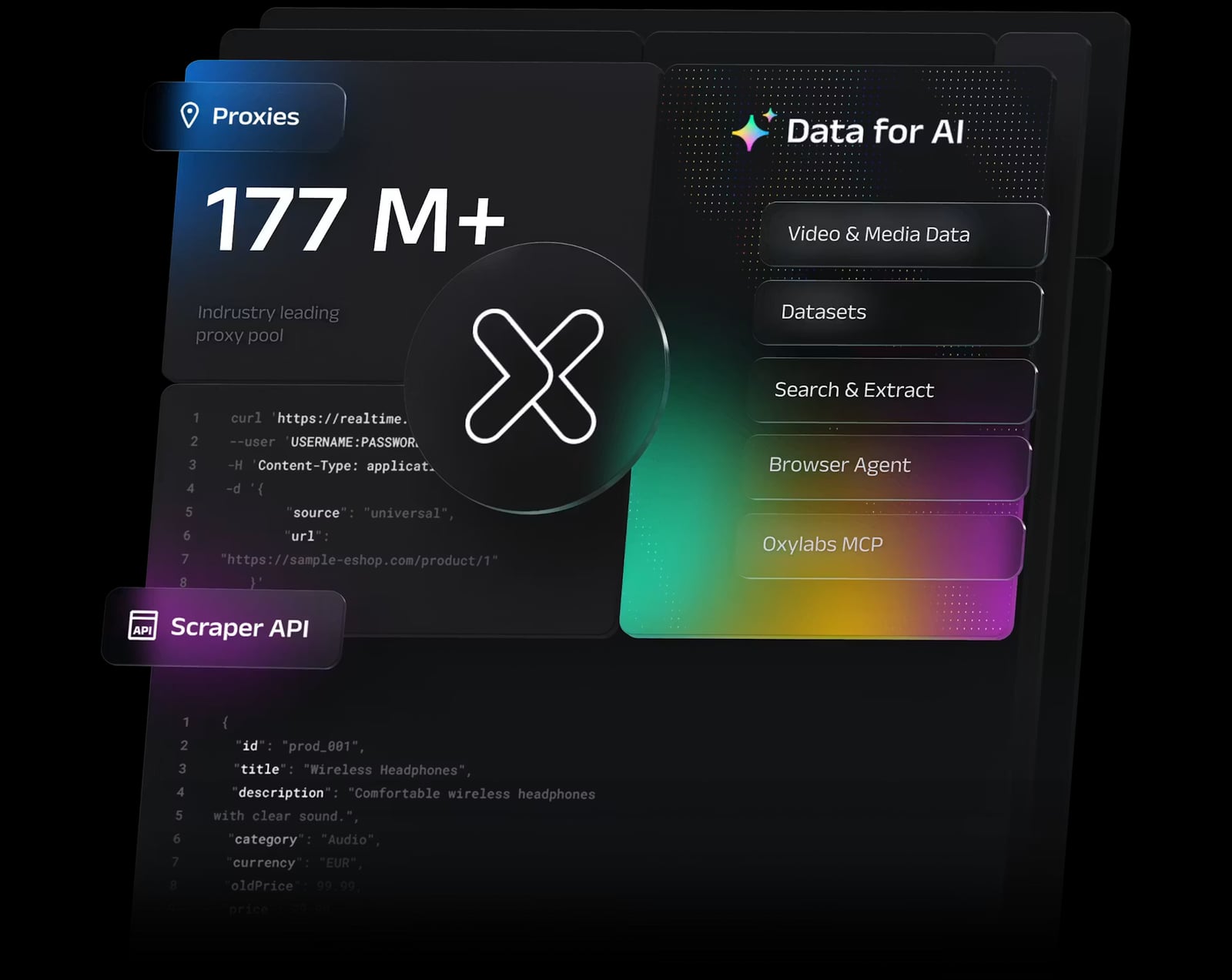
Oxylabs Proxy & Web Scraping Platform product interface.
Run this checklist before committing:
- Estimate monthly GB and result volume. If you are under 20GB residential, compare per-GB rates against competitors before defaulting to Oxylabs.
- Classify your targets. Tolerant sites → datacenter. Protected sites → Web Unblocker or residential. Mobile-only trust → mobile proxies.
- Test geo-targeting precision. If your use case depends on ZIP or coordinate-level accuracy, validate it during the trial rather than after purchase.
- Decide build vs. buy on extraction. If you already have scraper code, price the proxy layer alone. If you do not, factor in Web Scraper API costs.
- Check support requirements. If your team needs phone escalation or a dedicated account manager, confirm what your tier includes.
- Benchmark success rates on your own targets. Vendor-wide success statistics do not guarantee performance on your specific sites.
For teams comparing broader data acquisition stacks, our roundup of e-commerce market data API products puts proxy-and-scraping platforms in context against purpose-built data APIs.
Related reading
- AI Infrastructure Engineers: Role, Skills & Career Guide 2026 - What AI infrastructure engineers do, the skills and tools they need, how the role differs from DevOps and MLOps, plus career paths and a practical FAQ.
- How to Use AdsCrawl with DataForSEO: A Practical Workflow - Combine AdsCrawl browser automation with DataForSEO APIs to verify SERPs, capture rendered pages, and enrich SEO data pipelines. Setup, code, and examples.
- AdsCrawl vs Scrapfly vs Data Miner: Which Scraper Fits? - Compare AdsCrawl, Scrapfly, and Data Miner across browser control, screenshots, extraction, and no-code workflows to pick the right scraping tool.
FAQ
Is Oxylabs worth it for small teams? Generally no, unless your volume is growing fast. The free tier and trials let you test, but per-GB residential pricing is optimized for sustained enterprise throughput. Reviewers consistently note that small operators may find better value with other providers.
What is the difference between Oxylabs residential and ISP proxies? Residential proxies route through real consumer devices and are bandwidth-metered. ISP proxies are leased directly from carriers, offering datacenter-like speed with ISP-registered addresses and unlimited bandwidth under fair usage — better for heavy, long-session scraping.
Does Oxylabs require you to use its scraping API? No. You can use the proxy network with your own scraper code. The Web Scraper API, Web Unblocker, and Headless Browser are optional layers for teams that want managed extraction or anti-bot handling.
How does Web Unblocker billing work? It uses a success-based model: you are billed only for successful data responses, starting around $5.64/GB. This makes it more predictable when scraping heavily protected targets.
Can Oxylabs handle city-level and ZIP-level targeting? Yes, targeting supports country, state, city, ZIP code, ASN, and coordinates. However, at least one verified reviewer reported difficulty changing GEO location for a specific crawl, so validate your exact targeting needs during the trial.
What support channels does Oxylabs offer? 24/7 live chat and email. There is no phone support, which is a noted limitation for teams that require escalation paths.
Conclusion
Oxylabs earns its enterprise reputation on infrastructure: a 175M+ residential pool, carrier-leased ISP proxies, a 20M+ mobile network, and AI-assisted unblocking tools that reduce the cost of scraping hostile sites. The success-based Web Unblocker pricing and generous trials lower the risk of evaluation.
The honest caveats are cost and fit. This is a platform built for sustained, high-volume collection — price monitoring, ad verification, market research, and AI data pipelines. If your monthly volume is modest, or you want a fully managed scraper with no custom code, the economics and workflow will frustrate you. Test geo-targeting precision and per-GB costs against your real targets during the trial, and the decision becomes straightforward.