
Parallel Competitors: Cloud Browser API Alternatives for Scraping
Take a Quick Look
Compare Parallel competitors in the cloud browser API space. See how AdsCrawl, Playwright, and other tools handle dynamic scraping, proxies, and scale.
Parallel Competitors: Cloud Browser API Alternatives for Scraping
When developers search for "Parallel competitors," they are usually evaluating tools that provide web infrastructure for AI agents—search, extraction, monitoring, and browser automation. This article focuses on the cloud browser API and web scraping platform category, where AdsCrawl operates, and explains how to compare alternatives based on rendering, proxies, session management, and output formats. Whether you are migrating from a search-centric API or adding a browser layer to your stack, the decision comes down to control over the browser environment.
What "Parallel competitors" means in the scraping context
First viewport screenshot of www.adscrawl.net.
In this space, "Parallel" refers to a web infrastructure API for AI agents that offers search, extract, monitor, and research endpoints. Competitors are platforms that help you retrieve web data at scale. They fall into two broad groups:
- Search and extraction APIs that return structured answers or snippets from an index.
- Cloud browser APIs that run real Chromium instances, letting you render JavaScript-heavy pages, log in, and interact with SPAs.
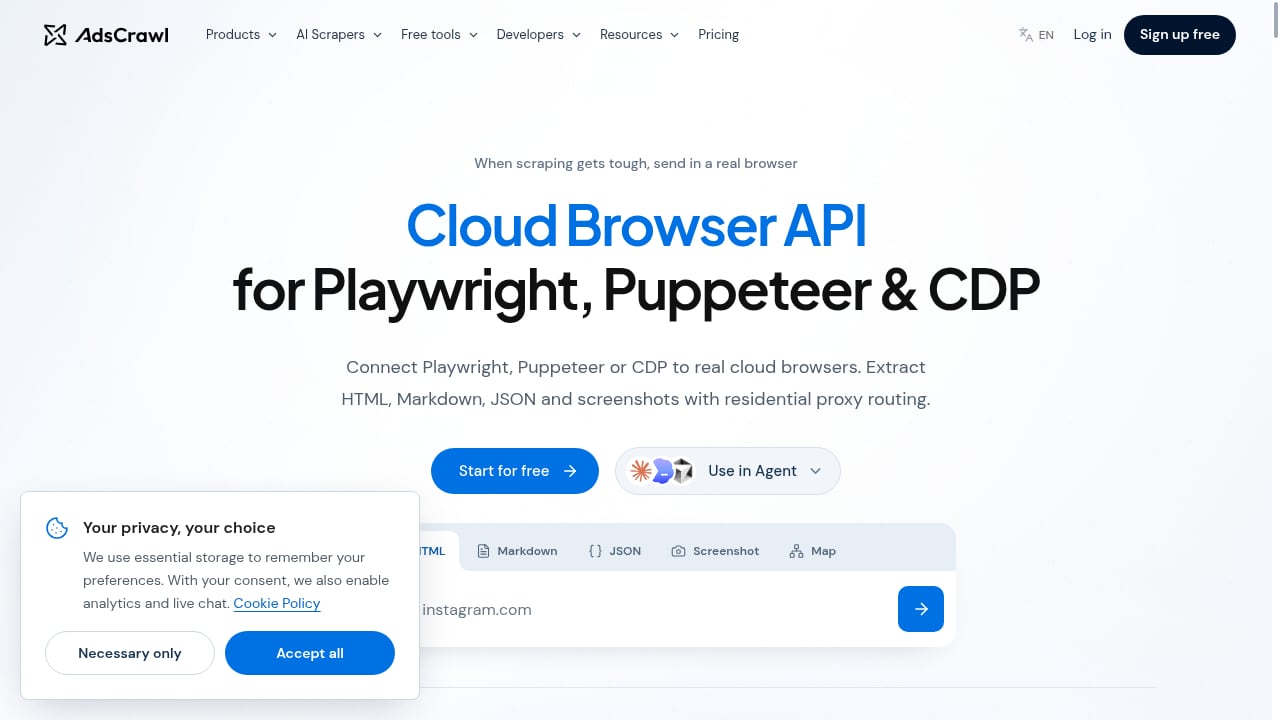
AdsCrawl belongs to the second group. It provides a cloud browser API and web scraping platform where developers and AI agents run real Chromium browsers remotely, connect via Playwright, Puppeteer, or CDP, and extract HTML, Markdown, JSON, or screenshots.
How to compare cloud browser API competitors
First viewport screenshot of www.adscrawl.net.
Use these criteria to evaluate any alternative, including AdsCrawl, against your workload.
1. Rendering and JavaScript support
Search APIs often rely on cached indexes. If your target pages are SPAs, infinite-scroll feeds, or dashboards that require JavaScript execution, you need a browser. AdsCrawl renders dynamic pages in a real Chromium environment and supports both synchronous tasks (screenshot, HTML, SPA extraction) and stateful browsers with saved profiles.
2. Proxy routing and anti-bot handling
Many scraping projects fail at the network layer. Look for residential proxy routing, managed identity, and anti-bot solutions. AdsCrawl includes residential proxy routing and is positioned for when scraping gets tough. For a practical setup, see how to use AdsCrawl with DataImpulse proxies.
3. Session and identity management
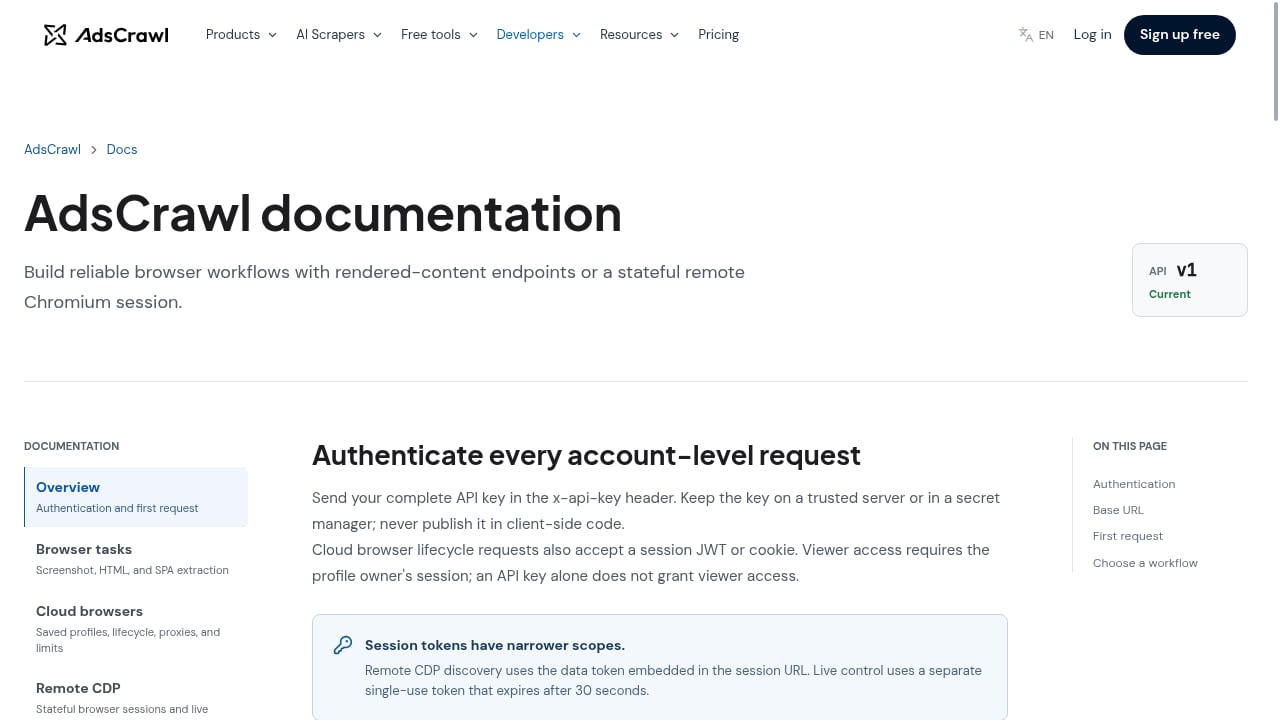
If your workflow requires authenticated sessions, compare how each tool persists cookies and profiles. AdsCrawl offers stateful cloud browsers with saved profiles, lifecycle management, and remote CDP sessions, which matters for logged-in scraping and multi-step automation.
4. Output formats and integration
Check whether the API returns raw HTML, Markdown, JSON, or screenshots. AdsCrawl supports all four. Also confirm compatibility with your existing stack—Playwright, Puppeteer, or direct Chrome DevTools Protocol—so you avoid rewriting automation code.
5. Pricing and concurrency
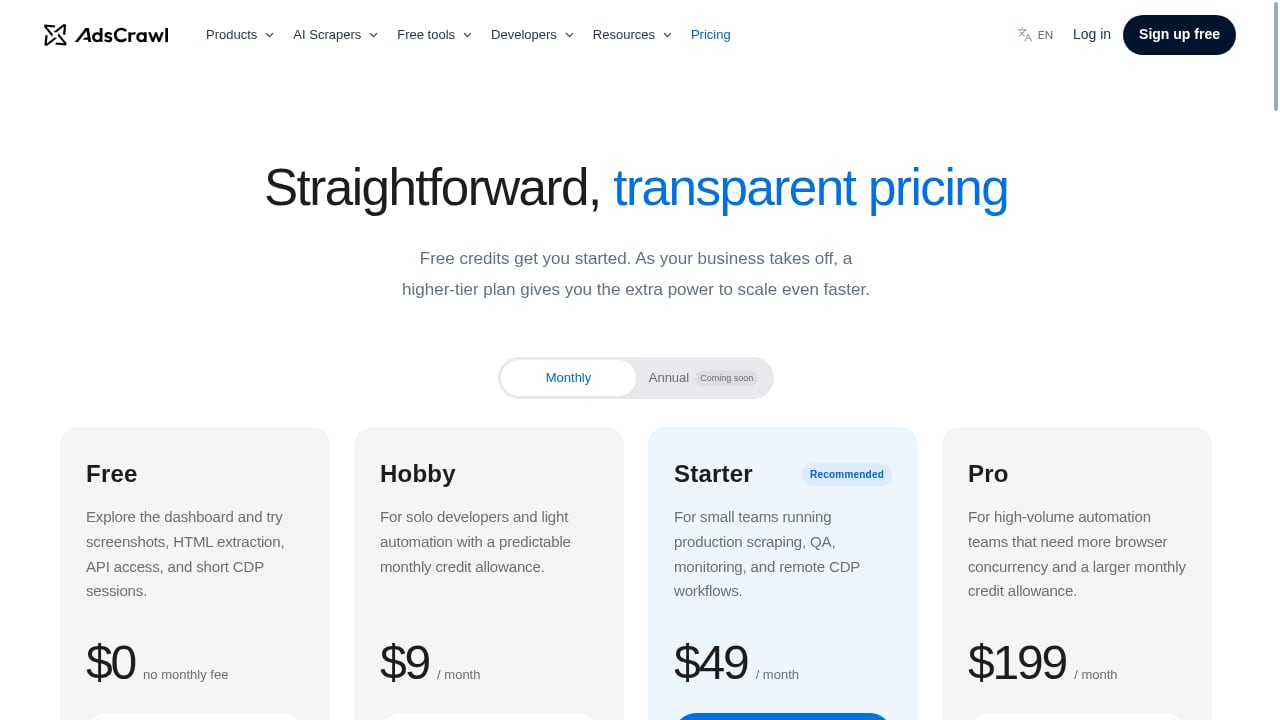
Compare free tiers, credit systems, and concurrency limits. AdsCrawl offers a free tier with 500 credits and paid plans (Hobby $9/mo, Starter $49/mo, Pro $199/mo) based on monthly credits, browser concurrency, and API key limits. For a broader market view, see the top 10 browser automation API products in 2026.
Where AdsCrawl fits among Parallel competitors
First viewport screenshot of www.adscrawl.net.
AdsCrawl is not a search index. It is a browser execution layer. That distinction matters:
- Use a search/extraction API when you need fast answers from indexed content and do not control the target site.
- Use a cloud browser API like AdsCrawl when you need to render a specific page, interact with forms, maintain a logged-in session, or capture visual evidence.
Many teams combine both: a search API for discovery and a browser API for deep extraction. AdsCrawl connects with Playwright, Puppeteer, and CDP, so it slots into existing automation pipelines without a proprietary SDK.
Practical example: extracting a dynamic product page
First viewport screenshot of www.adscrawl.net.
Suppose you need pricing data from a JavaScript-rendered catalog. A search API may return stale snippets. With AdsCrawl, you can:
- Open a stateful cloud browser with a saved profile.
- Route traffic through a residential proxy.
- Navigate to the page and wait for the SPA to render.
- Extract HTML or Markdown, or take a screenshot for verification.
This workflow is covered in more depth in AdsCrawl vs Playwright vs Stagehand, which compares managed browser automation with local frameworks.
Decision guide: which alternative should you choose?
| Need | Better fit |
|---|---|
| Fast answers from indexed web content | Search/extraction API |
| JavaScript-heavy pages and SPAs | Cloud browser API (AdsCrawl) |
| Authenticated sessions with saved profiles | Stateful cloud browser (AdsCrawl) |
| Existing Playwright/Puppeteer code | AdsCrawl with CDP or framework connection |
| No-code scraping for simple sites | No-code tools; see Octoparse review |
| Open source control and self-hosting | Open source frameworks; see top 10 open source web scraping frameworks 2026 |
Related reading
- BrowserCloud Review: Browser Automation for AI Apps - An evidence-based review of BrowserCloud for AI apps. Compare use cases, strengths, limits, pricing signals, setup, and decision criteria.
Sources and further reading
- Parallels | Run Windows on Mac, VDI, and Enterprise Virtualization... - Run Windows on Mac with Parallels, trusted by millions worldwide. Access Windows applications on Apple silicon Macs and deliver virtual apps, VDI, and secure digital workspaces.
- Parallel - Web Infrastructure for AI Agents - Web infrastructure for AI to search, extract, monitor, and reason over the world's information.
- Parallel Pricing – Pay-As-You-Go Web Search for AI Agents - Flexible pricing for a variety of web agent and web search tasks. Choose the tier that best fits your speed, accuracy, and pricing needs.
FAQ
What are the main competitors to Parallel for web scraping?
Competitors include cloud browser APIs such as AdsCrawl, browser automation frameworks like Playwright and Puppeteer, and search/extraction APIs. The right choice depends on whether you need indexed answers or full browser rendering.
Is AdsCrawl a direct replacement for Parallel?
No. AdsCrawl is a cloud browser API and web scraping platform, not a search index. It is best used when you need to render dynamic pages, manage sessions, and extract structured output from specific sites.
Can I use AdsCrawl with Playwright or Puppeteer?
Yes. AdsCrawl connects with Playwright, Puppeteer, or direct Chrome DevTools Protocol, so you can keep your existing automation code.
Does AdsCrawl support proxies and anti-bot measures?
Yes. AdsCrawl supports residential proxy routing and anti-bot solutions as part of its managed browser environment.
What output formats does AdsCrawl provide?
AdsCrawl can extract HTML, Markdown, JSON, and screenshots from dynamic pages, authenticated sessions, and SPAs.
Conclusion
Evaluating Parallel competitors starts with clarifying your data access pattern. If you need indexed search results, a search API is appropriate. If you need to control a real browser, handle JavaScript, maintain sessions, and route proxies, a cloud browser API like AdsCrawl is the more direct fit. Compare rendering, proxy support, session management, output formats, and pricing before committing, and test with your own target pages.