
Web App Developer Guide to Cloud Browser Scraping
Take a Quick Look
A practical guide for web app developers who need reliable cloud browser automation for scraping, JavaScript rendering, and AI agent data pipelines.
Web App Developer Guide to Cloud Browser Scraping
As a web app developer, you already know how to build interfaces, wire up APIs, and manage state. But when your app needs to pull data from the modern web—rendered SPAs, authenticated dashboards, or anti-bot-protected pages—the browser becomes part of your backend. This guide explains how cloud browser APIs fit into a web app developer's toolkit, when to use them, and how to evaluate platforms like AdsCrawl without overcomplicating your stack.
Why web app developers hit scraping walls
The web has shifted from static HTML to JavaScript-heavy applications. If you have ever tried to fetch() a product page and received an empty shell, you have met the first wall: client-side rendering. Search engines and users see content after scripts execute, but your HTTP client does not.
The second wall is identity. Many sites tie content to cookies, sessions, or device fingerprints. A plain request from a datacenter IP often gets a challenge page instead of data. The third wall is scale: running headless browsers on your own infrastructure means managing Chrome versions, memory leaks, proxy rotation, and concurrency—work that competes with your actual product roadmap.
Cloud browser APIs solve these problems by giving you a real Chromium browser running remotely, accessible through Playwright, Puppeteer, or the Chrome DevTools Protocol (CDP). You write automation code as usual; the platform handles the browser lifecycle, proxy routing, and anti-bot considerations.
What a cloud browser API actually provides
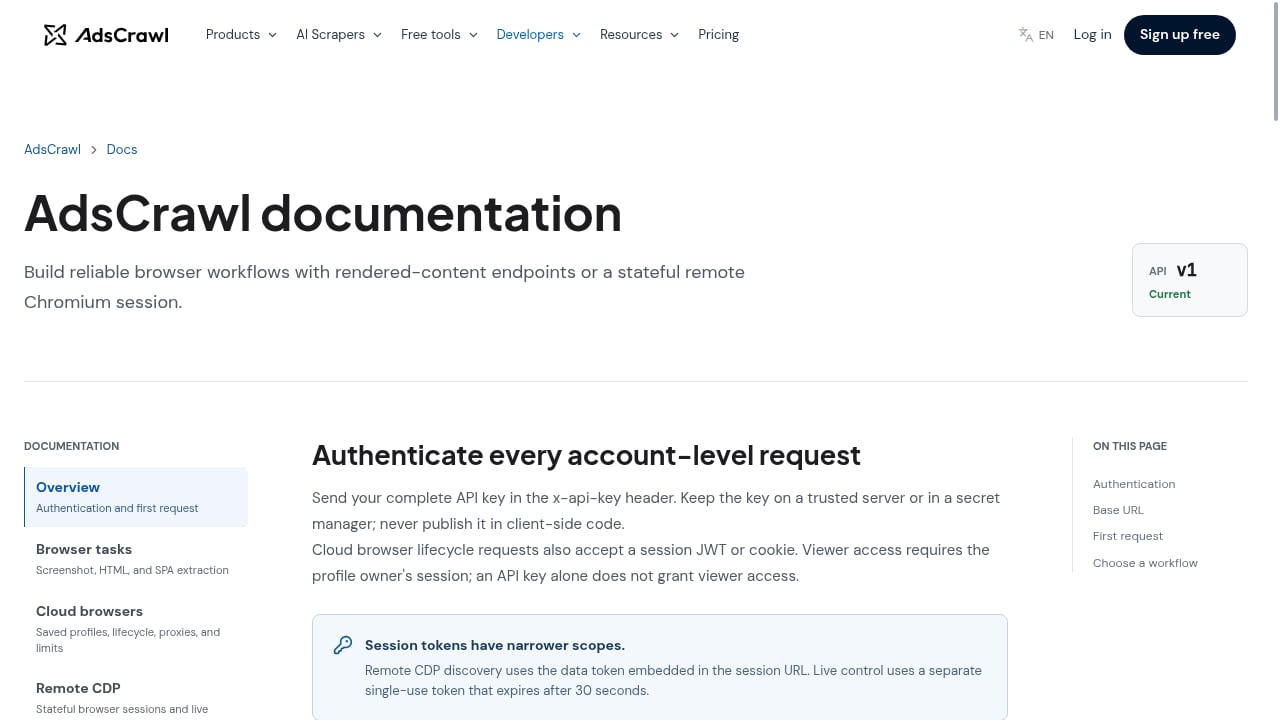
First viewport screenshot of www.adscrawl.net.
A cloud browser API is not just a remote curl. It is a full browser environment with a network, a rendering engine, and a session. For a web app developer, the useful capabilities usually include:
- JavaScript rendering so you can extract HTML, Markdown, JSON, or screenshots from pages that only populate after scripts run.
- Stateful sessions with saved profiles, so you can log in once and reuse cookies, localStorage, and fingerprints across tasks.
- Proxy routing, including residential proxies, to reduce blocks and access geo-specific content.
- Concurrency controls so you can run multiple browser tasks in parallel without melting your own servers.
- CDP access for teams that need low-level control over network interception, performance metrics, or DOM inspection.
AdsCrawl, for example, offers synchronous browser tasks for screenshots and HTML extraction, plus stateful cloud browsers with lifecycle management and remote CDP sessions. It connects with Playwright, Puppeteer, or direct CDP, and supports residential proxy routing and JavaScript rendering. The platform is powered by AdsPower and targets developers and AI agents that need reliable browser automation at scale.
When to use a cloud browser instead of a simple HTTP client
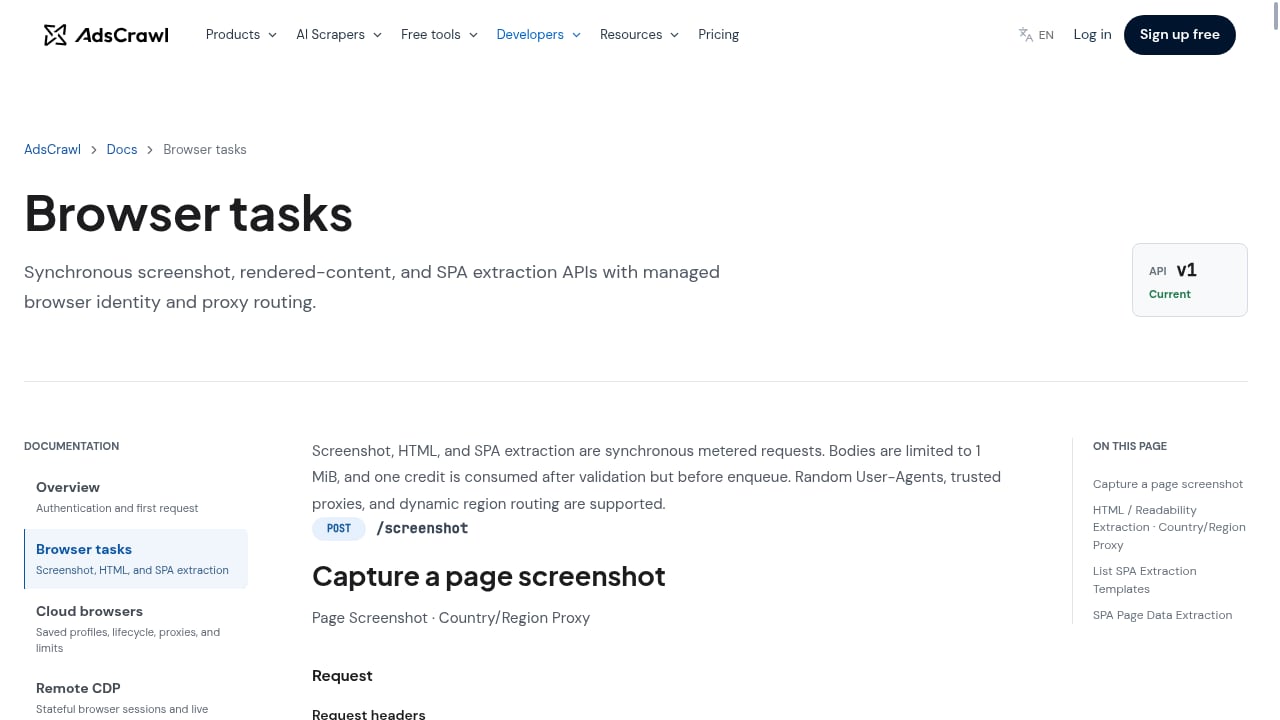
First viewport screenshot of www.adscrawl.net.
Not every scraping task needs a browser. Use the lightest tool that works:
| Scenario | Simple HTTP client | Cloud browser API |
|---|---|---|
| Static HTML or public APIs | ✅ Best choice | Overkill |
| JavaScript-rendered SPA | ❌ Empty shell | ✅ Required |
| Login-protected pages | ❌ No session | ✅ Saved profiles |
| Anti-bot challenges | ❌ Often blocked | ✅ Proxy + real browser |
| Screenshots or PDFs | ❌ Not possible | ✅ Built-in |
| High-concurrency crawling | ⚠️ Manageable | ✅ Managed infrastructure |
A good rule: if the data exists in the initial HTML response, use HTTP. If it appears only after scripts run, or requires a session, use a cloud browser.
How AdsCrawl fits into a web app developer's stack
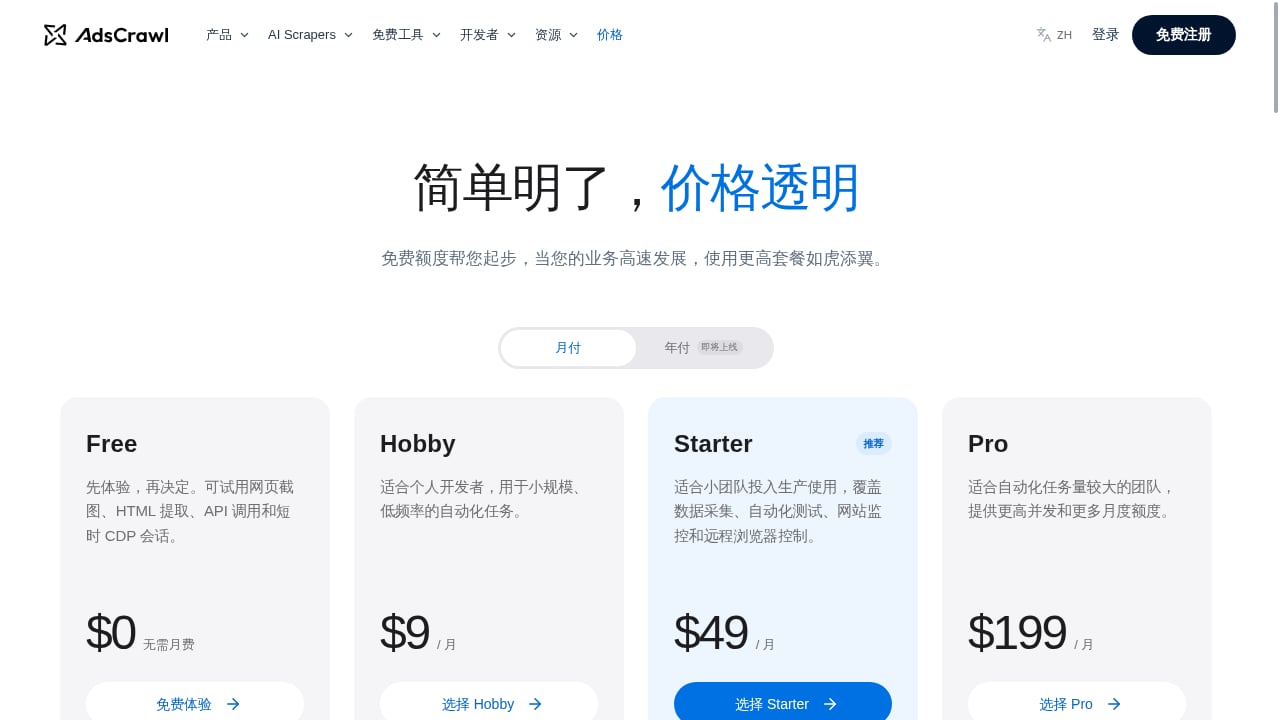
First viewport screenshot of www.adscrawl.net.
AdsCrawl is a cloud browser API and web scraping platform. You can think of it as a remote Chromium fleet with an API layer. Your web app sends a task—extract HTML, take a screenshot, render a page to Markdown, or open a stateful browser session—and AdsCrawl returns the result.
Key integration points for developers:
- Playwright and Puppeteer compatibility: connect your existing automation scripts to a remote browser endpoint.
- Direct CDP: use Chrome DevTools Protocol for advanced control.
- Output formats: HTML, Markdown, JSON, and screenshots, which map well to downstream storage or LLM pipelines.
- Session management: create, reuse, and destroy cloud browsers with saved profiles.
- Proxy routing: route traffic through residential proxies when sites require it.
Pricing is credit-based, with a free tier of 500 credits and paid plans starting at $9/month for Hobby, $49/month for Starter, and $199/month for Pro. Plans differ by monthly credits, browser concurrency, and API key limits, so you can start small and scale as your scraping volume grows.
If you are comparing platforms, see our Top 10 Cloud Browser Automation Platforms for AI Agents 2026 and Top 10 Browser Automation API Products 2026 for broader context.
A practical example: scraping a JavaScript-rendered page
Suppose your web app needs product data from a site that renders prices client-side. A simplified workflow with AdsCrawl might look like this:
- Send a synchronous browser task with the target URL and a wait condition for the price selector.
- Receive the rendered HTML or extracted JSON.
- Parse and store the data in your database.
If the site requires login, create a stateful browser session, authenticate once, save the profile, and reuse it for subsequent tasks. If the site blocks datacenter IPs, enable residential proxy routing.
The same pattern applies to AI agents: an agent can call AdsCrawl to fetch live web data, then reason over the returned Markdown or JSON. For a deeper example, see How to Use AdsCrawl with Nimble for Agent Web Search.
Evaluating cloud browser platforms: a developer checklist
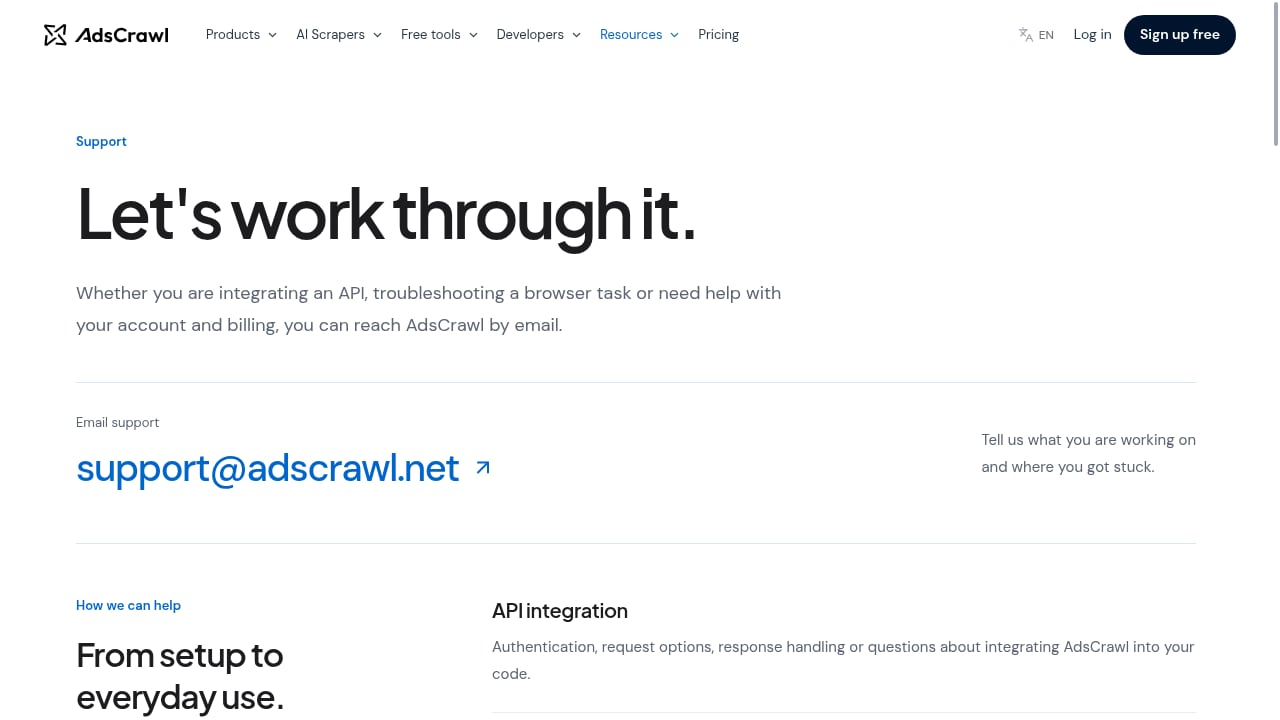
First viewport screenshot of www.adscrawl.net.
Before committing to a platform, test against your real workloads:
- Protocol support: Does it work with your existing Playwright, Puppeteer, or CDP code?
- Session persistence: Can you save and reuse authenticated profiles?
- Proxy options: Are residential proxies available, and how is usage billed?
- Output flexibility: Can you get HTML, Markdown, JSON, and screenshots?
- Concurrency and limits: What are the browser concurrency and API key limits on each plan?
- Pricing model: Are credits easy to estimate for your task mix?
- Reliability: Does the platform handle browser crashes and retries?
For a comparison of alternatives, see Parallel Competitors: Cloud Browser API Alternatives for Scraping.
Common pitfalls for web app developers
- Treating a browser as a database: Browsers are slow and stateful. Cache aggressively and avoid re-rendering pages you already have.
- Ignoring robots.txt and terms of service: Automation does not exempt you from site policies. Review them before scraping.
- Hardcoding selectors: Modern sites change often. Use resilient selectors and monitor failures.
- Skipping error handling: Network timeouts, bot challenges, and selector misses are normal. Build retries and fallbacks.
- Forgetting about data volume: Estimate credits or compute costs per page before scaling.
Related reading
- Top 10 Open Source Web Scraping Frameworks 2026 - A 2026 ranking of the top 10 open source web scraping frameworks, judged on maintenance, ecosystem, scale, and fit for AI-era data pipelines.
Sources and further reading
- Custom Web Application Development Services | Fiverr - Looking for Affordable web application services? Build your dream web Application from scratch with help from skilled freelance coders.
- web.dev - Guidance to build modern web experiences that work in every browser.
- Web Application Developer jobs - Indeed - Opportunities in front-end development · Junior Developer (Ruby/React). Easily apply · Senior Frontend Engineer. Easily apply · Web Developer. Easily apply.
FAQ
What is a cloud browser API?
A cloud browser API lets you run a real browser (usually Chromium) on remote infrastructure and control it via Playwright, Puppeteer, or CDP. It handles rendering, sessions, and often proxy routing, so you do not manage browsers yourself.
Do I need a cloud browser if I already use Playwright locally?
Not always. Local Playwright works for development and small-scale tasks. Cloud browsers help when you need scale, residential proxies, saved profiles, or managed infrastructure without maintaining your own browser fleet.
Can AdsCrawl handle authenticated sessions?
Yes. AdsCrawl supports stateful cloud browsers with saved profiles, so you can authenticate once and reuse the session across tasks.
What output formats does AdsCrawl support?
AdsCrawl can return HTML, Markdown, JSON, and screenshots from dynamic pages, authenticated sessions, and SPAs.
Is there a free tier?
Yes. AdsCrawl offers a free tier with 500 credits, plus paid plans for higher volume and concurrency.
Conclusion
For web app developers, cloud browser APIs turn the messy parts of web scraping—JavaScript rendering, sessions, proxies, and scale—into an API call. AdsCrawl provides a practical entry point with Playwright, Puppeteer, and CDP compatibility, multiple output formats, and credit-based pricing that starts free. Evaluate it against your real workloads, start with the free tier, and scale only when your data pipeline demands it.