
How to Use AdsCrawl with Nimble for Agent Web Search
Take a Quick Look
Connect AdsCrawl's cloud Chromium browsers with Nimble's search agents to give AI agents reliable, structured live web data. Setup, workflow, and examples.
How to Use AdsCrawl with Nimble for Agent Web Search
AI agents are only as good as the web data they can reach. Search gives an agent breadth, but many high-value pages need a real browser: JavaScript-rendered dashboards, login-gated portals, bot-protected storefronts. AdsCrawl supplies that browser layer as a cloud Chromium API. Nimble supplies the search and extraction layer that turns the live web into structured data. Used together, they cover the full path from a question to a verified, structured answer.
This article explains the division of labor, the end-to-end workflow, setup steps, and the failure modes the combination removes.
Why agents need both a search layer and a browser layer
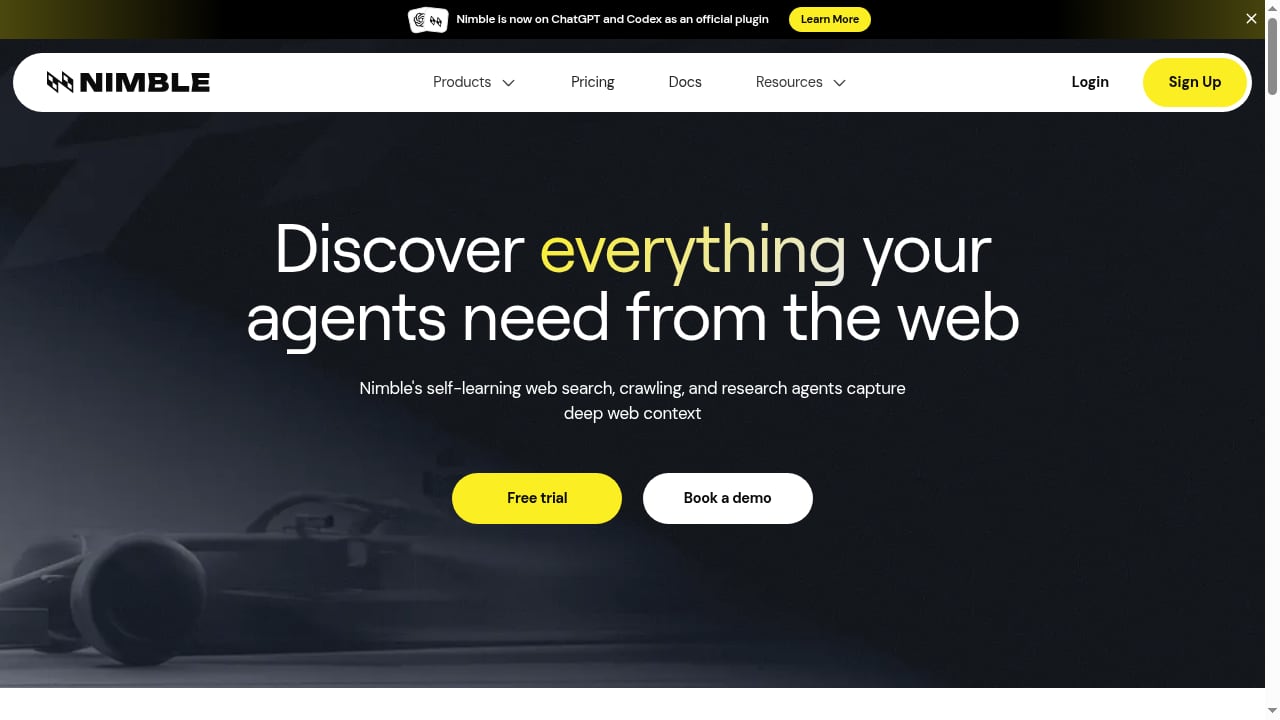
First viewport screenshot of www.nimbleway.com.
A search API answers "which pages are relevant?" A browser answers "what is actually on this page after scripts run, cookies load, and the bot check passes?" Most agent stacks need both, and most breakages happen where the two meet.
- Search-only stacks return snippets and links. When the agent must read a price, a table, or a post-login record, the snippet is not enough.
- Browser-only stacks can render anything but have no discovery step. The agent must already know the URL.
- Combined stacks let the agent search broadly, then open the hard pages in a managed browser with a stable identity and proxy route.
AdsCrawl is built for the second job: real Chromium in the cloud, Playwright/Puppeteer/CDP connectivity, JavaScript rendering, residential proxy routing, and saved profiles for authenticated sessions. Nimble is built for the first: purpose-built search agents that turn the live internet into structured, reliable data for AI and analytics.
How AdsCrawl and Nimble divide the work
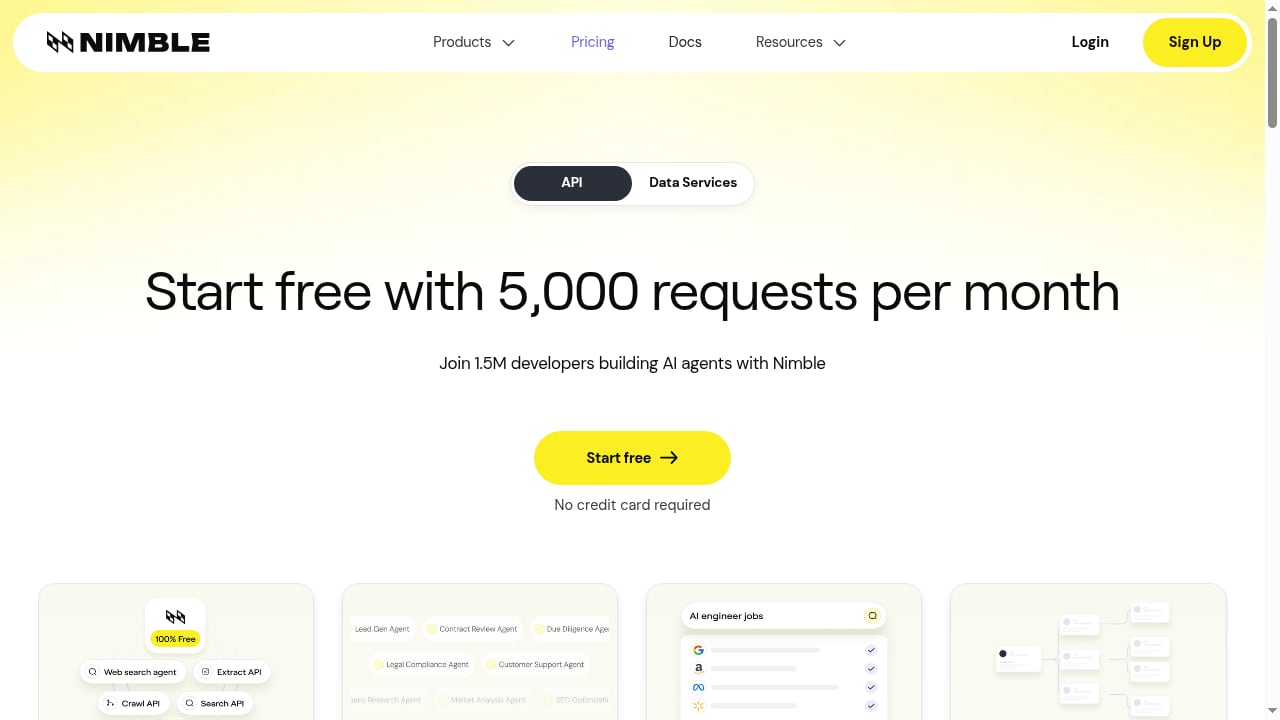
First viewport screenshot of www.nimbleway.com.
| Stage | Nimble | AdsCrawl |
|---|---|---|
| Query planning and discovery | Runs web search agents, returns ranked results and extracted fields | — |
| Hard-page retrieval | — | Launches cloud Chromium, renders SPAs, handles anti-bot friction |
| Identity and sessions | — | Saved profiles, cookie persistence, residential proxy routing |
| Output shaping | Structured data for agents and analytics | HTML, Markdown, JSON, screenshots |
| Scale control | Search-agent throughput | Browser concurrency and credit-based plans |
A useful mental model: Nimble decides where to look and what fields matter; AdsCrawl decides how to get a faithful read of the page when a plain HTTP fetch is not enough.
The end-to-end workflow
Step 1: Define the question and the target schema
Start with the output, not the crawl. For example: "For each of 20 competitors, return product name, listed price, currency, and stock status." That schema tells Nimble which fields to extract from search results and tells AdsCrawl what to pull from pages that need rendering.
Step 2: Run discovery with Nimble
Send the question to Nimble's search agents. You get back candidate URLs plus whatever structured fields the search layer can already resolve. Flag the results that are thin, stale, or snippet-only — those become browser jobs.
Step 3: Route hard pages to AdsCrawl
For each flagged URL, create an AdsCrawl browser task. Two modes fit different needs:
- Synchronous tasks for one-shot jobs: fetch rendered HTML, Markdown, a screenshot, or extracted JSON from a single page.
- Stateful cloud browsers for multi-step jobs: keep a session alive, log in once, navigate several pages, and reuse the profile later.
Step 4: Normalize and merge
Convert AdsCrawl output into the same schema Nimble returned. Deduplicate by canonical URL, reconcile conflicting prices, and record provenance (which layer produced each field). Provenance matters when an agent later cites its answer.
Step 5: Cache and re-run selectively
Store the merged records with timestamps. On the next run, let Nimble rediscover, but only re-open pages in AdsCrawl when the cached record is stale or the page is known to change often. This keeps credit and concurrency usage proportional to actual change.
Setup steps
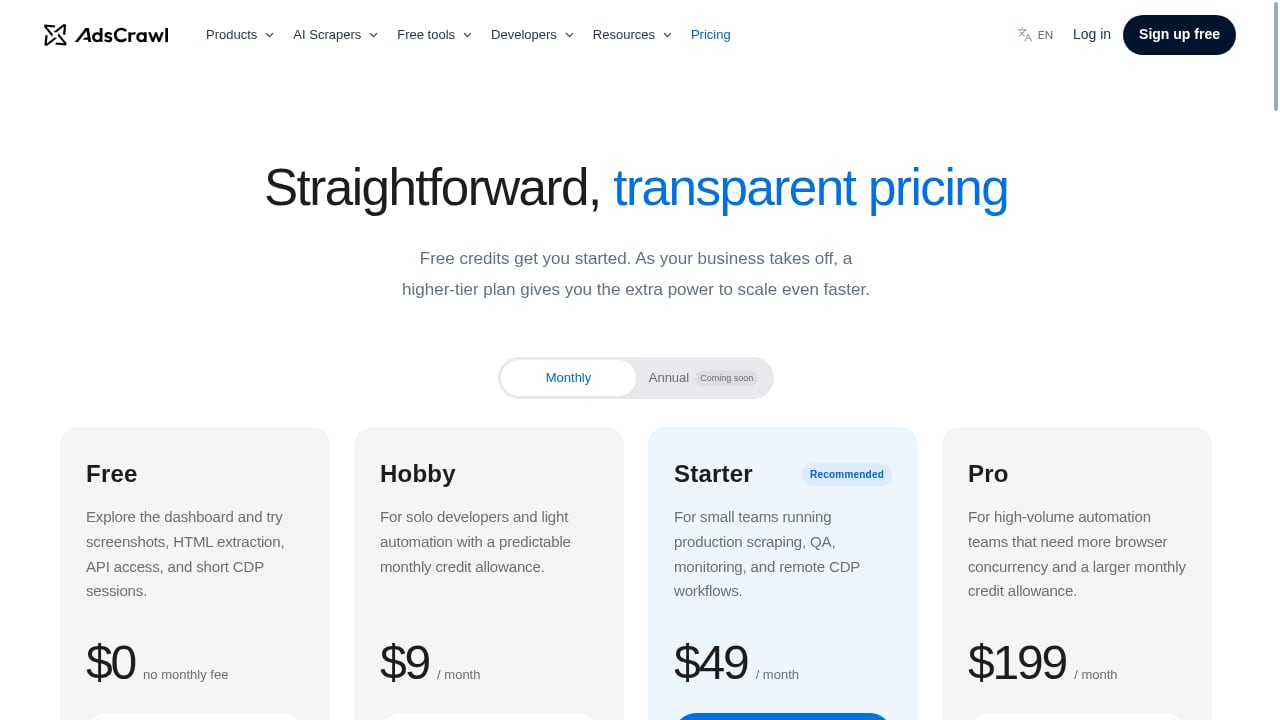
First viewport screenshot of www.adscrawl.net.
Prerequisites
- An AdsCrawl API key (the free tier includes 500 credits; paid plans start at Hobby $9/mo, Starter $49/mo, and Pro $199/mo, differentiated by credits, browser concurrency, and API key limits).
- A Nimble account with access to its search agents.
- A runtime that can make HTTP calls and, optionally, a Playwright or Puppeteer client if you want to drive AdsCrawl sessions directly.
Connect to AdsCrawl
AdsCrawl exposes a REST API and remote CDP endpoints. A minimal synchronous extraction call looks like this in shape (check the current API reference for exact field names):
curl -X POST "https://api.adscrawl.example/v1/browser/tasks" \
  -H "Authorization: Bearer $ADSCRAWL_API_KEY" \
  -H "Content-Type: application/json" \
  -d '{
    "url": "https://example.com/pricing",
    "output": ["markdown", "json"],
    "proxy": { "type": "residential", "country": "us" },
    "wait_until": "networkidle"
  }'
For stateful work, request a remote CDP session and attach Playwright:
from playwright.sync_api import sync_playwright

with sync_playwright() as p:
    browser = p.chromium.connect_over_cdp(CDP_ENDPOINT)
    page = browser.contexts[0].pages[0]
    page.goto("https://portal.example.com/reports")
    page.wait_for_selector("table.report")
    html = page.content()
Connect to Nimble
Call Nimble's search agents with your query and target schema, then parse the structured response. Keep the raw response alongside the normalized records so you can audit extraction quality later.
Wire the orchestrator
The glue code is small but important:
- Call Nimble, collect candidate URLs and fields.
- Score each URL for "needs browser" (dynamic content, login, known bot protection).
- Dispatch those to AdsCrawl with a concurrency cap that matches your plan.
- Merge, validate against the schema, and write to your store.
- Log failures by reason: timeout, block, selector drift, schema mismatch.
Practical examples
Example 1: Competitor pricing monitor
Nimble finds pricing pages across 20 competitors and extracts what it can from search results. Pages that render prices via client-side JavaScript go to AdsCrawl, which returns rendered Markdown and a JSON extract. The merged table feeds a daily price-change report. The browser layer is what makes the numbers trustworthy; the search layer is what keeps the URL list current.
Example 2: Authenticated research portal
A research team needs figures from a subscription portal. AdsCrawl's saved profile holds the session so the agent logs in once and reuses the identity across runs. Nimble handles discovery of the relevant report pages and any public context around them. The combination turns a manual login-and-copy routine into a repeatable pipeline.
Example 3: Agent answering a live question
An agent receives "What changed in this vendor's enterprise plan this month?" Nimble searches for the plan pages and recent announcements. AdsCrawl opens the pricing page and the changelog, renders both, and returns screenshots plus Markdown. The agent diffs against last month's cached snapshot and answers with citations.
Problems the combination solves
- Snippet-only answers. Search results describe pages; AdsCrawl reads them as a browser would.
- JavaScript walls. SPAs and lazy-loaded tables return empty HTML to simple fetchers. Cloud Chromium renders them fully.
- Bot friction and geo variance. Residential proxy routing and per-country exits let the agent see what a local user sees.
- Session loss. Saved profiles keep authenticated state alive across tasks instead of re-authenticating every run.
- Unbounded cost. Discovery is cheap; browser work is targeted. You pay for rendering only where it changes the answer.
When the combination is the right fit — and when it is not
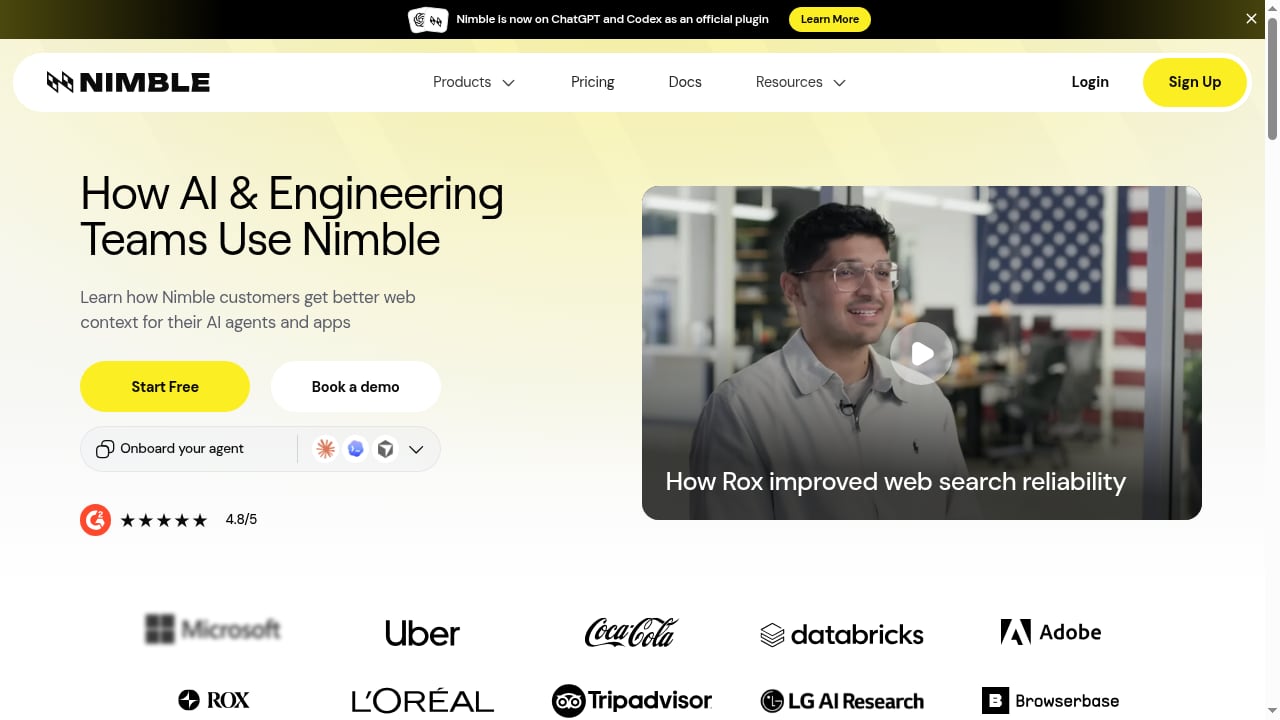
First viewport screenshot of www.nimbleway.com.
Use both layers when your agent must answer questions about dynamic, protected, or logged-in pages at recurring intervals. Use Nimble alone for broad discovery where snippets suffice. Use AdsCrawl alone when you already have exact URLs and need rendering, sessions, or screenshots.
If you are still choosing a browser layer, the cloud browser API alternatives comparison and the browser automation API ranking put the options side by side. For proxy-specific tuning, see using AdsCrawl with DataImpulse proxies.
Operational tips
- Cap concurrency to your plan. Browser concurrency, not search volume, is usually the binding constraint.
- Version your extraction schema. When a site changes layout, a schema diff is faster to debug than a raw HTML diff.
- Keep screenshots as evidence. They are the cheapest way to prove what the page looked like when a field was extracted.
- Retry with backoff, then escalate. A failed render may need a different proxy country or a longer wait condition, not more retries.
- Separate discovery and retrieval logs. When something breaks, you want to know instantly which layer failed.
Related reading
- Top 10 Open Source Web Scraping Frameworks 2026 - A 2026 ranking of the top 10 open source web scraping frameworks, judged on maintenance, ecosystem, scale, and fit for AI-era data pipelines.
- BrowserCloud Review: Browser Automation for AI Apps - An evidence-based review of BrowserCloud for AI apps. Compare use cases, strengths, limits, pricing signals, setup, and decision criteria.
Sources and further reading
- An Observational Study of Small-Group Mathematics Instruction... - Dec 21, 1990 · Abstract This article reports a naturalistic study of small-group instruction in elementary school mathematics classes.
FAQ
Do I need to write code to use AdsCrawl with Nimble?
You need a small amount of orchestration code — an HTTP client and a loop — unless your platform already offers a no-code connector. The API calls themselves are straightforward REST requests.
Can AdsCrawl replace Nimble's search layer?
No. AdsCrawl is a browser and scraping platform; it does not plan queries or rank results. It complements a search layer by retrieving pages that search cannot fully read.
How do I handle pages that require login?
Use an AdsCrawl stateful browser with a saved profile. Authenticate once, persist the profile, and reuse it for subsequent tasks. Rotate credentials and profiles according to your security policy.
What output formats can I get from AdsCrawl?
HTML, Markdown, JSON extracts, and screenshots. Markdown is convenient for LLM context; JSON is better for schema-validated pipelines.
How do I control costs?
Route only pages that genuinely need rendering to AdsCrawl, cache results with timestamps, and re-render on a schedule tied to how often each source changes.
Conclusion
Nimble gives agents a way to find and structure live web information; AdsCrawl gives them a real browser to reach the pages that matter most. The integration is less about a single API call and more about a clean contract: discovery on one side, faithful retrieval on the other, normalization in between. Build that contract once, and your agents stop guessing from snippets and start answering from pages they actually read.
For background on the retrieval side, see Nimble's web data platform and the Playwright documentation for CDP connection details.