
Top 10 Cloud Browser Automation Platforms for AI Agents 2026
Take a Quick Look
A 2026 ranking of the top 10 cloud browser automation platforms for AI agents, scored on MCP support, CDP access, sessions, proxies, and pricing.
Top 10 Cloud Browser Automation Platforms for AI Agents in 2026
AI agents can reason about the web, but most still cannot reliably use it. Login walls, JavaScript-heavy pages, bot checks, and session state break the loop between a model's plan and a real click. Cloud browser automation platforms close that gap by running real browsers on managed infrastructure and exposing them through APIs, MCP servers, or CDP endpoints.
This ranking covers ten products that genuinely serve that job in 2026. Each entry is scored on the same criteria, and every claim below is tied to documented product behavior rather than marketing language.
How We Ranked These Platforms
First viewport screenshot of cloudbrowser.ai.
We evaluated each product against six weighted criteria:
- Agent-native interfaces (25%) — hosted MCP servers, tool schemas, or SDKs that let an LLM drive a browser without custom glue code.
- Browser fidelity and stealth (20%) — real Chrome/Chromium builds, anti-detection measures, and proxy options for pages that block automation.
- Session and identity management (20%) — saved profiles, cookie persistence, isolated contexts, and the ability to resume signed-in sessions.
- Developer control (15%) — CDP access, Playwright/Puppeteer compatibility, concurrency limits, and observability.
- Operational transparency (10%) — live viewing, takeover, logs, and debugging surfaces.
- Pricing clarity (10%) — published tiers, free trials, and predictable cost per browser hour.
We excluded pure scraping APIs that return HTML without a live browser, and we excluded tools that only run locally. AdsCrawl is a capable cloud Chromium platform for scraping and agent workflows, but it is a scraping-first product, so it is not ranked here; it appears later only where an adjacent workflow matters.
The Top 10 Cloud Browser Automation Platforms for AI Agents
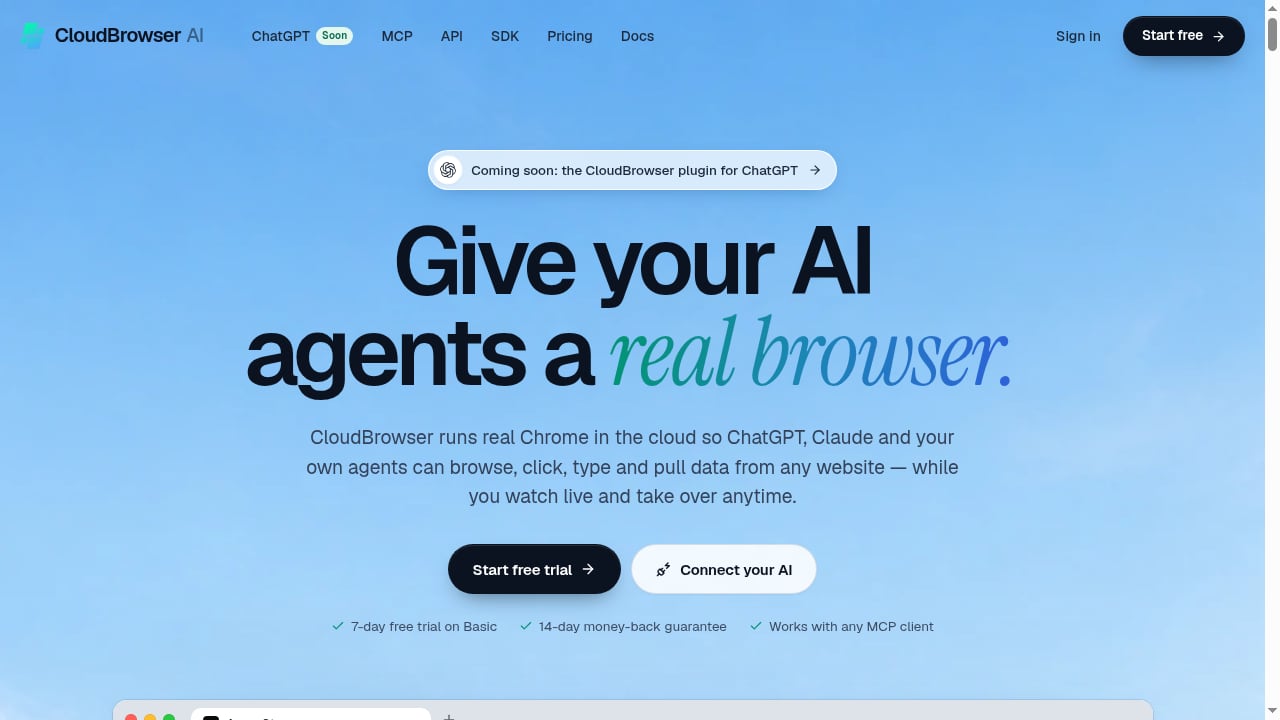
First viewport screenshot of cloudbrowser.ai.
1. CloudBrowser AI
CloudBrowser AI is built around a single premise: give an AI agent a real Chrome browser, not a headless approximation. It runs hosted Chrome instances that ChatGPT, Claude, Cursor, VS Code, Codex, Gemini CLI, Claude Code, n8n, Make, and custom agents can drive through a hosted MCP server, a REST API with Chrome DevTools Protocol, or official .NET and Node.js SDKs.
Why it ranks first: The MCP layer exposes 20 browser tools out of the box, which means an agent can navigate, click, type, and extract without bespoke integration work. The platform supports up to 25 concurrent browsers via API, Puppeteer and Playwright connections, saved sessions that resume signed-in state, isolated browser contexts, stealth Chrome, and premium proxies. A live remote desktop lets a human watch and take over mid-task — a practical safeguard for form filling, QA testing, and RPA flows.
Watch-outs: It is a browser layer, not a full agent framework, so orchestration still lives in your stack. Pricing runs through Stripe, with a 7-day free trial on Basic and a 14-day money-back guarantee.
2. Browserbase
Browserbase is the most established managed headless browser platform for developers. It provides Chromium instances via API, Playwright and Puppeteer connectivity, session recording, stealth mode, and a Stagehand integration aimed at AI agents. Its strength is ecosystem maturity and debugging tooling; its agent story leans on Stagehand rather than a native MCP server.
3. Browserless
Browserless offers hosted Chrome and Chromium with REST endpoints for screenshots, PDFs, and content extraction, plus WebSocket connections for Puppeteer and Playwright. It is dependable for high-volume rendering and simple automation, though agent-specific tooling is lighter than MCP-first competitors.
4. Steel
Steel is an open-source-friendly cloud browser API designed for AI agents, with session management, live view, and a focus on letting agents act on real pages. It appeals to teams that want more control over the runtime and are comfortable self-hosting parts of the stack.
5. Hyperbrowser
Hyperbrowser packages cloud browsers with agent-oriented features including session persistence, stealth, and integrations for common agent frameworks. It is a strong middle ground for teams that want managed infrastructure without a heavy platform commitment.
6. Anchor Browser
Anchor Browser targets AI agent workloads with managed browser sessions, live viewing, and tooling for authenticated flows. Its positioning is close to CloudBrowser AI's, with a heavier emphasis on agent orchestration features.
7. Apify
Apify is a broader automation cloud whose Actor platform includes browser-based scraping and automation. It is excellent for prebuilt web data workflows and scheduled jobs, but it is a platform for actors first and a raw browser API second.
8. ScrapingBee
ScrapingBee provides a managed browser and scraping API with JavaScript rendering, proxy rotation, and simple REST calls. It is easy to adopt for extraction tasks, though it offers less low-level browser control for agents that need to click and type.
9. Bright Data Browser API
Bright Data's browser offering combines a cloud browser with one of the largest proxy networks available. For agents that hit aggressive geo-blocking or anti-bot systems, the proxy depth is a real differentiator; the trade-off is a more enterprise-oriented setup.
10. ZenRows
ZenRows focuses on bypassing anti-bot protection with a managed browser API, JavaScript rendering, and rotating proxies. It is a solid choice for extraction-heavy agent tasks where getting past defenses matters more than interactive control.
Comparison at a Glance
First viewport screenshot of cloudbrowser.ai.
| Platform | Agent interface | CDP / Playwright | Saved sessions | Live takeover |
|---|---|---|---|---|
| CloudBrowser AI | Hosted MCP, REST, SDKs | Yes | Yes | Yes |
| Browserbase | API + Stagehand | Yes | Yes | Session replay |
| Browserless | REST + WebSocket | Yes | Limited | No |
| Steel | API, open source | Yes | Yes | Yes |
| Hyperbrowser | API + framework integrations | Yes | Yes | Yes |
| Anchor Browser | Agent-focused API | Yes | Yes | Yes |
| Apify | Actor platform | Partial | Via actors | No |
| ScrapingBee | REST | Limited | No | No |
| Bright Data | API + proxy network | Yes | Yes | Limited |
| ZenRows | REST | Limited | No | No |
How to Choose
First viewport screenshot of cloudbrowser.ai.
- If your agent runs inside an MCP client (Claude, Cursor, VS Code, Codex, Gemini CLI), prioritize a hosted MCP server with a broad tool set. CloudBrowser AI is the clearest fit.
- If you need deep debugging and session replay, Browserbase and Steel are strong.
- If extraction is the whole job, a scraping-first API may be cheaper. For that adjacent use case, AdsCrawl's cloud Chromium platform with saved profiles and residential proxy routing is worth evaluating alongside the ranked products, and its cloud browser API alternatives comparison is useful context.
- If geo-blocking dominates, Bright Data's proxy depth is hard to match.
Teams building broader pipelines should also review the top browser automation API products and the open source scraping frameworks that pair well with a managed browser layer.
Practical Example: An Agent That Fills a Vendor Portal
A realistic 2026 workflow looks like this: an agent receives an invoice, opens a vendor portal in a cloud browser, logs in using a saved session, fills three form fields, uploads a PDF, and confirms a reference number. The MCP server handles navigation and typing; the saved session avoids re-authentication; the live remote desktop lets an operator intervene if a CAPTCHA appears. The same pattern applies to QA testing and RPA, where a human-in-the-loop fallback is often the difference between a demo and a production system.
Related reading
- How to Use AdsCrawl with Nimble for Agent Web Search - Connect AdsCrawl's cloud Chromium browsers with Nimble's search agents to give AI agents reliable, structured live web data. Setup, workflow, and examples.
- How to Use AdsCrawl with DataImpulse Proxies - Learn how to combine AdsCrawl's cloud browser automation with DataImpulse's cheap, fast proxies for reliable scraping at scale. Setup steps and examples inside.
Sources and further reading
- Nucleus | Definition, Function, Structure, & Facts | Britannica - Sep 19, 2026 · The nucleus, in biology, is a specialized structure occurring in eukaryotic cells and separated from the rest of the cell …
- NUCLEUS Definition & Meaning - Merriam-Webster - Nov 3, 2026 · The meaning of NUCLEUS is the small bright body in the head of a comet. How to use nucleus in a sentence.
FAQ
What is a cloud browser automation platform for AI agents? It is managed infrastructure that runs real browsers in the cloud and exposes them to AI agents through APIs, MCP servers, or CDP, so agents can navigate, click, type, and extract data without local browser management.
Do AI agents need MCP to use a browser? No, but MCP reduces integration work. Agents can also call REST APIs or connect over CDP with Playwright or Puppeteer; MCP simply standardizes tool discovery for LLM clients.
Are cloud browsers detectable? They can be. Platforms mitigate this with real Chrome builds, stealth patches, and residential or premium proxies, but no provider guarantees bypassing every anti-bot system.
How much concurrency should I plan for? Start with the number of parallel agent tasks you expect at peak. CloudBrowser AI, for example, supports up to 25 browsers at once via API, which suits most mid-sized agent fleets.
Can I watch what the agent is doing? On platforms with live view or remote desktop features, yes. This is valuable for debugging and for human takeover during sensitive steps.
Conclusion
The 2026 market splits into three groups: agent-native platforms with MCP and session tooling, developer-grade headless browser APIs, and scraping-first services with proxy depth. CloudBrowser AI leads this ranking because it combines a real Chrome runtime, a 20-tool MCP server, saved sessions, and human takeover in one product. Match the platform to your agent's interface and your hardest pages, and validate with a trial before committing.
Sources: Browserbase documentation, Browserless documentation, Steel documentation.