
AdsCrawl vs Scrapfly vs Browserless: API Showdown 2026
Compare AdsCrawl, Scrapfly, and Browserless for web scraping, cloud browsers, and AI agents. See which API delivers better anti-detection, pricing, and CDP control.
AdsCrawl vs Scrapfly vs Browserless: Which Browser API Fits Your Stack?
Choosing between AdsCrawl, Scrapfly, and Browserless isn't just a feature checklist—it's about picking infrastructure that aligns with how your team builds, scales, and debugs. One platform prioritizes anti-detect fingerprinting and unified sessions. Another layers anti-bot bypass on top of a flexible request model. The third lets you keep your existing Puppeteer or Playwright code with zero rewrites. This comparison breaks down where each one excels, where they fall short, and how to match them to real-world automation, scraping, and AI agent workflows.
Quick Comparison: Core Philosophies
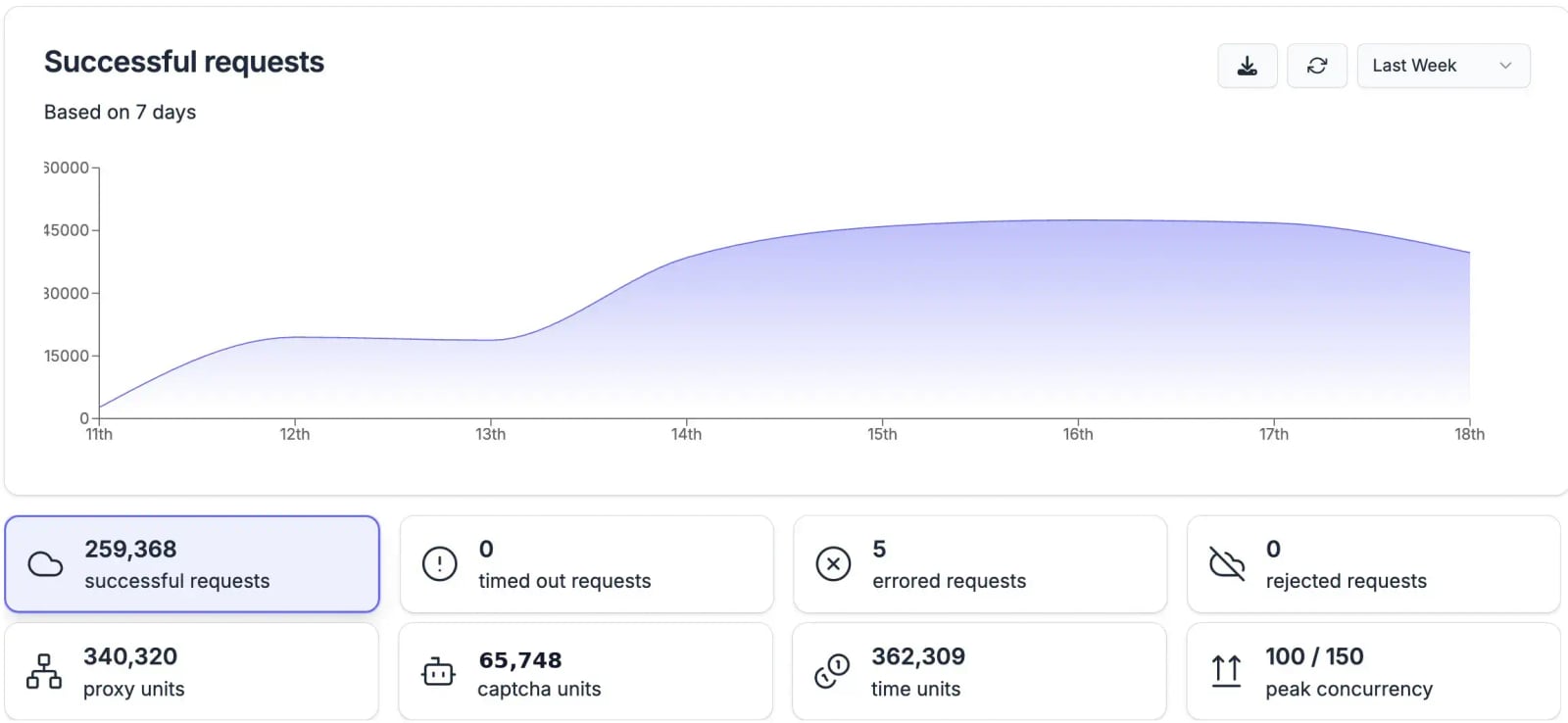
Browserless product interface.
Before diving into specifics, understand what each platform optimizes for.
- AdsCrawl: Real cloud browser sessions with AdsPower fingerprint profiles, multi-format output in a single call, and remote CDP control. Built for teams that need fine-grained anti-detection and AI-ready data pipelines.
- Scrapfly: A web data platform that combines anti-bot bypass, stealth Chromium over CDP, residential proxies, and structured extraction behind one API key. It lets you choose between fast HTTP requests and full browser rendering.
- Browserless: A managed headless browser platform that connects to your existing Puppeteer or Playwright code via a WebSocket endpoint. It handles scaling, health checks, and security patches so you don't manage browser infrastructure.
Head-to-Head Feature Breakdown
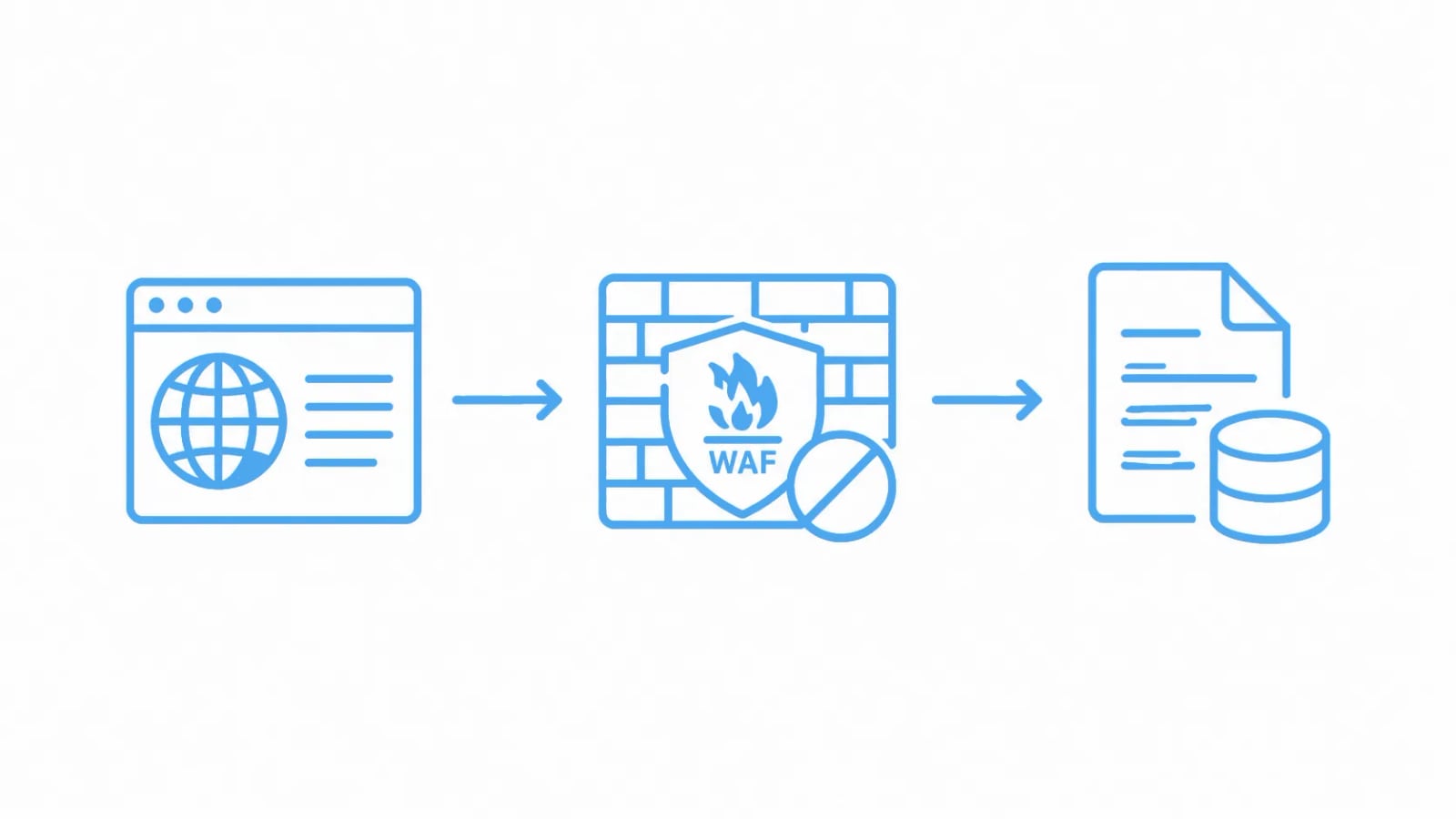
Scrapfly - Web Scraping API, Cloud Browser, Screenshot API product interface.
Anti-Bot Bypass & Browser Fingerprinting
AdsCrawl integrates natively with AdsPower to apply real browser fingerprint profiles. Every session inherits canvas, WebGL, and audio fingerprints that mimic genuine user environments. You can rotate multiple profiles per session, creating a resilient evasion layer that generic stealth browsers struggle to match.
Scrapfly relies on proprietary Curlium (stealth HTTP) and Scrapium (stealth Chrome) engines. It claims a 98% success rate on protected sites, though independent benchmarks across seven challenging domains returned a 93.86% average success rate. The engine is a black box—you cannot import your own fingerprints or tweak hardware-level signals.
Browserless offers stealth mode and CAPTCHA solving as add-ons. Its approach works well for standard targets, but teams report silent success-rate degradation after anti-bot vendor updates. Because Browserless focuses on browser infrastructure rather than proprietary bypass technology, it depends more on your own script-level evasion tactics.
Winner: AdsCrawl for teams that need customizable, profile-driven anti-detection. Scrapfly for those who prefer a managed black-box solution with solid average performance.
Pricing & Scalability
AdsCrawl provides a genuine free tier and transparent paid plans. It does not charge per API endpoint or add surcharges for premium domains, so costs remain predictable as you scale. Exact rates are available on request, but the model avoids credit multipliers that inflate invoices on complex targets.
Scrapfly uses a credit-based model starting at $30/month. Basic HTTP scrapes cost 1 credit, JavaScript rendering costs 6 credits, and anti-bot protection (ASP) starts at 30+ credits per request. Residential proxies are included, but the average cost per 1,000 successful requests lands around $2.85—higher than some value-oriented alternatives. Failed bypasses are free, which helps, but you still absorb development and retry overhead.
Browserless charges by 30-second browser units. The Starter plan begins at $140/month for 180,000 units. Proxy bandwidth costs an additional 6 units per MB, and CAPTCHA solving adds 10 units per solve. This time-based model can surprise teams when pages load slowly or sessions run long. However, self-hosted deployments offer a fixed-cost alternative for teams with existing infrastructure.
Winner: AdsCrawl for predictable, endpoint-agnostic pricing. Browserless for teams that want a self-hosted option to cap costs.
Browser Session Control & CDP Access
AdsCrawl treats the cloud browser as a composable API. One session captures a full-page screenshot, extracts HTML, and converts content to Markdown—all without chaining multiple endpoints. Remote CDP control is included, so you can issue DevTools commands directly during a session.
Scrapfly separates these capabilities across distinct endpoints: Web Scraping API, Screenshot API, and Extraction API. To get HTML and a screenshot from the same page, you must call at least two APIs. The Cloud Browser product offers CDP access, but stitching outputs together adds integration complexity and credit consumption.
Browserless excels here for teams already invested in standard libraries. You point existing Puppeteer or Playwright scripts at a WebSocket URL instead of localhost, and you're running in the cloud with no rewrite. BrowserQL adds a GraphQL-based API for stealth scraping, and REST endpoints cover common tasks. Session reconnects and authenticated profiles keep long-running jobs stable.
Winner: Browserless for drop-in compatibility with existing code. AdsCrawl for unified multi-format output in a single session.
AI Workflow Readiness
AdsCrawl outputs HTML and Markdown natively, which feeds directly into LLM-based extraction, RAG pipelines, and AI agent loops. Remote CDP control allows real-time agent feedback during browser sessions. The platform positions itself as browser infrastructure for the AI era.
Scrapfly offers an Extraction API with LLM prompts and an AI Browser Agent for tools like Browser Use. However, these require additional API keys and endpoints, fragmenting the workflow compared to AdsCrawl's unified approach.
Browserless supports AI agents through standard Puppeteer and Playwright connections and the MCP protocol. Teams building AI workflows on existing browser automation code will find the transition seamless, but they'll need to handle extraction logic themselves or pair Browserless with a separate parsing service.
Winner: AdsCrawl for turnkey AI data pipelines. Browserless for AI agent builders who want full control over their browser code.
Deployment Flexibility
AdsCrawl runs as a cloud service with dashboards for key management, usage tracking, and debugging. Self-hosted deployment is not currently an option.
Scrapfly is cloud-only, with a live dashboard showing success rate, throughput, and latency.
Browserless is the exception: it ships a self-hosted Docker image and managed private deployments alongside its cloud service. The free open-source image covers browsers and REST APIs, while stealth, CAPTCHA solving, and session recording require the licensed Enterprise image. No self-hosted deployment includes built-in residential proxies. Over 160 million Docker pulls and 10,000+ paying customers attest to its production track record.
Winner: Browserless for teams with data-residency or compliance requirements that demand self-hosted infrastructure.
When to Choose Each Platform
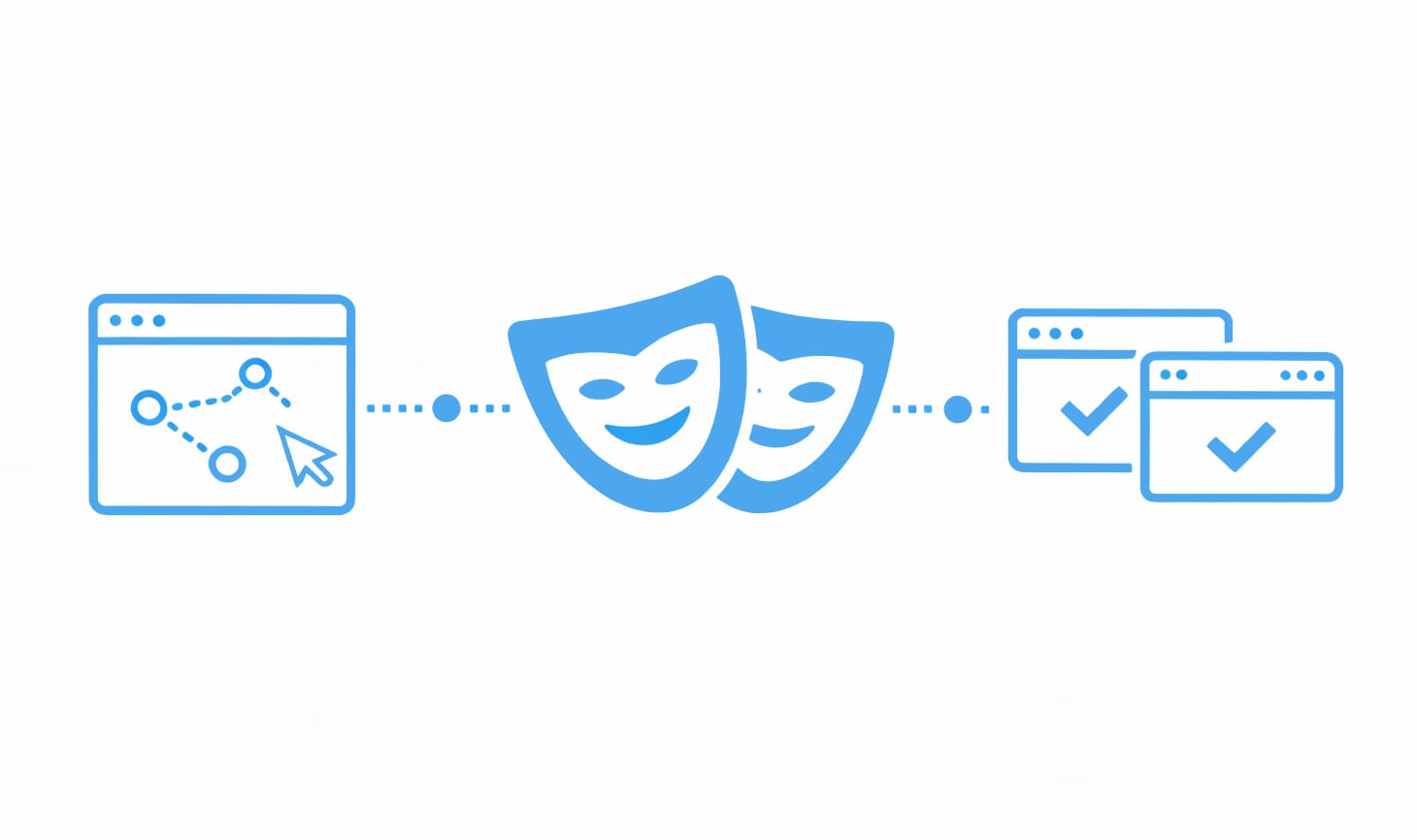
Scrapfly - Web Scraping API, Cloud Browser, Screenshot API product interface.
Choose AdsCrawl if you:
- Need fine-grained anti-detect capabilities with custom fingerprint profiles via AdsPower integration.
- Want screenshots, HTML, and Markdown from a single session with minimal orchestration.
- Prioritize a free tier for prototyping and transparent, scalable pricing for production.
- Are building AI data pipelines, monitoring dashboards, or automated research where reliability and low cost matter.
Choose Scrapfly if you:
- Want one API key that covers anti-bot bypass, proxies, screenshots, and structured extraction.
- Need the flexibility to use fast HTTP requests for simple targets and full browsers only when necessary.
- Already have a codebase built around Scrapfly's endpoint model and credit system.
- Accept that some challenging sites may require retries and are comfortable with variable per-request costs.
Choose Browserless if you:
- Have existing Puppeteer or Playwright scripts and want to move to the cloud without a rewrite.
- Need self-hosted deployment for compliance or data-residency reasons.
- Value a single API endpoint that eliminates the need to integrate multiple vendors for proxies, CAPTCHA solving, and compute.
- Run long-lived browser sessions that benefit from session reconnects and authenticated profiles.
Practical Migration Example
Scrapfly - Web Scraping API, Cloud Browser, Screenshot API product interface.
If you're moving from a local Playwright setup to a managed service, here's how the transition looks with Browserless:
// Before: local Playwright
const browser = await playwright.chromium.launch();
const page = await browser.newPage();
await page.goto('https://example.com');

// After: Browserless cloud endpoint
const browser = await playwright.chromium.connect(
  'wss://production-sfo.browserless.io/playwright?token=YOUR_TOKEN'
);
const page = await browser.newPage();
await page.goto('https://example.com');
With AdsCrawl, the same task becomes a single API call that returns HTML, Markdown, and a screenshot simultaneously—no separate browser connection or page object needed. This difference matters when you're chaining outputs into an AI pipeline rather than controlling a browser step by step.
For a deeper dive into how AdsCrawl stacks up against Browserless specifically, see our AdsCrawl vs Browserless comparison. If you're evaluating Scrapfly's API setup in detail, check out our Scrapfly API configuration guide.
Related reading
- ScrapingBee Review 2026: API Features, Pricing & Real Tests - Evidence-based ScrapingBee review covering API setup, AI extraction, proxy rotation, pricing, and independent speed tests. See if it fits your scraping workflow.
- AdsCrawl vs ScrapingBee vs Playwright: Which Tool Wins? - Compare AdsCrawl, ScrapingBee, and Playwright for browser automation, scraping, and testing. See which API, framework, or cloud browser fits your 2026 workflow.
Sources and further reading
- Browserless alternative that actually works? Try Scrapfly - Browserless alternative that works on protected sites. 98% success rate. Get 1,000 FREE API credits and start scraping today.
- Best Web Scraping API: How to Choose the Right One - Choose the best web scraping API for you using five real evaluation criteria and an honest look at 7 providers, including where each is the right fit.
- AdsCrawl vs Scrapfly: Web Scraping API & Cloud Browser Showdown - Compare AdsCrawl and Scrapfly: anti‑detect browser automation, screenshot API, pricing, and real‑world success rates. See which fits your AI data pipeline best.
FAQ
Does Scrapfly really achieve a 98% success rate on protected sites?
Scrapfly claims 98% on protected sites, but independent benchmarks across seven challenging domains (Amazon, Indeed, GitHub, Zillow, Capterra, Google, and X) returned a 93.86% average. Success varies by target, so test against your own URLs before committing.
Can I use my existing Puppeteer scripts with Browserless?
Yes. Browserless accepts standard Puppeteer and Playwright connections via WebSocket endpoints. You change the connection URL and keep your existing scripts intact—no proprietary parameter schema to learn.
How does AdsCrawl's fingerprinting differ from Scrapfly's stealth engine?
AdsCrawl integrates with AdsPower to apply real browser fingerprint profiles that you can customize and rotate. Scrapfly's Scrapium engine is a proprietary black box—effective for most targets but not customizable. Teams that have already invested in anti-detect browser profiles will find AdsCrawl's approach more adaptable.
Which platform is most cost-effective at scale?
It depends on your workload. AdsCrawl's transparent, endpoint-agnostic pricing avoids credit multipliers. Scrapfly's per-request model can become expensive on complex targets (averaging $2.85 per 1,000 successful requests). Browserless's time-based units add up on slow pages, but self-hosted deployments offer a fixed-cost ceiling.
Does Browserless include proxies?
Browserless offers proxy integration as a paid add-on (6 units per MB). Residential proxies are not included in the base platform. Scrapfly includes residential proxies in its credit cost. AdsCrawl's pricing model does not separate proxy charges from session costs.
Conclusion
AdsCrawl, Scrapfly, and Browserless each serve distinct workflows. AdsCrawl wins on anti-detect customization and unified session output for AI pipelines. Scrapfly offers a mature, multi-mode platform with solid bypass rates and flexible HTTP-or-browser requests. Browserless remains the best choice for teams that want to keep their existing Puppeteer or Playwright code and need self-hosted deployment options. Test each against your actual targets—most offer free tiers or credits—and pick the one that aligns with how your team already builds.