
AdsCrawl vs Browse AI vs Puppeteer: Which to Choose in 2026
Compare AdsCrawl, Browse AI, and Puppeteer across browser control, extraction, scaling, and pricing to pick the right tool for your 2026 workflow.
AdsCrawl vs Browse AI vs Puppeteer: Which to Choose in 2026
Three tools, three very different assumptions about who is doing the work. Browse AI assumes a business user who never wants to see code. Puppeteer assumes a developer who is happy to own a Node.js script and everything it touches. AdsCrawl assumes a team that wants programmatic browser control without running its own browser fleet.
This comparison looks at where each one genuinely wins, where each one costs you something, and how to decide based on the workflow you actually have.
The three tools at a glance
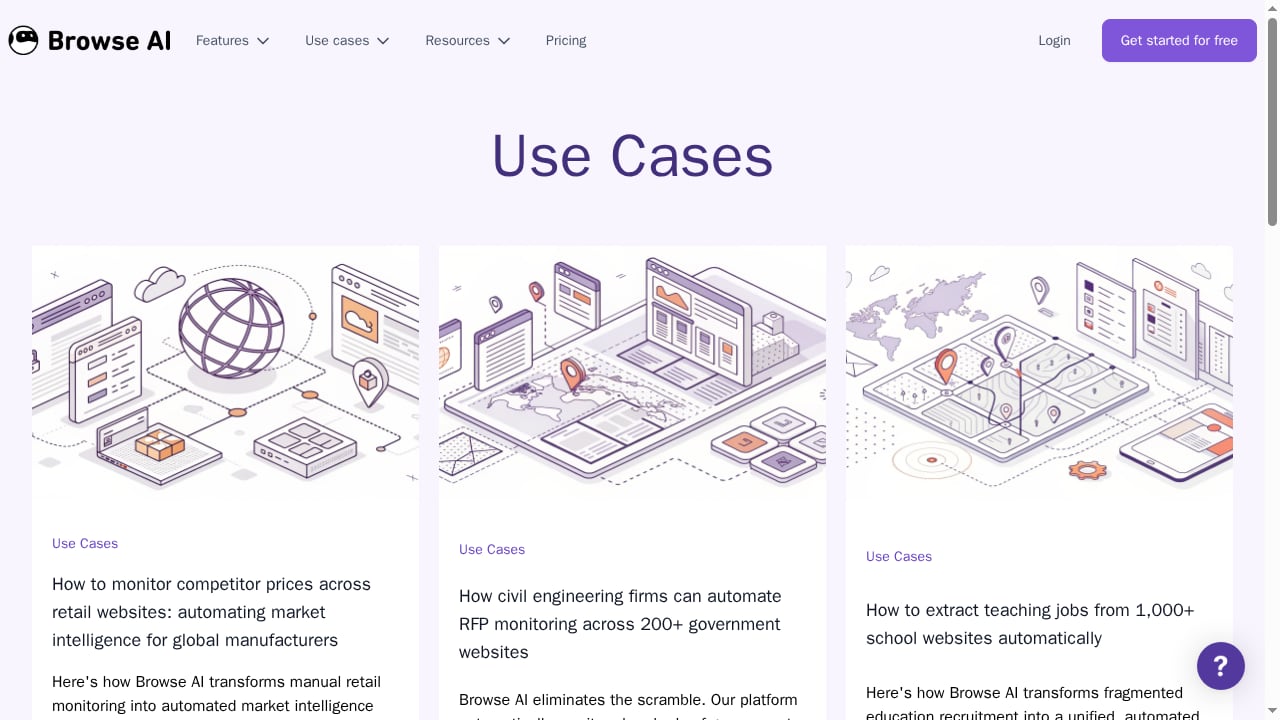
First viewport screenshot of Use Cases - Browse AI Blog.
| Dimension | AdsCrawl | Browse AI | Puppeteer |
|---|---|---|---|
| Primary user | Developers and AI/automation teams | Non-technical business users | JavaScript/Node.js developers |
| Interface | Unified API (cURL, Node.js, Python) | No-code visual builder | Code library |
| Browser control | Remote Chrome sessions over CDP | Managed extraction agents | Local Chrome or Firefox over CDP/WebDriver BiDi |
| Output formats | Screenshots, HTML, Markdown | Structured data, alerts | Whatever you code |
| Infrastructure | Cloud sessions, concurrent execution | Fully managed | You provision and scale |
| Pricing model | Credit-based with a freemium tier | Pay-for-value subscription | Free and open source, plus your compute |
AdsCrawl: browser infrastructure behind one API
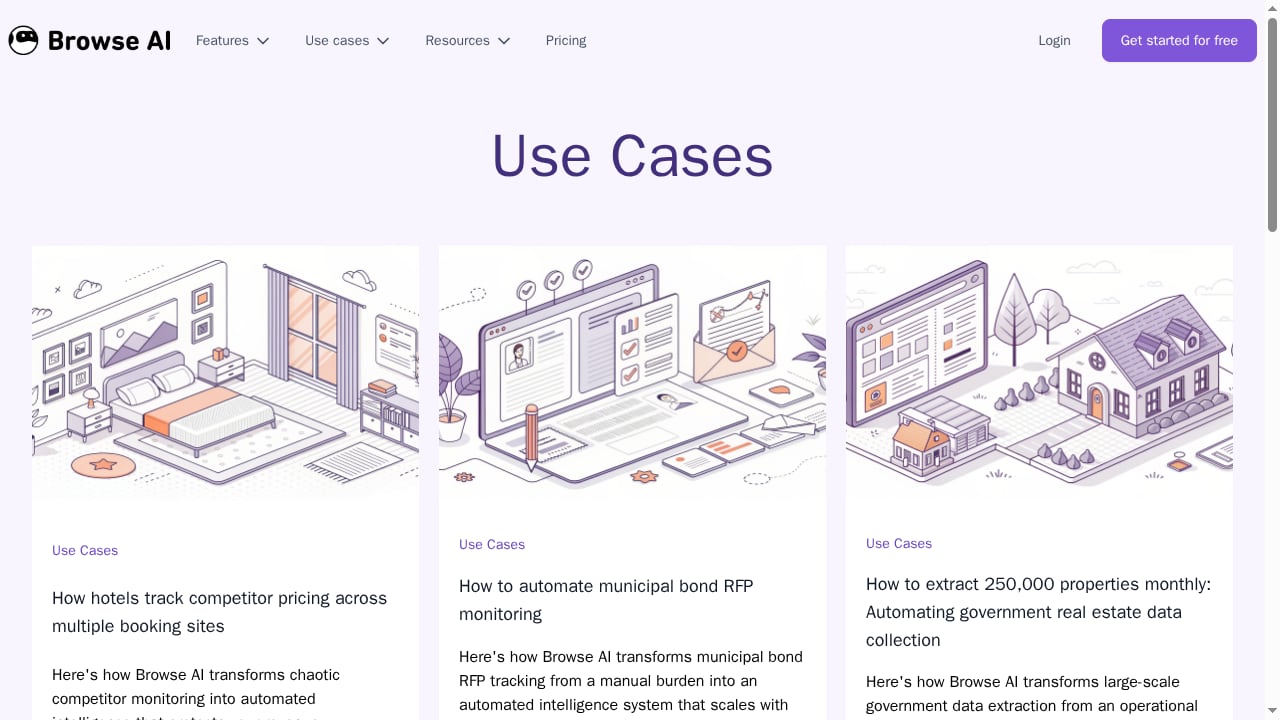
First viewport screenshot of Use Cases - Browse AI Blog.
AdsCrawl provides real browser capabilities through a unified API. Instead of installing a browser and managing a process, you call an endpoint and get back a screenshot, the rendered HTML, or a Markdown version of the page. For teams building AI agents, monitoring pipelines, or SEO tooling, that removes a large amount of undifferentiated work.
The parts that matter most in practice:
- Remote Chrome DevTools Protocol sessions. You can drive a cloud browser directly over CDP when you need fine-grained control, not just a one-shot capture.
- Fingerprint profiles. Sessions can run with distinct browser fingerprints, which matters when you are collecting public pages at volume.
- Concurrent browser execution. Multiple sessions run in parallel without you standing up a cluster.
- Multiple output shapes. Screenshots, HTML, and Markdown from the same platform, so a rendering check and a content extraction can share one tool.
- Operational visibility. Dashboards for key management, usage tracking, and debugging, plus credit-based usage on a freemium model.
Integration is deliberately boring: cURL, Node.js, and Python examples get you to a first request quickly. If you already combine search data with page verification, the pattern in How to Use AdsCrawl with SerpApi shows how ad SERPs and landing pages fit into one workflow.
Where AdsCrawl is not the answer: if you need pixel-level end-to-end test assertions across specific browser versions, a scripted testing framework is the better fit. That is a testing problem, not a capture problem.
Browse AI: no-code extraction and monitoring
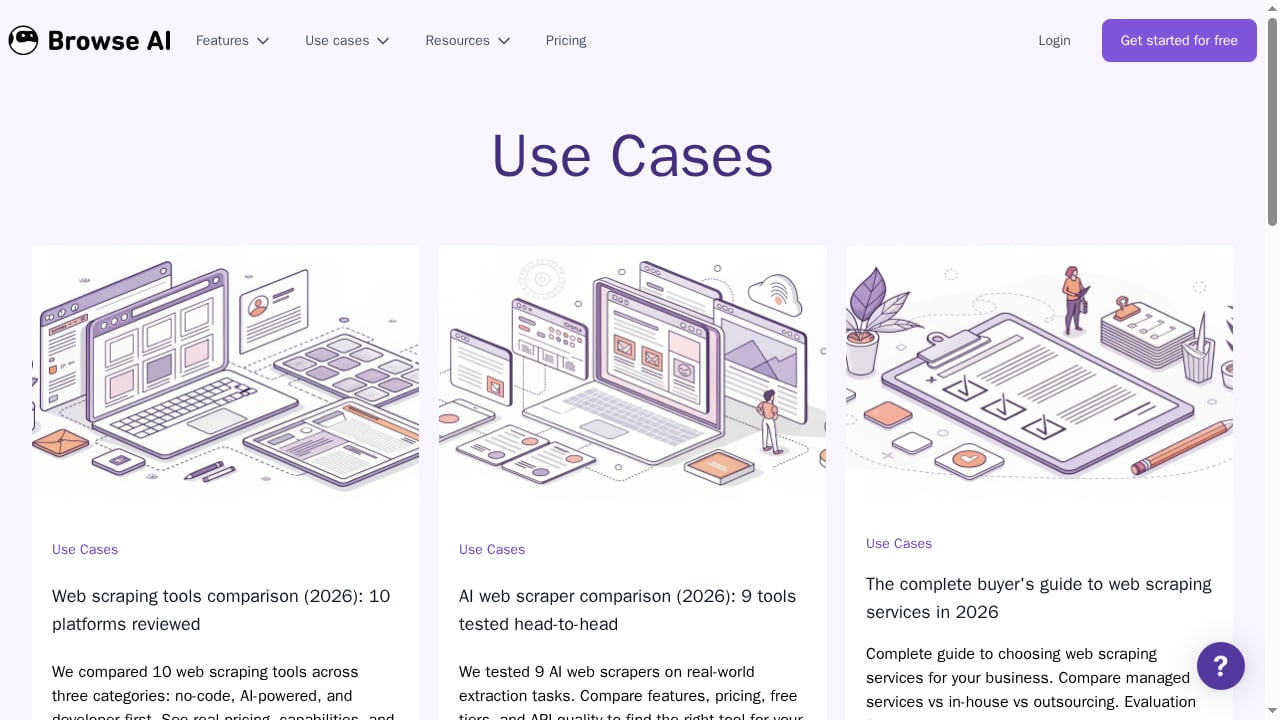
First viewport screenshot of Use Cases - Browse AI Blog.
Browse AI has earned its scale honestly. It reports serving over 770,000 users, and the reason is straightforward: it removes code from the equation entirely. You point it at a site, it turns the page into a structured API, and you get scheduled runs and change alerts without writing anything.
Its credible strengths:
- Zero-code onboarding. Business professionals, researchers, and operations teams can build a working extraction in a session, not a sprint.
- Scheduled monitoring with alerts. Recurring extraction plus notifications when a page changes is a genuinely useful combination for price tracking, listing monitoring, and RFP watching.
- Handles awkward inputs. Login-protected sites and PDFs are supported, which covers a lot of real-world sources that trip up simpler tools.
- Broad use-case coverage. Job aggregation, legal directory extraction, commercial real estate listings, and municipal bond tracking all fit the same model.
- Pay-for-value pricing. You pay in proportion to the value you extract rather than per browser hour.
The trade-off is control. When you need raw HTML, a specific rendering state, or a custom browser interaction that does not map to a visual builder, a no-code platform becomes a constraint rather than an accelerator.
Puppeteer: maximum control, maximum ownership
AdsCrawl vs Browse AI vs Puppeteer: Which to Choose in 2026 - Puppeteer: maximum control, maximum ownership.
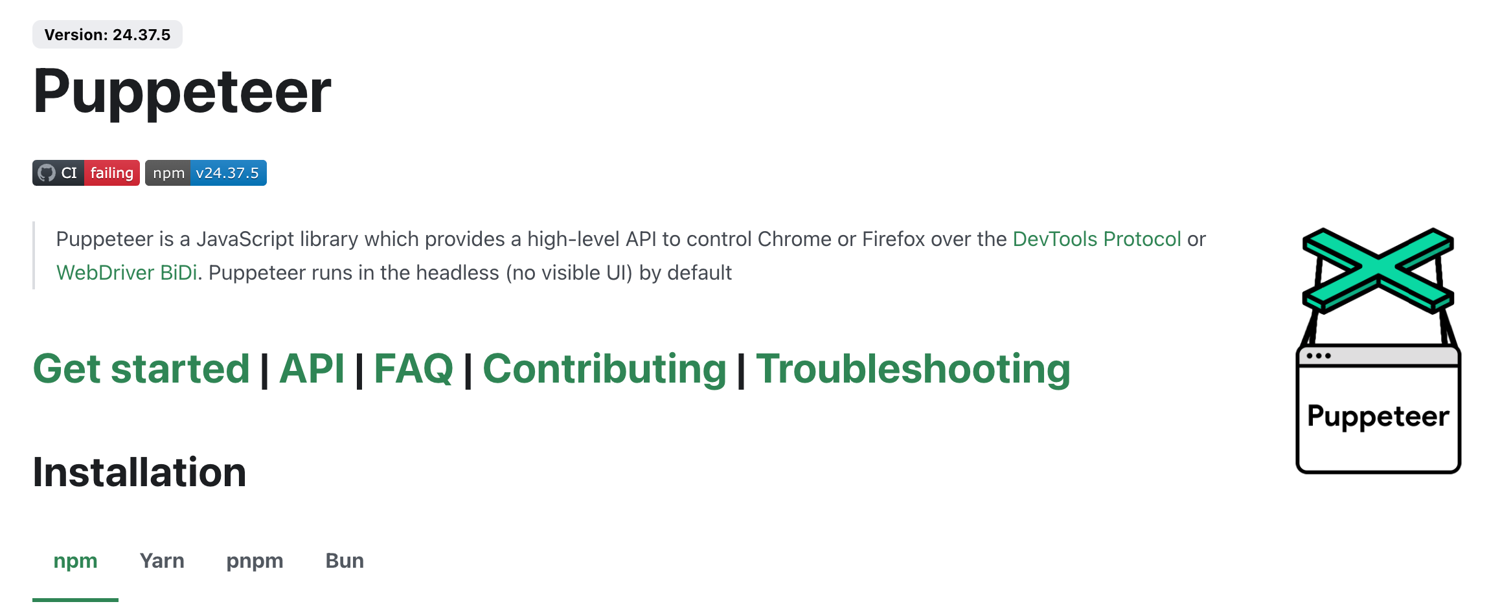
Puppeteer is a JavaScript library that gives you a high-level API to control Chrome or Firefox over the DevTools Protocol or WebDriver BiDi. It runs headless by default, installs via npm, yarn, pnpm, or bun, and ships with thorough documentation, an API reference, and an MCP server for browser automation and debugging.
Its credible strengths:
- Direct protocol access. Browser launch, navigation, DOM manipulation, network interception, and accessibility tree inspection are all in reach.
- Free and open source. No license cost, no vendor dependency, no usage meter.
- Excellent for Chrome-specific work. Screenshot services, PDF generation, and performance profiling are natural fits.
- Mature ecosystem. Years of community answers, plugins, and troubleshooting material.
What you take on when you choose it:
- Infrastructure is yours. Each instance runs a full browser process. Ten concurrent sessions is manageable; a hundred means you are now maintaining a browser cluster.
- Anti-detection is an add-on. Headless Chromium is detectable out of the box, and the stealth plugin ecosystem is in a permanent arms race with detection services. Proxy rotation and fingerprint masking are separate concerns you own.
- Maintenance compounds. Every selector is a selector you will eventually fix. This is the single largest hidden cost of script-based automation, and it is well documented in comparisons of Puppeteer alternatives.
Puppeteer remains the right choice when your targets are stable, your team is deep in Node.js, and you need deterministic DOM-level behavior.
Where each tool actually wins
Choose AdsCrawl when you need browser output as an API response
If your deliverable is a screenshot, rendered HTML, or Markdown, and you want it from a cloud browser with fingerprint profiles and concurrency handled for you, AdsCrawl removes the fleet-management problem. It fits AI agent pipelines, monitoring jobs, SEO rendering checks, and repeatable web actions wrapped into reliable endpoints. The scraping API guide covers when this API-first pattern beats raw scripted scraping.
Choose Browse AI when the person doing the work is not a developer
If a researcher or operations analyst needs recurring data from a set of sites and nobody wants to file an engineering ticket, Browse AI is the faster path. The no-code builder, scheduling, and alerts are the whole point, and they work.
Choose Puppeteer when control matters more than convenience
If you need network interception, accessibility tree inspection, or exact control over a Chrome session, and you are prepared to run the infrastructure and maintain the selectors, Puppeteer gives you the most direct access of the three.
A practical decision checklist
- Who builds it? A developer with Node.js experience points toward Puppeteer or AdsCrawl. A business user points toward Browse AI.
- What is the output? Structured records and change alerts favor Browse AI. Screenshots, HTML, and Markdown as API responses favor AdsCrawl.
- Who runs the browsers? If you do not want to, that rules out self-hosted Puppeteer.
- How many concurrent sessions? Scale past a handful and self-hosted browser processes become an infrastructure project.
- How stable are the targets? Volatile layouts punish selector-based scripts.
- Do you need raw protocol access? If yes, Puppeteer or AdsCrawl's CDP sessions are the relevant options.
Related reading
- AdsCrawl vs ScreenshotEngine: Browser API Comparison 2026 - Compare AdsCrawl and ScreenshotEngine for screenshots, HTML extraction, and browser automation. See which API fits your workflow in 2026.
- Top 10 Developer Monitoring & Observability Tools 2026 - Compare the top 10 developer monitoring and observability software for 2026: telemetry coverage, pricing models, OpenTelemetry support, and best-fit teams.
Sources and further reading
- 15 Browser Automation Tools: From Click-Bots to AI Agents (2026) | Thunderbit - I compared 15 browser automation tools from no-code AI scrapers to Playwright and Puppeteer. Here's what fits your workflow in 2026.
FAQ
Is AdsCrawl a replacement for Puppeteer?
Not in every case. AdsCrawl replaces the need to run and scale your own browser fleet, and it exposes remote CDP sessions for direct control. Puppeteer still makes more sense for pixel-level testing and Chrome-specific tooling where you want a local, deterministic browser.
Can Browse AI do everything Puppeteer can?
No. Browse AI is built for extraction and monitoring through a no-code interface. Puppeteer exposes the full DevTools Protocol surface, including network interception and DOM manipulation, which a visual builder does not target.
Which tool is best for AI agent workflows?
Agents need a browser they can call reliably and get structured output from. AdsCrawl's API-first model, with screenshots, HTML, and Markdown outputs plus concurrent cloud sessions, is designed for that pattern. Browse AI suits agent-adjacent automation where a human configures the extraction first.
Do I need proxies and fingerprint management with all three?
With self-hosted Puppeteer, yes, and you manage them yourself. AdsCrawl provides fingerprint profiles as part of its cloud sessions. Browse AI handles the underlying access layer as part of its managed platform.
What does pricing look like?
Puppeteer is free software, but you pay in compute and engineering time. Browse AI uses a pay-for-value subscription model. AdsCrawl uses credit-based usage with a freemium tier, so you can test the API before committing.
Conclusion
These three tools are not competing for the same job. Browse AI wins when the constraint is technical skill. Puppeteer wins when the constraint is control. AdsCrawl wins when the constraint is infrastructure, and you want browser output delivered as an API response rather than as a process you have to babysit.
A reasonable default for many teams in 2026: use a no-code platform for the extractions a business team owns, keep a scripted framework for the tests that need it, and put the repeatable capture and extraction work behind an API. If you want to see where that API approach lands against other hosted options, the AdsCrawl vs ScreenshotAPI comparison and the ScreenshotAPI review both dig into the trade-offs.