
How to Use AdsCrawl with SerpApi: Ads + Page Workflow
Learn how to combine AdsCrawl browser automation with SerpApi search data to capture ad SERPs, verify landing pages, and build reliable ad intelligence.
How to Use AdsCrawl with SerpApi
Search ads give you two very different kinds of data: the ad itself (headline, copy, destination URL, position) and the page the ad points to (rendering, layout, offers, tracking). SerpApi is excellent at the first half. AdsCrawl is built for the second. Used together, they close the loop between what an advertiser promises in the SERP and what a user actually sees after the click.
This article explains the division of labor, walks through a concrete setup, and shows a working pipeline you can adapt for competitive ad research, brand monitoring, or affiliate compliance checks.
Why combine AdsCrawl and SerpApi
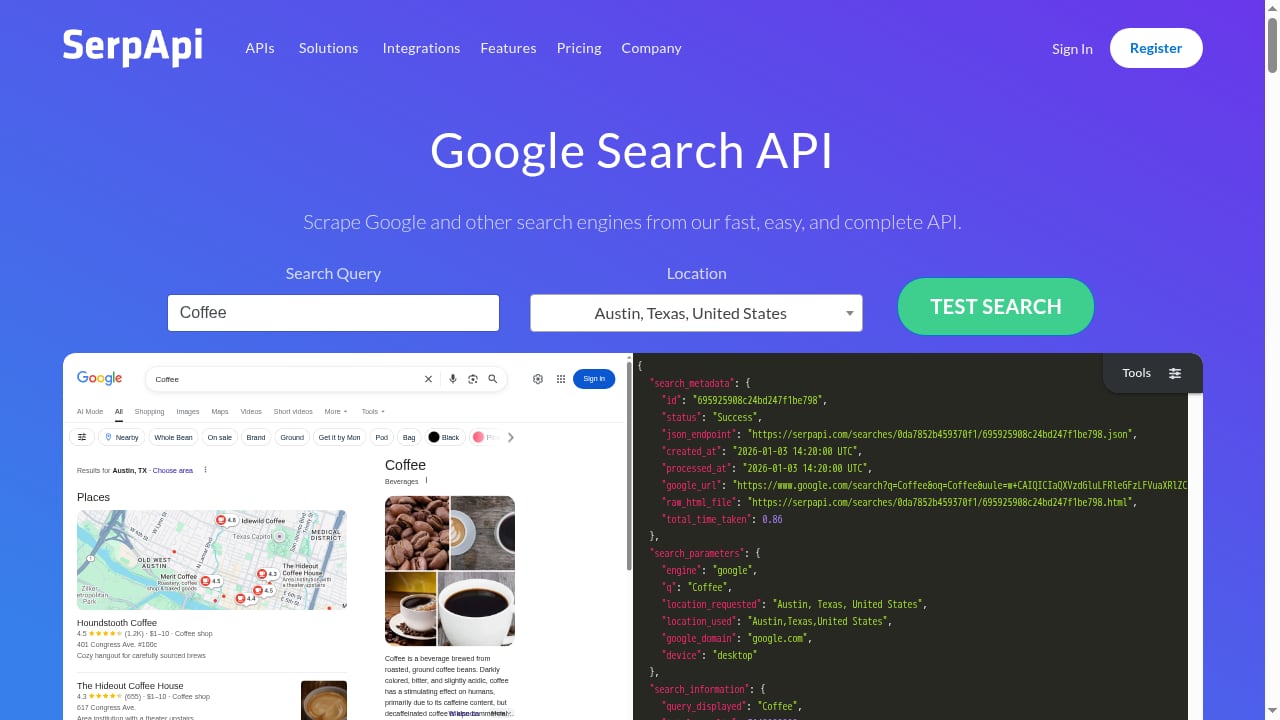
First viewport screenshot of SerpApi: Google Search API.
SerpApi returns structured JSON for Google Search, Google Ads, Google Maps, Google News, and many other engines. It handles proxies, captchas, and parsing, so you get clean ad blocks without maintaining a scraper.
What SerpApi does not do is render the destination page. It tells you an ad exists and where it points. It cannot show you whether the landing page loads a cookie banner, swaps creative by geo, or serves a different offer to mobile users.
AdsCrawl fills that gap. It provides real browser sessions through a unified API, so you can capture screenshots, extract HTML or Markdown, and drive remote Chrome DevTools Protocol (CDP) sessions. That makes it possible to verify the post-click experience at scale instead of guessing from a URL.
| Task | SerpApi | AdsCrawl |
|---|---|---|
| Retrieve Google Ads blocks | Yes, structured JSON | No |
| Handle search captchas and proxies | Yes | Not its focus |
| Render JavaScript-heavy pages | No | Yes |
| Capture screenshots | No | Yes |
| Extract HTML or Markdown | No | Yes |
| Control a live browser session | No | Yes, via CDP |
If your goal is only ad copy and keyword coverage, SerpApi alone is enough. The moment you need to confirm what happens after the click, the combination becomes the practical choice.
Prerequisites and setup
First viewport screenshot of SerpApi Release Notes - SerpApi.
You need two credentials: a SerpApi API key and an AdsCrawl API key. Both are available on free or entry-level plans, which is enough to prototype the workflow before scaling.
Step 1: Get your API keys
Create a SerpApi account and copy the key from your dashboard. Then create an AdsCrawl account, generate a key from the key management dashboard, and note your usage limits. AdsCrawl uses credit-based billing, so track consumption early.
Store both keys in environment variables rather than in source code:
export SERPAPI_API_KEY="your_serpapi_key"
export ADSCRAWL_API_KEY="your_adscrawl_key"
Step 2: Pull ad results with SerpApi
A basic Google Search request for a commercial keyword returns organic results plus an ads block when ads are present. In Python, the call looks like this:
import os
import requests

params = {
    "engine": "google",
    "q": "best crm for small business",
    "location": "United States",
    "google_domain": "google.com",
    "gl": "us",
    "hl": "en",
    "api_key": os.environ["SERPAPI_API_KEY"],
}

response = requests.get("https://serpapi.com/search", params=params)
data = response.json()

for ad in data.get("ads", []):
    print(ad.get("title"), ad.get("link"))
The response is JSON, so you can filter by position, extract the display link, and collect destination URLs without parsing HTML yourself. If you want a deeper look at how search-data APIs compare for this kind of enrichment, see our breakdown of e-commerce market data API products.
Step 3: Render each destination with AdsCrawl
Once you have a list of ad landing pages, pass each URL to AdsCrawl. A minimal cURL call to capture a screenshot looks like this:
curl -X POST "https://api.adscrawl.com/v1/screenshot" \
  -H "Authorization: Bearer $ADSCRAWL_API_KEY" \
  -H "Content-Type: application/json" \
  -d '{
    "url": "https://example.com/landing-page",
    "full_page": true,
    "wait_until": "networkidle"
  }'
For pages where you need the rendered DOM rather than an image, request HTML or Markdown instead. This is useful when you want to diff headline text, detect injected scripts, or feed clean content into an analysis model.
Step 4: Join the two datasets
The join key is the destination URL. Normalize it first — strip tracking parameters, lowercase the host, and resolve redirects — then match SerpApi ad records to AdsCrawl captures. The result is one row per ad with both the SERP context and the rendered page state.
A practical pipeline example
First viewport screenshot of SerpApi Release Notes - SerpApi.
A realistic ad intelligence job has four stages:
- Keyword batch. Read a CSV of keywords and locations.
- SERP collection. Query SerpApi for each pair and store the raw JSON for auditing.
- Page capture. Send each ad destination to AdsCrawl for a screenshot and an HTML snapshot.
- Analysis. Compare ad copy against landing page headlines, flag mismatches, and export a report.
import os, requests

ADSCRAWL_KEY = os.environ["ADSCRAWL_API_KEY"]

def capture(url):
    r = requests.post(
        "https://api.adscrawl.com/v1/screenshot",
        headers={"Authorization": f"Bearer {ADSCRAWL_KEY}"},
        json={"url": url, "full_page": True, "wait_until": "networkidle"},
        timeout=60,
    )
    r.raise_for_status()
    return r.json()

for ad in ads_from_serpapi:
    shot = capture(ad["link"])
    ad["screenshot_id"] = shot["id"]
Run captures concurrently where possible. AdsCrawl supports parallel browser execution, which matters when a keyword set produces dozens of ads per run.
Problems this combination solves
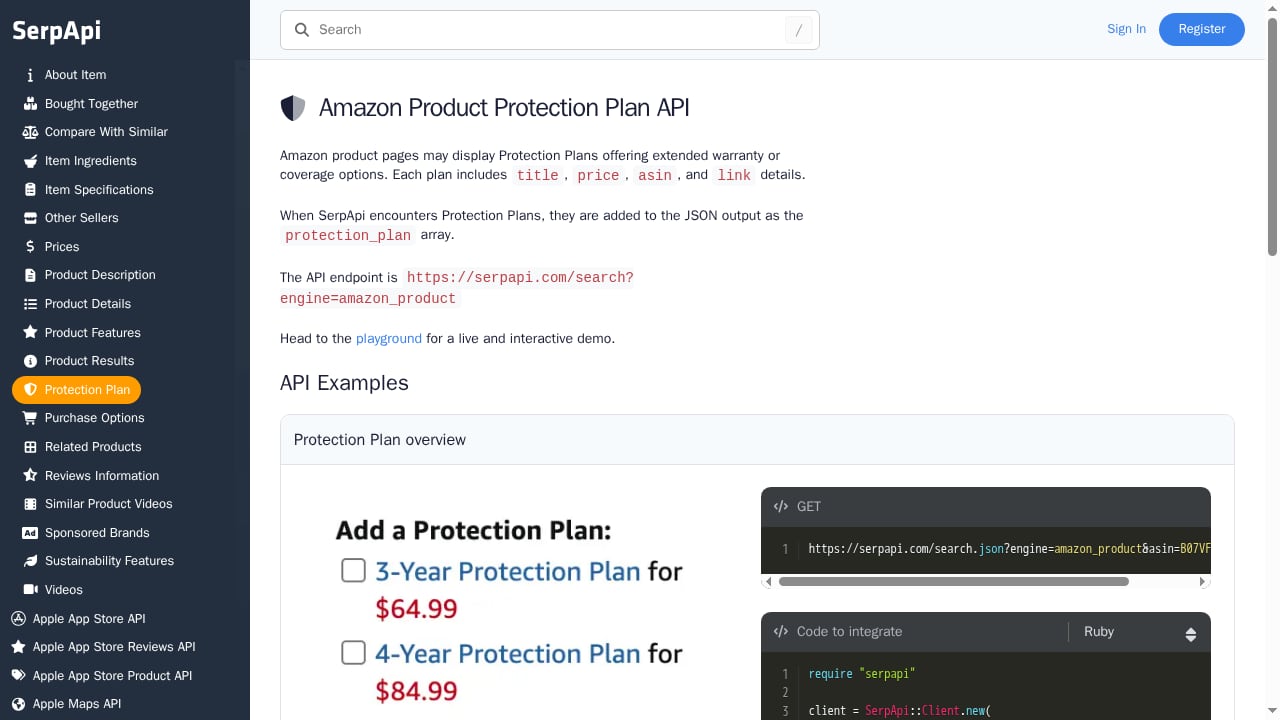
First viewport screenshot of Amazon Product Protection Plan API - SerpApi.
Ad-to-page mismatch. You can prove whether the headline in the ad appears on the landing page, which is useful for compliance reviews and affiliate monitoring.
Geo and device variation. A page may render differently by region or user agent. SerpApi lets you target location and device; AdsCrawl lets you reproduce the rendering with a defined fingerprint profile.
Broken or redirected destinations. SerpApi gives you the declared link. AdsCrawl shows you where the browser actually lands after redirects and whether the page renders at all.
Rendering failures. Some pages return a 200 status but a blank body without JavaScript execution. A real browser session exposes that immediately, which a plain HTTP fetch never will.
Audit trails. Storing raw SerpApi JSON alongside AdsCrawl screenshots creates evidence you can revisit when an ad campaign changes or a client disputes a finding.
Choosing the right split of work
Use SerpApi when the question is about the search result: which ads appeared, in what order, with what copy, for which query and location. Use AdsCrawl when the question is about the page: what rendered, what loaded, what the user saw.
If you already run a scraping stack and are deciding between browser APIs and fetch-based tools, our comparison of AdsCrawl and Zenrows covers where real CDP sessions outperform anti-bot fetch layers. For teams that also pull ranking and keyword data from other providers, the same pattern applies — see how a similar split works in our AdsCrawl and DataForSEO workflow.
Related reading
- AdsCrawl vs Thunderbit vs BrowserCloud: 2026 Comparison - Compare AdsCrawl, Thunderbit, and BrowserCloud across browser control, extraction, anti-bot handling, and pricing to pick the right tool for your workflow.
- AdsCrawl vs ScreenshotAPI: Which Browser API Fits? - Compare AdsCrawl and ScreenshotAPI for screenshots, HTML extraction, and browser automation. See where each API wins and which fits your workflow.
- Oxylabs Proxy & Web Scraping Platform Review 2026 - Evidence-based Oxylabs review: proxy types, Web Scraper API, Web Unblocker, pricing signals, setup, limitations, and who should choose it.
Sources and further reading
- Web Scraping: A Better Way Around It Using SerpApi - Medium - Data Quality: SerpApi delivers structured and clean data in JSON format, whereas traditional web scraping often produces messy and inconsistent results. Some real-world use cases for SerpApi 1.
- How I Built a Google Ads Scraper in Python Using SerpApi #Python #WebScraping #SerpApi - In this video, I’ll walk you through how I built a Google Ads Scraper using Python and SerpApi — a powerful tool that lets you legally extract Google Search ...
- Build a Google Ads Scraper with Python & SerpApi 🚀 #Python #GoogleAds #SerpApi - Build a scalable Google Ads Scraper using Python and SerpApi to collect structured Google Search Ads data efficiently. This project demonstrates how to integ...
FAQ
Do I need AdsCrawl if SerpApi already returns ad data? Only if you care about the destination page. SerpApi covers the SERP; AdsCrawl covers what happens after the click.
Can I use AdsCrawl without SerpApi? Yes. AdsCrawl works standalone for screenshots, HTML extraction, and browser automation. SerpApi simply supplies the ad URLs to feed it.
Is this approach suitable for large keyword sets? Yes, with planning. Batch SerpApi requests within your plan limits and run AdsCrawl captures concurrently. Cache results so you do not re-render unchanged pages.
How do I handle pages behind consent walls? Capture the initial state first, then use an AdsCrawl CDP session to interact with the page — accepting or dismissing consent — and capture again. This gives you both the first-visit and post-consent views.
What format should I store results in? Keep raw SerpApi JSON for auditability, store AdsCrawl screenshots as image references, and maintain a joined table keyed on the normalized destination URL.
Conclusion
SerpApi answers what the search engine showed. AdsCrawl answers what the browser rendered. Together they turn ad research from a list of links into a verified record of the full user journey, from SERP impression to landing page state. Start with a single keyword, confirm the join logic works, then scale the batch once your capture and storage steps are stable.