
Scraping API: A Practical Guide for Developers in 2026
Learn how scraping APIs work, when to use them vs. raw API scraping, and how to pick the right tool for reliable data extraction in 2026.
Scraping API: A Practical Guide for Developers in 2026
A scraping API lets you fetch web data with a single request while the provider handles proxies, headless browsers, and anti-bot defenses. Instead of building and maintaining your own scraping stack, you send a URL and receive HTML, rendered content, or structured JSON. This guide explains how scraping APIs work, compares them with direct API scraping, and helps you choose the right approach for your project.
What Is a Scraping API?
Scraping API: A Practical Guide for Developers in 2026 - What Is a Scraping API?.
A scraping API is a managed service that retrieves web page content on your behalf. You make an HTTP request to the API endpoint with a target URL and optional parameters (such as JavaScript rendering, geotargeting, or extraction rules). The API routes the request through proxy pools, solves CAPTCHAs when needed, and returns the page content or structured data.
The key value is abstraction: you avoid managing browser fleets, proxy rotation logic, and retry mechanisms. This is especially useful for teams that need reliable data collection without dedicating engineering time to scraping infrastructure.
Scraping API vs. API Scraping: What's the Difference?
Scraping API: A Practical Guide for Developers in 2026 - Scraping API vs. API Scraping: What's the Difference?.
These terms sound similar but describe different techniques:
- Scraping API: A third-party service that scrapes websites for you. You call the service's API, and it returns the data. Examples include ScraperAPI, ScrapingBee, and AdsCrawl.
- API scraping: The practice of locating a website's internal API endpoints and fetching data directly from them, rather than parsing rendered HTML. This is a technique you implement yourself, often using tools like Apify or custom scripts.
Both approaches have trade-offs. Scraping APIs are faster to integrate and handle anti-bot measures automatically. API scraping can be more efficient and reliable when the target site has a well-documented API, but it requires reverse-engineering and may break if the site changes its internal endpoints.
When to Use a Scraping API
- You need data from many different websites without building custom parsers for each.
- The target site uses heavy JavaScript rendering or anti-bot protections.
- You want to avoid managing proxy infrastructure and browser fleets.
- Your team lacks dedicated scraping engineers.
When to Use API Scraping
- The target site has a stable, documented API (e.g., social media platforms, marketplaces).
- You need high-volume, low-latency access to specific data.
- You can handle authentication tokens and rate limits.
- You want to minimize bandwidth by fetching only JSON payloads.
Key Features to Evaluate in a Scraping API
Scraping API: A Practical Guide for Developers in 2026 - Key Features to Evaluate in a Scraping API.
When comparing scraping APIs, focus on these capabilities:
1. Proxy Rotation and Geotargeting
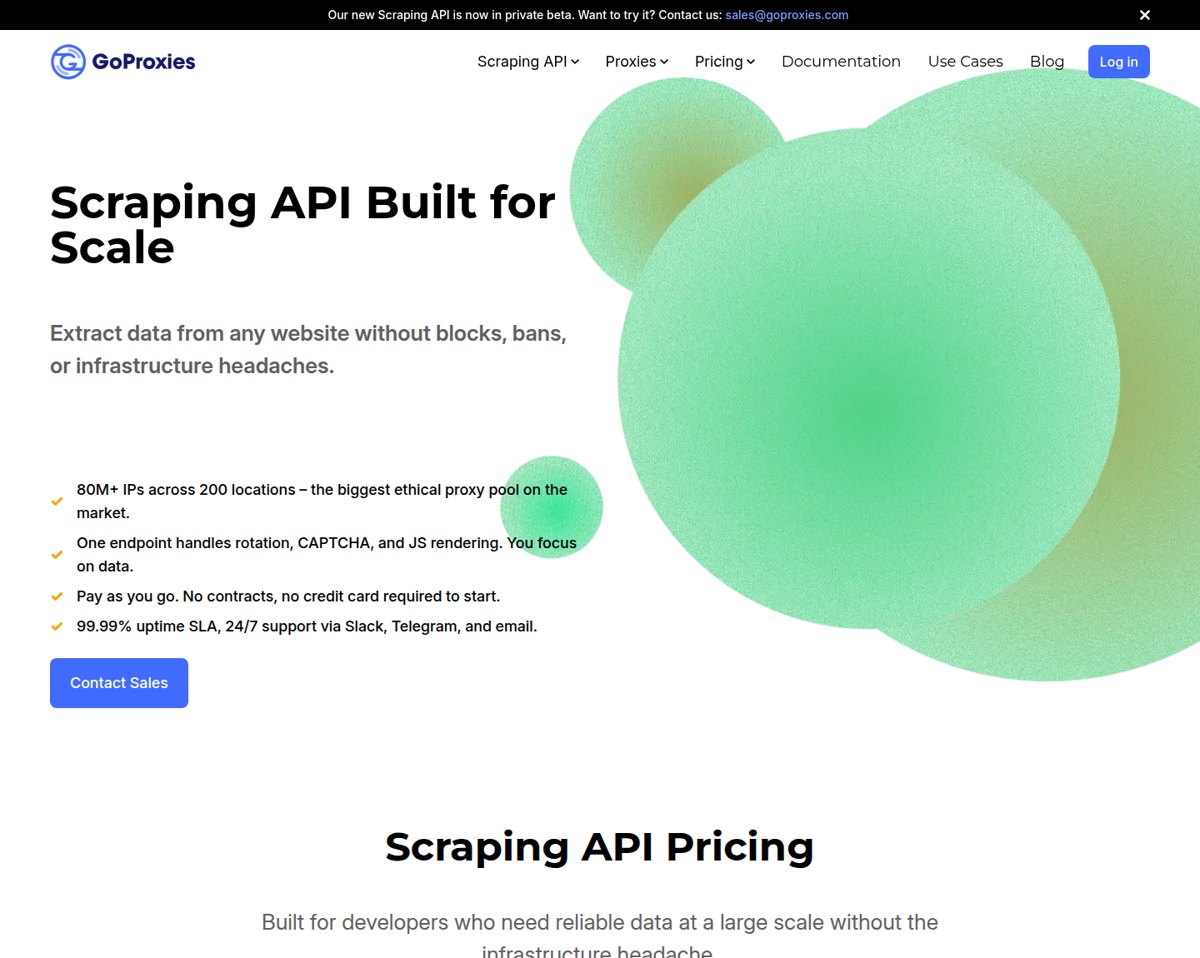
A robust scraping API maintains a large pool of residential and datacenter proxies across multiple countries. This helps avoid IP blocks and allows you to collect localized data. Look for providers that offer automatic rotation and sticky sessions.
2. JavaScript Rendering
Many modern websites rely on client-side rendering. A scraping API should offer headless browser rendering (often via Chrome or a similar engine) to execute JavaScript and return the fully rendered DOM. Some APIs also support screenshots and PDF generation.
3. CAPTCHA Solving
CAPTCHAs are a common roadblock. Top-tier scraping APIs include automated CAPTCHA solving or bypass techniques, so your requests succeed without manual intervention.
4. Structured Data Endpoints
Instead of returning raw HTML, some APIs provide structured endpoints for popular domains (e.g., Amazon product pages, Google search results). These return clean JSON, saving you parsing effort. For example, ScraperAPI offers structured data endpoints for Amazon, Google, and Walmart.
5. Concurrency and Scaling
If you need to scrape thousands of pages per hour, check the API's concurrency limits and asynchronous request support. Some providers offer async endpoints that let you submit batches of URLs and retrieve results later.
6. Compliance and Security
Ensure the provider complies with GDPR and CCPA, and consider certifications like SOC 2. This matters if you're handling personal data or operating in regulated industries.
How AdsCrawl Fits into a Scraping Workflow

Scraping API: A Practical Guide for Developers in 2026 - How AdsCrawl Fits into a Scraping Workflow.
AdsCrawl provides browser automation and data extraction through a unified API. It offers real browser capabilities, including remote Chrome DevTools Protocol (CDP) sessions, screenshot capture, and HTML/Markdown extraction. This makes it suitable for AI agents, monitoring, SEO, and automation workflows that require interacting with dynamic pages.
Unlike traditional scraping APIs that focus on simple GET requests, AdsCrawl excels at scenarios where you need to control a browser session—for example, logging in, clicking through pagination, or waiting for specific elements to load. It supports concurrent browser execution and fingerprint profiles, which help maintain session consistency across requests.
For teams building ad intelligence or SEO pipelines, AdsCrawl can be combined with search data APIs. See how to use AdsCrawl with SerpApi to capture ad SERPs and verify landing pages. If you're comparing browser automation tools, our AdsCrawl vs Thunderbit vs BrowserCloud comparison breaks down the differences.
Practical Example: Scraping a JavaScript-Heavy Page
Suppose you want to extract product prices from an e-commerce site that loads data via JavaScript. A basic HTTP request returns an empty shell. Here's how you might use a scraping API with rendering enabled:
curl "https://api.scraperapi.com?api_key=YOUR_KEY&url=https://example.com/product&render=true"
The API will launch a headless browser, wait for the page to render, and return the HTML. You can then parse the price using a CSS selector or regex.
With AdsCrawl, you could instead open a CDP session, navigate to the page, wait for a specific selector, and extract the text directly. This gives you more control over timing and interactions.
Common Challenges and How to Mitigate Them
- Blocks and CAPTCHAs: Use a scraping API with a large proxy pool and CAPTCHA solving. Rotate user agents and respect rate limits.
- Dynamic content: Enable JavaScript rendering. For complex interactions, consider a browser automation API like AdsCrawl.
- Data quality: Validate extracted data against expected formats. Use structured endpoints when available.
- Cost management: Monitor credit usage. Many APIs charge per successful request, so optimize by caching and batching.
Related reading
- Top 10 Developer Monitoring & Observability Tools 2026 - Compare the top 10 developer monitoring and observability software for 2026: telemetry coverage, pricing models, OpenTelemetry support, and best-fit teams.
- How to Use AdsCrawl with SerpApi: Ads + Page Workflow - Learn how to combine AdsCrawl browser automation with SerpApi search data to capture ad SERPs, verify landing pages, and build reliable ad intelligence.
- AdsCrawl vs Thunderbit vs BrowserCloud: 2026 Comparison - Compare AdsCrawl, Thunderbit, and BrowserCloud across browser control, extraction, anti-bot handling, and pricing to pick the right tool for your workflow.
Sources and further reading
- ScraperAPI - Scale Data Collection with a Simple API - ScraperAPI handles proxy rotation, browsers, and CAPTCHAs so developers can scrape any page with a single API call. Web scraping with 5,000 free API calls!
- API scraping | Academy | Apify Documentation - Learn all about how the professionals scrape various types of APIs with various configurations, parameters, and requirements.
- ScrapingBee – The Best Web Scraping API - ScrapingBee is the best web scraping API that handles proxies and headless browsers for you — so you can focus on extracting the data you need.
FAQ
What is a scraping API used for?
A scraping API is used to collect data from websites at scale. Common use cases include price monitoring, lead generation, market research, and SEO analysis. It handles proxies, browsers, and anti-bot measures so you can focus on using the data.
Is scraping API legal?
Scraping publicly available data is generally legal, but you must comply with the target site's terms of service and applicable laws like GDPR. Always respect robots.txt and avoid collecting personal data without consent.
How much does a scraping API cost?
Pricing varies widely. Most providers offer a free tier (e.g., 1,000 free requests) and then charge based on volume, concurrency, or features like JavaScript rendering. ScraperAPI offers 5,000 free API calls, while ScrapingBee provides 1,000 free credits.
Can I use a scraping API for AI training data?
Yes, many teams use scraping APIs to gather text data for AI models. Ensure you have the right to use the data and consider using APIs that return clean Markdown or JSON to simplify preprocessing.
What's the difference between a scraping API and a headless browser?
A scraping API often includes headless browser capabilities under the hood. A standalone headless browser (like Puppeteer or Playwright) gives you full control but requires you to manage infrastructure. AdsCrawl offers a middle ground: remote browser sessions via API.
Conclusion
A scraping API removes the operational burden of web data collection, letting you focus on analysis and application. Choose a provider based on your need for JavaScript rendering, proxy diversity, structured endpoints, and compliance. For simple HTML extraction, tools like ScraperAPI or ScrapingBee work well. For complex browser interactions and AI agent workflows, consider AdsCrawl's browser automation API. Evaluate your specific use case, test with free tiers, and scale as your data needs grow.