
How to Use AdsCrawl with Bright Data: Setup & Workflow
Learn how to combine AdsCrawl's real browser API with Bright Data's proxy network and Web Unlocker to scrape, screenshot, and automate at scale.
How to Use AdsCrawl with Bright Data: Setup & Workflow
AdsCrawl gives you a real cloud browser behind a single API: screenshots, HTML, Markdown, and full Chrome DevTools Protocol (CDP) sessions. Bright Data gives you the network layer that makes those browser sessions look like real users from almost anywhere. Together, they solve a problem neither tool solves alone: reliable, large-scale collection of public web pages that render with JavaScript, resist blocking, and return clean data to your pipeline.
This guide walks through how the two products fit together, how to wire them up, and where the combination pays off.
Why combine AdsCrawl and Bright Data?
Bright Data product interface.
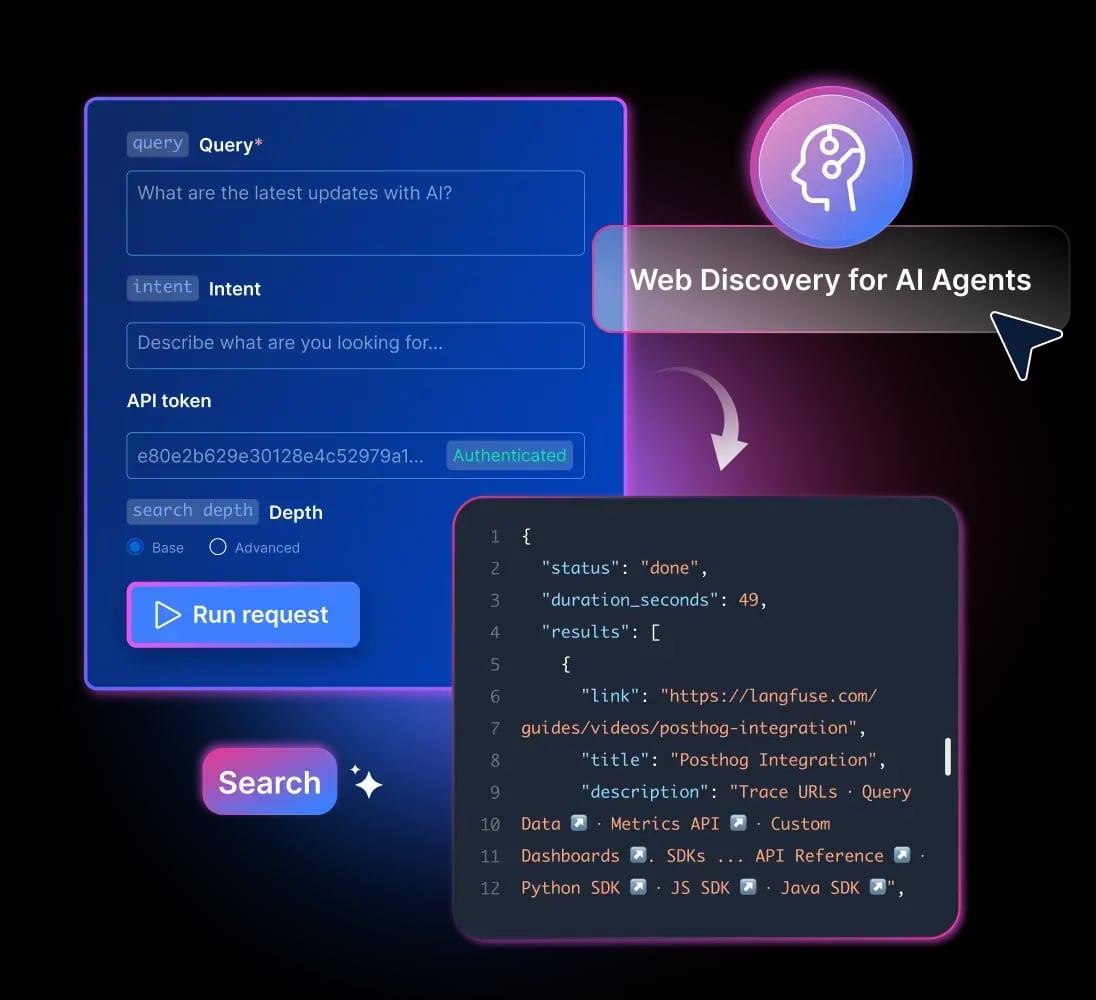
AdsCrawl is browser infrastructure. It runs Chrome sessions in the cloud, manages fingerprint profiles, and exposes everything through a unified API that works from cURL, Node.js, or Python. Bright Data is a web data platform: a proxy network of 400M+ IPs across 195 countries, instant scraper APIs, Web Unlocker for CAPTCHA handling and rotation, and SERP APIs for Google, Bing, and DuckDuckGo.
The split of responsibilities is clean:
- AdsCrawl handles the browser. Rendering, JavaScript execution, page state, screenshots, DOM extraction, and CDP control.
- Bright Data handles the network. IP rotation, geo-targeting, CAPTCHA solving, and unblocking logic.
If you only use AdsCrawl, you get accurate rendering but you're still sending traffic from a limited set of IPs. If you only use Bright Data, you get unblocking but you may not get the full interactive browser control that complex pages demand. Stacking them means each layer does what it's best at.
How the integration works
Bright Data product interface.
AdsCrawl lets you route browser traffic through an upstream proxy. Bright Data exposes its proxy network as standard HTTP or HTTPS endpoints with username/password authentication. You point AdsCrawl at the Bright Data endpoint, and every browser session AdsCrawl launches exits through Bright Data's network.
The flow looks like this:
- Your application calls the AdsCrawl API with a target URL and a proxy configuration.
- AdsCrawl spins up a cloud browser session with a fingerprint profile.
- The session routes outbound traffic through Bright Data's proxy endpoint.
- Bright Data selects an exit IP (optionally geo-targeted) and handles unblocking.
- AdsCrawl renders the page, waits for the state you specify, and returns HTML, Markdown, a screenshot, or a live CDP session.
Because AdsCrawl supports concurrent browser execution, you can run many of these sessions in parallel, each with its own proxy configuration.
Setup steps
Step 1: Get your AdsCrawl API key
Sign in to AdsCrawl, open the dashboard, and generate an API key. The dashboard also shows usage tracking and debugging tools, which are useful when you're tuning proxy settings.
Step 2: Get your Bright Data proxy credentials
In the Bright Data control panel, create a proxy zone. You'll receive a host, port, username, and password. Note the zone name — Bright Data uses it as part of the username to route traffic to the right pool.
Step 3: Pass the proxy to AdsCrawl
When you create a browser session, include the proxy details in the request. A simplified example in Node.js:
const response = await fetch("https://api.adscrawl.com/v1/sessions", {
  method: "POST",
  headers: {
    "Authorization": "Bearer YOUR_ADSCRAWL_KEY",
    "Content-Type": "application/json"
  },
  body: JSON.stringify({
    url: "https://example.com/product/123",
    proxy: {
      server: "http://brd.superproxy.io:22225",
      username: "brd-customer-XXXX-zone-residential",
      password: "YOUR_BRIGHTDATA_PASSWORD"
    },
    waitUntil: "networkidle",
    format: "markdown"
  })
});

const data = await response.json();
console.log(data.markdown);
The exact endpoint and field names depend on your AdsCrawl plan and API version — check the dashboard docs for the current schema. The principle is the same across languages: pass the Bright Data endpoint as the proxy server and your zone credentials as the auth.
Step 4: Add geo-targeting when you need it
Bright Data supports country and city-level targeting through the username string. If you're checking how a page renders for users in Germany versus the United States, set the country code in the proxy username and let AdsCrawl capture the result. This is how you validate localized pricing, currency, or content without leaving your own machine.
Step 5: Capture what you need
AdsCrawl can return:
- HTML for parsing with your existing tools.
- Markdown for feeding into LLMs or documentation pipelines.
- Screenshots for visual regression checks or evidence capture.
- A CDP session when you need to click, scroll, fill forms, or wait for specific events.
Pick the output that matches your downstream consumer. If you're building an AI agent that needs clean text, Markdown is usually the right choice. If you're monitoring a page for visual changes, screenshots are.
Practical examples
Example 1: Price monitoring across regions
A cross-border commerce team wants to track a competitor's pricing in five countries. They create one AdsCrawl session per country, each routed through a Bright Data proxy zone with a different country code. AdsCrawl returns the rendered HTML, and a parser extracts the price. Because Bright Data rotates IPs and handles blocks, the team doesn't have to maintain its own proxy pool.
Example 2: AI agent research pipeline
An AI agent needs to read public documentation and product pages that load content via JavaScript. The agent calls AdsCrawl with a URL, gets back Markdown, and passes it to a language model. Bright Data sits underneath to keep the requests from being rate-limited or blocked. This is the same pattern described in MCP Server Explained: How AI Agents Connect to Real Tools, where agents need reliable access to real web data rather than cached snapshots.
Example 3: SEO and SERP tracking
A growth team uses Bright Data's SERP APIs to pull search results for target keywords, then uses AdsCrawl to render the top-ranking pages and capture their structure. The SERP API gives them the list; AdsCrawl gives them the page state. If you're comparing this kind of stack against alternatives, AdsCrawl vs Browserless vs ScrapingBee: Which API Wins? breaks down the trade-offs.
Example 4: Visual regression testing
A frontend team runs nightly screenshots of key pages through AdsCrawl, each session routed through a different Bright Data IP. They diff the screenshots to catch layout breaks. Bright Data's rotation prevents the test suite from being flagged as bot traffic.
What problems does the combination solve?
- Blocking and CAPTCHAs. Bright Data's Web Unlocker handles these automatically, so AdsCrawl sessions don't fail on challenge pages.
- Geo-restricted content. You can see what a page looks like from almost any country without maintaining your own infrastructure.
- JavaScript-heavy pages. AdsCrawl renders the page fully before extraction, so you get the final DOM, not the initial HTML.
- Scale. AdsCrawl's concurrent sessions plus Bright Data's IP pool let you run many requests in parallel without hitting rate limits.
- Clean output for AI. Markdown extraction means you don't have to write your own HTML-to-text pipeline.
When to use this stack (and when not to)
Use AdsCrawl + Bright Data when:
- Pages require JavaScript rendering.
- You need geo-targeted results.
- You're hitting blocks or CAPTCHAs.
- You want clean Markdown or screenshots, not just raw HTML.
- You're feeding data into AI agents or monitoring pipelines.
Consider a simpler setup when:
- The target site is static HTML and doesn't block requests.
- You only need a one-off scrape.
- You already have a proxy pool you trust and just need browser rendering.
If you're evaluating browser automation platforms more broadly, AdsCrawl vs Scrapfly vs Playwright: Which Fits Your Stack? covers where a managed API beats a self-hosted framework.
Related reading
- AdsCrawl vs Octoparse vs axiom.ai: Which Fits Your Workflow? - Compare AdsCrawl, Octoparse, and axiom.ai across browser automation, scraping, and AI workflows to pick the right tool for your stack.
- ScraperAPI Review: Real Costs, Limits, and Best Fit - An evidence-based ScraperAPI review covering credit multipliers, real pricing, setup, strengths, limits, and who should choose it over alternatives.
Sources and further reading
- Alarm Clock - Wake up Music App - Time to Plan your 24/7 Routine
- Alarm Clock HD App - App Store - Loud Alarms. Waking Up Sounds
- When Truth Becomes a Commodity - What becomes of the public when truth becomes just another consumer preference?
FAQ
Do I need Bright Data if I already use AdsCrawl?
Not always. AdsCrawl works on its own for many pages. Bright Data becomes valuable when you hit blocks, need geo-targeting, or want to scale without managing your own proxy infrastructure.
Can I use a different proxy provider with AdsCrawl?
AdsCrawl accepts standard HTTP/HTTPS proxy endpoints, so any provider that exposes one will work. Bright Data is a common choice because of its IP pool size and unblocking features.
Does Bright Data replace AdsCrawl's browser rendering?
No. Bright Data has its own rendering capabilities in some products, but AdsCrawl's strength is full browser control via CDP, fingerprint profiles, and structured output like Markdown and screenshots. The two are complementary.
How do I debug a failing session?
Use the AdsCrawl dashboard's debugging tools to inspect the session. Check whether the failure is at the network layer (proxy auth, IP blocked) or the rendering layer (page didn't load, selector missing). Bright Data's control panel shows proxy-level logs.
Is this setup suitable for AI agents?
Yes. The combination is well-suited for agents that need real-time, rendered web data. AdsCrawl returns Markdown that's easy for models to consume, and Bright Data keeps the requests reliable.
Conclusion
AdsCrawl and Bright Data solve different halves of the same problem. AdsCrawl gives you a real browser with structured output and full CDP control. Bright Data gives you the network, unblocking, and geo-targeting that make large-scale collection possible. Wiring them together takes a few configuration steps: get your AdsCrawl key, create a Bright Data proxy zone, pass the proxy credentials into your AdsCrawl session request, and choose your output format.
From there, the combination scales from a single screenshot to a fleet of concurrent sessions feeding AI agents, monitoring dashboards, and SEO pipelines. Start with one target page, confirm the proxy is routing correctly, then expand.
For more context on how this stack compares to alternatives, see AdsCrawl vs ParseHub: API Browser Automation or Visual Scraper?.