
How to Use AdsCrawl with DataImpulse Proxies
Take a Quick Look
Learn how to combine AdsCrawl's cloud browser automation with DataImpulse's cheap, fast proxies for reliable scraping at scale. Setup steps and examples inside.
How to Use AdsCrawl with DataImpulse Proxies
Scraping modern websites is a two-front battle: rendering JavaScript-heavy pages and avoiding IP-based blocks. AdsCrawl solves the first with hosted Chromium browsers and synchronous extraction endpoints. DataImpulse solves the second with a global proxy network starting at $1 per GB. Used together, they give you a managed browser that looks like a real user from the region you choose, without building your own proxy pool or browser farm.
This article explains how the two products fit together, walks through setup, and shows practical workflows where the combination outperforms either tool alone.
Why pair AdsCrawl with DataImpulse?
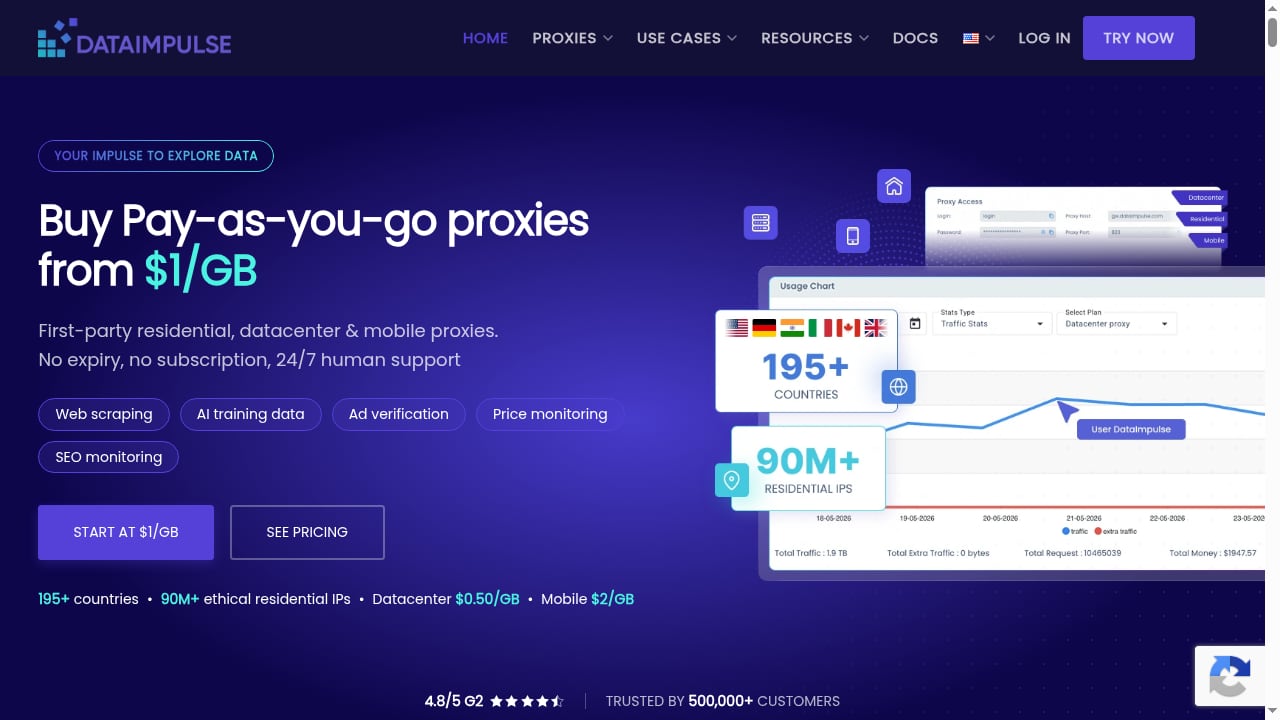
First viewport screenshot of dataimpulse.com.
AdsCrawl already includes trusted proxies and residential routing in its platform. So why add DataImpulse? Three reasons come up repeatedly:
- Cost control at volume. DataImpulse's pay-as-you-go pricing at $1 per GB is attractive for high-traffic scraping where you want to meter bandwidth separately from browser credits.
- Geo-specific identity. DataImpulse offers flexible geo-targeting across a worldwide IP pool with HTTP(S) and SOCKS5 support. If your workflow needs city-level or ISP-level selection, a dedicated proxy provider gives you finer control.
- Separation of concerns. You can keep browser lifecycle management in AdsCrawl while routing traffic through a proxy vendor your security or compliance team already approved.
In short: AdsCrawl handles rendering, sessions, and structured output; DataImpulse handles network identity and IP rotation.
How the integration works
First viewport screenshot of dataimpulse.com.
AdsCrawl exposes stateful remote Chromium sessions that connect to Playwright, Puppeteer, or raw CDP clients. Those sessions accept custom proxy configuration. DataImpulse provides proxy endpoints in HTTP(S) and SOCKS5 formats with username/password authentication.
The data flow looks like this:
- Your script requests a new cloud browser session from AdsCrawl.
- AdsCrawl launches Chromium and routes its traffic through the DataImpulse proxy you specify.
- The browser navigates to the target site, renders JavaScript, and returns HTML, Markdown, JSON, or a screenshot.
- Your script processes the output, then closes the session or reuses it for the next page.
Because the proxy sits between the browser and the target, every request carries the DataImpulse IP — not the AdsCrawl host IP. That is what makes geo-targeted scraping and block avoidance work.
Setup: step by step
1. Get your AdsCrawl credentials
Sign up at AdsCrawl and claim the 500 free credits included on signup. From the dashboard, copy your API key. The platform's documentation includes an OpenAPI specification and an AI-friendly llms.txt index, so you can wire up endpoints quickly.
2. Get your DataImpulse proxy endpoint
In the DataImpulse dashboard, create a proxy user and note the host, port, username, and password. DataImpulse supports HTTP(S) and SOCKS5, so choose the protocol your client handles best. For Playwright and Puppeteer, HTTP(S) is usually the simplest.
A typical proxy URL looks like:
http://username:password@proxy-host:port
3. Launch a cloud browser with the proxy attached
When you create a session through AdsCrawl's API, include the proxy configuration in the request body. The exact field names depend on the endpoint version, but the pattern is consistent: pass the proxy URL and, if needed, the region.
{
  "proxy": {
    "server": "http://proxy-host:port",
    "username": "your-user",
    "password": "your-pass"
  }
}
If you are using Playwright, connect to the returned WebSocket endpoint and pass the same proxy settings at launch:
const browser = await chromium.connectOverCDP(wsEndpoint);
const context = await browser.newContext({
  proxy: { server: 'http://proxy-host:port', username: 'your-user', password: 'your-pass' }
});
4. Verify the exit IP
Before scraping anything valuable, navigate to an IP-checking page and confirm the request resolves to the DataImpulse IP and the expected country. This one step prevents hours of debugging later.
5. Extract and close
Use AdsCrawl's synchronous endpoints to pull rendered HTML, Markdown, or structured JSON. Close the session when done to free credits and release the proxy connection.
Practical examples
Example 1: Geo-priced e-commerce monitoring
A retailer wants to track prices as seen by shoppers in Germany, Japan, and Brazil. AdsCrawl renders each product page, while DataImpulse supplies an IP from the matching country. The script extracts price and availability fields into JSON and stores them for comparison. Without geo-targeted proxies, every request would show the same default region and the comparison would be meaningless.
Example 2: Authenticated dashboards behind bot checks
A SaaS team needs to pull reports from a partner portal that blocks datacenter IPs. AdsCrawl's managed browser identity and random User-Agents handle the fingerprint side; DataImpulse's residential IPs handle the network side. The session logs in once, navigates the dashboard, and exports the rendered table as Markdown.
Example 3: High-volume listing scrapes
A data team scrapes thousands of classified listings per day. They route traffic through DataImpulse to rotate IPs across requests, keeping bandwidth costs predictable at $1 per GB, while AdsCrawl manages browser lifecycle and returns structured JSON. The separation lets them scale the proxy pool independently of browser concurrency.
When to use AdsCrawl's built-in proxies instead
First viewport screenshot of dataimpulse.com.
AdsCrawl already provides trusted proxies and residential routing. For small projects, low-volume tests, or teams that want a single vendor, the built-in option is simpler and avoids extra configuration. Add DataImpulse when you need:
- Bandwidth metered separately from browser credits
- Finer geo-targeting than the default pool offers
- A proxy vendor already approved by your organization
- SOCKS5 support for specific client requirements
For a broader comparison of browser automation platforms and their proxy handling, see our top 10 browser automation API products and the AdsCrawl vs Playwright vs Stagehand breakdown.
Common problems and how the combination solves them
First viewport screenshot of dataimpulse.com.
| Problem | AdsCrawl alone | AdsCrawl + DataImpulse |
|---|---|---|
| JavaScript-rendered content | Solved | Solved |
| IP blocks from datacenter ranges | Partially solved | Solved with residential IPs |
| Geo-specific pricing or content | Limited to built-in regions | Flexible country and city targeting |
| Bandwidth cost at scale | Bundled in credits | Metered at $1 per GB |
| Session persistence | Solved | Solved |
If you are evaluating whether a managed browser API fits your stack at all, our BrowserCloud review covers similar trade-offs, and the browser use API guide explains how AdsCrawl's automation model works in practice.
Related reading
- How to Use AdsCrawl with browse.sh: AI Browser Workflows - Learn how to combine AdsCrawl's browser automation API with browse.sh skills to give AI agents reliable, reusable web workflows at scale.
Sources and further reading
- Remote MCP Servers - One-click access to official remote MCP servers from Notion, Linear, Stripe, and more — no local install required. Works with Claude, Codex, Cursor, and any MCP ...
FAQ
Do I need DataImpulse if AdsCrawl already has proxies?
No. AdsCrawl's built-in proxies work for most projects. DataImpulse is useful when you need separate bandwidth billing, finer geo-targeting, or a vendor your team already trusts.
Which proxy protocol should I use with AdsCrawl?
HTTP(S) is the simplest for Playwright and Puppeteer. Use SOCKS5 if your client or network requires it. DataImpulse supports both.
Can I use DataImpulse proxies with AdsCrawl's synchronous endpoints?
Yes. Configure the proxy at the session level, then call the screenshot, HTML, Markdown, or SPA extraction endpoints as usual. The proxy applies to the whole session.
How much does the combination cost?
AdsCrawl uses a credit-based subscription with Free, Hobby, Starter, and Pro plans, plus 500 free credits on signup. DataImpulse starts at $1 per GB. Your total depends on page volume and bandwidth per page.
Will this bypass CAPTCHAs?
Neither tool guarantees CAPTCHA bypass. AdsCrawl's managed browser identity and DataImpulse's residential IPs reduce the chance of triggering challenges, but sites with aggressive bot protection may still require additional handling.
Conclusion
AdsCrawl and DataImpulse are complementary by design: one manages the browser, the other manages the network identity. Together they let you scrape dynamic, geo-sensitive, and protected sites with less infrastructure work and more predictable costs. Start with AdsCrawl's free credits, add a DataImpulse proxy for the regions you need, and verify the exit IP before scaling. For teams already comfortable with Playwright or Puppeteer, the integration is a configuration change rather than a rewrite.
For further reading on proxy and browser automation trade-offs, see BrowserScan's partner directory and Agentic.ai's AdsCrawl profile.