
Thunderbit Review 2026: AI Web Scraper Tested & Explained
Hands-on Thunderbit review: how its AI web scraper works, real pricing, setup, strengths, limits, and who should use it in 2026.
Thunderbit Review 2026: An AI Web Scraper That Skips the Selectors
Thunderbit is an AI web scraper that turns a webpage into a spreadsheet without CSS selectors, drag-and-drop builders, or code. You describe the data you want in plain language, and an AI agent fills a table. That pitch is simple, but does it hold up for real sales, operations, and research work? This review breaks down how it works, what it costs, where it struggles, and who should actually pay for it.
What Thunderbit Is and How It Works
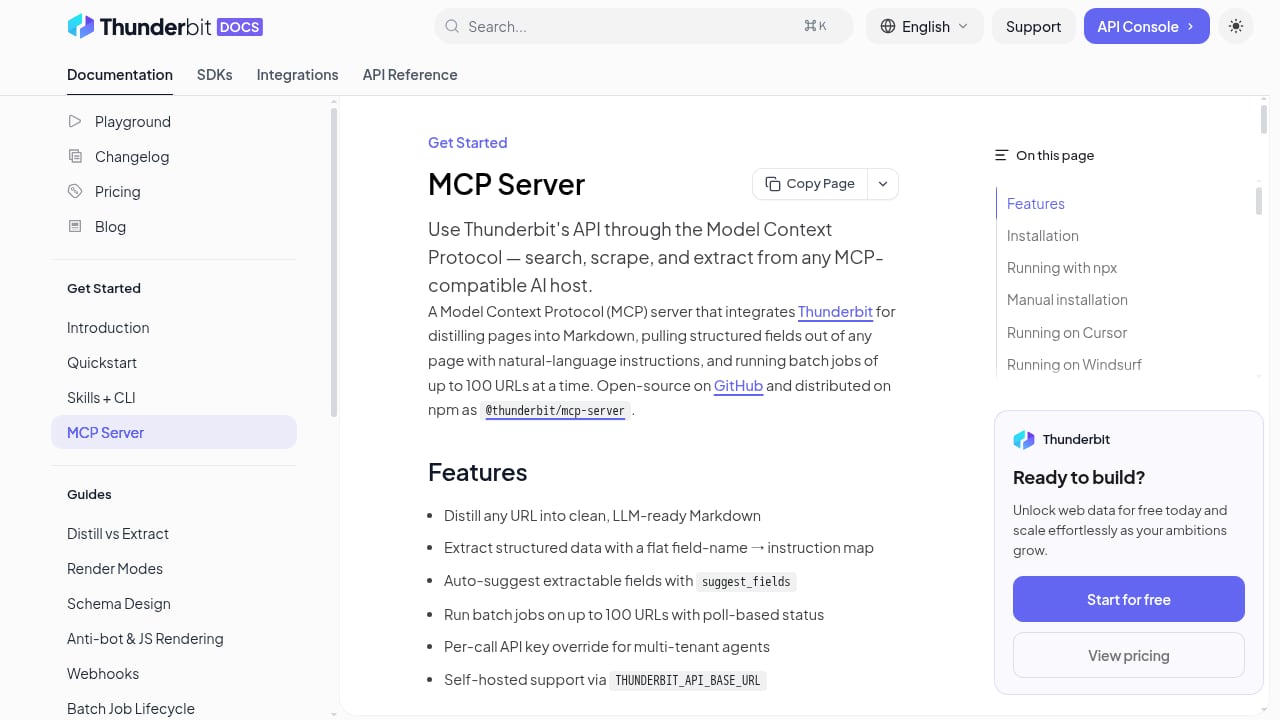
First viewport screenshot of MCP Server | Thunderbit API.
Thunderbit is a Chrome extension backed by AI agents. Instead of mapping fields to HTML elements, you open a page, click the extension, and tell it what to extract — for example, "company name, employee count, and pricing tier." The agent reads the page and returns structured rows you can export to a spreadsheet.
Under the hood, the product handles the parts that usually break simple scrapers:
- Subpage scraping — follow links from a listing page into detail pages and merge the results.
- Pagination — move through multi-page results without manual clicking.
- Bulk scraping — run the same extraction across many URLs at once.
- Document parsing — pull data from PDFs, images, and uploaded documents, not just live HTML.
For developers, Thunderbit also exposes a production-grade extraction API with Markdown distillation, JSON extraction, and async batch jobs. There is a CLI and an MCP server for wiring it into AI coding agents and MCP-compatible hosts — useful context if you are still deciding how AI agents connect to real tools via MCP.
The natural-language workflow, step by step
- Install the Chrome extension and sign in.
- Open the target page and launch Thunderbit.
- Type the fields you want in plain English.
- Let the agent generate the table, then review and correct rows.
- Export to Google Sheets, Excel, or CSV — or push results through the API.
Setup is genuinely minimal. There is nothing to install on a server and no selector syntax to learn, which is the main reason non-technical users can get value on day one.
Who Thunderbit Is Built For

Thunderbit Review 2026: AI Web Scraper Tested & Explained - Strengths: What Works Well.
Thunderbit positions itself for go-to-market and operations teams rather than data engineers. Based on its feature set and public user feedback, the clearest fits are:
- Sales and lead research — build prospect lists from directories, event pages, or niche sites.
- Operations and admin — convert recurring reports, invoices, or supplier pages into structured sheets.
- Market and competitor research — collect pricing, positioning, and catalog data across many pages.
- Non-technical analysts — anyone who currently copies and pastes between a browser and a spreadsheet.
If you need to monitor competitor prices on a schedule and act on them, a dedicated tool may fit better — see this comparison of competitor price monitoring and repricing software. Thunderbit is strongest when the job is "read these pages and give me a table," not "run a repricing engine."
Strengths: What Works Well
First viewport screenshot of Changelog | Thunderbit API.
1. The learning curve is close to zero
The biggest repeated theme in user reviews is ease of setup. There are no selectors to maintain and no visual workflow to build. For teams without engineers, that removes the single biggest blocker to scraping.
2. It handles messy, real-world pages
Pagination, subpages, and bulk URL lists are the scenarios where naive scrapers fail. Thunderbit treats them as first-class features, which matters if your data lives across hundreds of similar pages.
3. It reaches beyond HTML
PDF and image extraction is a differentiator. Many competitors stop at live web pages, so being able to pull structured data from an uploaded document widens the use cases considerably.
4. It scales from extension to API
You can start with the Chrome extension and later move the same extraction logic into the API, CLI, or MCP server. That path from ad-hoc scraping to automated pipelines is unusual for a no-code-first tool.
5. It is fast for one-off jobs
For a quick list-building task, the time from install to exported spreadsheet is measured in minutes, not hours.
Limitations and Trade-offs

Thunderbit Review 2026: AI Web Scraper Tested & Explained - Limitations and Trade-offs.
No tool is free of compromises, and Thunderbit's design choices create specific ones.
- AI extraction is probabilistic. Natural-language prompts are convenient, but results can vary between runs or pages. You should spot-check output before trusting it downstream.
- Credit-based pricing adds planning overhead. Scraping consumes credits and API calls consume separate units. Heavy or unpredictable workloads require you to estimate usage in advance.
- Complex, deeply nested sites may still need cleanup. Highly dynamic or unusual layouts can produce partial rows that need manual correction.
- It is not a full browser automation platform. If you need scripted clicks, logins, screenshots, or multi-step flows, a browser automation API is a better fit — this comparison of browser automation and visual scrapers explains the difference.
- Anti-bot resistance is not the headline feature. Very aggressive sites may still block requests; stealth techniques are a separate discipline, covered in this guide to stealth web scraping.
Pricing Signals: What You Actually Pay
Thunderbit publishes a tiered model with a free entry point:
| Plan | Price | Best for |
|---|---|---|
| Free | $0 | Testing the workflow on small jobs |
| Starter | $15/month | Individuals and light recurring scraping |
| Pro | $38/month | Teams with regular, larger extractions |
| Business | Custom | High-volume or API-heavy workloads |
The important detail is that scraping credits and API units are separate currencies. A plan that feels generous for extension use can be consumed quickly if you route the same volume through the API. Before committing, estimate your monthly page count and API call volume, then compare that against the plan limits rather than the headline price.
If you are benchmarking against other tools, a similar credit-multiplier trap shows up in this ScraperAPI review — worth reading so you ask the right pricing questions of any vendor.
How Thunderbit Compares to Alternatives
| Need | Thunderbit | Typical alternative |
|---|---|---|
| Non-technical, one-click extraction | Strong fit | Often requires setup |
| PDF and image data extraction | Built in | Frequently unsupported |
| Scripted browser flows, screenshots | Limited | Browser automation API |
| Scheduled price monitoring and repricing | Possible, not specialized | Dedicated monitoring tools |
| Developer pipelines and AI agents | API, CLI, MCP server | Framework-dependent |
A common comparison point is Chat4data, another Chrome extension in the same category. Public discussion suggests Chat4data feels more conversational, while Thunderbit leans toward structured, repeatable extraction with broader document support. The honest answer is that both are close in ease of use; the deciding factor is usually whether you need document parsing and an API path.
Decision Criteria: Should You Choose Thunderbit?
Choose Thunderbit if most of these are true:
- Your team is non-technical and needs results this week.
- Your data lives on many similar pages that need pagination or subpage crawling.
- You regularly extract from PDFs, images, or uploaded documents.
- You want a low-cost start with a clear upgrade path to an API.
Look elsewhere if:
- You need scripted, multi-step browser automation with screenshots.
- You need guaranteed throughput on heavily protected sites.
- You need specialized repricing or monitoring logic rather than raw extraction.
Related reading
- How to Use AdsCrawl with Bright Data: Setup & Workflow - Learn how to combine AdsCrawl's real browser API with Bright Data's proxy network and Web Unlocker to scrape, screenshot, and automate at scale.
- AdsCrawl vs Octoparse vs axiom.ai: Which Fits Your Workflow? - Compare AdsCrawl, Octoparse, and axiom.ai across browser automation, scraping, and AI workflows to pick the right tool for your stack.
Sources and further reading
- Read Customer Service Reviews of thunderbit.com - Trustpilot - Thunderbit is an AI Web Scraper that replaces tedious copy-paste tasks for GTM teams. As a Chrome extension, it enables you to scrape any website and export ...
- Thunderbit Reviews 2026: Details, Pricing, & Features - G2 - What do users say? ... Users consistently praise the easy setup and time-saving features of Thunderbit, highlighting its intuitive interface and efficient data ...
- Chat4data vs Thunderbit Which AI web scraper is actually better for ... - Jan 9, 2026 ... Ease of use: Both are chrome extensions, but chat4data feels more intuitive as you can actually “chat” to give your scraping command. Thunderbit ...
FAQ
Is Thunderbit free to use?
There is a free plan, but it is best treated as a trial for small jobs. Regular scraping or API usage will push you toward the Starter or Pro tier.
Does Thunderbit require coding?
No. The Chrome extension works with natural-language prompts. Coding only becomes relevant if you adopt the API, CLI, or MCP server for automation.
Can Thunderbit scrape PDFs and images?
Yes. Document extraction is one of its more distinctive features and is not universally available in competing no-code scrapers.
Is Thunderbit reliable for large-scale scraping?
It supports bulk scraping and async batch jobs, but AI extraction can produce inconsistent rows. Plan for validation, and test on a sample before running thousands of URLs.
How does Thunderbit compare to Chat4data?
Both are Chrome extensions with similar ease of use. Thunderbit's edge is document support and a developer-facing API; Chat4data is often described as more chat-driven.
Conclusion
Thunderbit earns its reputation as one of the easiest ways to turn web pages into structured data. The natural-language workflow, subpage and pagination handling, and PDF support make it a practical tool for sales, operations, and research teams that lack engineering resources. The trade-offs are equally clear: AI output needs verification, credits and API units require planning, and it is not a substitute for browser automation or specialized monitoring software. If your core problem is repetitive copy-paste, Thunderbit is a low-risk starting point. If your problem is scripted automation or high-volume protected scraping, budget your evaluation time toward a tool built for that job instead.