
BrowserCloud Review: Browser Automation for AI Apps
Take a Quick Look
An evidence-based review of BrowserCloud for AI apps. Compare use cases, strengths, limits, pricing signals, setup, and decision criteria.
BrowserCloud Review: Browser Automation for AI Apps
AI agents and scraping pipelines often break not because the model is weak, but because the browser layer is fragile. BrowserCloud positions itself as cloud browser automation infrastructure for AI agents, web scraping, and testing. This review examines what that means in practice, where it fits, and when you should look elsewhere.
Quick verdict: BrowserCloud is a reasonable fit for teams that want managed browser execution without maintaining their own fleet. It is less compelling if you need deep debugging, strict data residency, or predictable per-task pricing at very small scale.
What BrowserCloud Is
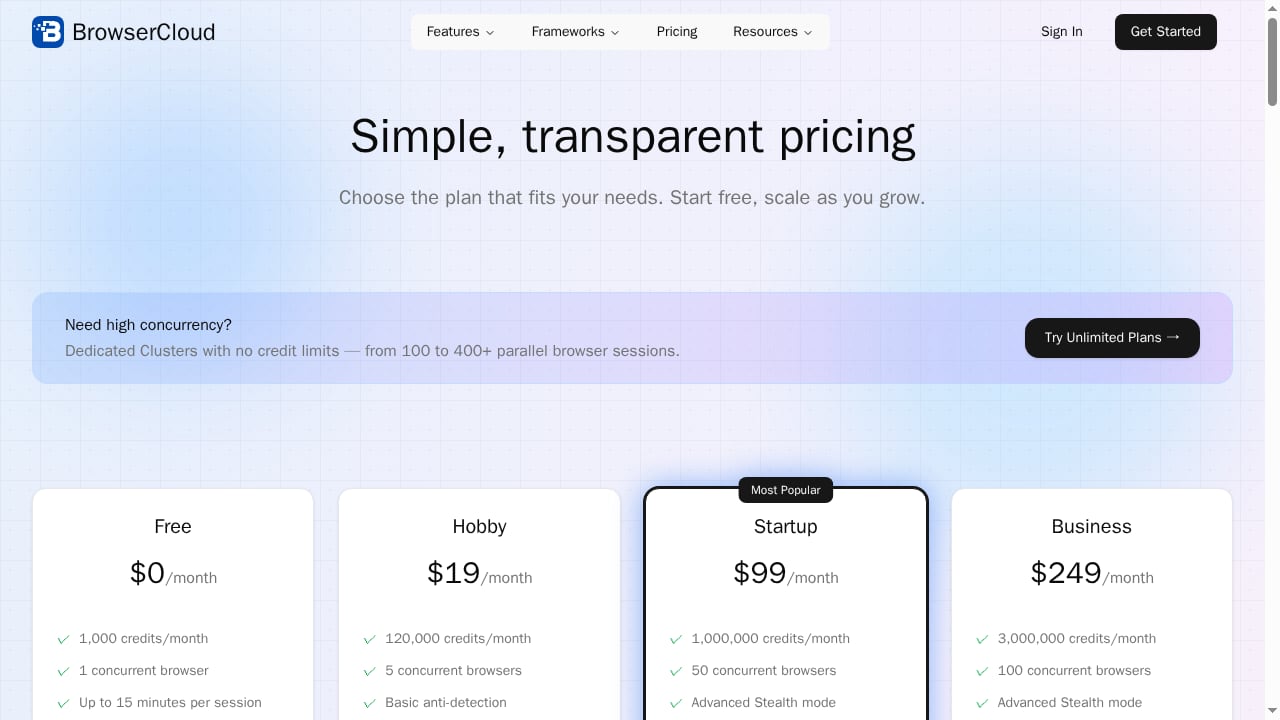
First viewport screenshot of browsercloud.io.
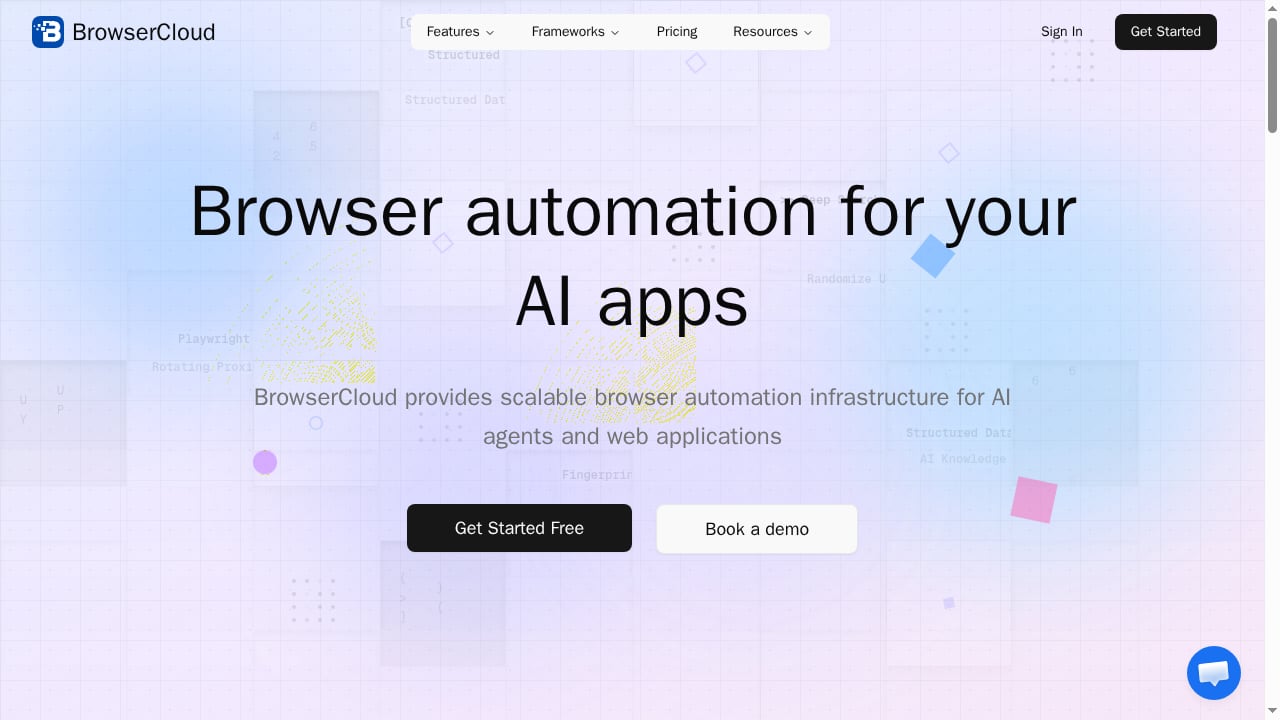
BrowserCloud is a hosted browser automation service. Instead of running Chromium or Playwright on your own servers, you send automation jobs to cloud-hosted browsers and receive results. The product context emphasizes three workloads: AI agents that need to interact with web pages, scraping pipelines that must render JavaScript, and testing workflows that require real browser behavior.
That places BrowserCloud in the same category as managed browser infrastructure providers. It is not a no-code scraper, and it is not a test authoring tool. It is the execution layer underneath those tools.
Who Should Consider BrowserCloud
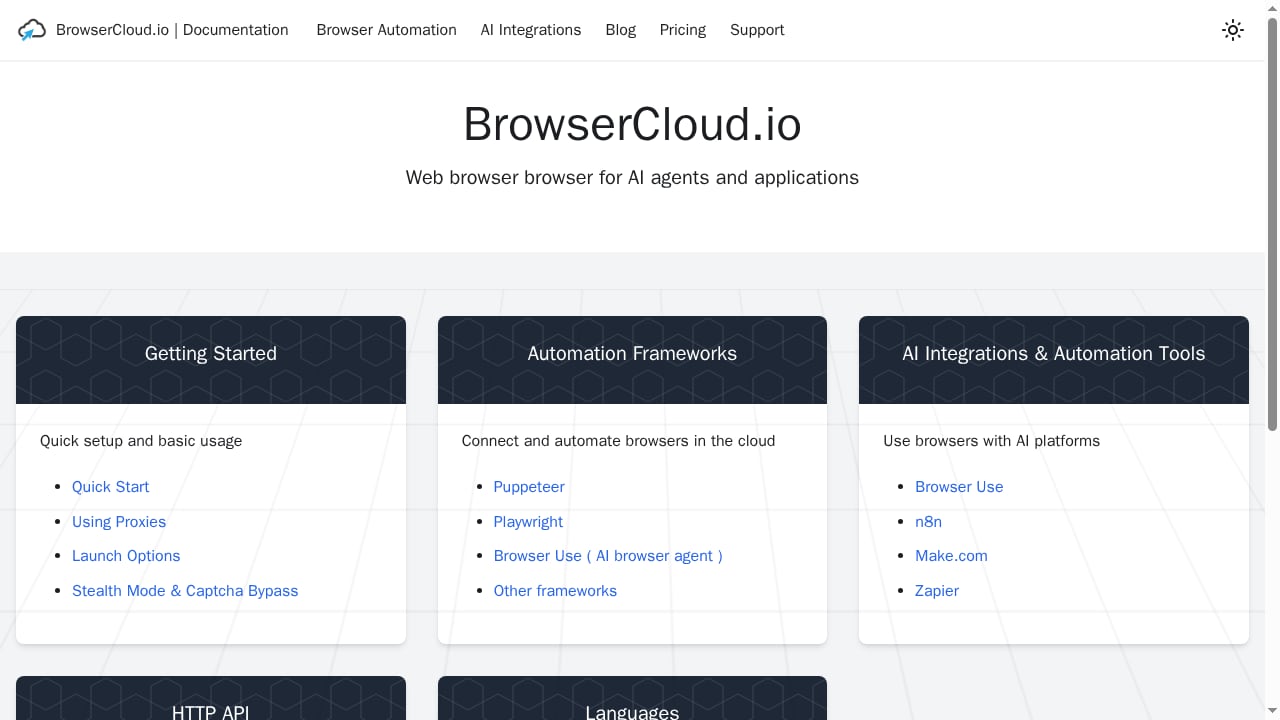
First viewport screenshot of browsercloud.io.
BrowserCloud makes the most sense for a few specific profiles:
- AI agent builders who need an agent to open pages, click, fill forms, and read rendered content without running a browser on the same machine as the model.
- Scraping teams dealing with JavaScript-heavy sites where simple HTTP requests return incomplete data.
- QA and test engineers who want to run Playwright or Selenium scripts against cloud browsers instead of maintaining a device or browser lab.
- Platform teams that want to centralize browser execution, logging, and concurrency limits rather than letting every service spawn its own headless browser.
If you are a solo developer running a handful of scripts per day, a local Playwright install is usually simpler and cheaper. BrowserCloud earns its place when concurrency, isolation, and uptime start to matter.
Common Use Cases
AI agent web interaction
Agents that browse need a browser they can control reliably. Hosted browsers give the agent a consistent environment, avoid local resource contention, and make it easier to run many agent sessions in parallel. The trade-off is that every action travels over the network, so latency-sensitive loops need careful design.
JavaScript-rendered scraping
Many sites return an empty shell to plain HTTP clients and populate content via JavaScript. A cloud browser renders the page fully before extraction. This is the same problem addressed by tools covered in our AI web scraping and monitoring platforms ranking, though BrowserCloud focuses on the browser layer rather than the extraction layer.
Cross-browser and regression testing
Running test suites on cloud browsers removes the need to maintain local browser versions. Teams already using Playwright or Selenium can often point their scripts at a remote endpoint with minimal changes.
Authenticated and session-based workflows
Workflows that require login, cookies, or multi-step navigation benefit from persistent sessions. This is where hosted browsers can reduce the operational burden of managing session state yourself.
Strengths
- Managed infrastructure. No servers to patch, no browser binaries to update, no headless Chrome crashes to debug at 2 a.m.
- Elastic concurrency. Cloud execution scales horizontally, which matters for scraping bursts and parallel agent runs.
- Workload flexibility. The same platform can serve agents, scraping, and testing, which reduces tool sprawl.
- Lower operational overhead. Teams spend less time on browser maintenance and more time on their actual product.
Limitations and Trade-offs
- Network latency. Every interaction round-trips to a remote browser. Tight agent loops can feel slower than local execution.
- Debugging friction. When a job fails inside a hosted browser, you depend on the provider's logs, screenshots, and trace tooling. Weak observability is a real cost.
- Less control over the environment. Custom fonts, extensions, or unusual browser flags may not be available.
- Pricing opacity. Managed browser providers often price per browser-hour or per concurrent session, and costs can spike with long-running agent sessions. Always model your expected usage before committing.
- Not a complete scraping solution. BrowserCloud handles execution, not proxy rotation, CAPTCHA strategy, or data parsing. Those remain your responsibility or require complementary tools.
Pricing Signals
BrowserCloud's product context does not publish specific plan numbers, so treat any figure as a signal rather than a quote. In this category, pricing typically follows one of three models:
- Per browser-hour — predictable for long sessions, risky for many short tasks.
- Per concurrent session — good for steady workloads, wasteful for bursty ones.
- Per API call or task — simple to forecast, but can become expensive at high volume.
Before signing up, estimate three numbers: average session duration, peak concurrency, and monthly task volume. If your agent sessions run for minutes rather than seconds, per-hour pricing usually wins. If you fire thousands of short scraping jobs, per-task pricing is often cheaper. For a broader pricing comparison across the category, see our top browser automation API products ranking.
Setup and Onboarding
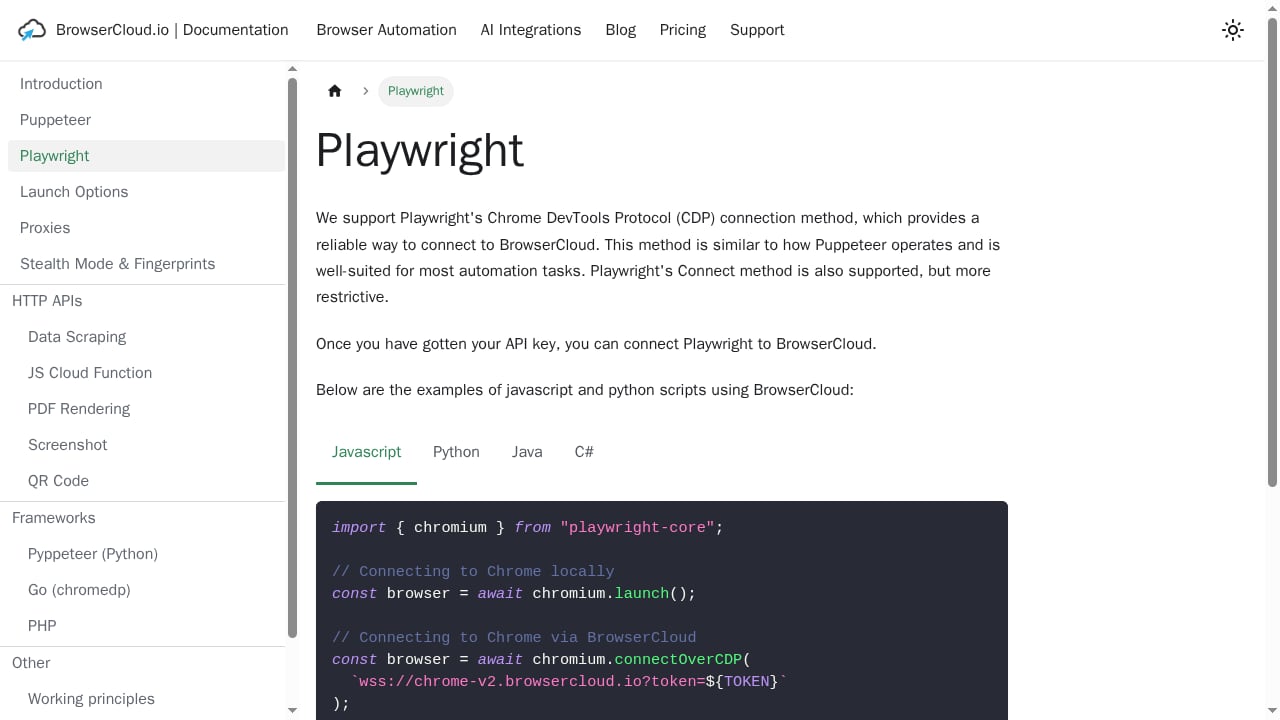
First viewport screenshot of browsercloud.io.
Setup generally follows a familiar pattern for hosted browser services:
- Create an account and obtain API credentials.
- Connect your existing automation code. If you use Playwright or Selenium, you typically change the connection endpoint rather than rewriting scripts.
- Configure sessions. Set timeouts, viewport size, and whether sessions should persist across steps.
- Run a small pilot. Test one representative workflow end to end before scaling concurrency.
- Add observability. Capture screenshots, console logs, and network traces so failures are diagnosable.
The biggest setup risk is skipping step four. Teams often scale concurrency before validating that their scripts handle slow pages, dynamic selectors, and login flows correctly. A small pilot exposes those issues cheaply.
BrowserCloud vs Alternatives
First viewport screenshot of browsercloud.io.
The browser automation market splits into several categories, and choosing the right one matters more than choosing the right vendor within a category.
| Option | Best for | Trade-off |
|---|---|---|
| BrowserCloud | Managed cloud execution for agents, scraping, testing | Less control, network latency |
| Local Playwright | Small-scale scripting, full control | You maintain infrastructure |
| Browserbase-style clouds | Similar managed execution with strong debugging tooling | Compare observability and pricing carefully |
| No-code scrapers | Non-technical users, simple extraction | Limited flexibility for complex flows |
| Website APIs | Structured data without browsing | Only works where an API exists |
If your main question is whether to automate a browser at all or use a pre-built website API, our AdsCrawl vs Parse comparison walks through that decision. If you are weighing automation frameworks rather than infrastructure, AdsCrawl vs Playwright vs Stagehand covers the trade-offs between code-first and AI-native approaches.
Decision Criteria
Use these questions to decide whether BrowserCloud is the right fit:
- How long do your sessions run? Long agent sessions favor per-hour pricing; short tasks favor per-task pricing.
- How much do you need to see inside a failed run? If debugging is critical, prioritize providers with strong trace and replay tooling.
- Do you need persistent sessions? Login-heavy workflows require session reuse; stateless scraping does not.
- What is your compliance posture? Check data residency and retention policies if you handle sensitive data.
- Can you tolerate latency? Real-time agent interactions are more sensitive than batch scraping.
Related reading
- How to Use AdsCrawl with browse.sh: AI Browser Workflows - Learn how to combine AdsCrawl's browser automation API with browse.sh skills to give AI agents reliable, reusable web workflows at scale.
Sources and further reading
- 6 Best AI Task Managers in 2026 (Tested and Compared) - Knowledge workers lose 58% of their day to "work about work." We tested 5 AI task managers — from calendar schedulers to desktop agents. Full comparison inside.
- The heart of the internet - playwright with a persistent browser context has been the most stable for me. save storage state after a real login, reuse it, and run headed during flakier flows. add strict waits on selectors and a hard cutoff on network idle. retries with jitter help. also isolate each run in a fresh user data dir to avoid ghost sessions
- LambdaTest vs BrowserStack: Which Cross-Browser Platform in 2026? - LambdaTest (now TestMu AI) vs BrowserStack in 2026, compared on devices, pricing, AI, and speed, plus the question both device clouds dodge.
FAQ
Is BrowserCloud a scraping tool?
Not exactly. It provides the browser execution layer. You still need your own extraction logic, and often your own proxy and anti-bot strategy.
Can I use BrowserCloud with Playwright?
Hosted browser services in this category generally support connecting Playwright or Selenium scripts to a remote endpoint. Confirm current compatibility and connection details with the provider before migrating.
Is BrowserCloud good for AI agents?
It is designed for that use case. The main considerations are latency, session persistence, and how much visibility you get into agent actions.
How does BrowserCloud compare on price?
Pricing models vary widely in this category. Model your session duration and concurrency before comparing quotes, because headline rates can be misleading.
When should I avoid BrowserCloud?
If you run a small number of simple scripts, need full control over the browser environment, or require on-premises execution for compliance reasons, a local or self-hosted setup may be better.
Conclusion
BrowserCloud is a sensible option for teams that have outgrown local browser automation and want managed execution for AI agents, scraping, or testing. Its strengths are operational: less maintenance, elastic concurrency, and one platform for multiple workloads. Its weaknesses are the usual trade-offs of hosted infrastructure: latency, reduced control, and pricing that rewards careful forecasting.
Start with a small pilot, measure session duration and failure modes, and compare at least one alternative before committing. If your workflows are simple and low-volume, stay local. If they are parallel, session-heavy, and operationally painful, BrowserCloud is worth a serious look.