
How to Use AdsCrawl with Cloudflare Developer Platform
Learn how to combine AdsCrawl's browser automation API with Cloudflare Workers, Browser Rendering, and AI Gateway to build reliable edge scraping pipelines.
How to Use AdsCrawl with Cloudflare Developer Platform
AdsCrawl gives you real cloud browser sessions behind a single API: screenshots, rendered HTML, Markdown extraction, and remote Chrome DevTools Protocol (CDP) control. Cloudflare Developer Platform gives you the compute, storage, and AI primitives to run that work at the edge. Together they solve a specific problem: how to turn "fetch a page and understand it" into a repeatable, observable, globally distributed pipeline without maintaining a browser fleet.
This article walks through the architecture, the setup steps, a working example, and the trade-offs you should know before wiring the two together.
Why combine AdsCrawl with Cloudflare Developer Platform
Cloudflare Developer Docs.
Each product covers a different layer.
- AdsCrawl handles the browser layer. It runs real Chrome sessions with fingerprint profiles, concurrent execution, and CDP access. You request a URL and get back a screenshot, HTML, or Markdown — or you attach to a live session and drive it step by step.
- Cloudflare handles the orchestration and delivery layer. Workers run your logic close to users, D1 and KV store results, Queues absorb bursts, and AI Gateway routes model calls with caching and cost controls.
The combination matters because browser automation is stateful, slow, and failure-prone, while edge functions are fast, stateless, and cheap. Putting the browser work in AdsCrawl and the coordination in Cloudflare keeps each side doing what it is good at.
Architecture: where each piece sits
A typical pipeline looks like this:
- A Cloudflare Worker receives a trigger — a cron event, a webhook, or a user request.
- The Worker calls the AdsCrawl API with the target URL and the output format it needs.
- AdsCrawl runs a real browser session and returns HTML, Markdown, or a screenshot.
- The Worker post-processes the result: extracts fields, hashes content for change detection, or forwards text to a model through AI Gateway.
- Results land in D1, KV, or R2 depending on whether you need relational queries, fast key lookups, or blob storage.
- Queues handle retries and backpressure when you are crawling thousands of URLs.
This separation means a browser crash never takes down your API surface, and a Worker cold start never costs you a browser launch.
Setup steps
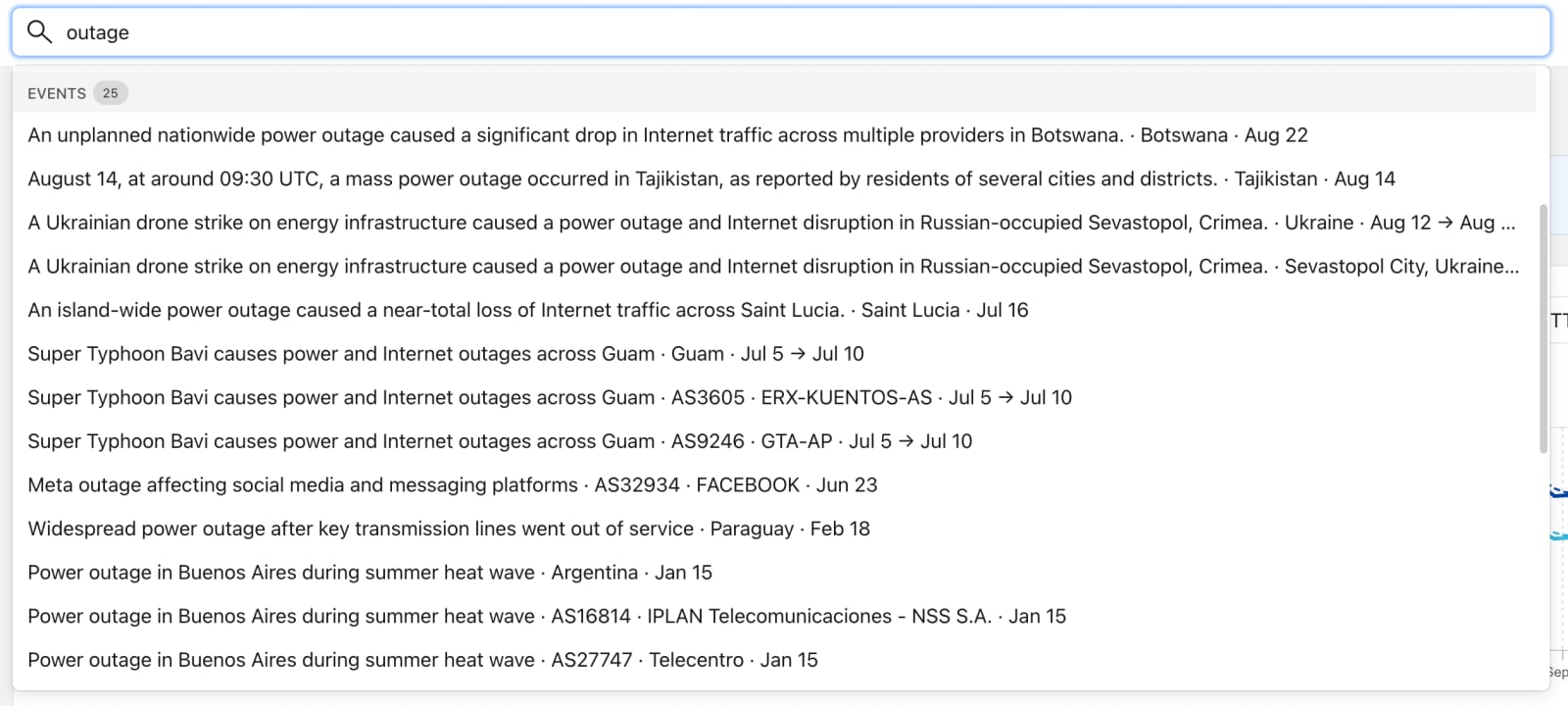
Radar search results showing Internet outage events associated with locations and autonomous systems.
1. Get your AdsCrawl API key
Create an account, generate a key in the dashboard, and confirm it works with a single request. AdsCrawl supports cURL, Node.js, and Python, so you can validate the key before touching any Cloudflare code.
curl -X POST https://api.adscrawl.net/v1/scrape \
  -H "Authorization: Bearer $ADSCRAWL_API_KEY" \
  -H "Content-Type: application/json" \
  -d '{"url":"https://example.com","formats":["markdown","screenshot"]}'
2. Create a Cloudflare Worker
Use the Wrangler CLI to scaffold a project, then store your AdsCrawl key as a secret rather than a plain variable.
npm create cloudflare@latest adscrawl-worker
cd adscrawl-worker
npx wrangler secret put ADSCRAWL_API_KEY
3. Bind storage and AI primitives
In wrangler.toml, bind the resources you plan to use. A minimal configuration for a monitoring job might include D1 for results and AI Gateway for summarization.
name = "adscrawl-worker"
main = "src/index.js"
compatibility_date = "2026-01-01"

[[d1_databases]]
binding = "DB"
database_name = "scrape_results"
database_id = "<your-d1-id>"

[vars]
AI_GATEWAY_URL = "https://gateway.ai.cloudflare.com/v1/<account>/<gateway>"
4. Write the fetch logic
A Worker that calls AdsCrawl and stores the Markdown output looks like this:
export default {
  async fetch(request, env) {
    const target = new URL(request.url).searchParams.get("url");
    if (!target) return new Response("Missing url", { status: 400 });

    const res = await fetch("https://api.adscrawl.net/v1/scrape", {
      method: "POST",
      headers: {
        Authorization: `Bearer ${env.ADSCRAWL_API_KEY}`,
        "Content-Type": "application/json",
      },
      body: JSON.stringify({ url: target, formats: ["markdown", "html"] }),
    });

    if (!res.ok) return new Response("AdsCrawl error", { status: 502 });
    const data = await res.json();

    await env.DB.prepare(
      "INSERT INTO pages (url, markdown, fetched_at) VALUES (?, ?, ?)"
    ).bind(target, data.markdown, Date.now()).run();

    return Response.json({ ok: true, url: target });
  },
};
5. Add scheduling and retries
Use a Cron Trigger for recurring crawls and a Queue for fan-out. When a batch of URLs fails, the Queue retries with backoff instead of hammering AdsCrawl or the target site.
Practical examples
Example 1: Rendered-page change monitoring
Run a Worker on a schedule, call AdsCrawl for the Markdown of each tracked page, hash the output, and compare it to the previous hash in KV. When the hash changes, enqueue a job that stores the diff in D1 and notifies your team. This is the pattern that makes stealth web scraping practical at scale, because the browser fingerprint work stays inside AdsCrawl while your Worker only reasons about content.
Example 2: AI summaries of competitor pages
Fetch Markdown through AdsCrawl, then send it to a model through AI Gateway. AI Gateway gives you caching, request logs, and cost visibility, which matters when you are summarizing hundreds of pages a day. If you are building the agent side of this, the MCP server explained article covers how agents connect to tools like AdsCrawl in the first place.
Example 3: Screenshot-based visual QA
Request a screenshot from AdsCrawl, store it in R2, and compare against a baseline. Because AdsCrawl returns screenshots as a first-class output rather than a side effect, you do not need a second tool for visual checks.
Where Cloudflare Browser Rendering fits
Changelogs.
Cloudflare's own Browser Rendering product runs headless browsers on Cloudflare infrastructure. That overlaps with AdsCrawl, so the decision matters.
| Need | Better fit |
|---|---|
| Simple HTML or PDF rendering inside a Worker | Cloudflare Browser Rendering |
| Remote CDP sessions, fingerprint profiles, concurrent isolated browsers | AdsCrawl |
| Keeping browser and app logic in one vendor | Cloudflare Browser Rendering |
| Markdown extraction and screenshot output from one API call | AdsCrawl |
A common pattern is to use both: Cloudflare Browser Rendering for lightweight in-platform rendering, and AdsCrawl for the harder sessions that need persistent state or fingerprint control. The same logic applies when you compare managed APIs against self-hosted frameworks — see AdsCrawl vs ParseHub for how API-driven automation differs from visual scrapers.
Problems this combination solves
- Infrastructure ownership. You never provision or patch browser binaries. AdsCrawl runs them; Cloudflare runs your code.
- Global latency. Workers execute near the user or the data source, so orchestration overhead stays low even when the browser session runs elsewhere.
- Burst handling. Queues and Durable Objects absorb traffic spikes that would otherwise require pre-provisioned servers.
- Observability. Cloudflare's logging and analytics sit alongside AdsCrawl's own usage dashboard, so you can trace a request from trigger to stored result.
- Cost control. Credit-based AdsCrawl usage plus Cloudflare's pay-per-request model means you pay for work actually done, not idle capacity.
Limitations to plan for
- Two vendors, two failure domains. A Worker can succeed while AdsCrawl times out. Build idempotent handlers and store partial results.
- Worker execution limits. Long-running browser sessions should not block a Worker. Trigger AdsCrawl, return quickly, and process results asynchronously.
- Secret management. Keep the AdsCrawl key in Wrangler secrets, never in
varsor source control. - Data residency. If your targets or users are region-constrained, check where both platforms execute before committing to a design.
Related reading
- Thunderbit Review 2026: AI Web Scraper Tested & Explained - Hands-on Thunderbit review: how its AI web scraper works, real pricing, setup, strengths, limits, and who should use it in 2026.
- Top 10 Competitor Price Monitoring & Repricing Software 2026 - Compare the top 10 competitor price monitoring and repricing software for 2026. Features, pricing, matching accuracy, and best-fit use cases.
- How to Use AdsCrawl with Bright Data: Setup & Workflow - Learn how to combine AdsCrawl's real browser API with Bright Data's proxy network and Web Unlocker to scrape, screenshot, and automate at scale.
Sources and further reading
- AdsCrawl vs Scrapfly vs Playwright: Which Fits Your Stack? - Compare AdsCrawl, Scrapfly, and Playwright for browser automation, web scraping, screenshots, and AI agents. See which API or framework fits your workflow.
- How a 'client brain' gives AI the context SEO work needs - Jun 1, 2026 ... ... Cloudflare blocking direct fetches, and tools returning partial data ... platform from zero to one of the 100 largest websites by organic traffic ...
- Technical SEO Audit: Reading the List, Not Generating It - Any scanner returns 170 issues. This is how to read that list — which failures stop Google from crawling, rendering and indexing your pages, and how to prove each one.
FAQ
Can a Cloudflare Worker call the AdsCrawl API directly?
Yes. AdsCrawl exposes a standard HTTPS API, so a Worker can call it with fetch. Keep the request short and move heavy processing to a Queue or Durable Object.
Do I still need Cloudflare Browser Rendering if I use AdsCrawl?
Not necessarily. They overlap. Use Cloudflare Browser Rendering when you want rendering inside the Cloudflare platform, and AdsCrawl when you need remote CDP sessions, fingerprint profiles, or Markdown extraction from a single call.
How do I store scraped pages on Cloudflare?
Use D1 for structured records you want to query, KV for fast key-value lookups like content hashes, and R2 for screenshots and large blobs.
Is this combination suitable for AI agents?
Yes. AdsCrawl provides the browser capability, and Cloudflare provides the compute and AI routing. AI Gateway adds caching and cost tracking when you route model calls through it.
What happens if AdsCrawl returns an error?
Return a non-200 status from your Worker, log the failure, and let your Queue retry policy handle transient errors. Do not retry indefinitely against a target that is genuinely blocking you.
Conclusion
AdsCrawl and Cloudflare Developer Platform solve different halves of the same problem. AdsCrawl owns the browser: real sessions, CDP control, screenshots, and clean Markdown. Cloudflare owns the pipeline: edge compute, storage, queues, and AI routing. Wire them together and you get a scraping and monitoring stack that scales without a browser fleet to babysit. Start with one Worker, one AdsCrawl key, and one D1 table — then expand once the first pipeline proves reliable.